
Check the acquisition promise
Read the store headline, screenshots and description. What problem is the app promising to solve?
Study the storefront ↗
Learnbat, Inc. · iOS
Explore the ad evidence, study the storefront, and build your next acquisition hypothesis.
01 / Creative research
Read the store headline, screenshots and description. What problem is the app promising to solve?
Study the storefront ↗Explore apps with direct store-link matches. Compare their hooks and formats without assuming the same approach works here.
Browse observed advertisers ↗Store rankings and revenue estimates describe market context. They do not establish ad spend, conversions or ROAS.
Review the market context ↗02 / Storefront & product
Study the product story and store experience behind the acquisition funnel.

03 / Market context
Keep revenue, downloads and store rankings separate from advertising performance.
I was excited about this app even though there are some whiteboard apps that are easier to use and more powerful out there. I decided to start with this one because a teacher friend uses it. Unfortunately, unless you have $100 a year to spend on this, it is useless if you are trying to teach since there is no way to store what you create without paying them to do it for you. I misunderstood and assumed there was a way for me to store my presentations on my own device or on Drive, but since that is not possible it’s pretty much useless unless your school district pays for it for you. That’s too bad, because it’s the beginning of a wonderful idea and could be really helpful...especially during remote learning in the middle of the pandemic, but I can’t afford this and don’t know many teachers who can and that is particularly relevant in light of the fact that there are so many technical companies and app creators that are providing what we need for our students for free for right now.
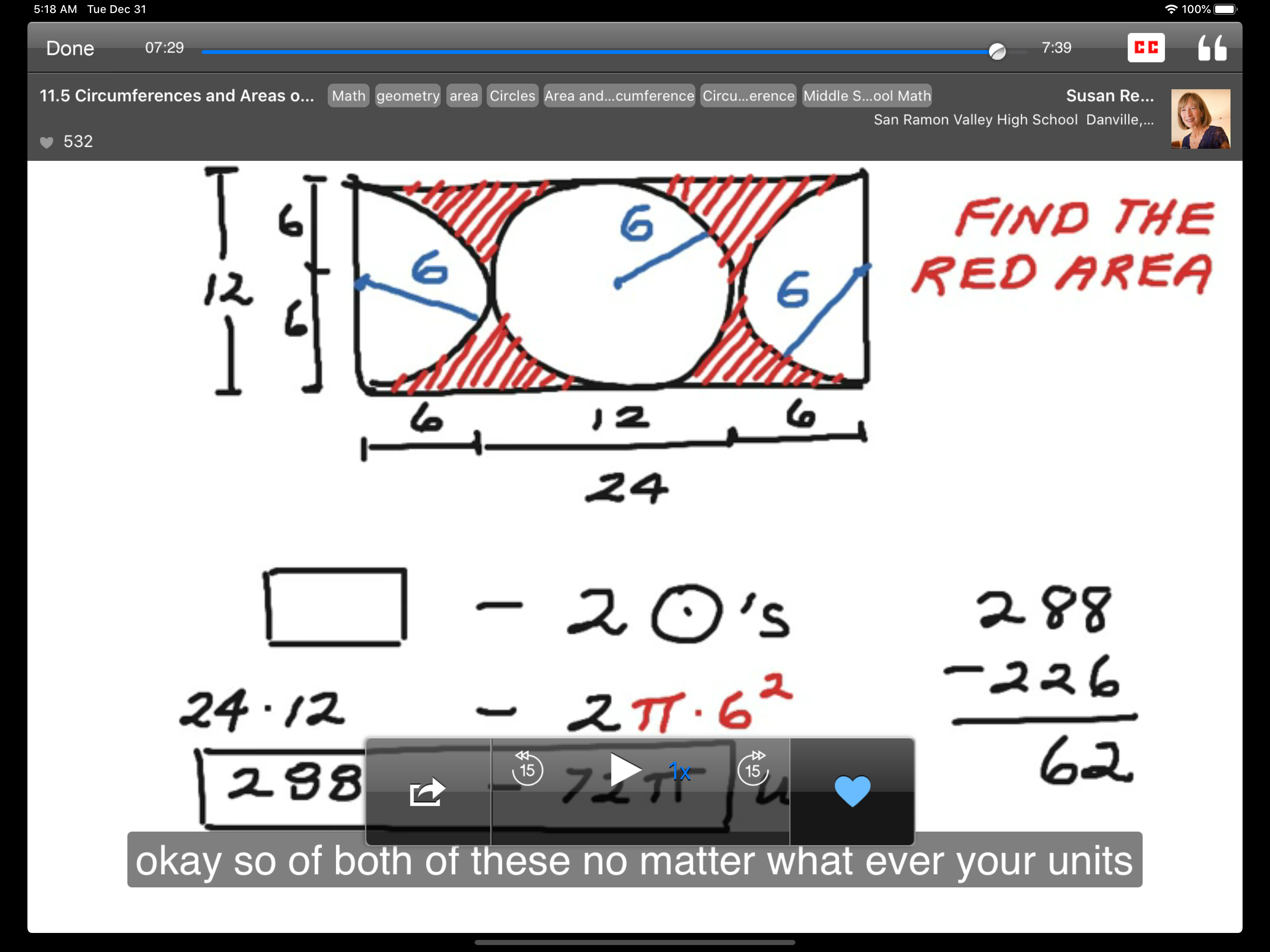
After we were sent to virtual learning, teaching secondary math became harder. Videos on the web never hit exactly what and where I needed or where my students were at. ShowMe allowed me to record my lesson just like I was on my whiteboard and it allowed my students to hear my voice and me explain it. I quickly learned I needed the paid version to be able to upload easily for me and my students. It is definitely an app I’d love to keep using for the online portion of my classroom as long as I can afford it.
Prior to the last couple of months, it has been a 5-star rating. I’ve been using this platform for making videos for 5 or 6 years, and have loved it for the ease of use and quick turn-around on processing. I pay for a premium account because of the many hours of content that I have. However, I have had SO MANY issues lately uploading and processing videos. (for example, today... I’m trying to upload a video and get the message “A server with the specified host name could not be found”.) My students tell me regularly that they get messages “ video not found”... half the class can get it and the other half not. The money for this account certainly does not come from our district... it’s out of my own pocket. I’m going to have to consider a different platform if the service does not improve.
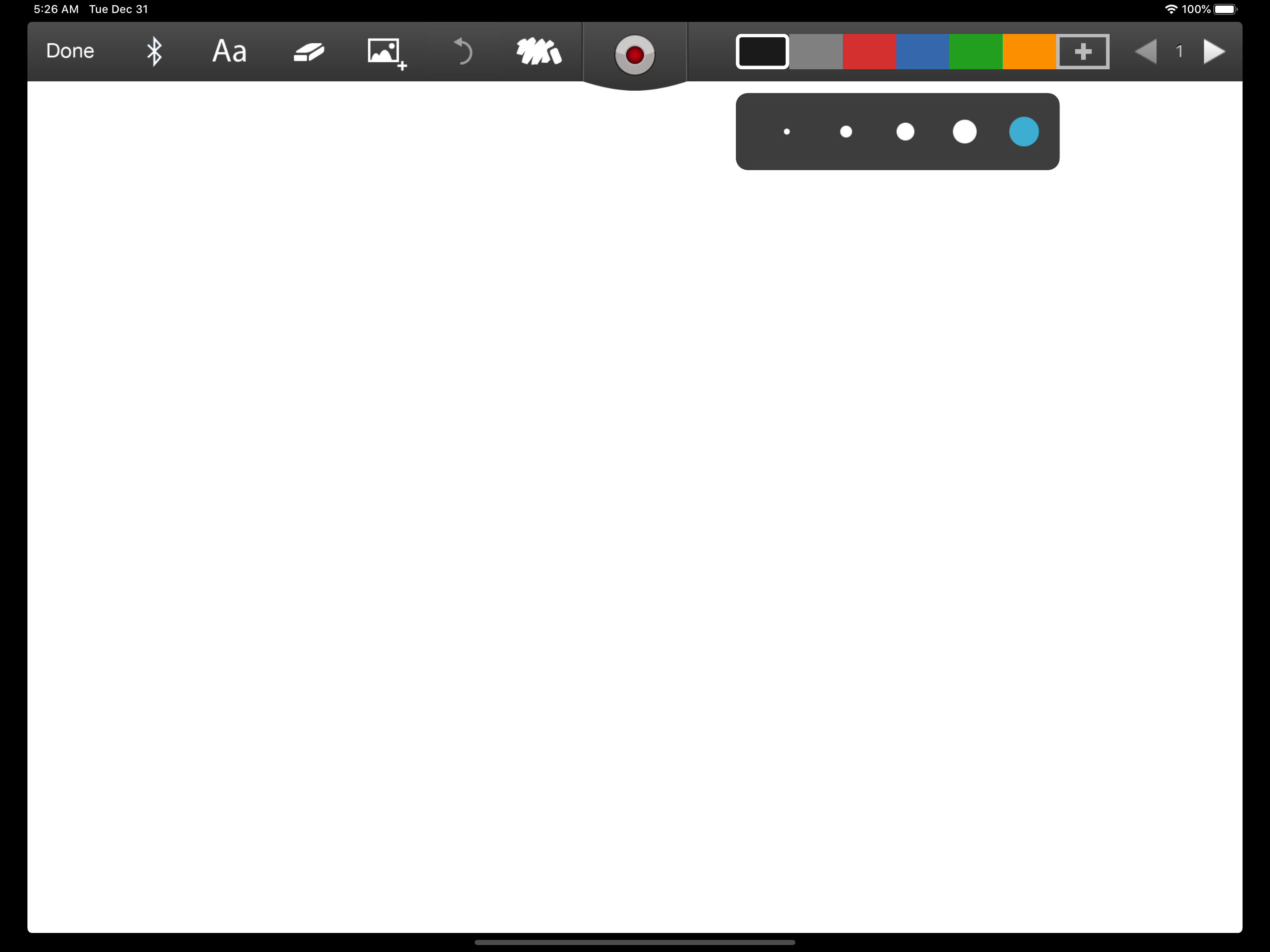
Turn your iPad into your personal interactive whiteboard! ShowMe allows you to record voice-over whiteboard tutorials and share them online. It’s an...
| Name | Price | Type |
|---|---|---|
| Color Pack - Shades of blue | $0.99 | One-time |
| Color Pack - Cake Shop | $0.99 | One-time |
| Color Pack - Goldfish | $0.99 | One-time |
| Color Pack - Plum basket | $0.99 | One-time |
| Save Private ShowMes | $2.99 | One-time |
| ShowMe Premium (Monthly) | $9.99 | Monthly |
| Groups (Monthly) | $9.99 | Monthly |
| ShowMe Premium (Monthly) | $13.99 | Monthly |
| ShowMe Premium (Annual) | $89.99 | Yearly |
| ShowMe Premium (Annual) | $129.99 | Yearly |


