
Check the acquisition promise
Read the store headline, screenshots and description. What problem is the app promising to solve?
Study the storefront ↗
Peter Johnson · iOS
Explore the ad evidence, study the storefront, and build your next acquisition hypothesis.
01 / Creative research
Read the store headline, screenshots and description. What problem is the app promising to solve?
Study the storefront ↗Explore apps with direct store-link matches. Compare their hooks and formats without assuming the same approach works here.
Browse observed advertisers ↗Store rankings and revenue estimates describe market context. They do not establish ad spend, conversions or ROAS.
Review the market context ↗02 / Storefront & product
Study the product story and store experience behind the acquisition funnel.



03 / Market context
Keep revenue, downloads and store rankings separate from advertising performance.
THANK YOU for this app. I had my first major filming last month and it kept everything organized. One request: is it possible to link projects? For example, I have the project that’s by scene order. To make scheduling the crew better, I duplicated the project and arranged the schedule by cast members. Now, when I mark that a scene has been shot, it would be very beneficial if both files reflected the mark. Or if I altered a shot in one of the scenes, both files show that altered shot? I hope I’m making sense here. It’s nice to have a project in scene order AND a scheduling order at the same time. But seriously, thank you for this app. It really helped me organize and make sure every shot was done in a very tight deadline. During the shooting day, things can get very hectic and this app made sure I didn’t forget anything.
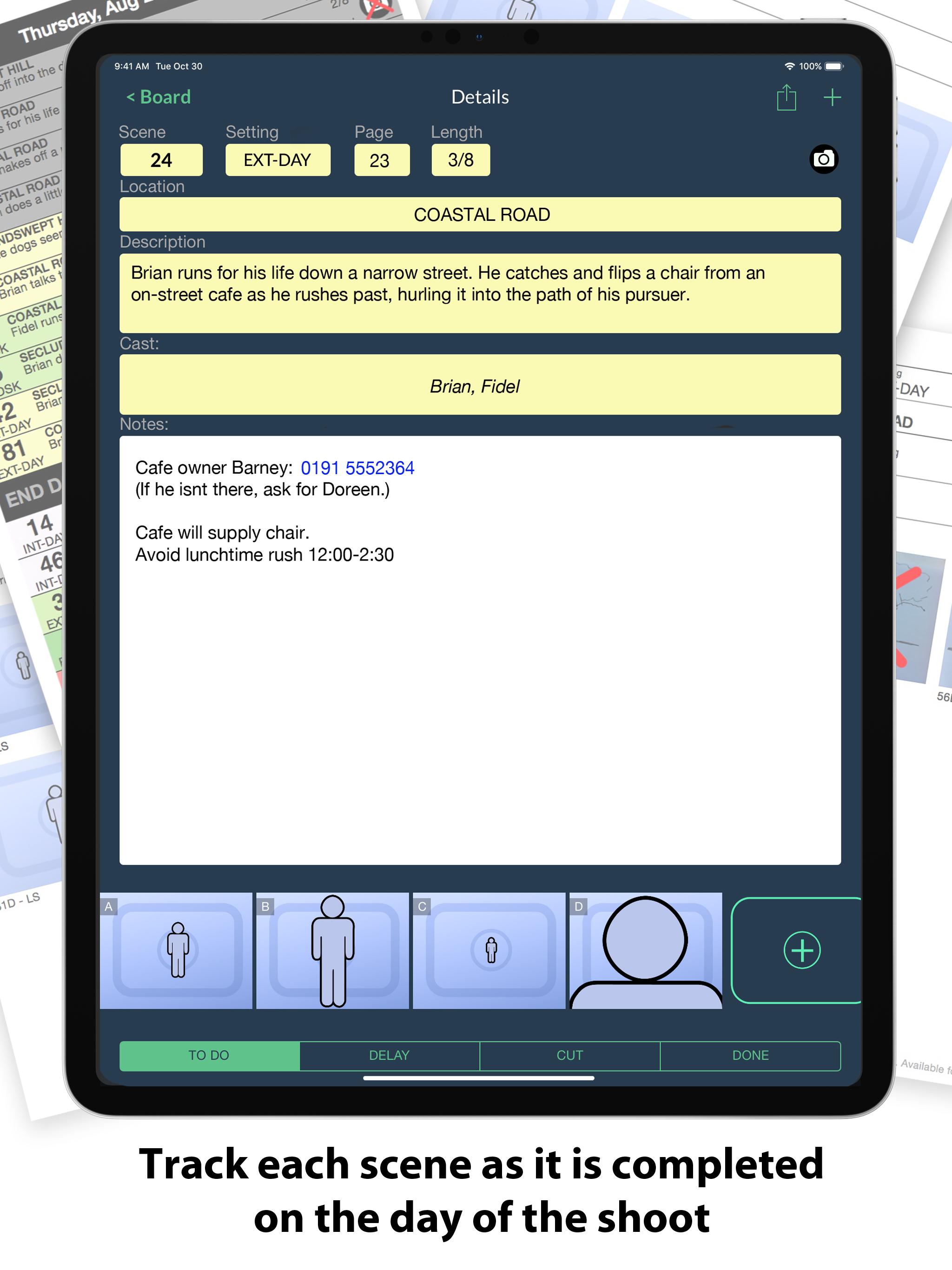
Although this maybe overkill for my modest needs, I found it invaluable for staying organized during a couple of days of shooting travel footage in Paris. It can be so easy to overlook key shots on a hectic schedule but I was able to include screenshots of maps and reference images and then reorganize everything according to location. It even helped me to previsualize my final edit. The app itself feels mature and robust. A lot of thought has obviously gone into it. Highly recommended for a wide variety of video/film shoots.
Started making review videos because I was trying to film the stupid SRAM rear derailleur on my new mountain bike, and then ran into issues with a cheap action camera compared to a GoPro I just got at the same time. Then it became a review video of those, then a DJI Osmo Mobile, and now other stuff. Point is, I'm a software engineer and a musician with no idea how to arrange thoughts outside of notes. I just wanted something I could pictures with and have stock, simple images to arrange shots and bundle scenes for various locations. This does that. And if you have zero idea how to number your scenes or think the example looks great but can't figure out the shorthand terminology, don't worry: it guides you. Seriously. Just make a new one, and then touch each entry and you'll be able to scroll for selections. Those cool stock pictures are also available once you select a framing for the shot. And you can add doodles for the storyboard too. The only things I've had to really think about was scene and camera numbering. It will build a usable collection of entries for your slate automatically if you like once you enter basic stuff from what was scrolled. I tend to think of cameras by make and model (years of experience with more specific information needed in other professions) so keeping them mapped to numbers is something I was getting used to already. Much easier to get information out of the you had rolling around in your head to others and be consistent. Big help with media management using the generated naming convention.
ShotList brings an editable production stripboard to your mobile device to help plan every scene of your shoot. It also tracks your progress on the da...


