Check the acquisition promise
Read the store headline, screenshots and description. What problem is the app promising to solve?
Study the storefront ↗
Bernd Thomas · iOS
Explore the ad evidence, study the storefront, and build your next acquisition hypothesis.
01 / Creative research
Read the store headline, screenshots and description. What problem is the app promising to solve?
Study the storefront ↗Explore apps with direct store-link matches. Compare their hooks and formats without assuming the same approach works here.
Browse observed advertisers ↗Store rankings and revenue estimates describe market context. They do not establish ad spend, conversions or ROAS.
Review the market context ↗02 / Storefront & product
Study the product story and store experience behind the acquisition funnel.




03 / Market context
Keep revenue, downloads and store rankings separate from advertising performance.
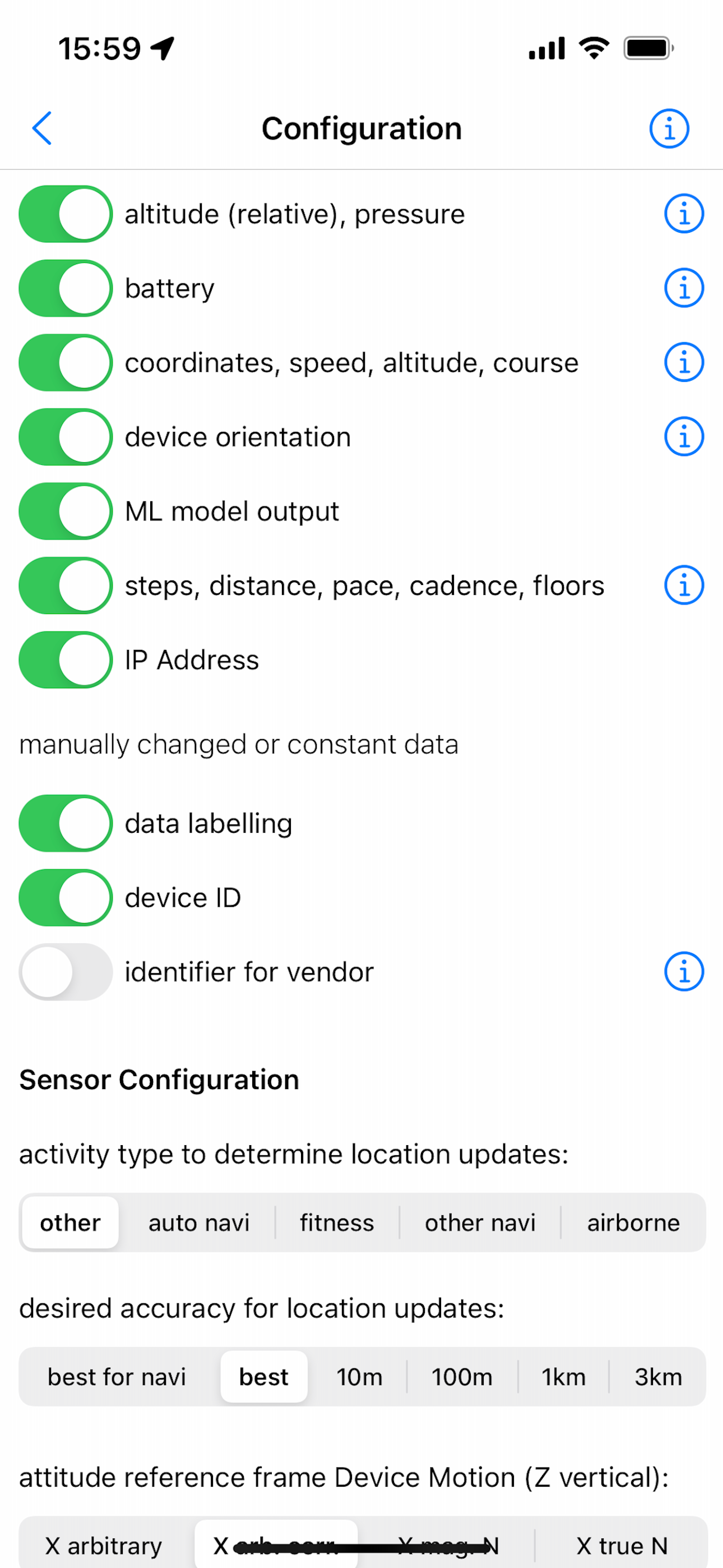
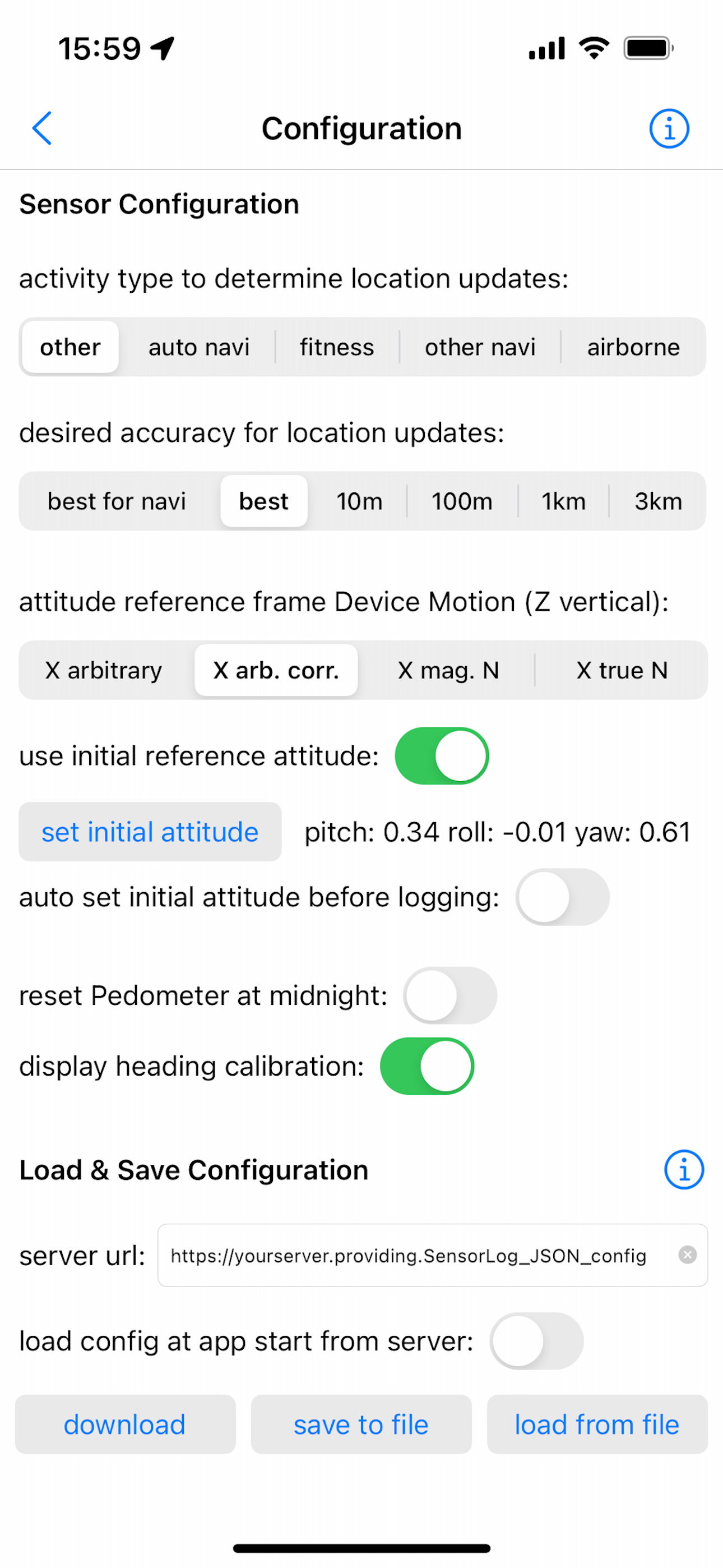
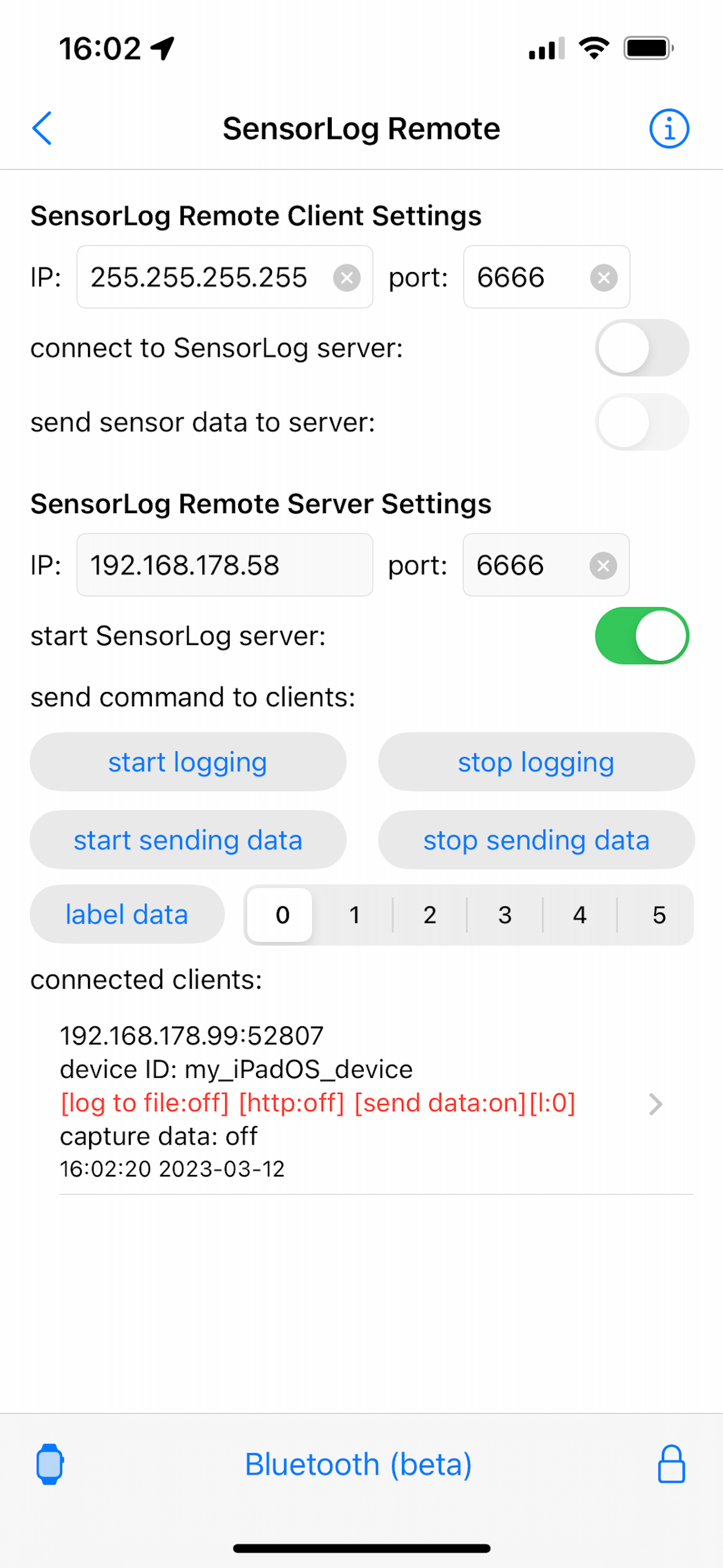
This is what software is supposed to be. It works, it’s simple, it’s to the point, and it had a simple, no tricks pay once structure. After coming up with a project a couple years ago I finally implemented a POC of integrating sensor logs with an esp32 mesh network controlled by orange pi 5 plus. Works great, incredibly simple since all the hard work of the server setup is done. What’s better is how easy the config process is. Literally all the things you want on one screen. Bonus for downloadable configs! Apps like this are why I’ve started making more of my own apps/projects. It’s hard to argue with special purpose no frills or trying to sell regurgitated poorly modified open source software (how many camera apps does one need to pay for that all utilize the same underlying software….poorly?). This is true software. Made by someone for a purpose which wasn’t to “get rich” quick selling bad derivatives. Bravo. 👍
This is a great app to log the Watch sensor data. I like the fact that you can log data on the watch for long term monitoring. I am using this for my these to record hand motions in patients. I wish the app could record for 24 hrs without needing to trigger it every 12 hours. Is there a work around ? Also I wish the gyroscope was logged along with accelerometer in background logging mode. Great app otherwise!
App measurement data collection is easy to initiate but limitations in the output measurement file time tags make the data useless for performing engineering analysis. I am using it to log time tagged earth magnetic field measurements. I tried to log the data at 100 hz but when I inspected the data file the time tags only have 1 decimal point of accuracy (0.1 sec) and there are multiple rows of data with the same time tag; thus when I collect data at say 100 hz, the data entries are not exactly 100 hz but some mismatch of approx 100 hz. Any way I can force the output to be exactly the hz I want. Also can you increase the time tag accuracy down to at least the hz you are collecting data at (e.g. If 100 hz data collection, then time tags accurate to 0.01 sec). Without these fixes to you app, your app is worthless for engineers using it for engineering applications.
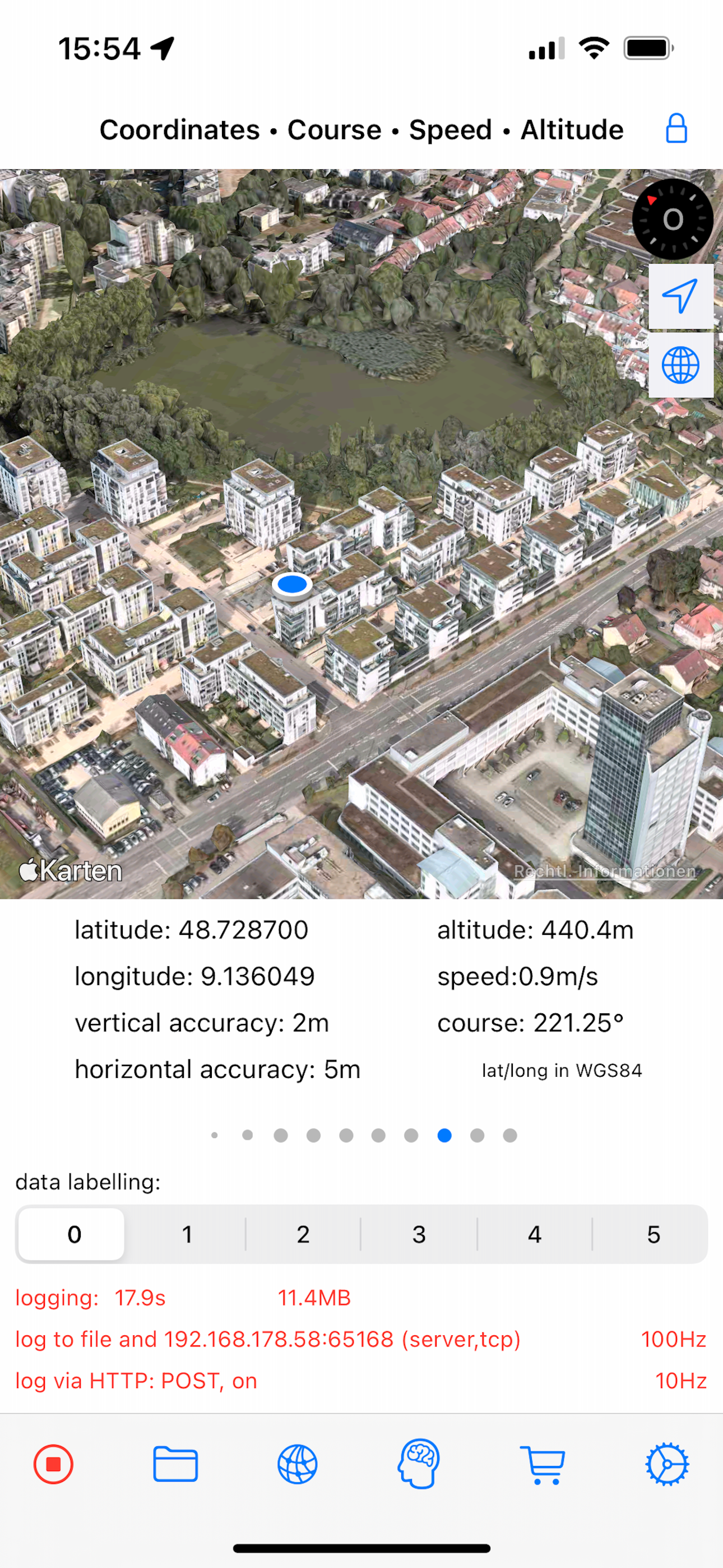
With SensorLog you can read sensor data from the iPhone, iPad and Apple Watch. The sensor data can be saved as a file in CSV or JSON format, streamed...
| Name | Price | Type |
|---|---|---|
| Buy me a Coffee ... | $0.99 | One-time |
| Spend me an Ice Cream ... | $1.99 | One-time |
| Offer me a glas of Wine ... | $5.99 | One-time |
| Invite me for a Cocktail ... | $9.99 | One-time |