Check the acquisition promise
Read the store headline, screenshots and description. What problem is the app promising to solve?
Study the storefront ↗
Noerah Alvi · iOS
Explore the ad evidence, study the storefront, and build your next acquisition hypothesis.
01 / Creative research
Read the store headline, screenshots and description. What problem is the app promising to solve?
Study the storefront ↗Explore apps with direct store-link matches. Compare their hooks and formats without assuming the same approach works here.
Browse observed advertisers ↗Store rankings and revenue estimates describe market context. They do not establish ad spend, conversions or ROAS.
Review the market context ↗02 / Storefront & product
Study the product story and store experience behind the acquisition funnel.


03 / Market context
Keep revenue, downloads and store rankings separate from advertising performance.
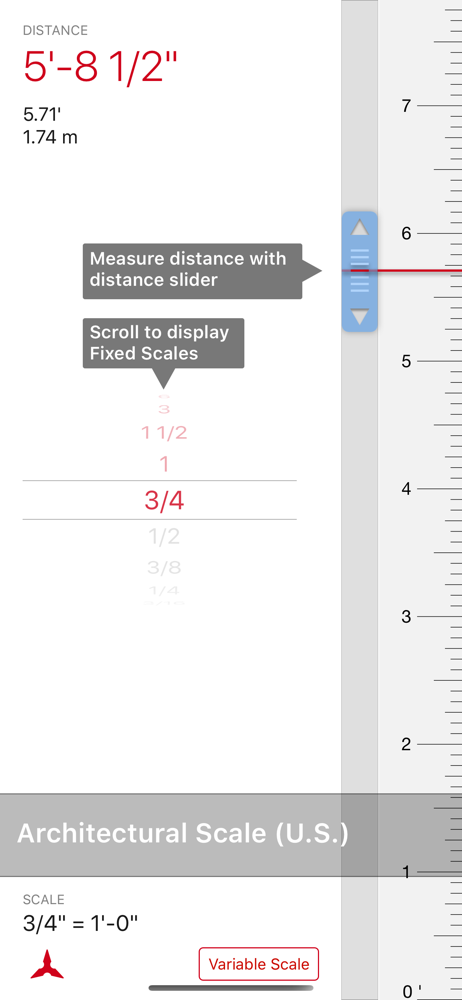
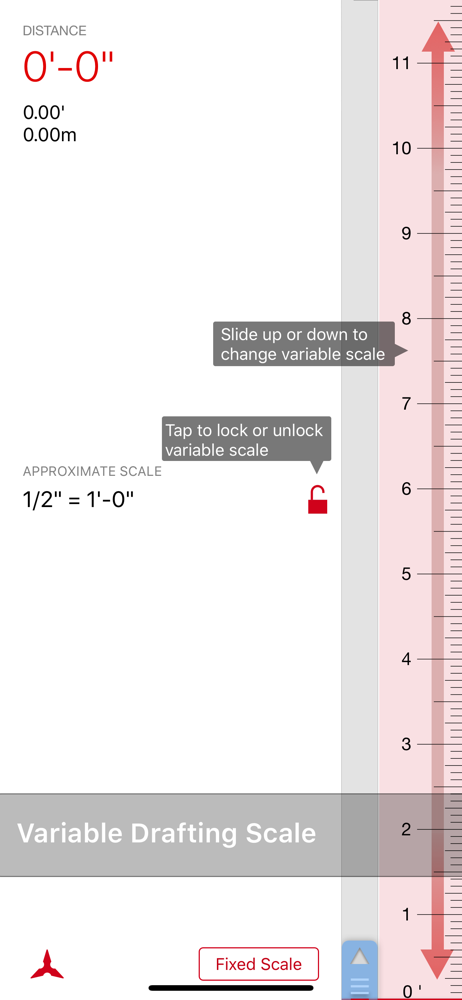
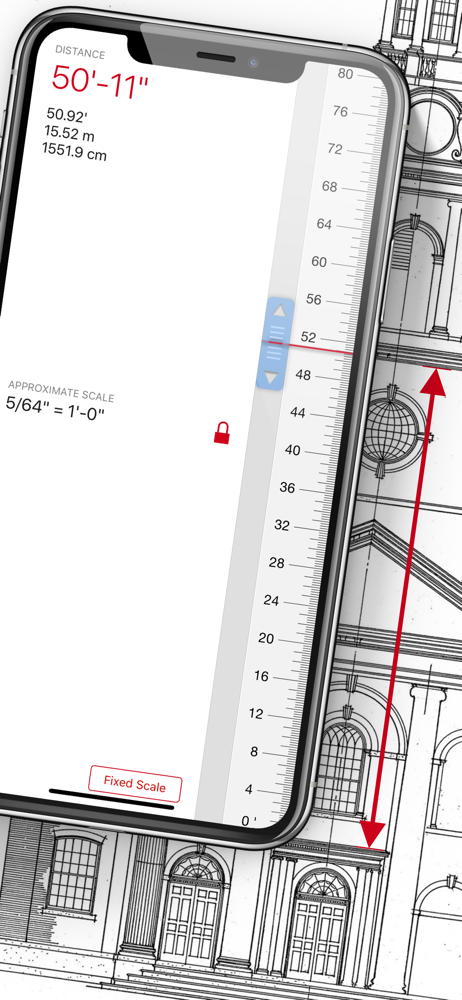
This app is amazing for up-and-coming drafting students learning how to use different types of scales. I do have a request, though I wish you could move the ruler up and down from the fixed point. This would help get the information you need even know your device isn’t long enough. I know this would eliminate a true measurement, but maybe you could lock the ruler in place. Other than that if your measurements are in range of your device that’s app is amazing! I highly suggest you buy the premium version as well!!
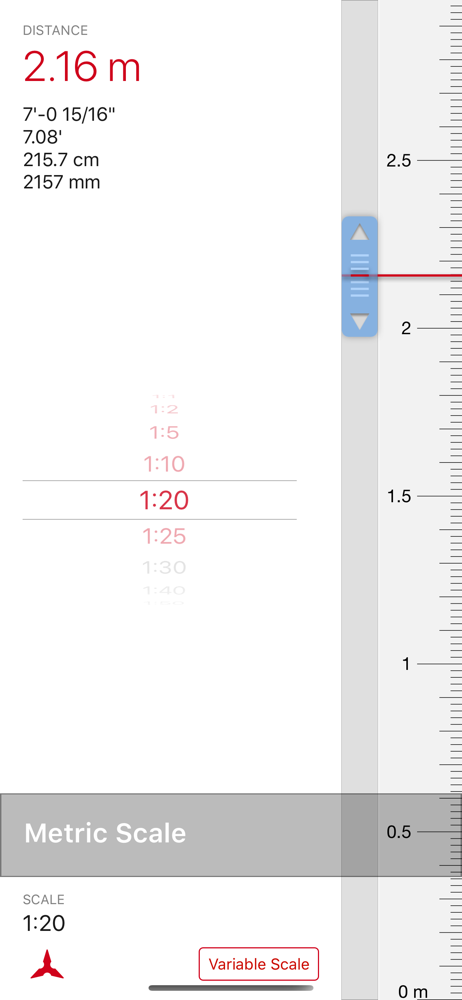
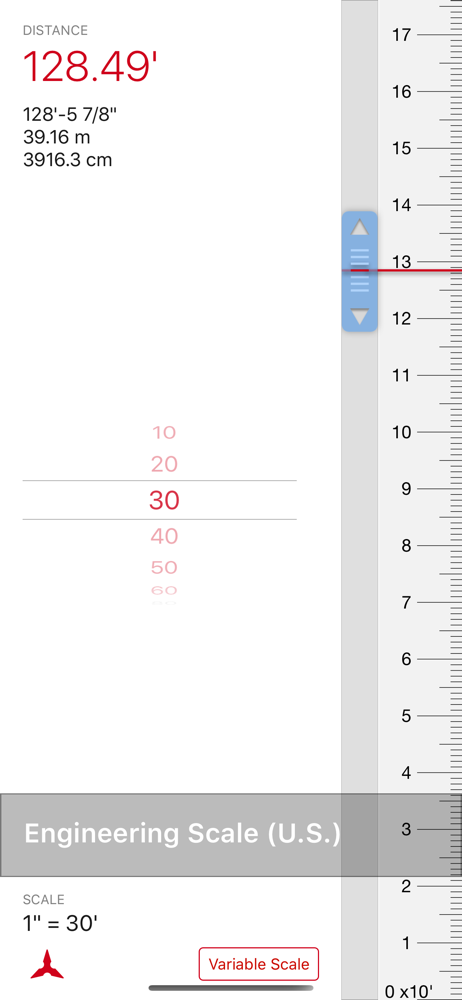
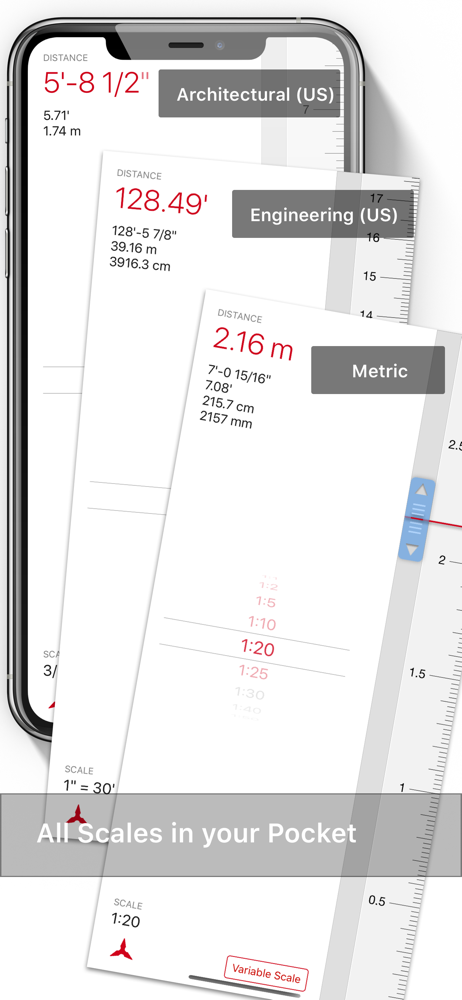
2022 I still use this app daily. I'd still like to see a decimal inch/mechanical scale and a way to enter the variable scale numerically.........2016 As a civil engineer this is a very handy app. Working with arch and civil and mech scales is needed and when you forget one or need one surprised you're covered! The variable scale feature in this app is invaluable!! My wish list would include a full scale decimal inch readout. It's there but you need to read the numbers out of the display. Also a flip direction would help. Then two sliders to measure the delta and shift the 0 point would be helpful.
The only thing I would like to see in this app is the ability to measure longer dimensions that the 5-1/2” lengths of the iPhone. I was trying to add some measurements and was hoping to be able to pull down the scale on the right side and get 6” or 7” but it seemed that the measurement stopped at 5.5”.
Let Scala Architectural and Engineering Scale change the way you measure printed drawings on the go and at your desk. With fixed and variable scales...
| Name | Price | Type |
|---|---|---|
| Scala Full Version | $2.99 | One-time |