Check the acquisition promise
Read the store headline, screenshots and description. What problem is the app promising to solve?
Study the storefront ↗
iMKapps · iOS
Explore the ad evidence, study the storefront, and build your next acquisition hypothesis.
01 / Creative research
Read the store headline, screenshots and description. What problem is the app promising to solve?
Study the storefront ↗Explore apps with direct store-link matches. Compare their hooks and formats without assuming the same approach works here.
Browse observed advertisers ↗Store rankings and revenue estimates describe market context. They do not establish ad spend, conversions or ROAS.
Review the market context ↗02 / Storefront & product
Study the product story and store experience behind the acquisition funnel.




03 / Market context
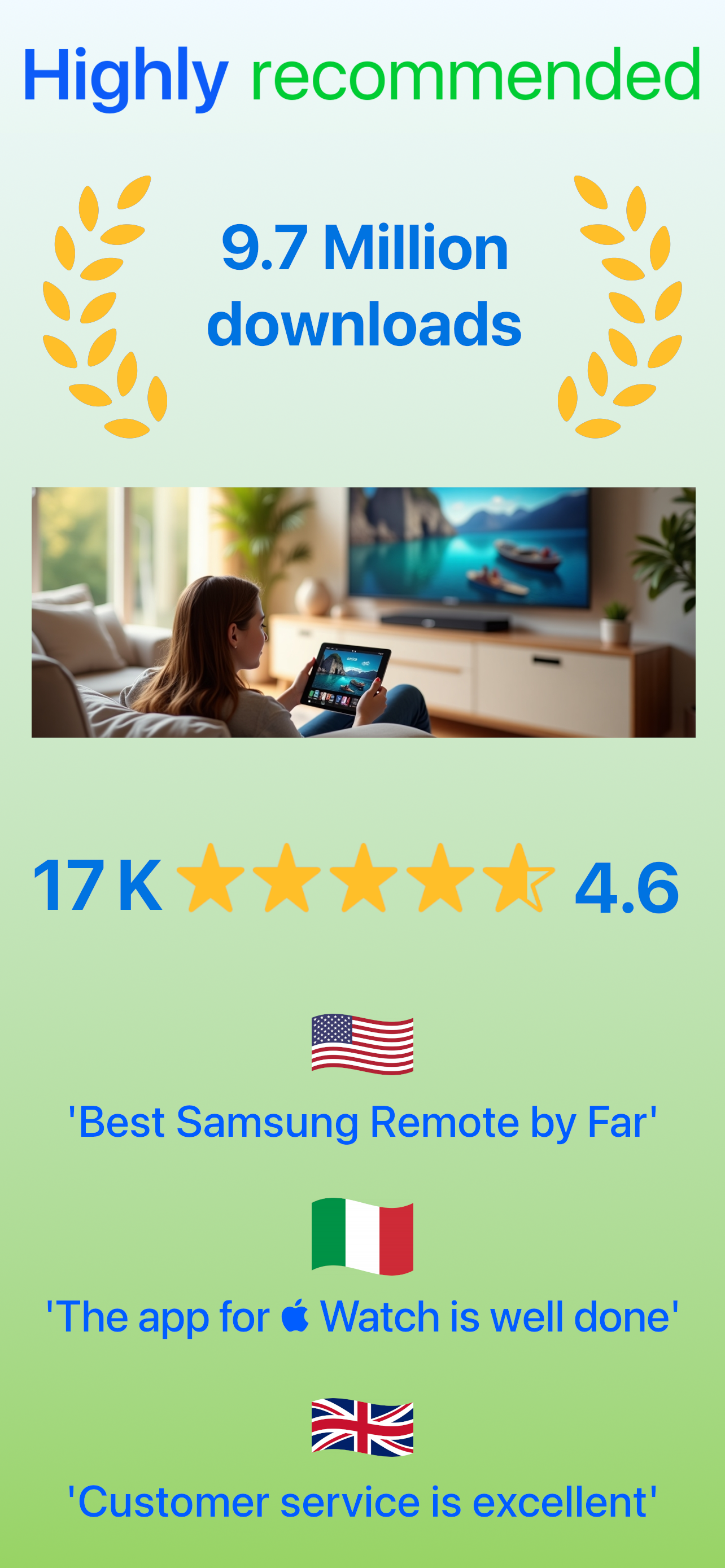
Keep revenue, downloads and store rankings separate from advertising performance.
As a senior I appreciate a more streamlined life. This app does just that to perfection. For such a modest price I can now eliminate about 80% of unnecessary keystrokes by using this app to control my Samsung TV (with Xfinity set top box) over using the device remotes. It is so user friendly and scrubbing the net to find actual logos for my channel lineup is nothing short of GENIUS. What a well thought out interface. I set it up on my iPhone and later it migrated to my iPad seamlessly. Also, I had a rookie question so I contacted support (email in the app manual) and in 1 hour and 34 minutes Martijn responded to my question. Outstanding!!! And this was on a Sunday afternoon USA eastern time. Must have been late in Europe. I highly recommend this app for easy TV control. It is easy to setup. It is a beautiful layout. It is perfectly functional and fun to use. It is free but the perpetual price is extremely reasonable for lifetime support. Thank you imkapps for creating this. Cheers.
This is my communication with their support member: The reason many users attempt to download an app version remote is because either their original remote is missing or doesn’t work. You don’t have any written disclaimer which I’m your own words “ The authorisation screen is a Samsung protection to allow a mobile device once. The only input device for a TV, is the physical remote”. So the only fact in this situation is that I wasted several hours of my time trying to get your app functioning that clearly could have been avoided if you only would have provided the information that you clearly have knowledge of. So perhaps is a fair assumption. to state 1/2 of the 7 million downloads were frustrated uses who eventually got no use from this app. So please don’t count me as a user in your statistics. I agree this app is free to download but you have premium upgrades which I would have been interested in but instead I’m forced to put all your hard work in the trash. My time is valuable so perhaps you should consider reimbursing me and the million other dissatisfied users as well who got nothing out of this but a headache. It’s obvious that you don’t mention this because you don’t want to turn away potential customers at the front door even if that means not being upfront and honest. A simple one like disclaimer would have saved millions of folks like me from attempting to accomplish the impossible. This is no way to do business!!!!
This is by far one of the best apps I have come across for replacing my Samsung tv remote. The original remote that came with tv is very hard to use. Unlike most tv remotes... the channels are located toward the bottom, the layout takes some time getting used to, and you can not see it in the dark. With the MyTifi remote, this eliminates the hassle of these issues. I also love the feature of the mousepad when using the internet through tv. It makes it so much more easier to use. It even brings up a keyboard to type in for searching, which saves so much time. Way better than the one letter at a time, that is normally entered with a regular remote. And if you are an Apple Watch owner, it gets even better, as you can control every function from the wrist. The layout for Watch is very well laid out and simple to use. Love controlling the channels, volume, searching, etc from the watch. There are so many features and choices for this app that you can not go wrong with it. For the $2.99 I paid, you can not beat its price, function, and usefulness. Not to mention... you could not go buy a new remote for that price. I normally do not give reviews, but this is one app I would give 5+ stars.
Control your Samsung Smart TV with gestures from your iPhone, iPad and Apple Watch. Launch your favorite TV apps instantly with customizable remote bu...
| Name | Price | Type |
|---|---|---|
| Remove Ads | $5.99 | One-time |
| Premium version with discount | $14.99 | One-time |
| Premium version without Ads | $17.99 | One-time |
| Premium version | $28.99 | One-time |