Check the acquisition promise
Read the store headline, screenshots and description. What problem is the app promising to solve?
Study the storefront ↗
Swetha MB · iOS
Explore the ad evidence, study the storefront, and build your next acquisition hypothesis.
01 / Creative research
Read the store headline, screenshots and description. What problem is the app promising to solve?
Study the storefront ↗Explore apps with direct store-link matches. Compare their hooks and formats without assuming the same approach works here.
Browse observed advertisers ↗Store rankings and revenue estimates describe market context. They do not establish ad spend, conversions or ROAS.
Review the market context ↗02 / Storefront & product
Study the product story and store experience behind the acquisition funnel.


03 / Market context
Keep revenue, downloads and store rankings separate from advertising performance.
Sometimes works, sometimes not. With that kind of reliability, Ive decided to cancel after 2 yrs. I am tech savvy, but got tired of troubleshooting buggy apps a long time ago, and now find myself walking away from applications that are buggy instead of seeing it as a challenge like I used to. I would prefer a refund since my renewal was just in February, but the developer doesn’t do that, so my subscription (although I cancelled it) will be available until Feb 2025. ATTN DEVELOPER: If you read this perhaps you could suggest some causes for the constant loss of ability to use the app. Otherwise I am requesting that you refund my subscription in full.
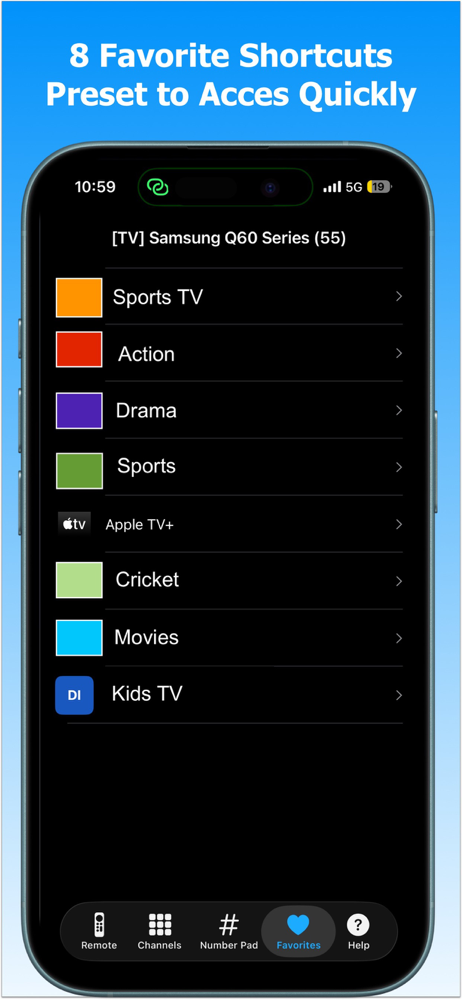
i encountered the problem where the scan found my samsung tv, but would keep bring up the scan again window. i discovered that force closing the app and then restarting it allowed the app to be used normally. Then somehow I changed a few of the shortcuts to the same tv app, and i now can look only change all of the same shortcuts at the same time as a group, and can no longer change those shortcuts individually. i have 3 buttons currently set to tictok, and if i try to change one to PBS, all three change to PBS.
My remove went crazy. The only way to turn my tv off was to unplug it. I could not change the channels or the volume. This app was easy to install and it worked immediately. Only need it until my replacement remote comes, but Very glad I can watch other channels until then. It took me a while, but I finally found the tiny button for the number pad that allows me to change the channels quickly. I wish this button was easier to identify. The other thing that is frustrating, but unavoidable, is that the instructions tell you that the tv and the phone must be on the same network. To change the tv network, you are supposed to use the tv’s own remote to change the network, so that the remote app on your phone will work. Sounds reasonable. But … the reason I needed to down load a tv remote app was because my physical remote did not work. There are no control buttons on my tv, so there would be No possible way to adjust the network on my tv. All in all, the remote worked fine.
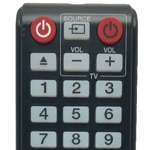
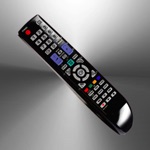
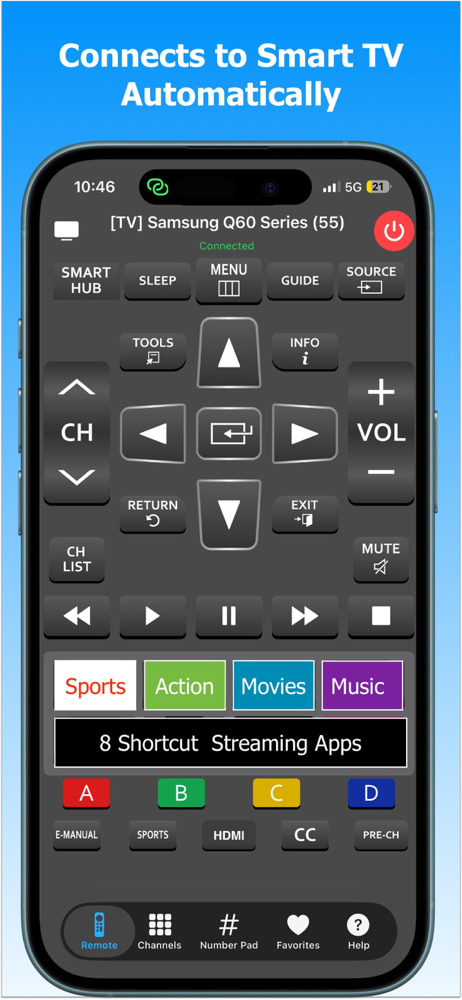
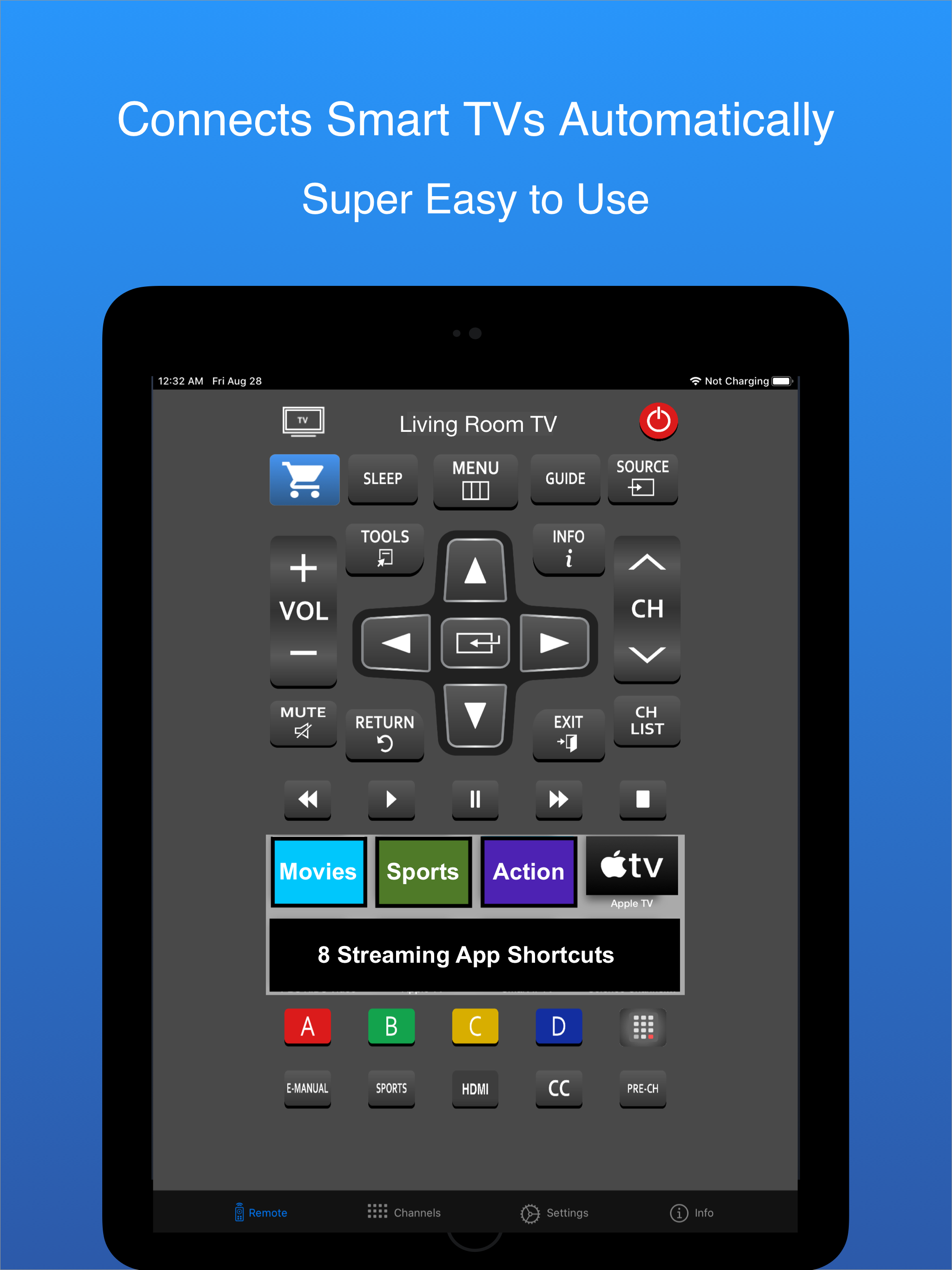
iSamSmart Remote app is simple & easy to use Samsung smart tv remote controller app for your iOS devices. To use the app, both your iOS device & sams...
| Name | Price | Type |
|---|---|---|
| Monthly Subscription | $1.49 | Monthly |
| 6 months remote | $5.99 | Semi-Annual |
| 12 Months Remote Subscription | $9.99 | Yearly |