Check the acquisition promise
Read the store headline, screenshots and description. What problem is the app promising to solve?
Study the storefront ↗
JellyBus Inc. · iOS
Explore the ad evidence, study the storefront, and build your next acquisition hypothesis.
01 / Creative research
Read the store headline, screenshots and description. What problem is the app promising to solve?
Study the storefront ↗Explore apps with direct store-link matches. Compare their hooks and formats without assuming the same approach works here.
Browse observed advertisers ↗Store rankings and revenue estimates describe market context. They do not establish ad spend, conversions or ROAS.
Review the market context ↗02 / Storefront & product
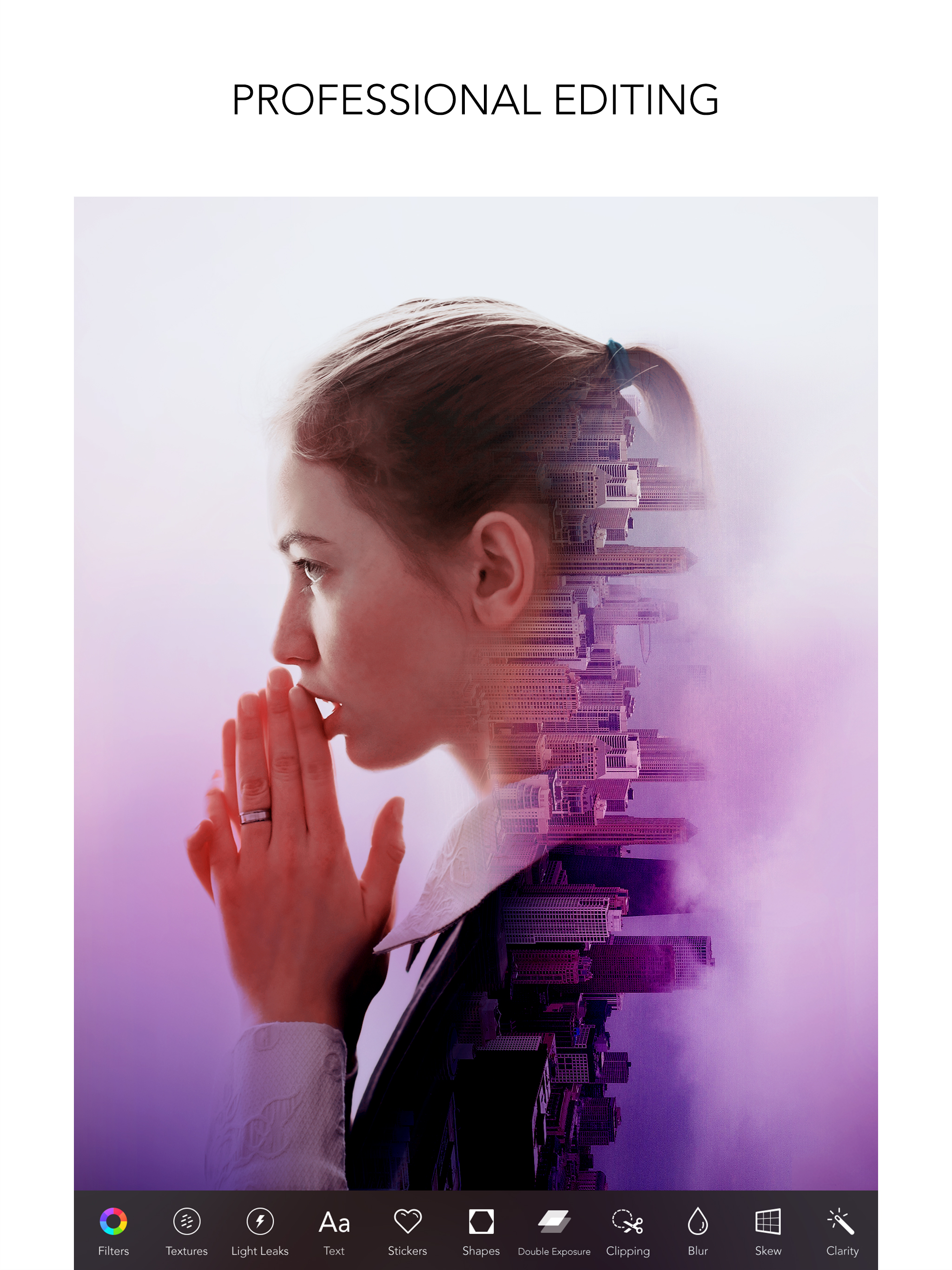
Study the product story and store experience behind the acquisition funnel.


03 / Market context
Keep revenue, downloads and store rankings separate from advertising performance.
I’m constantly wondering why I can never find a way to change the sizing of a photo to make it acceptable for a website you want to use it for on an iPad or iPhone. I have used any number of these apps and have yet to find a solution to this very common issue. When I used a computer I was able to do these changes quickly, with no fuss. Yet on an iPad I find I can’t do it at all. Why is that? I have several photography apps on my iPad. I use them all. But I use Rookie Cam more frequently than the others. If I use another photo app, I'll almost always start with Rookie Cam and then switch to another to get an effect that isn't available on it. But if I had to choose just one photo app, this would be the one. Thanks for keeping this app going through the constant flow of upgrades in iOS on the iPhone and iPad. I never worry if Rookie Cam is going to glitch or crash. It never does. It always works for me and has the filters that I love.
UPDATE: ALL IS WELL. ZERO ISSUES WITH ROOKIE CAM. A BELOVED APP FOR MANY YEARS NOW. Old review: Muted Audio for No Reason for 2 videos and no others I’ve written glowing reviews for this app before Video today. One of them was so....important. I’ll never use rookie cam or PICSPLAY for anything other than post. I really needed something w more features than the video/camera app of the iPad, and rookie cam totally delivered. having just spent hours pouring my heart and soul into my work (video under one hour); at the end, headache, & actually pleased with the product (the app, me & my own work—RARE!!!) i pressed play, no sound, tried everything i could, downloading other app and paid for them. I became fully deflated, and numb, and apathetic to ever doing this again (this was the first video of a big project) I recorded a testing 123 type of video after and it was muted. Then I recorded another testing video and IT SUDDENLY HAD SOUND. Then...after that I tinkered around & read and BOTH ROOKIE CAM AND PICSPLAY—I TURNED “shutter sound” ON AND OFF AND IN EACH COMBO OF ON/ OFF BETWEEN THE 2 APPS AND IT WAS NEVER MUTE AGAIN. (one place said it was the shutter sound toggle that caused the mute...but...it never did again...?) LITERALLY...FOR THE 1,000,000th TIME. IM ANGRY AT MYSELF FOR DOING/TRYING/BELIEVING/ENJOYING. if the app....god if it’s possible to get the sound...in any crazy kind of way...I will do just about whatever it takes
This app is packed with useful, high-quality features, but I really appreciate what Rookie Cam offers in terms of aspect ratio. I really love that I can easily re-adjust images that were shot in different perspectives, or images that came to me with the image content too narrow or too stretched out. Rookie Cam does have some limitations in fixing these issues. For e.g., when you stretch out the content of a narrowed image (like when people and objects look unnaturally thin), the resulting stretched-out image can only be saved with the original image’s aspect ratio. In other words, both sides of an image stretched out by Rookie Cam result in an image that looks natural again (people and objects are properly “thick”), but when you save the image, both left & right sides of the newly-stretched image (that would ordinarily make the original image much wider) get chopped off. And you have no control over what part of the image gets saved; it just crops both sides equally. Overall, an awesome product, and I highly recommend it!
Bringing the look and feel of a professional photographer, Rookie Cam™ lets you express even the most subtle mood on your photos & videos. Whether you...
| Name | Price | Type |
|---|---|---|
| MAGAZINES PACK | $1.99 | One-time |
| PLUS PACK | $1.99 | One-time |
| FILTERS PACK | $2.99 | One-time |
| DESIGN PACK | $2.99 | One-time |
| Rookie Cam Premium (Monthly) | $4.99 | Monthly |
| STICKERS PACK | $4.99 | One-time |
| Rookie Cam Premium (Monthly) | $5.99 | Monthly |
| UPGRADE PACK | $8.99 | One-time |
| UPGRADE PACK | $14.99 | One-time |
| Rookie Cam Premium (Annual) | $19.99 | Yearly |