Check the acquisition promise
Read the store headline, screenshots and description. What problem is the app promising to solve?
Study the storefront ↗
Harry Gohs · iOS
Explore the ad evidence, study the storefront, and build your next acquisition hypothesis.
01 / Creative research
Read the store headline, screenshots and description. What problem is the app promising to solve?
Study the storefront ↗Explore apps with direct store-link matches. Compare their hooks and formats without assuming the same approach works here.
Browse observed advertisers ↗Store rankings and revenue estimates describe market context. They do not establish ad spend, conversions or ROAS.
Review the market context ↗02 / Storefront & product
Study the product story and store experience behind the acquisition funnel.




03 / Market context
Keep revenue, downloads and store rankings separate from advertising performance.
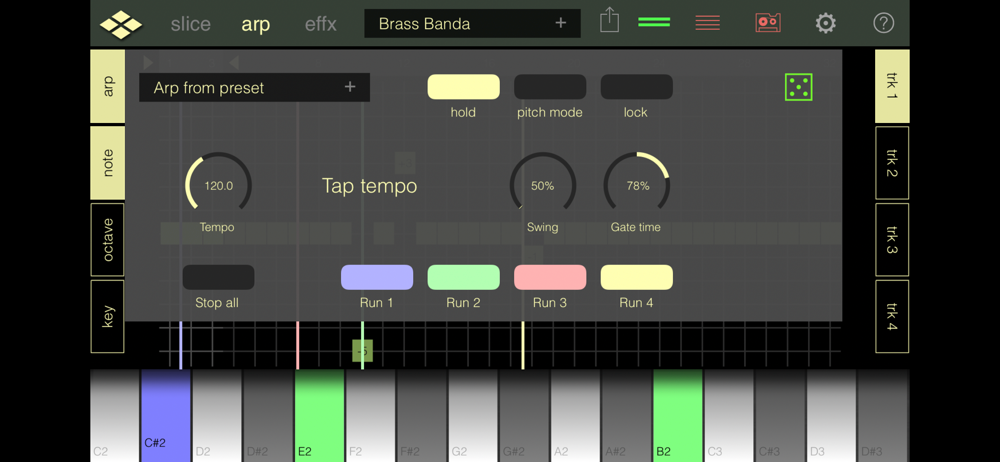
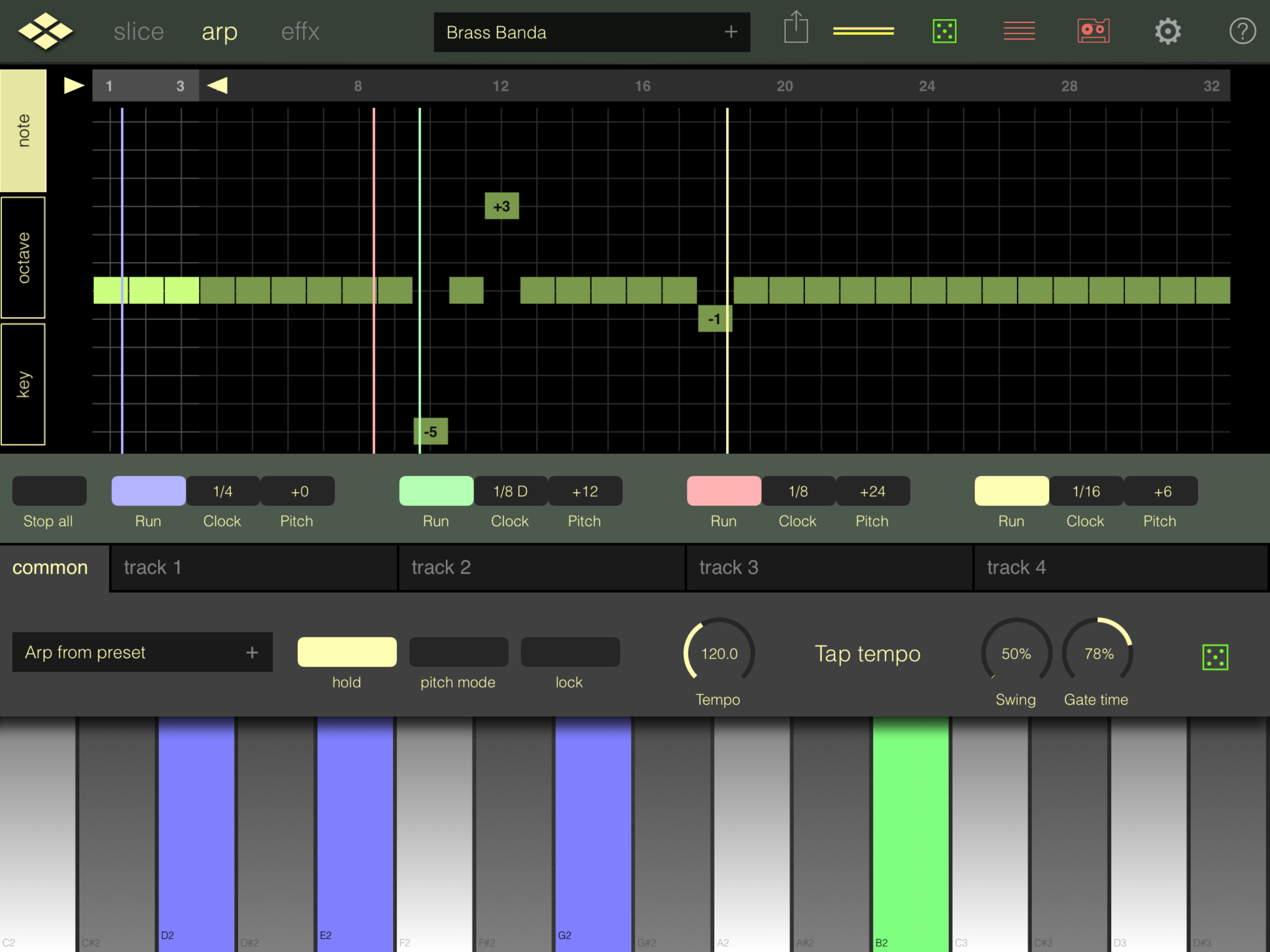
…It feels neglected by the dev, if I’m being honest. 1) Documentation please! There’s nothing in the way of a manual explaining anything. 2) Better State Recall: - Add capability to save FX rack configuration - active FX sequence + settings/state recall. - Cannot save general preset while in arp edit mode (as opposed to arp pattern presets.) 3) It crashes in Aum w Koala sending MIDI to it. 4) Possible to have overlay of filename for sample currently loaded so I know what I’m working with? 5) Where do session recording wav files get cached? Cannot locate a folder where they live. 6) When saving a session recording (not sample input recording) after you’ve saved an initial recording, the text field and text are black, and cursor position [which is located at end of persisting value for last name entered] is only thing visible on entire screen. 7) BPM automatically assigned to name is wrong (value shown is -1 of the bpm, so for example 130bpm becomes 139bpm.) 8) Tempo Control [Arp view > Arp tab] should have double-tap input field (in addition to existing tempo dial, which is incredibly tiny and finicky.) If even half of these were addressed I’d happily change review back to 5 stars, but at this point I’m actively looking for other slicers.
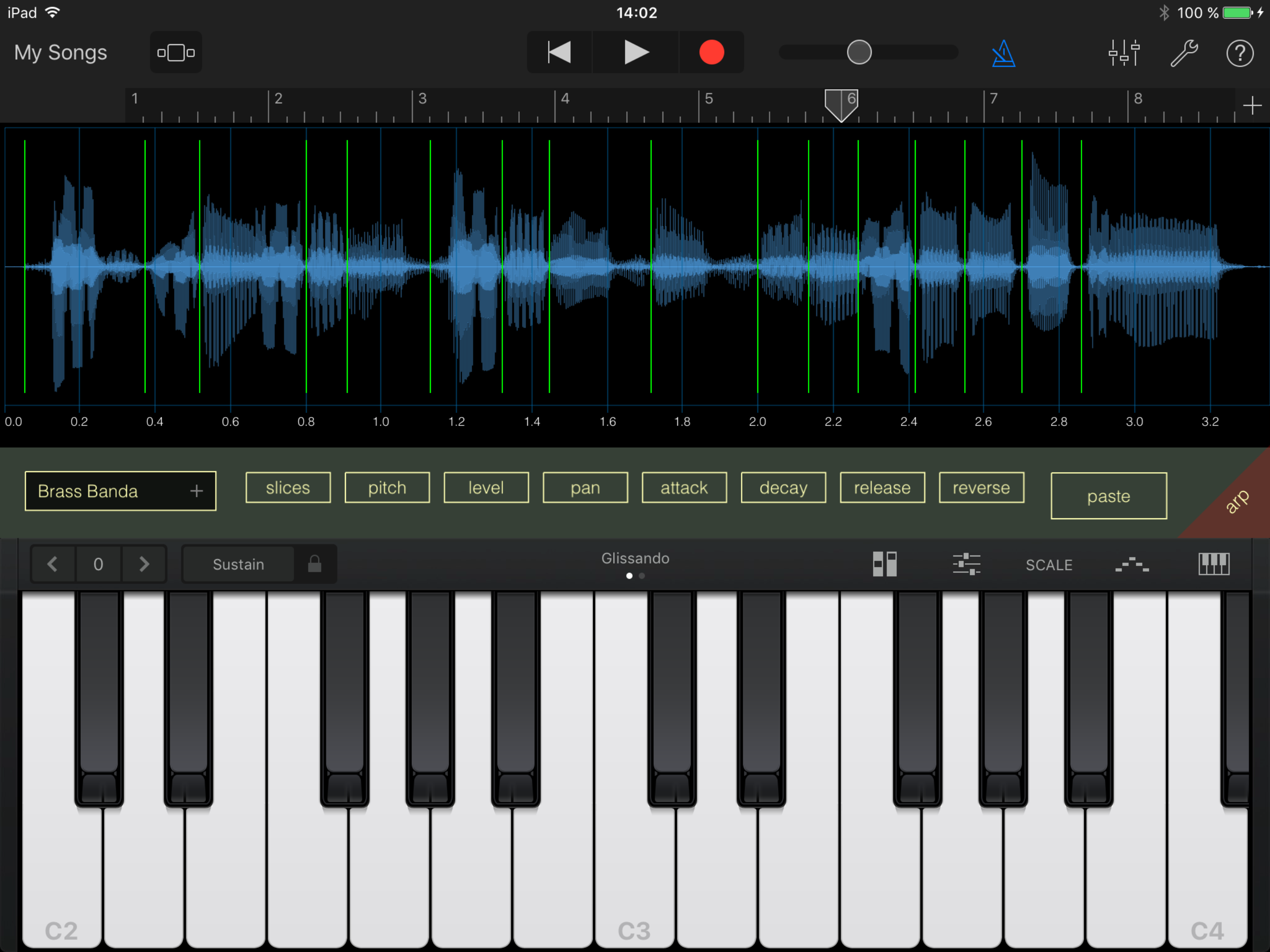
I just bought this app And at first I was not quite sure how to use it. I couldn’t figure out how to import a sample until I realized that you can copy and paste using iPads internal copy and paste system and it works quite well. I hope to bring this to a five star rating I just need to figure out how to use it in the manual would be extremely helpful. At least an updated video would be nice and I think a lot of people would jump on this app.
If the audio unit version of this application was to allow you to import a sound that you wanted to choose from the audio unit perspective then it would allow slicing to be a lot more intricate and easier. Having to import sounds into it and then export the sound out of it reminds me of an odd standalone version and it doesn’t put me in touch with my music. Make the audio unit be allowed to search for a sound of my choosing and I can set the slicing points inside of Cubasis or inside of beat maker 3. Once you fix that I will give it a perfect score.
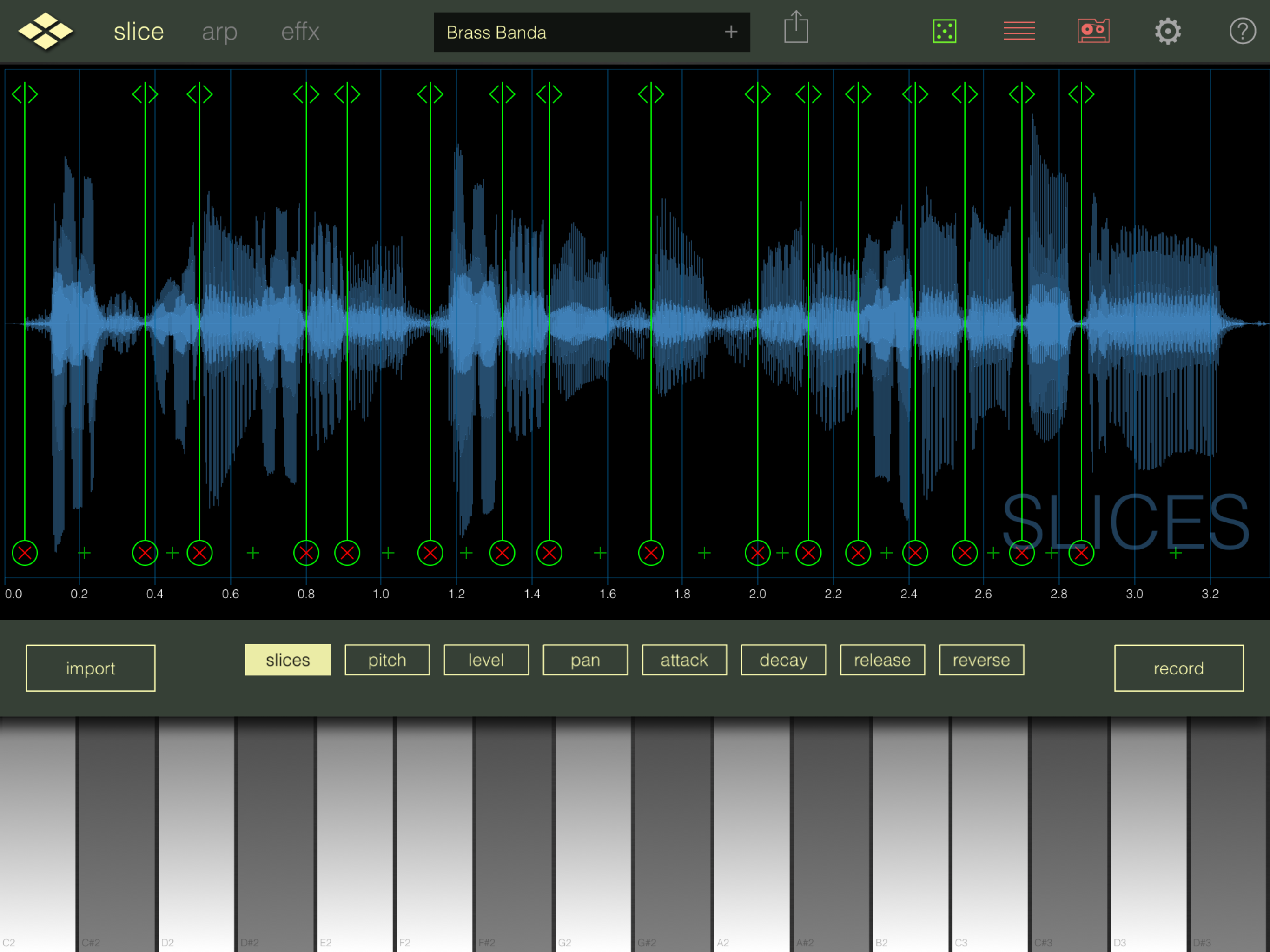
Audio Slice Machine Slice your audio samples with ReSlice and create flexible musical atoms which can be triggered by MIDI notes or the touch of your...