
Check the acquisition promise
Read the store headline, screenshots and description. What problem is the app promising to solve?
Study the storefront ↗
Sony Thermo Technology Inc. · iOS
Explore the ad evidence, study the storefront, and build your next acquisition hypothesis.
01 / Creative research
Read the store headline, screenshots and description. What problem is the app promising to solve?
Study the storefront ↗Explore apps with direct store-link matches. Compare their hooks and formats without assuming the same approach works here.
Browse observed advertisers ↗Store rankings and revenue estimates describe market context. They do not establish ad spend, conversions or ROAS.
Review the market context ↗02 / Storefront & product
Study the product story and store experience behind the acquisition funnel.
03 / Market context
Keep revenue, downloads and store rankings separate from advertising performance.
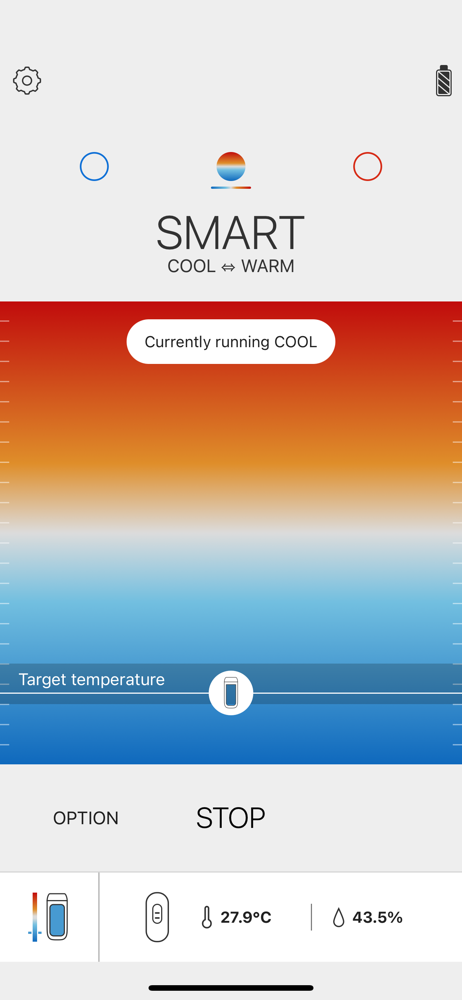
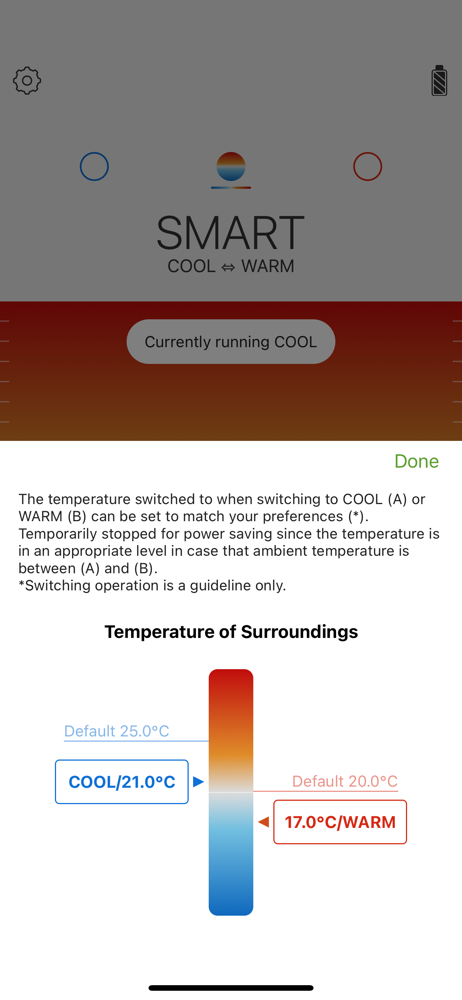
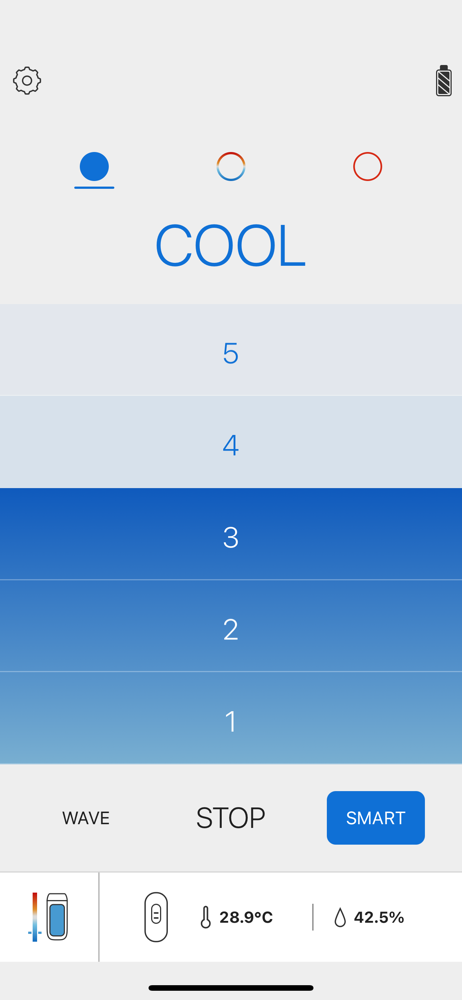
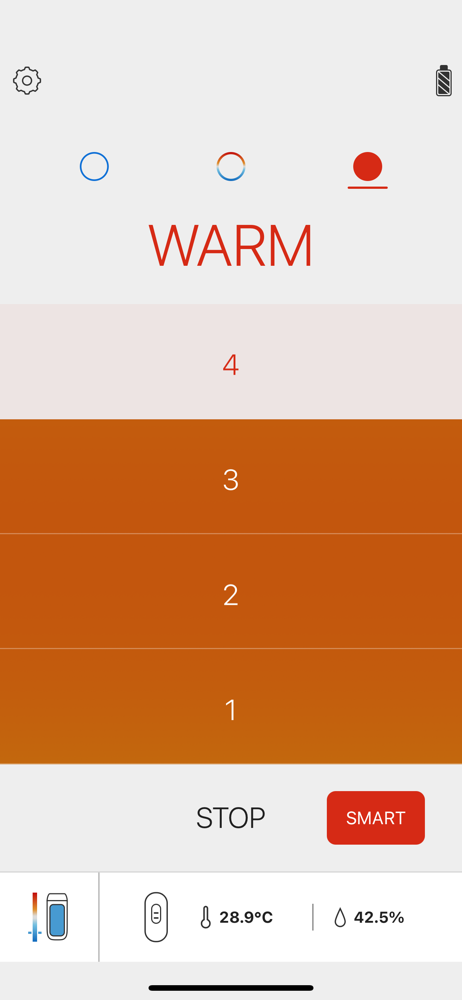
Overall the app does what is required. The only thing I wish it had the option to show temperature readings and settings in Fahrenheit, now that the Reon is officially sold in the US. Yes, the ROW uses a better solution Celsius, but that’s what we are stuck with here.
The smart options are quite amazing. Registering the device was super easy but the only major drawback that costed a star was the fact they don’t have an option to switch the degrees to Fahrenheit. I would’ve assumed because the app makes you select the region of the world you’re in, it would know that the United States uses Fahrenheit for degrees instead of Celsius. That is not the case sadly. Developers - please add the option for Fahrenheit to the app as soon as possible.
You might want to consider adding the option to switch the temperature reading in the app to Fahrenheit now that you’re bringing the devices to the United States. You know, F = 1.8 C + 32 and all that.
- What’s REON POCKET ? REON POCKET is a new type of wearable thermal device that can directly cool or warm the part of the body that the device is in...


