
Check the acquisition promise
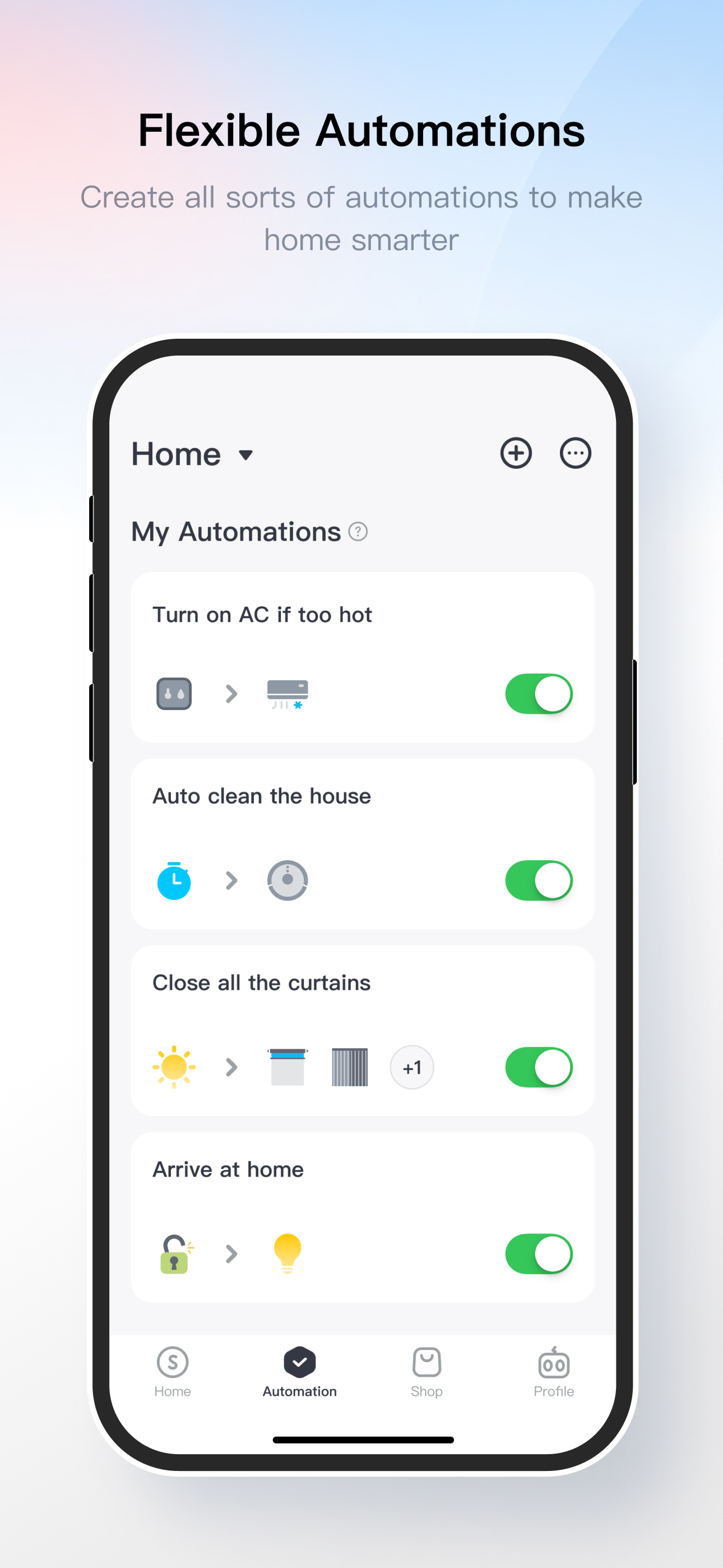
Read the store headline, screenshots and description. What problem is the app promising to solve?
Study the storefront ↗
wonderlabs, Incorporated · iOS
Explore the ad evidence, study the storefront, and build your next acquisition hypothesis.
01 / Creative research
Read the store headline, screenshots and description. What problem is the app promising to solve?
Study the storefront ↗Explore apps with direct store-link matches. Compare their hooks and formats without assuming the same approach works here.
Browse observed advertisers ↗Store rankings and revenue estimates describe market context. They do not establish ad spend, conversions or ROAS.
Review the market context ↗02 / Storefront & product
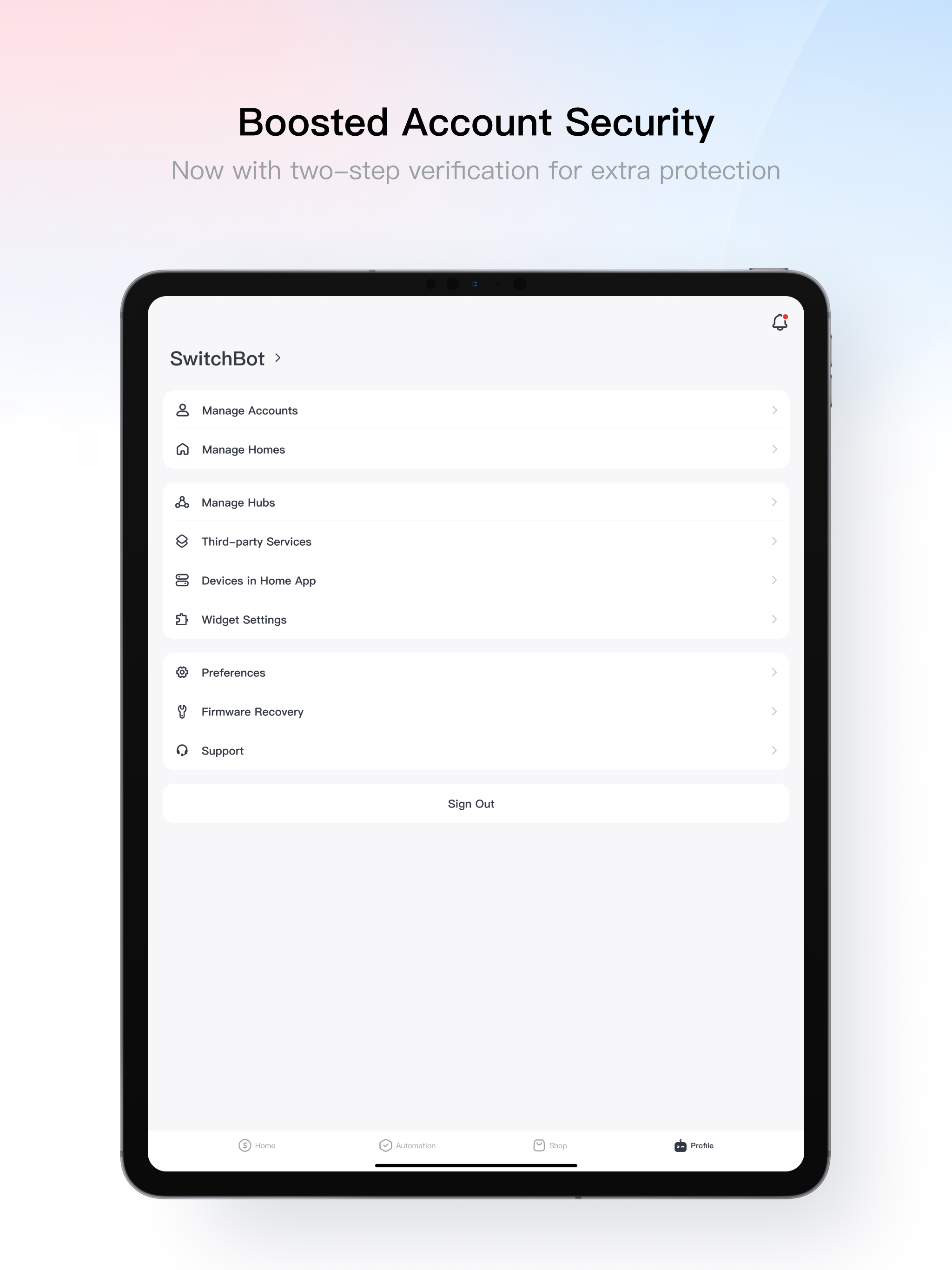
Study the product story and store experience behind the acquisition funnel.




03 / Market context
Keep revenue, downloads and store rankings separate from advertising performance.
I have used SwitchBot in multiple residence locations for monitoring temp, humidity and water presence near critical areas as well as controlling old room air conditioners at those locations. Easy setup, never fails, quick notifications and much to my surprise AC controls work all the time as needed particularly with conditional rules to cycle on/off automatically based upon outside and inside temps. One of the through wall units, a sears-kenmore is 15 years old with no issues. This solution replaced a previous buggy solution that was designed specifically to control room air conditioners remotely and quite frankly was almost $100 sucked into a black hole for that single function. I also control some emergency electric heat in the winter (VT) in the event my primary heating fails and I’m not there. I am now investigating SwitchBot auto blind controls to take advantage of passive solar gain in the winter. I’d give these products 10 stars if I could.
Been using the app with the Mini Robot Vacuum K10+ for a few weeks now, and it works well. The app is a bit quirky and unintuitive in a few ways, almost as if they went out of their way just to do it differently than iRobot. For example, if you pause in the middle of a job, there isn’t a “return to home” option. Instead, your choices are “Finish” and “Recharge.” Does “finish” mean stop cleaning and return home? Or does it mean resume the cleaning job? Obviously the app knows if the device is charged or not, so why would I pause a cleaning job and tell it to “recharge”? I just want it to stop and return to base! Besides the quirks, the app features are quite extensive. Once you get used to it, the mapping functionality is great, much more robust than iRobot. I have my robot 2 floors below my bedroom so I have it set to clean around 3am each night, and I like that I can see where exactly the device is on the map. Pretty neat.
Initially I bought one curtain rod 2 device and it worked beautifully. So then I bought a second and decided to redo the first so I could rename it - while also setting up the second. Now neither of them will finish calibrating. They each make it to the final step, but when clicking “move to open/close position”, nothing happens. I reached out to support and attached a video of the issue. While it took a while to figure out the emails were going to the “Promotions” folder, once I started actually speaking with tech support, it’s been painful. Although they sent over new firmware for me to install, still didn’t fix the issue. Afterwards they said their “devs” detected its because my devices are backwards, but they are not and have never been, and I’m not sure how they can know that lol I followed the installation guide and had one of them working before. Haven’t heard from them since. I’ll probably just return them and get a refund if this persists
You can control the SwitchBot Bot with a tap on the icons. You can schedule your appliances to turn on or off according to your preference with Switch...
| Name | Price | Type |
|---|---|---|
| cloud storage-2cams weekly | $0.99 | Weekly |
| Basic Monthly Plan | $3.99 | Monthly |
| Basic Monthly Plan | $3.99 | Monthly |
| Plus Monthly Plan | $6.99 | Monthly |
| cloud storage-3cams monthly | $10.99 | Monthly |
| Basic Monthly Plan | $19.99 | Monthly |
| Basic Annual Plan | $34.99 | Yearly |
| Plus Annual Plan | $69.99 | Yearly |
| cloud storage-1cam weekly | $99.99 | Weekly |
| Family Annual Plan | $209.99 | Yearly |


