Check the acquisition promise
Read the store headline, screenshots and description. What problem is the app promising to solve?
Study the storefront ↗
Remote Utilities Pte. Ltd. · iOS
Explore the ad evidence, study the storefront, and build your next acquisition hypothesis.
01 / Creative research
Read the store headline, screenshots and description. What problem is the app promising to solve?
Study the storefront ↗Explore apps with direct store-link matches. Compare their hooks and formats without assuming the same approach works here.
Browse observed advertisers ↗Store rankings and revenue estimates describe market context. They do not establish ad spend, conversions or ROAS.
Review the market context ↗02 / Storefront & product
Study the product story and store experience behind the acquisition funnel.




03 / Market context
Keep revenue, downloads and store rankings separate from advertising performance.
Despite the need to re-add all your clients because some of us don’t have the desktop version The new interface is definitely better. Trying to install the macOS version for Mojave and it fails to work, it immediately crashes or displays a message that it needs updated. Your website says it supports Mojave You can still see your old ID numbers when you connect your device to the computer and then go to finder device backups and files and then Remote Utilities you’ll find a file name connections xml Unfortunately the passwords will have to be re-entered. Once you have one device configured properly to transfer all that to another device download imazing and use a free version and bank up the app that’s working on the one device and then use the app restore feature to put it on another device and follow the instructions and the Amo transfer all the connections over including the passwords.
They will not hesitate to take your money for a license, and the software isn’t bad as long as you assume you will never get new features or fixes, even if they promise them. Check out their support forums, they are full of promises and upset customers who have been told for years that XXX feature is right around the corner, and it never appears. If you want software with trustworthy customer support, look somewhere else.
First make sure remote works on your PC from another PC. I had to change ports and use the gateway mediation service for connections. To use internet id type down in all caps. Works like a charm, albeit a little slow on lte. But that can be expected. Thanks usoris for the free app.
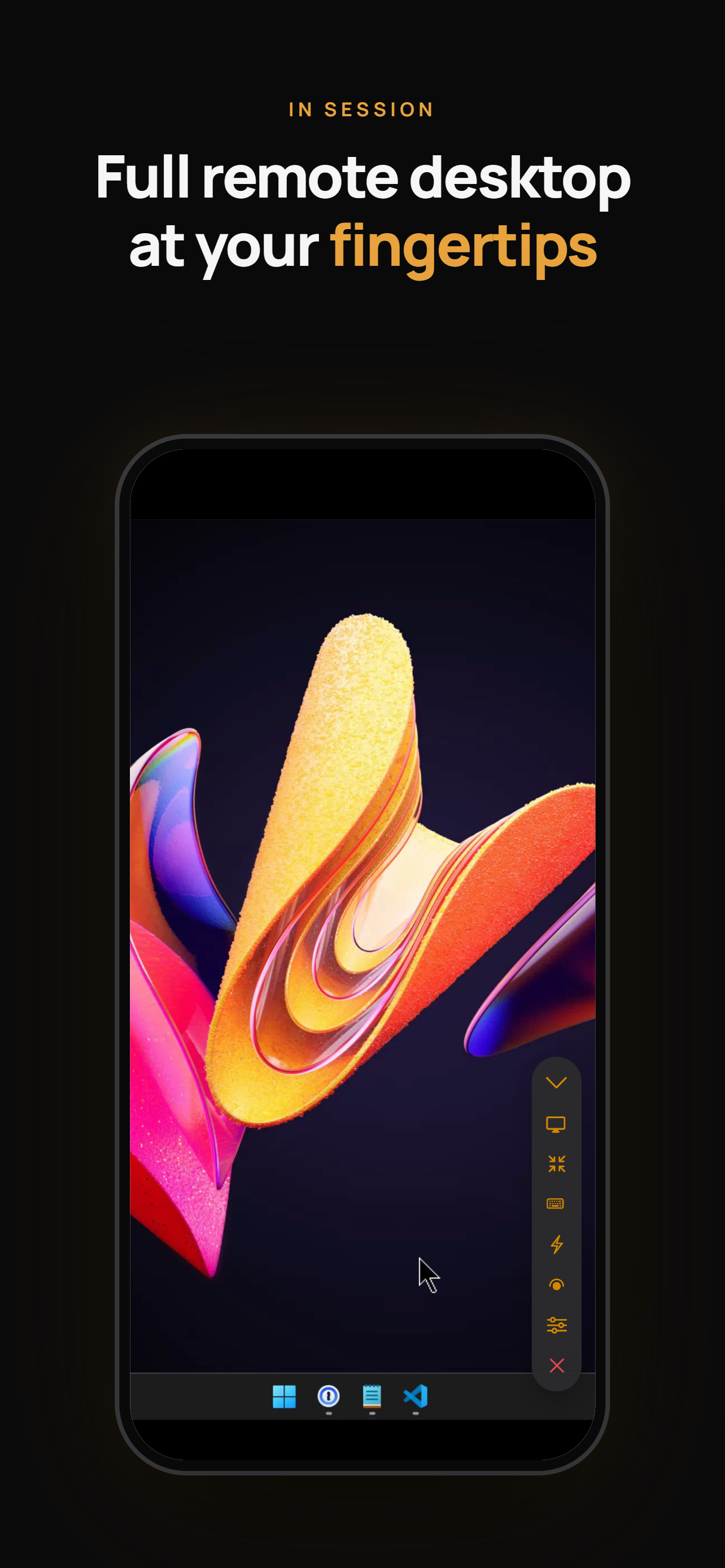
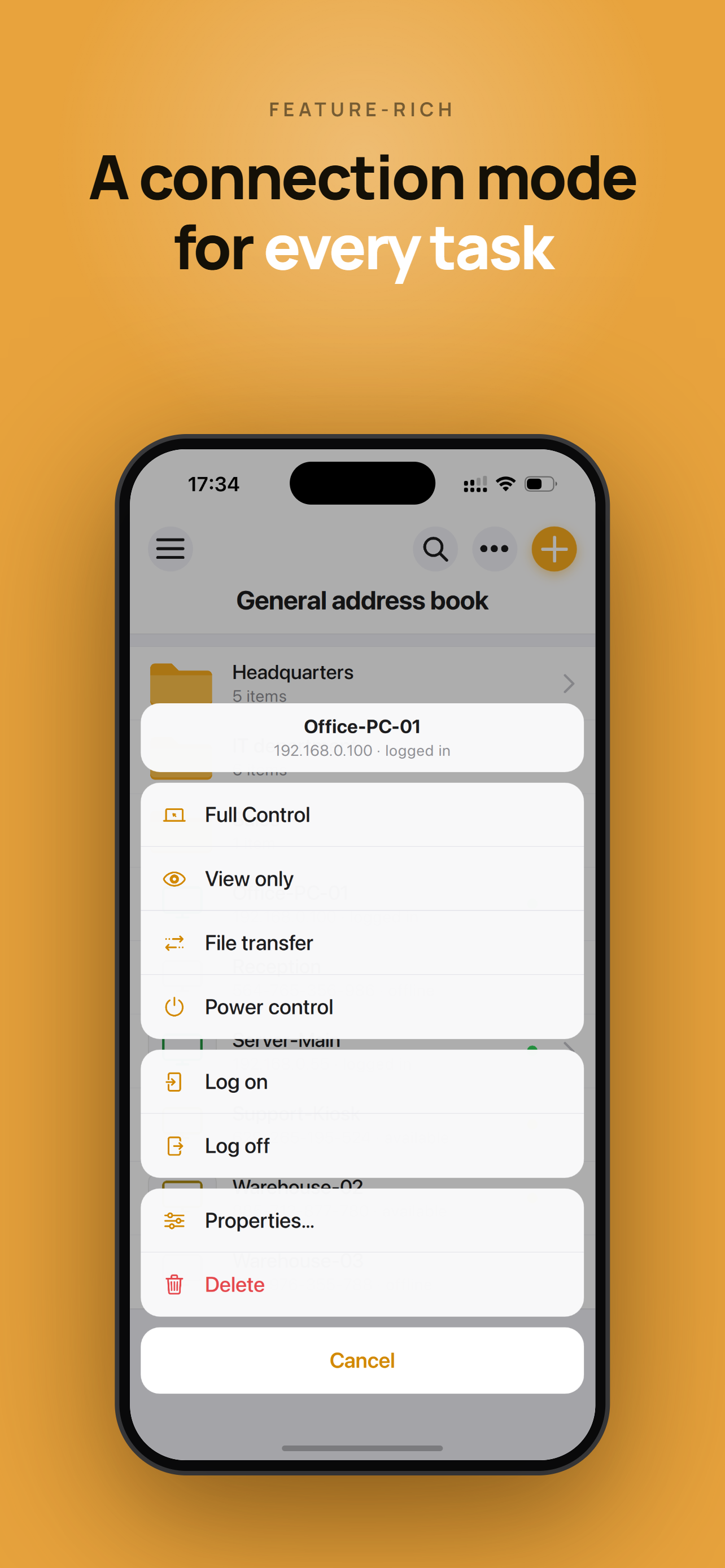
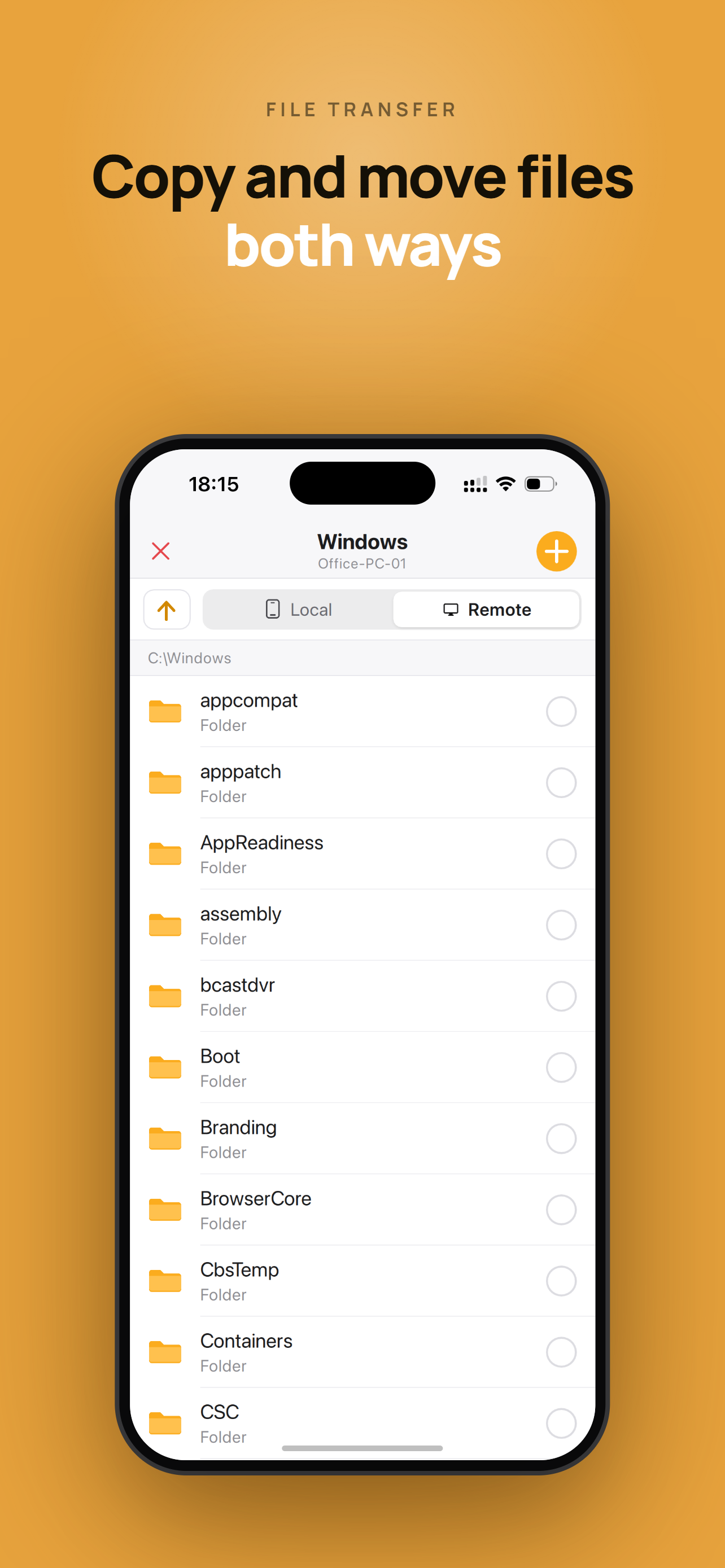
Remote Utilities gives you full remote access to your Windows, macOS and Linux computers from your iPhone or iPad — over the Internet or LAN, with zer...