Check the acquisition promise
Read the store headline, screenshots and description. What problem is the app promising to solve?
Study the storefront ↗
AlphaTheta Corporation · iOS
Explore the ad evidence, study the storefront, and build your next acquisition hypothesis.
01 / Creative research
Read the store headline, screenshots and description. What problem is the app promising to solve?
Study the storefront ↗Explore apps with direct store-link matches. Compare their hooks and formats without assuming the same approach works here.
Browse observed advertisers ↗Store rankings and revenue estimates describe market context. They do not establish ad spend, conversions or ROAS.
Review the market context ↗02 / Storefront & product
Study the product story and store experience behind the acquisition funnel.


03 / Market context
Keep revenue, downloads and store rankings separate from advertising performance.
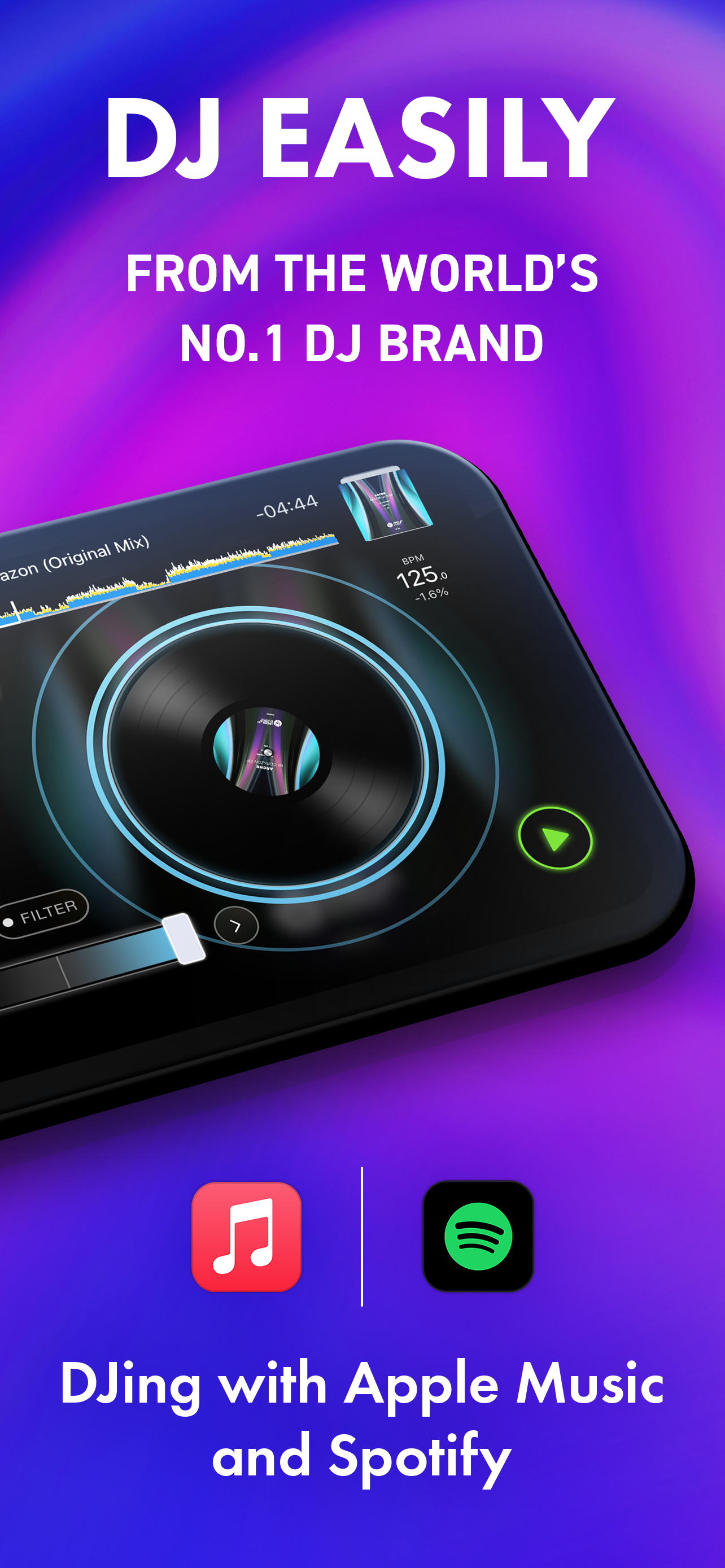
This is a very basic and limited dj app. Software like djay is significantly more powerful. The only thing this app has going for it is that it connects to the rekordbox desktop app. This would be OK and kind of handy if this app was a free part of the desktop app subscription, but since this is a separate charge every month, it seems like this app should stand on its own, which it doesn’t. It’s kind of telling that the page for this in the App Store brags about being “the number one DJ brand” but doesn’t say anything about the app. And that really sums it all up — this app is the only way to get at your rekordbox desktop when mobile so if that’s Worth seven dollars a month go for it But on its own, it’s a very limited app not worth a subscription.
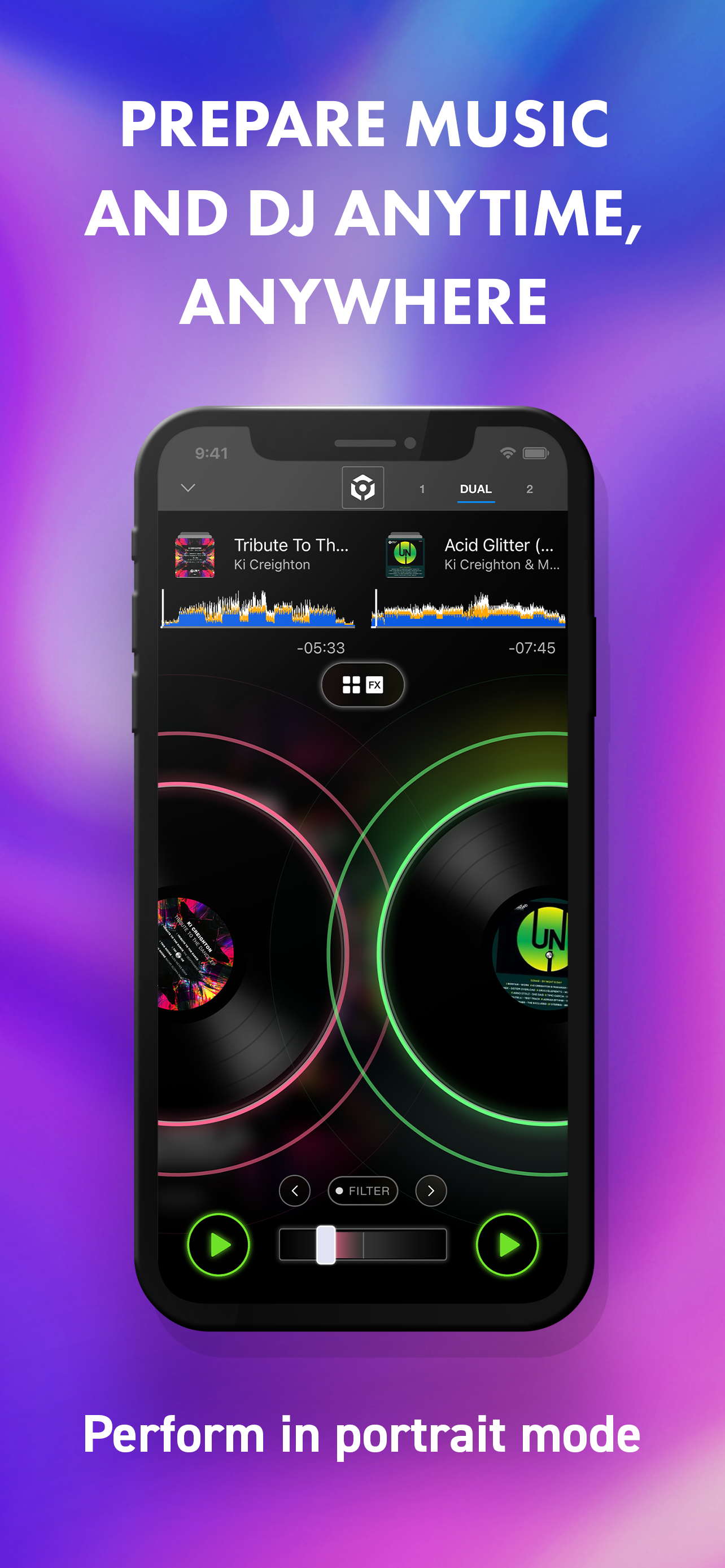
I recently picked a Pioneer DDJ FLX-4 to do some casual DJing at my local galleries and small events and after a few weeks getting used to Rekordbox on my ancient Surface Pro 3, decided to try the iPad app on my 7th gen iPad 32GB. I was expecting the limitations of both the iPad and the app to be deal breakers but I was surprised to find that the app worked really well with the aging tablet. I’m doing fairly straight forward mixes using only using 2 decks and a few FX for transitions so I’m not really missing any of the features of the desktop app. The tight integration between the app and the FLX-4 means not having to deal with Windows and an aging laptop. The result is a much more portable and streamlined setup that can be used easily packed into backpack or messenger bag. Syncing tracks and playlists from my desktop setup to the iPad or my iPhone is a breeze over WiFi but the only gripe I have is that it’s not possible to synch while connected to the FLX-4 over physical lightning/ISB C since making the connection seems to lock the app into landscape mode and the UI buttons for enabling the sync are not available in landscape mode. This require me to unhook the iPad from the controller to access the controls to enable since and this is really odd to me and breaks the experience somewhat. Please fix this allow us to access the connect to Mac/pc buttons in landscape mode while using a controller.
I’ve installed this on my old iPhone 6 so that it’s on a device I don’t need for calls. You now need to have the right adapters and connect to the back USB TYPE B on a CDJ or into the PRO DJ LINK hub via ethernet. I bought the adapters that allow for this and also connecting power to charge at the same time. This new way of connecting is more cumbersome but allows for new features. Mainly now when connected to CDJs, you can also browse for music on the phone rather than just the CDJ. Why is this cool? Because it’s cloud connected. Now any data I add to tracks while playing on CDJs automatically syncs back to my collection. If I add new music to my collection on one computer, it is now automatically available in the app via cloud. So basically this old iPhone 6 is now a SSD drive that is cloud synced. Not to mention how great the design is. You can do everything on your tracks with your thumb. It’s now my preferred way to prepare tracks. AMAZING. The people giving bad reviews, just don’t get it and aren’t understanding the big picture of what this is.
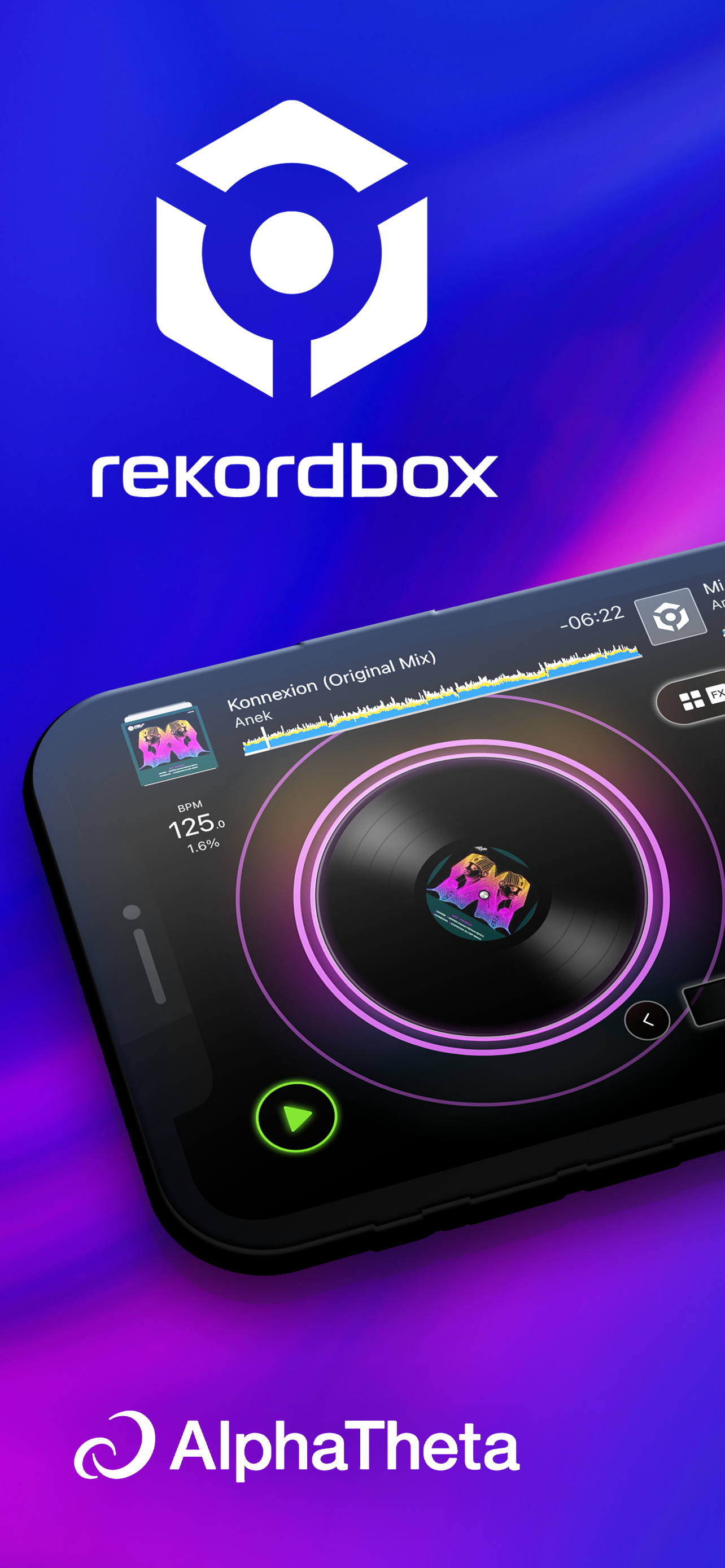
DJing with Spotify – Available Now! Start your DJ journey, or master the art of mixing. rekordbox is a DJ app that enables everyone, from beginners to...
| Name | Price | Type |
|---|---|---|
| Upgrade (Weekly) | $2.99 | Weekly |
| Upgrade (Monthly) | $6.99 | Monthly |
| Upgrade (Annual) | $49.99 | Yearly |