Check the acquisition promise
Read the store headline, screenshots and description. What problem is the app promising to solve?
Study the storefront ↗
Childrensbookstore.com · iOS
Explore the ad evidence, study the storefront, and build your next acquisition hypothesis.
01 / Creative research
Read the store headline, screenshots and description. What problem is the app promising to solve?
Study the storefront ↗Explore apps with direct store-link matches. Compare their hooks and formats without assuming the same approach works here.
Browse observed advertisers ↗Store rankings and revenue estimates describe market context. They do not establish ad spend, conversions or ROAS.
Review the market context ↗02 / Storefront & product
Study the product story and store experience behind the acquisition funnel.


03 / Market context
Keep revenue, downloads and store rankings separate from advertising performance.
NEW REVIEW: I contacted customer service through email to sort out my issues, and Jake was quick to reply. He was able to fix everything from his end within the hour (actually sooner). (Apparently what had happened to me was account specific and was an extremely rare occurrence.) The app now is working the way it should be, and I can definitely recommend it now. =) Big shout out to Jake from ReaderZone customer service for helping me out! —— ORIGINAL REVIEW: Every time I open this app, it stays black on the screen. I have to delete and redownload this app every time to use it just for the one time before having to delete and redownload it again. Also, when I go to add a book and scan the barcode, my phone just keeps vibrating until I force close the app. Then I have to open it where I get the black screen which means deleting the app and redownloading it just so I can use the app for one time before I have to delete and redownload it again. I wish my library would not have chose this app because it’s too buggy and not even worth using.
I like the idea of this app. We have attempted to use it for several years, but it seems like just when we get in a groove of using it there are issues and it won’t let me add a book. It’s very frustrating when my child is so excited to log her books that she’s read but I can’t because the app won’t work. I have the updated version of the app and that doesn’t help.
I’m doing 1000 books before kindergarten with my daughter. The old app wouldn’t let me find other books in the app that she finished then decided to want to read again. (This has been over the course of a few months) I see the same 6-8 books in the list of what she’s read and when I go to scan, it doesn’t register them since she’s ’read and finished them’ before. I can’t delete and find other books she finished. I’d like it to be able to recall and find them easier. I can see them under progress of being completed but can’t bring them back to currently reading. And now she can’t read current books multiple times that we get from the library, we usually read the books twice in the two weeks we have them. 🙃🫠. I can only scan and just mark as read. Then it goes ‘away’ since my same books I’ve read are still showing from months ago. It’s so frustrating and not user friendly.
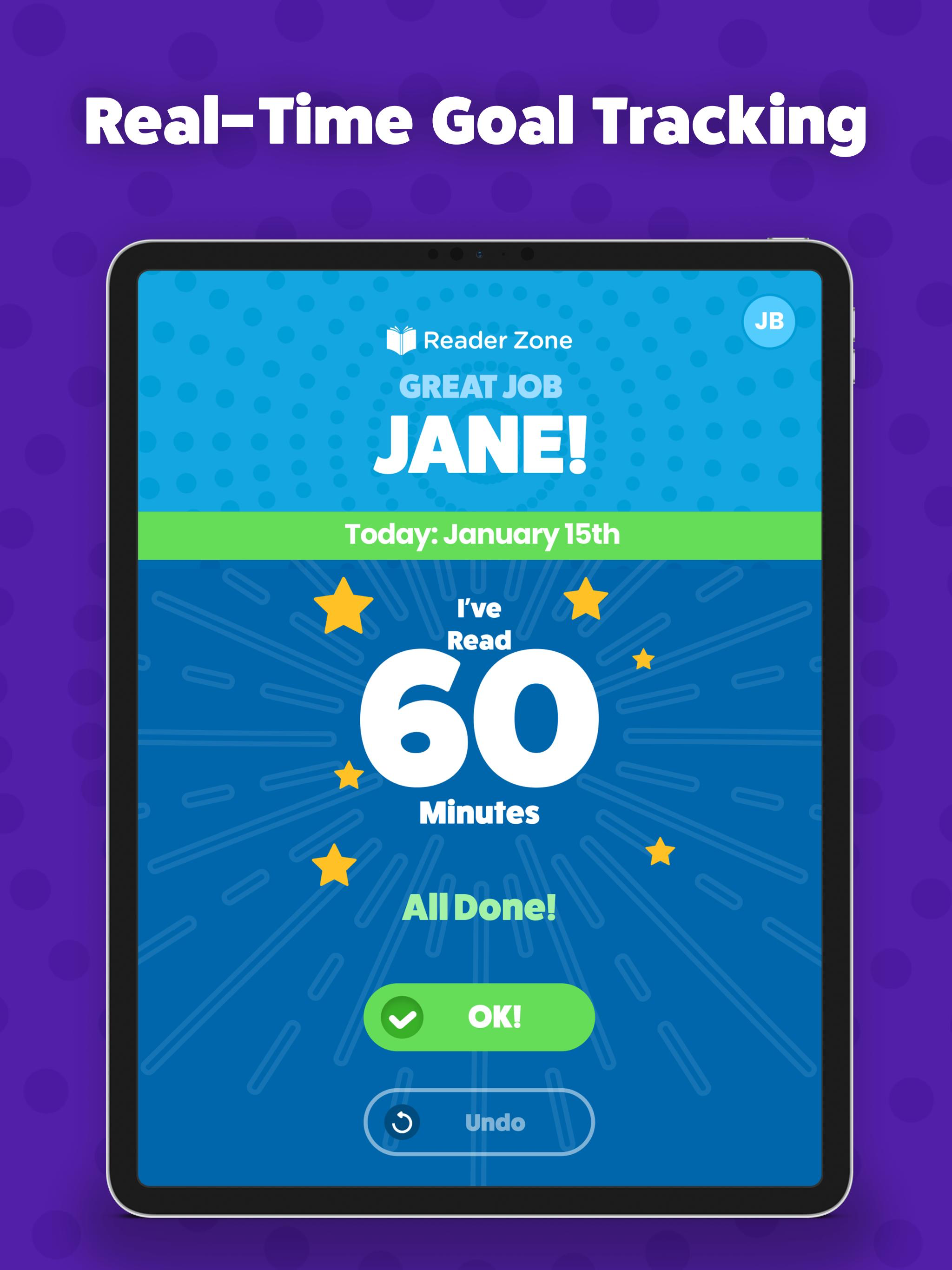
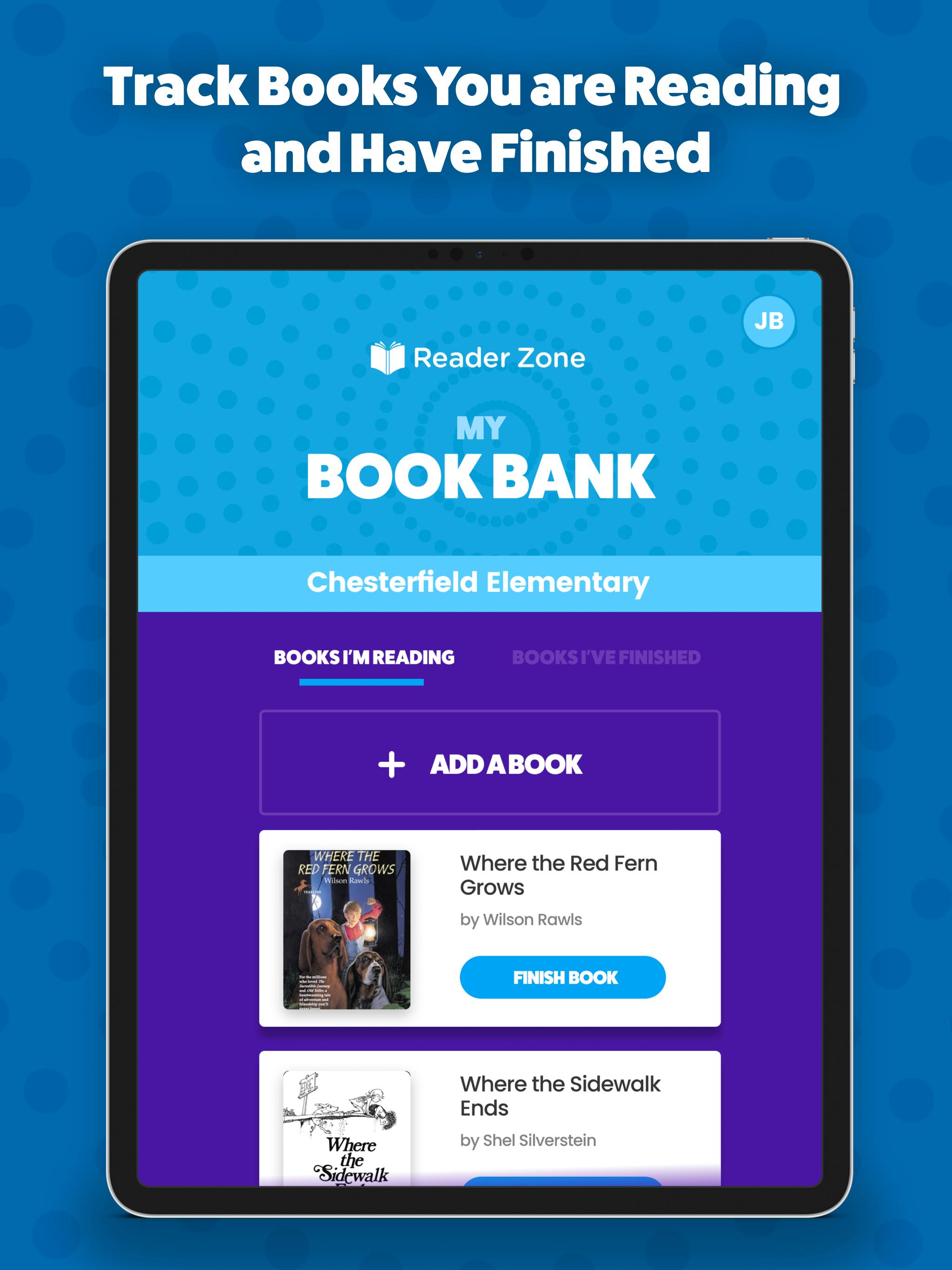
Throw away paper reading calendars forever. Reader Zone is revolutionizing how schools and libraries create and host reading programs. You can create...