Check the acquisition promise
Read the store headline, screenshots and description. What problem is the app promising to solve?
Study the storefront ↗
Kai Aras · iOS
Explore the ad evidence, study the storefront, and build your next acquisition hypothesis.
01 / Creative research
Read the store headline, screenshots and description. What problem is the app promising to solve?
Study the storefront ↗Explore apps with direct store-link matches. Compare their hooks and formats without assuming the same approach works here.
Browse observed advertisers ↗Store rankings and revenue estimates describe market context. They do not establish ad spend, conversions or ROAS.
Review the market context ↗02 / Storefront & product
Study the product story and store experience behind the acquisition funnel.

03 / Market context
Keep revenue, downloads and store rankings separate from advertising performance.
I’ve been beta testing apps for over 13 years so I always contact the developer before I leave a poor review. I’ve contacted them twice and I didn’t even get a quote. We will get back with you email” or “we are busy working on the problem”email. I received nothing. I’m using a few different iPads and yes, the app actually shows the entire app on the iPad, but you can’t use it as a standalone whatsoever. They were supposed to address this in the last update, but it wasn’t. Then, I contacted them because when I use it on my 13 pro max, you can’t see the entire screen. You can’t scroll to the left or the right it’s just cut off. The wave files do not work in standalone app. The wave files that they have and the wave files that you import do not work. again, this was supposed to be addressed in the last update which I contacted them twice in a month and heard nothing. This actually was one of my favorite tape delay apps, but it’s gone into my ‘unsuable’ folder on both my iPhone and my five iPads. If the developer ever gets back with me, then I will most certainly change my review. I’m just a little disgusted at the moment.
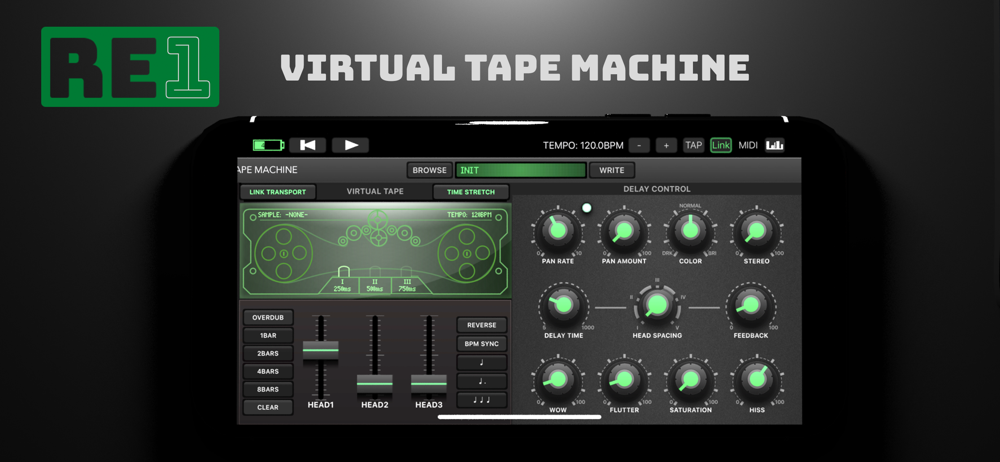
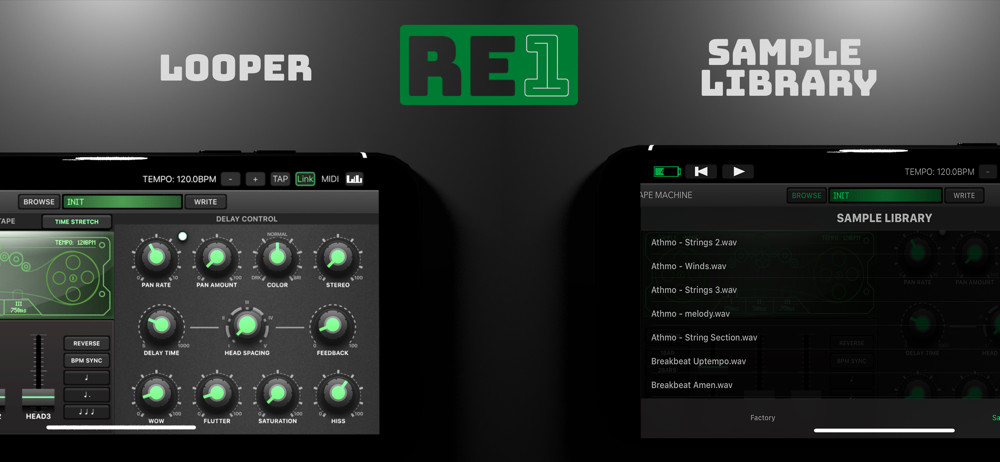
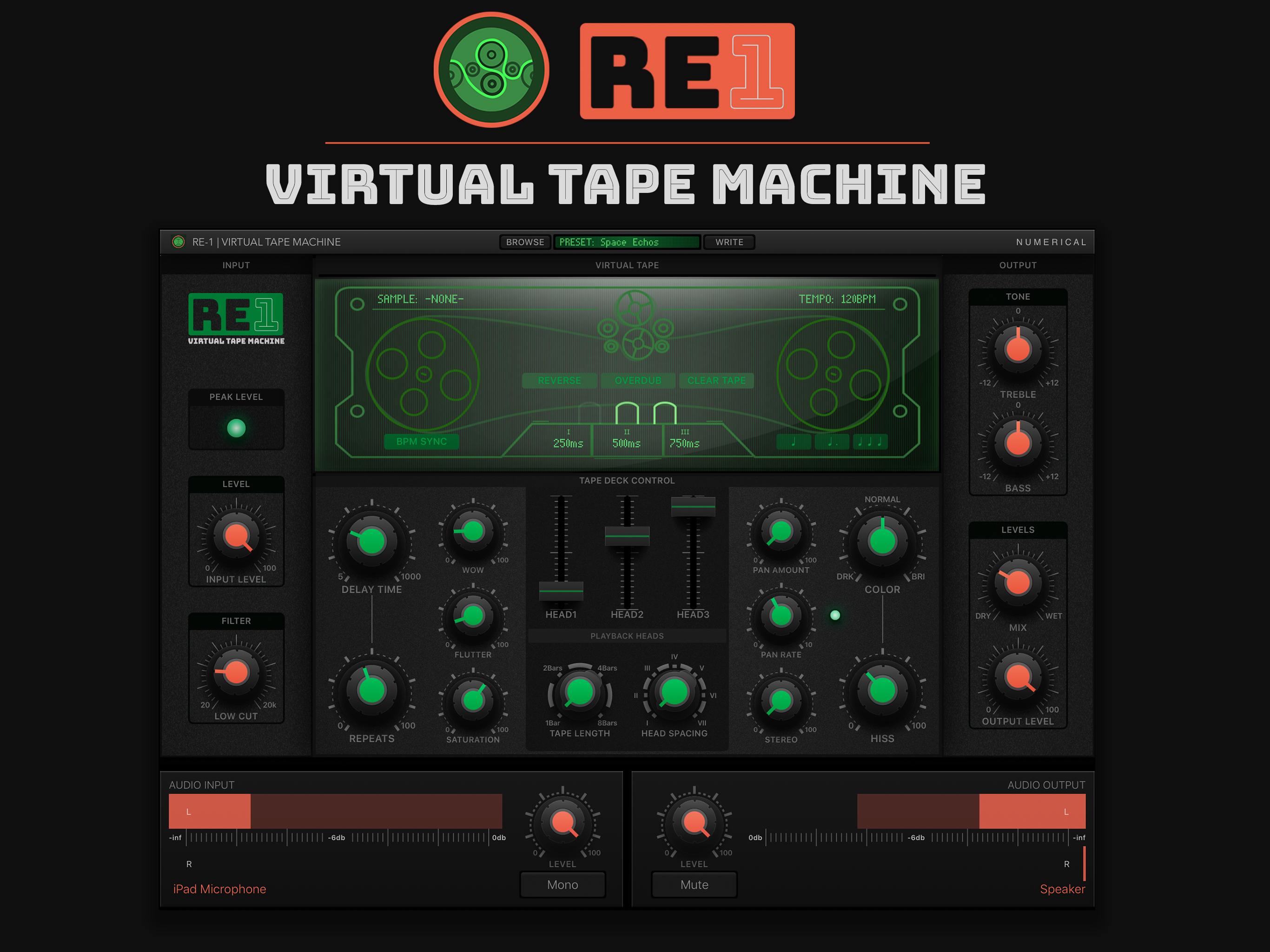
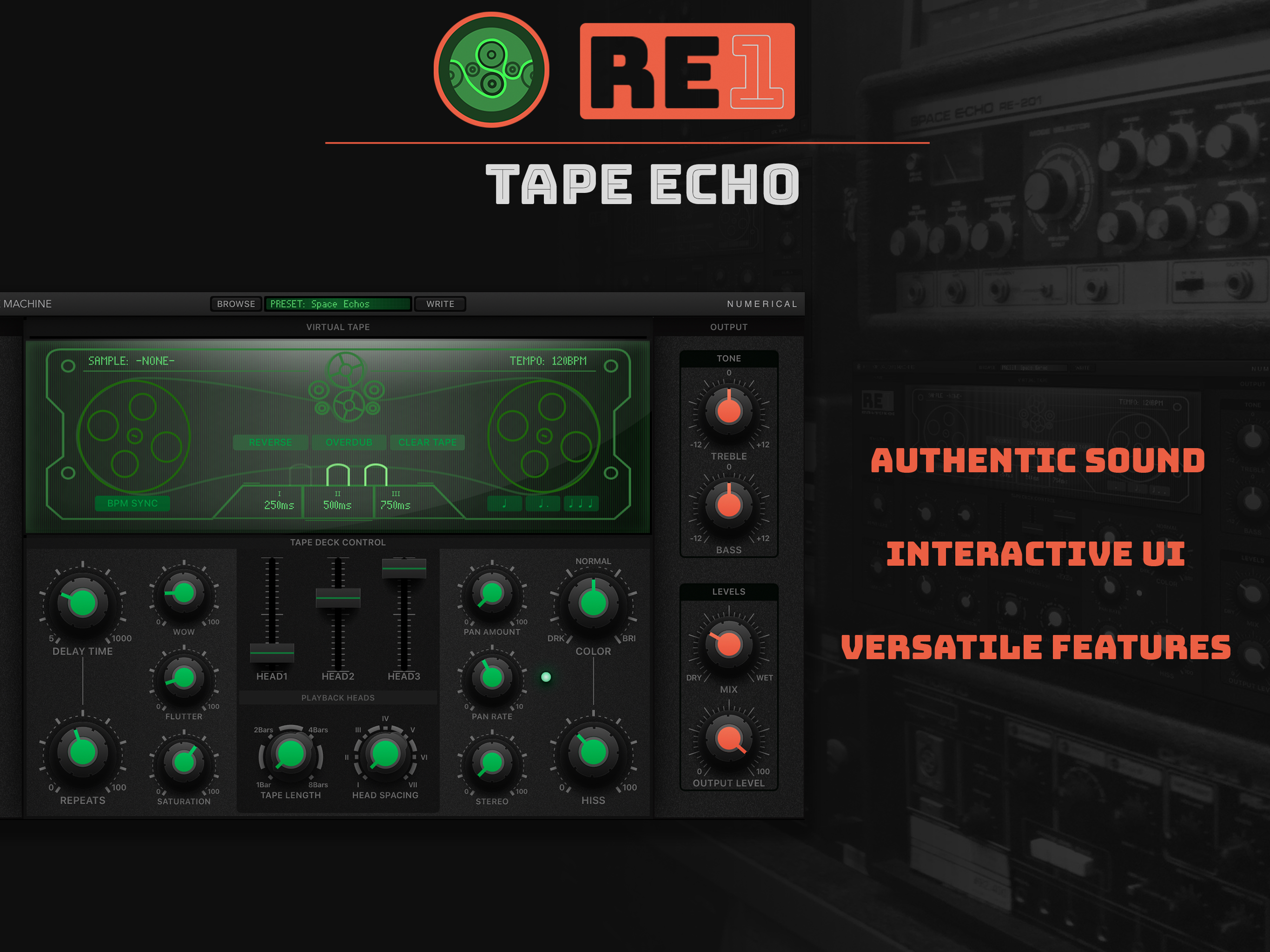
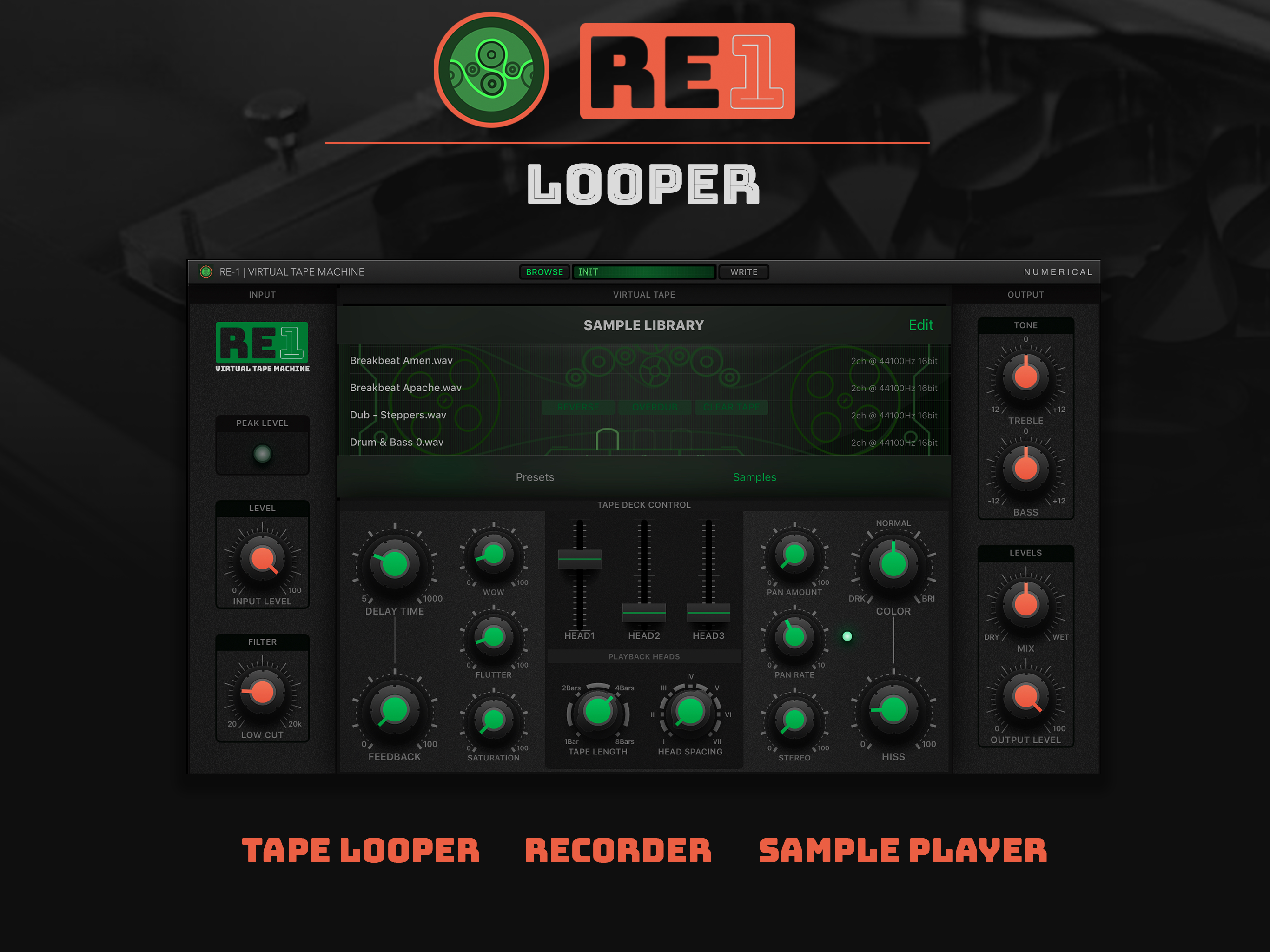
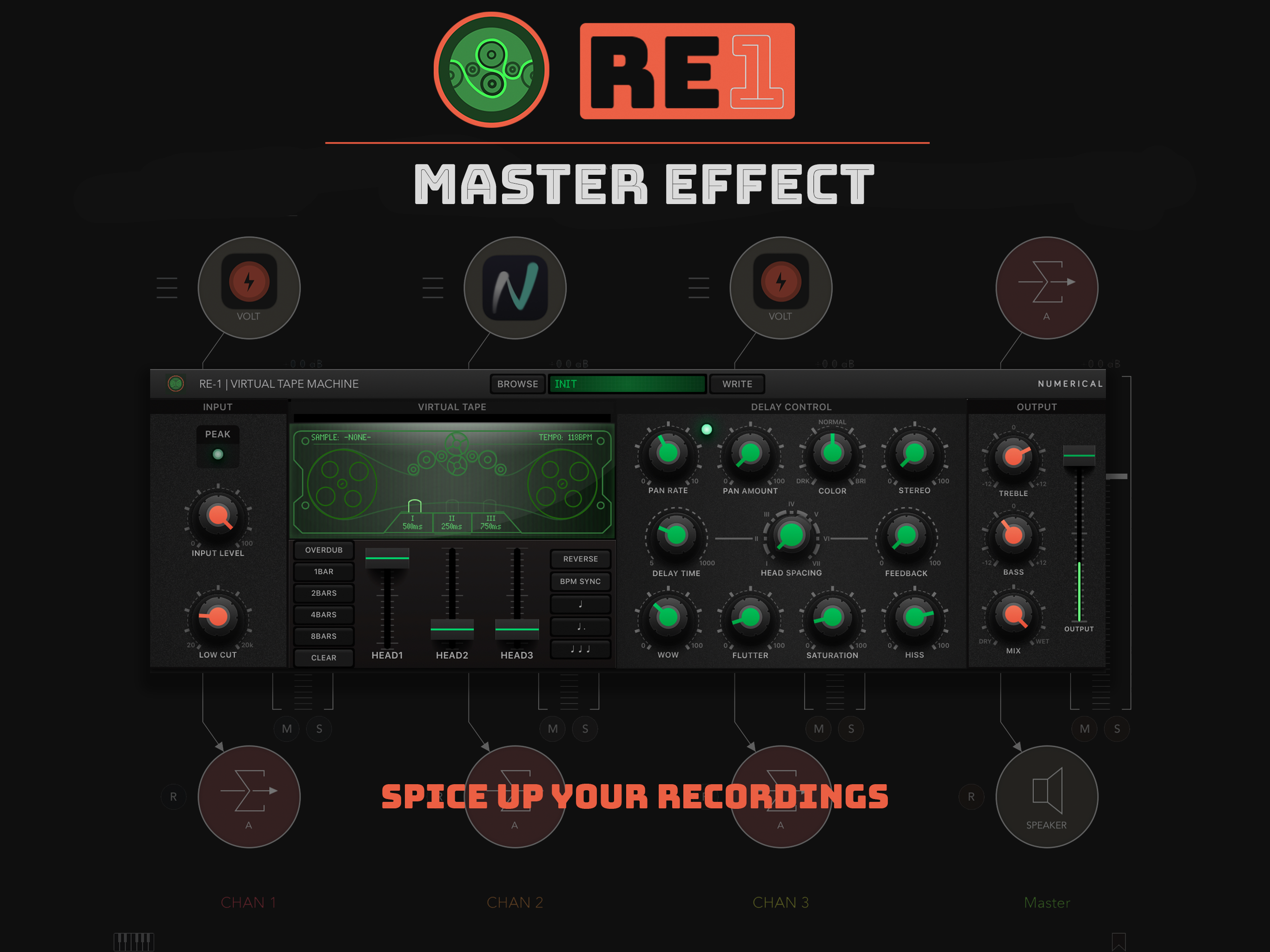
I own many of these types of plugins and honestly they all do a great job of adding color, wow, flutter and of course, delay. Where this one stands out is that it is an actual emulation, a virtual tape deck in which you can touch the tape reel graphic and cause it to do all sorts of crazy effects. In addition, it is also a looper and a multi-effects processor containing some surprising effects I did not expect. It reminds me of my early days back in the 80s, grabbing a tape deck and experimenting with all sorts of sonic mayhem. And what makes it even more useful is that it all can be recorded and automated inside of Cubasis so that every small adjustment you make comes out in the final recording, or as a sample you can save inside the plugin. This is a tool that I will learn, master and use until it goes away somehow in the future.
I never owned a Roland space echo so I don’t know if this does a pure recreation, I imagine not, but I was able to get some shabby dub chords drifting around and cascading like I wanted, and nothing else I tried on iOS could quite do that. I did not have problems with crackles or freezes and I am on an iPad mini, not a pro. I did not quite figure out the looper yet but overall this unit is deep to explore and takes me into uncharted territory. Great for sound design and experimentation. My favorite by far though is the FD-1, which Apple won’t let me review for some reason. That thing is one of the most inspiring tools I’ve ever used, I am just thrilled with it. Get them all guys, they are multieffects integrated in a way that is more than the some of their parts. Fantastic.
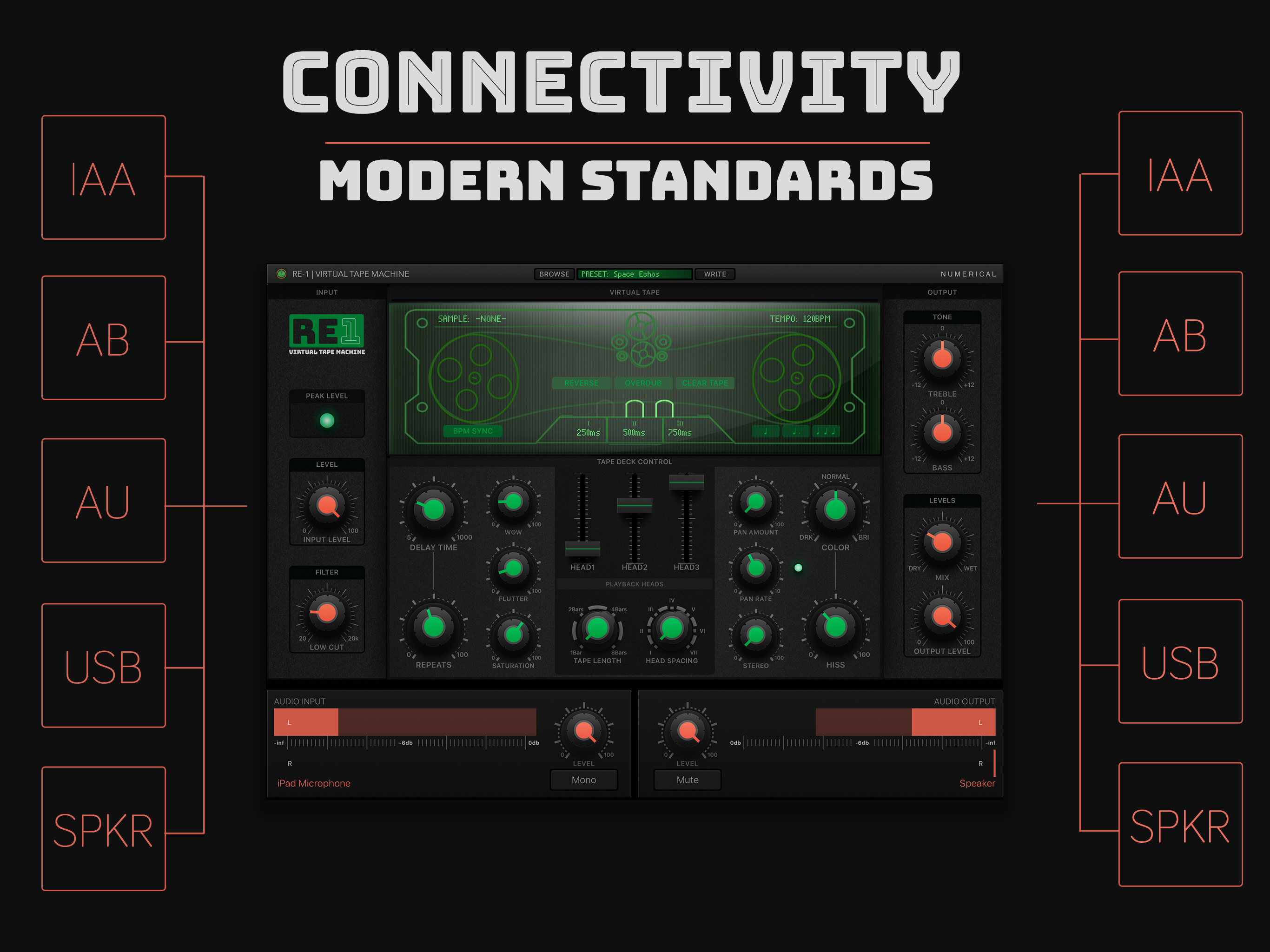
RE-1 - Tape Echo RE-1 is a full featured virtual Tape Machine capable of delivering authentic tape based echo and chorus effects but it doesn't stop...