Check the acquisition promise
Read the store headline, screenshots and description. What problem is the app promising to solve?
Study the storefront ↗
Rain Bird Corporation · iOS
Explore the ad evidence, study the storefront, and build your next acquisition hypothesis.
01 / Creative research
Read the store headline, screenshots and description. What problem is the app promising to solve?
Study the storefront ↗Explore apps with direct store-link matches. Compare their hooks and formats without assuming the same approach works here.
Browse observed advertisers ↗Store rankings and revenue estimates describe market context. They do not establish ad spend, conversions or ROAS.
Review the market context ↗02 / Storefront & product
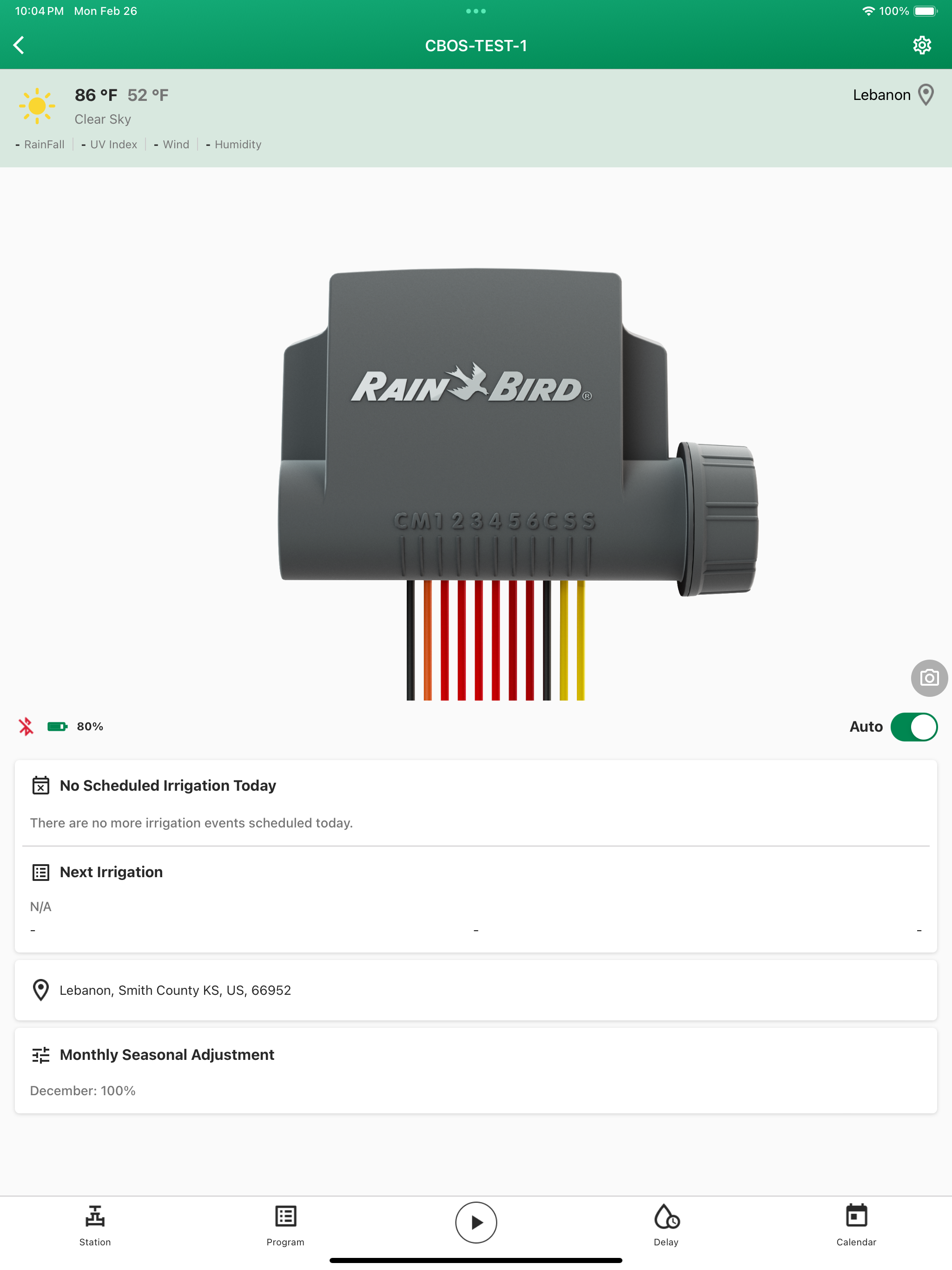
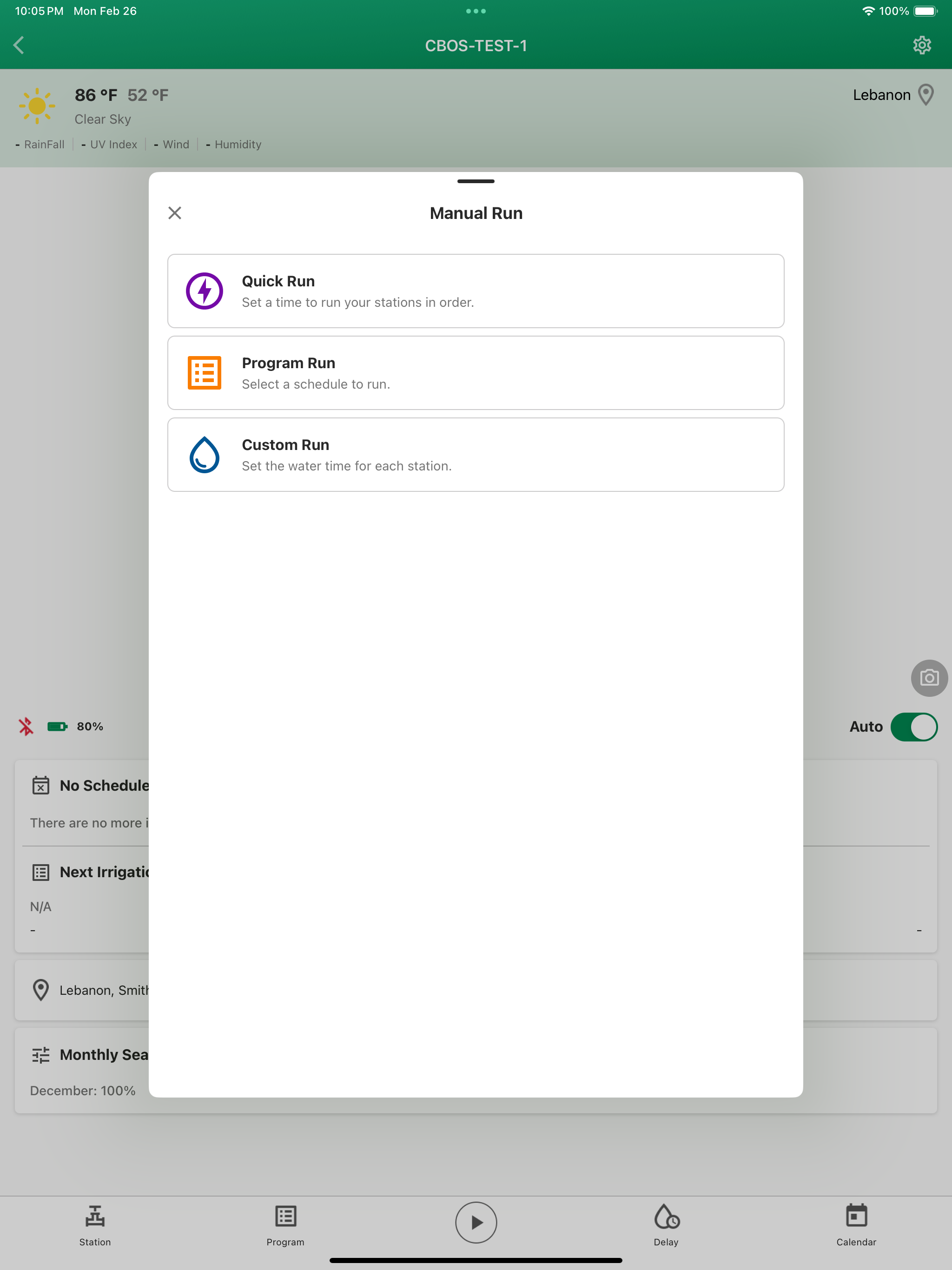
Study the product story and store experience behind the acquisition funnel.



03 / Market context
Keep revenue, downloads and store rankings separate from advertising performance.
I have had the rain bird WiFi controllers at previous homes. This time I have so many valves across the property, I needed three controllers. I have installed hardwired POE WiFi access points in the four corners of my home, one hardwired outdoor unit and an additional outdoor wireless repeater. The troubleshooting guides told me to purchase the 2.5gig access devices and place them close to the controllers as the controller only uses that band and may drop out if you have the system that broadcast both. I have done everything the troubleshooting guilds told me. I have went to great lengths to get the lower WiFi ban close the controllers. The app times out almost every time I want to turn on a station to check the sprinkler heads. App locks up and the only way to start again is to close it and open it again!! All devices and my phone have full signal on the entire property and nothing has helped. I think the older app worked better. Sometimes the controller will just say it is not connected when the lights are green, the network shows it is attached and has full signal. Only option is to install the controller again! So annoying. If I had not purchased three new units at the same time and installed all of them within a week of each other, I would think something was wrong with one of them. They all do it randomly. I just wish I had not chosen this system. It has been and is still a nightmare.
…and still can’t connect to router. I am by no means a beginner when it comes to setting up network devices. Could not connect to AP without rebooting my phone, and repeated visits to select the AP. Was able to load the config file provided when I first set this up. Then I was able to enter my network ssid and password. By default, the permanent AP switch is on, so turn that off. Then click done. From here I’ve had 2 different things happen. Several times it loads the network info and then opens a ‘Help’ dialogue, asking if the WiFi indicator is flashing red and green: no (flashing blue [wifi pairing mode]) then it is confused and wants to start over again. The other time it became stuck “‘setting network parameters’ and then wants to join the AP again; the WiFi indicator again was flashing blue. I’ll update this if ever able to eventually connect to my network. UPDATE 1: I’ve been able to get so far as a message indicating the controller is connecting to the router. This immediately results in the controller restarting and entering pairing mode; eventually it does not connect and again requests connection via the controller AP. TLDR; if you are updating, delete the controller from the app screen and reinstall. It will keep your programming and you will successfully reconnect yo your local network.
I made the mistake of agreeing to this upgrade with knowing what I was in for. In order for it to work, it has to do a firmware update over Bluetooth which appeared to work however I could never complete the connection to my wifi even though the version 1 app was working fine on that network. I tried the next day by uninstalling everything on my phone and unpluging the controller and starting from scratch. I got it to work on its own hotspot which at least gave me control of the system. After that I deleted the controller and re-added it to use my WiFi. After a long pause it finally saw the available WiFi networks and I was able to connect to my extender near the garage where the controller is installed. The app has some nice features and it connects quicker than the old version. Just be ready because it’s no easy upgrade. One other thing, why am I seeing a BETA tag in the app? I don’t see anywhere in the App Store that this is beta upgrade.
Smart Watering Made Simple. Connect your Rain Bird controller to your mobile device with the new Rain Bird 2.0 app to turn on sprinklers, set up custo...