
Check the acquisition promise
Read the store headline, screenshots and description. What problem is the app promising to solve?
Study the storefront ↗
Prusa Research a.s. · iOS
Explore the ad evidence, study the storefront, and build your next acquisition hypothesis.
01 / Creative research
Read the store headline, screenshots and description. What problem is the app promising to solve?
Study the storefront ↗Explore apps with direct store-link matches. Compare their hooks and formats without assuming the same approach works here.
Browse observed advertisers ↗Store rankings and revenue estimates describe market context. They do not establish ad spend, conversions or ROAS.
Review the market context ↗02 / Storefront & product
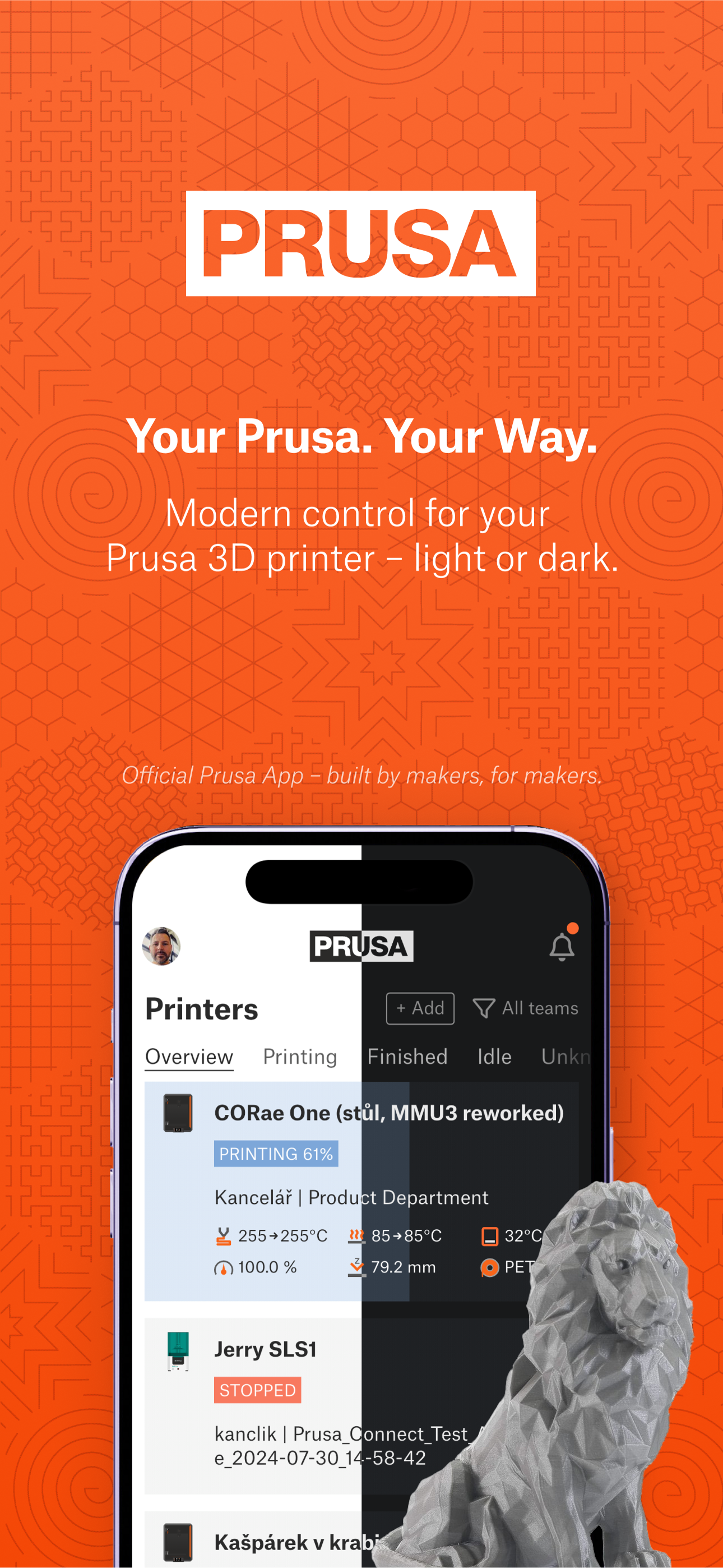
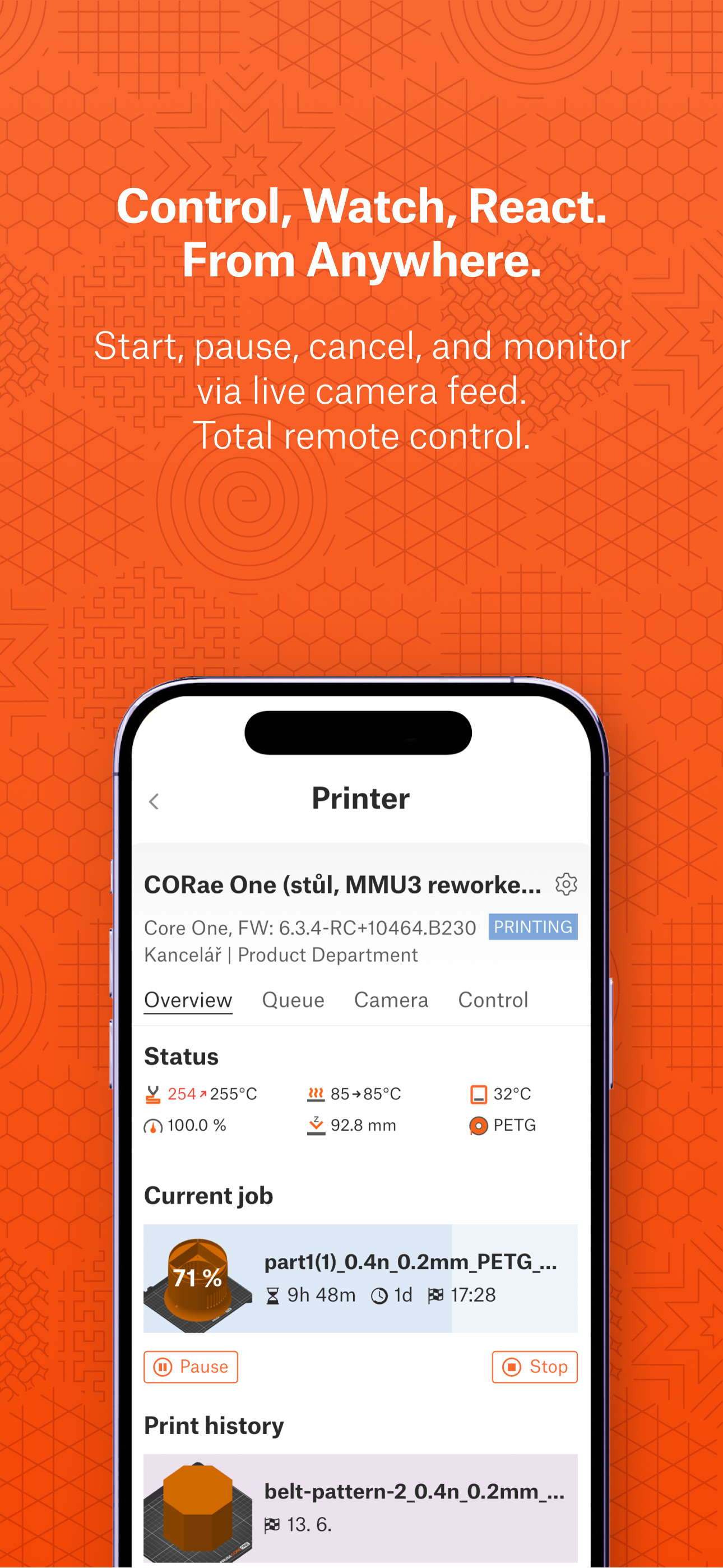
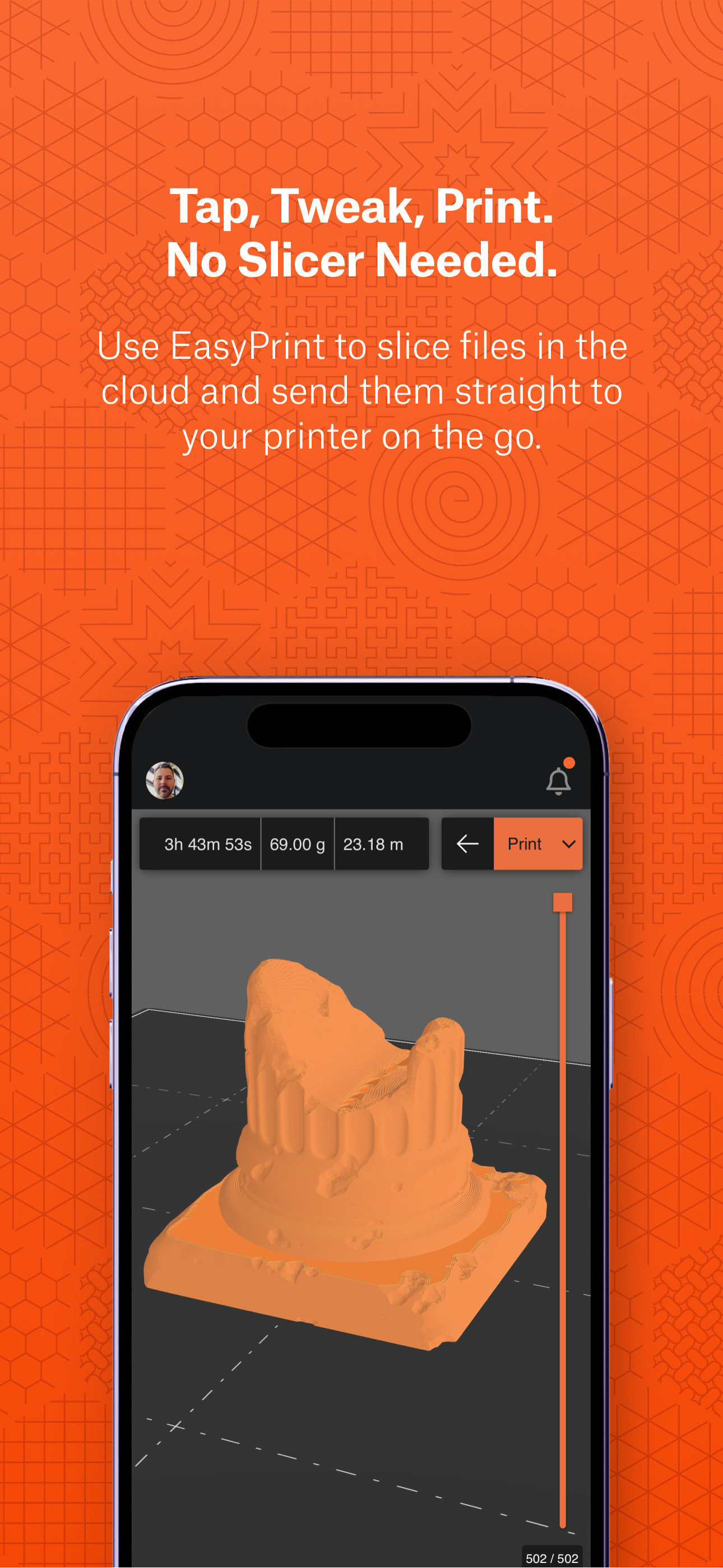
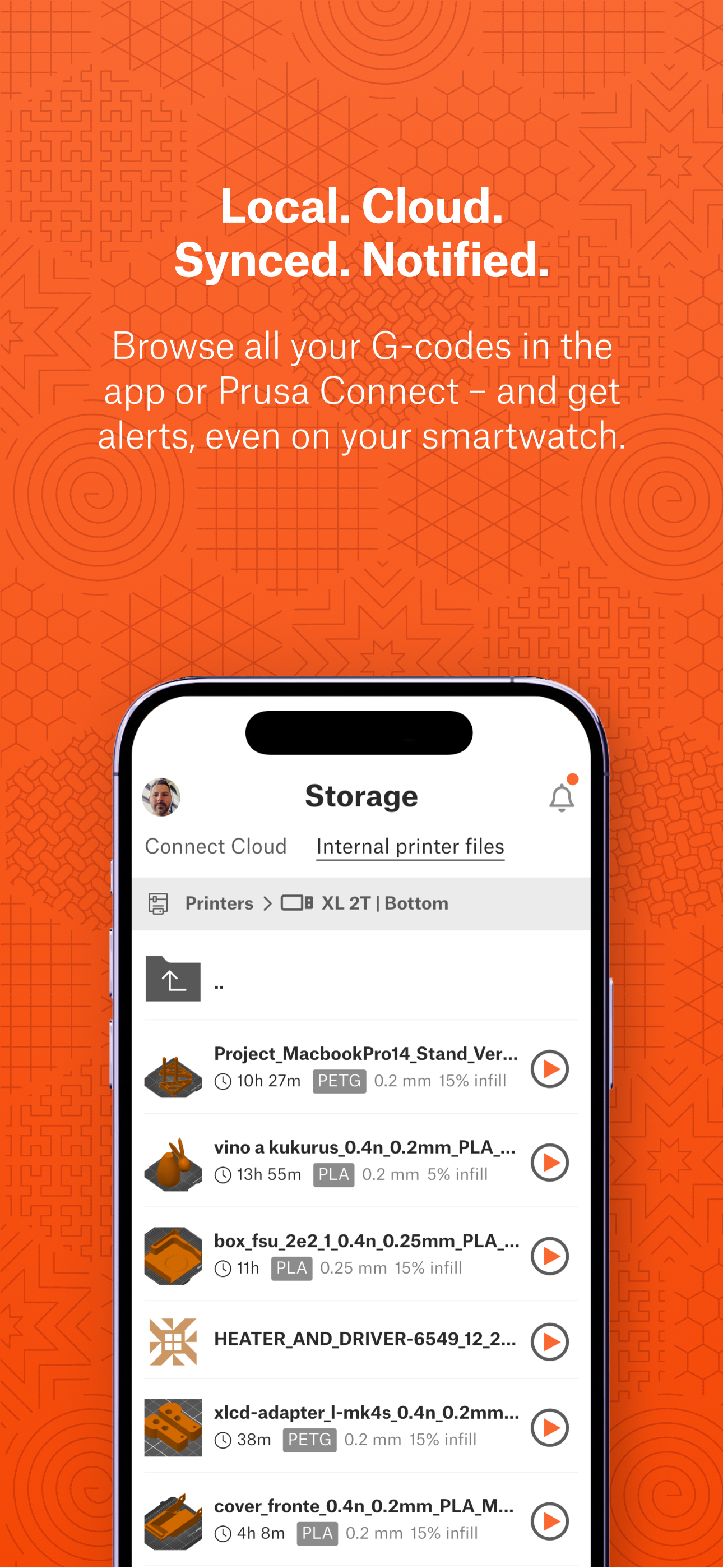
Study the product story and store experience behind the acquisition funnel.




03 / Market context
Keep revenue, downloads and store rankings separate from advertising performance.
App works very well but I am unable to get the camera feed to rotate landscape no matter which option is chosen for the camera feed. Would like to see this be able to utilize a status widget in Dynamic Island or on the lock screen for progress of print, maybe with a recent snapshot as well.
Overall I am happy with the app. Being able to control and view my current prints is great. The buddy cam does leave a lot to be desired since I switched to it from a Logitech live streaming cam. But it’s nice it’s all built in together. What I really wish was there was the ability to download an stl and have it slice and send to printer. I get that there are some gcodes and bcodes already created but if it’s not for my printer or the filament I have loaded (mostly Petg) I have to wait to get to a laptop. But when I have my phone or iPad it would be nice to send a quick job to have fun with.
Generally quite happy with the app, the only gripe I have is that right now I receive double notifications for print completions. I like the fact that I can get notifications from a shared printer at work as well so I can tend to the printer if it runs out of filament or something, but I would prefer to have an option not to be notified when someone else’s print finishes while I’m at home. I often get lots of these during evenings and weekends when someone else is printing parts. I don’t see a really easy solution but maybe allowing custom “do not disturb” hours to be set up would be nice. Or, “only notify me about this printer from 9-5, M-F”.
Key Features - Real-time overview of all your Prusa 3D printers in Prusa Connect - Remote printer management. Start, pause, or stop prints directly fr...


