
Check the acquisition promise
Read the store headline, screenshots and description. What problem is the app promising to solve?
Study the storefront ↗
Pacific Bipeds LLC · iOS
Explore the ad evidence, study the storefront, and build your next acquisition hypothesis.
01 / Creative research
Read the store headline, screenshots and description. What problem is the app promising to solve?
Study the storefront ↗Explore apps with direct store-link matches. Compare their hooks and formats without assuming the same approach works here.
Browse observed advertisers ↗Store rankings and revenue estimates describe market context. They do not establish ad spend, conversions or ROAS.
Review the market context ↗02 / Storefront & product
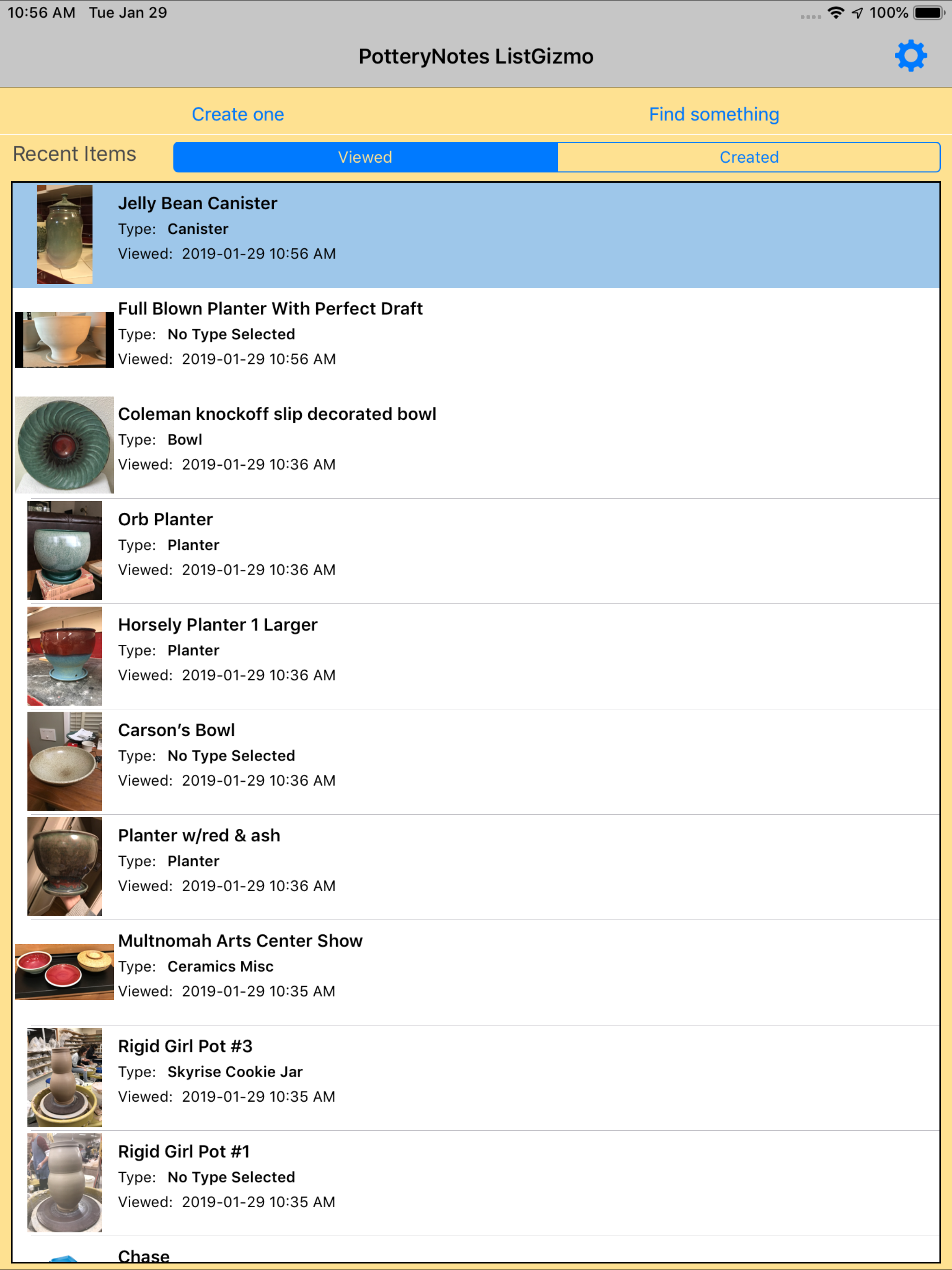
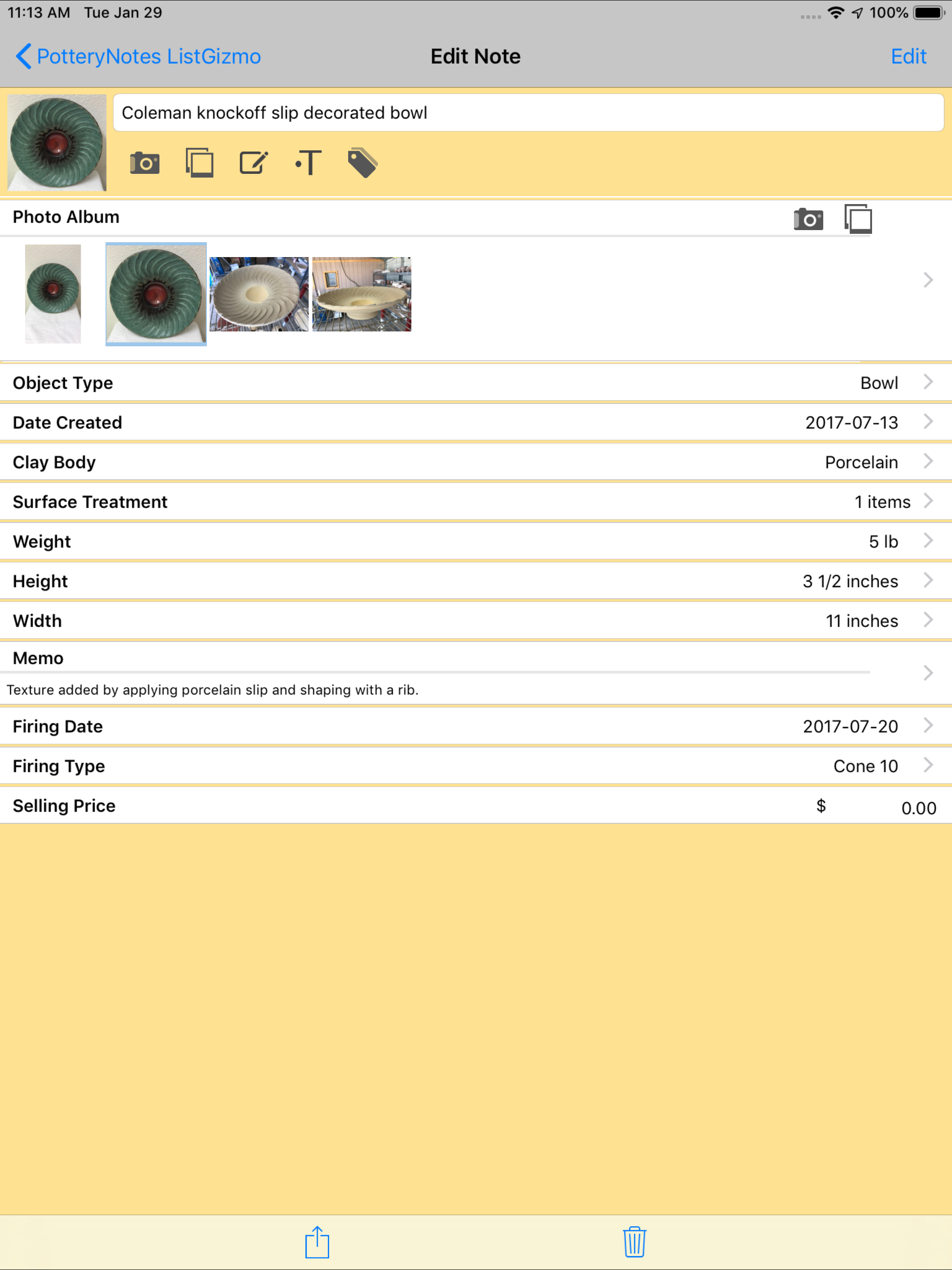
Study the product story and store experience behind the acquisition funnel.


03 / Market context
Keep revenue, downloads and store rankings separate from advertising performance.
As a potter doing glaze testing in a shared studio space, this app is wonderful! It helps me keep track of all my pieces going in and out of the kiln as well as the way different clay bodies and glazes interact. Overall I have really enjoyed using this app, and it has made tracking my progress as a Potter much easier. My only complaints on this app are a few bugs. Currently you can’t search for glaze/surface treatments, but I have been told that will be fixed in the next update. Also I’ve found that if you delete a tag on one item, it can delete that tag from other items you have tagged. This is a minor bug but it really can cause some issues in tracking which pieces are coming out of the kiln. Overall I would recommend this app! Hopefully in the upcoming updates some of the smaller bugs will be fixed which would definitely take this from a 4 star to a 5 star app.
I used Evernote for my pottery notes before I found out about this app. And, boy, what a wonderful app to have! A big THANK YOU to whoever designed it. You understand what us potters need! I could take pictures and write notes on the same page, and it’s so easy to do! I really appreciate how having this makes record keeping so much easier. However, to share this from my iPhone to my iPad, I would have to transfer each page separately (gasp). Could you please please please work on allowing the user to sign in with email so when we open other devices we could see it too? I normally only have my iPhone with me and it would be nice to see the details of the pictures in a larger scale when I look back. Most of the other Apple apps have this in their setting, but I only see unit conversion in the setting in the app.
I find this app very handy but I have a hard time sorting through my list for “in process” vs “completed” pieces. I wish I could a) order my list numerically and not have the top entry switch based on the last entry I opened and B) archive entries for completed pieces so that I can keep track of my completed pieces but in another list or on another tab so they’re not clogging up my current “in progress” list.
Quickly and easily create beautiful notes about your ceramic and pottery projects. Add photos, captions and descriptive data and information, and aut...


