Check the acquisition promise
Read the store headline, screenshots and description. What problem is the app promising to solve?
Study the storefront ↗
C&A Marketing, Inc. · iOS
Explore the ad evidence, study the storefront, and build your next acquisition hypothesis.
01 / Creative research
Read the store headline, screenshots and description. What problem is the app promising to solve?
Study the storefront ↗Explore apps with direct store-link matches. Compare their hooks and formats without assuming the same approach works here.
Browse observed advertisers ↗Store rankings and revenue estimates describe market context. They do not establish ad spend, conversions or ROAS.
Review the market context ↗02 / Storefront & product
Study the product story and store experience behind the acquisition funnel.



03 / Market context
Keep revenue, downloads and store rankings separate from advertising performance.
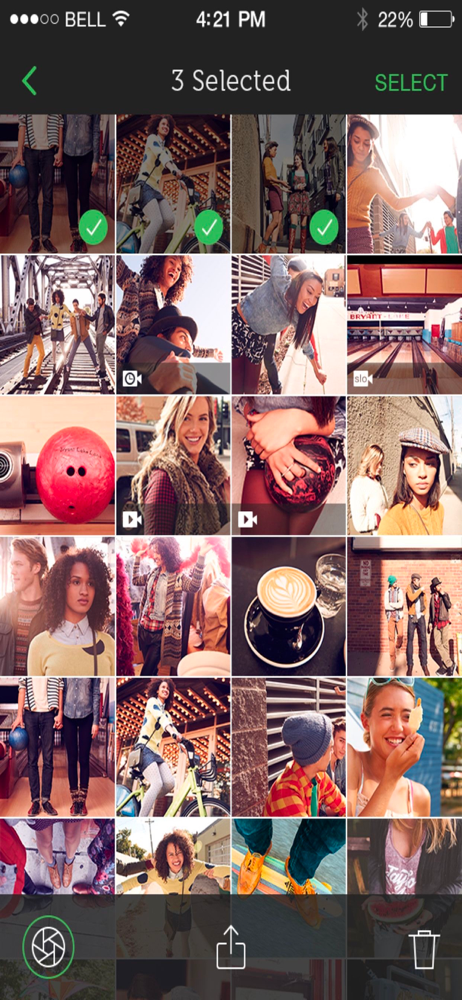
Works ok with iOS12 if a little clunky but fails to connect with the camera in iOS 13 :-( I’ve tried on iPhone 7 and iPhone X The UI is very unclear about what mode you’re in and what buttons to press. As you can see from many reviews many people can’t even find the “library” function (tap the small green horizontal bar) Too bad the software quality doesn’t even come close to the hardware and now I have a paper weight unless they choose to update.
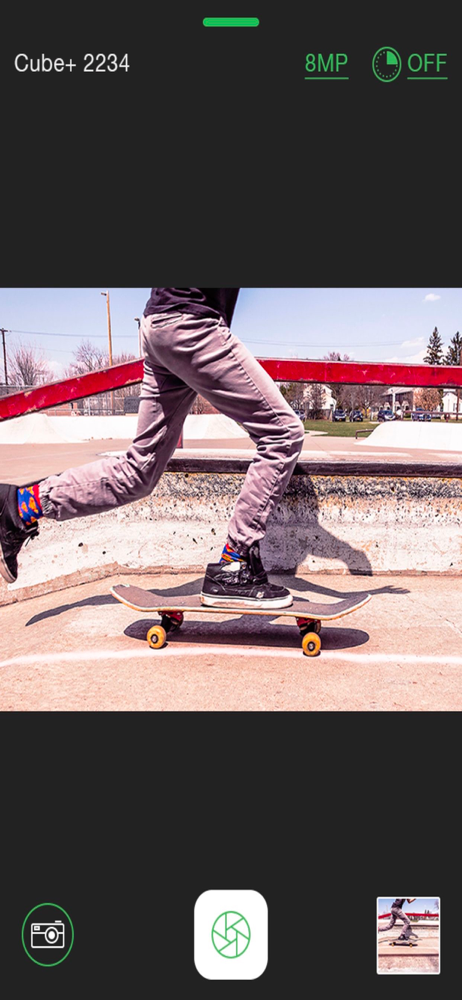
On my iPhone 7 Plus running 11.4.1 I saw no preview even after disconnecting and reconnecting, and even deleting and reinstalling the app. Preview shows up intermittently on my iPad Pro 12.9” also running 11.4.1. However, the preview shows up consistently on my semi-ancient iPhone 5s, my Droid Turbo, and my Kindle Fire 7. Otherwise, the app seems to work fine on iOS. Allows controlling of the Cube+ resolution, camera mode and more. It’s just that the live preview is one of the big points of having a wifi cam. UPDATE: I updated all of my devices to iOS 12 and the issue persists. :( Please fix! This is a big deal as I can't live stream from my 7+ and it's my only device with a wireless data plan! (AKA the wifi features are of little use to me without a video preview.)
The app does have a library, for those who don’t know how to look it up when you’re in the regular screen or to record there is a thin green line at the top of the screen, when you touch it, it reveals your library there. Just posted this for a review that was left of someone that was confused or didn’t know how to access all the files at once. Good luck I hope this helped. 😉
Shoot. Stream. Save. Share. The Polaroid CUBE+ app lets you sync your camera with your iOS device, so you can use your or iPhone, iPod touch, or iPad...