
Check the acquisition promise
Read the store headline, screenshots and description. What problem is the app promising to solve?
Study the storefront ↗
Nicolas Camenisch · iOS
Explore the ad evidence, study the storefront, and build your next acquisition hypothesis.
01 / Creative research
Read the store headline, screenshots and description. What problem is the app promising to solve?
Study the storefront ↗Explore apps with direct store-link matches. Compare their hooks and formats without assuming the same approach works here.
Browse observed advertisers ↗Store rankings and revenue estimates describe market context. They do not establish ad spend, conversions or ROAS.
Review the market context ↗02 / Storefront & product
Study the product story and store experience behind the acquisition funnel.


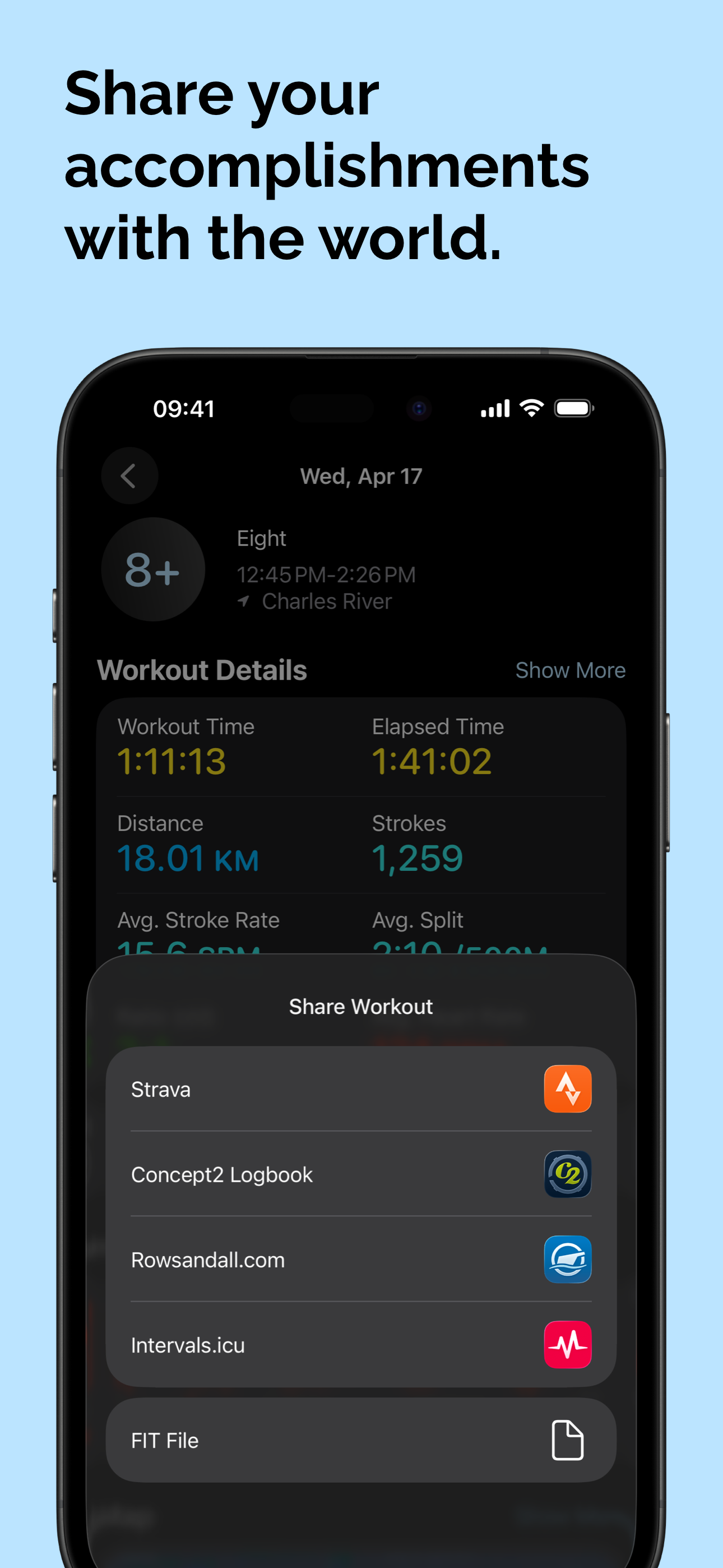
03 / Market context
Keep revenue, downloads and store rankings separate from advertising performance.
It requires watch os 9. Check this first in your Watch app, General, About. If you have e.g. v8.8.1, don’t bother, won’t work. Best of luck, I may try again when this watch dies and I get a new one. Installed twice, once with setting “automatically as watch companion apps”. When looking at the Apple Watch app, pocket watch is not listed. Maybe there it’s a requirement of a specific version of Apple Watch, who knows? Nothing mentioned in the forum or in the instructions.
I have been using the unpaid version of pocket cox since the post on Reddit came out and I love it. It is easy to use and feels gives accurate stroke rate and split which is important to me because I do not have a stroke coach. This being said I do have two points of improvement which could make this app perfect for me. Number 1 would be making the app use the active/passive calories feature that the Apple Watch uses for its workouts in Apple health. I find that the pocket Cox app makes calories appear on my move ring solely based on my elevated heart rate and does not give me a sense of active calories burned. The second point of feedback would be to change your sweep side while creating the workout on the go. I row for a club which has people rowing both sides on a given day and when I use pocket cox, I have to set it on my phone before I set a workout. If there was a button to choose which side you were rowing on for sweep, it would make data collection more accurate and make the experience less clunky. Overall, great app and does an amazing duty, but could go the extra mile with a few quality of life improvements!
I tested all the different rowing apps available, and PocketCox is by far the best one by far! The measurements seem very accurate, and the layout makes it very easy to read in a glance on the water.
PocketCox is the most advanced rowing performance monitor for your wrist. It leverages the high-end sensors in your Apple Watch to track your on-water...
| Name | Price | Type |
|---|---|---|
| PocketCox Pro (Monthly) | $1.99 | Monthly |
| PocketCox Pro (Annual) | $12.99 | Yearly |


