Check the acquisition promise
Read the store headline, screenshots and description. What problem is the app promising to solve?
Study the storefront ↗
Yosuke Seki · iOS
Explore the ad evidence, study the storefront, and build your next acquisition hypothesis.
01 / Creative research
Read the store headline, screenshots and description. What problem is the app promising to solve?
Study the storefront ↗Explore apps with direct store-link matches. Compare their hooks and formats without assuming the same approach works here.
Browse observed advertisers ↗Store rankings and revenue estimates describe market context. They do not establish ad spend, conversions or ROAS.
Review the market context ↗02 / Storefront & product
Study the product story and store experience behind the acquisition funnel.




03 / Market context
Keep revenue, downloads and store rankings separate from advertising performance.
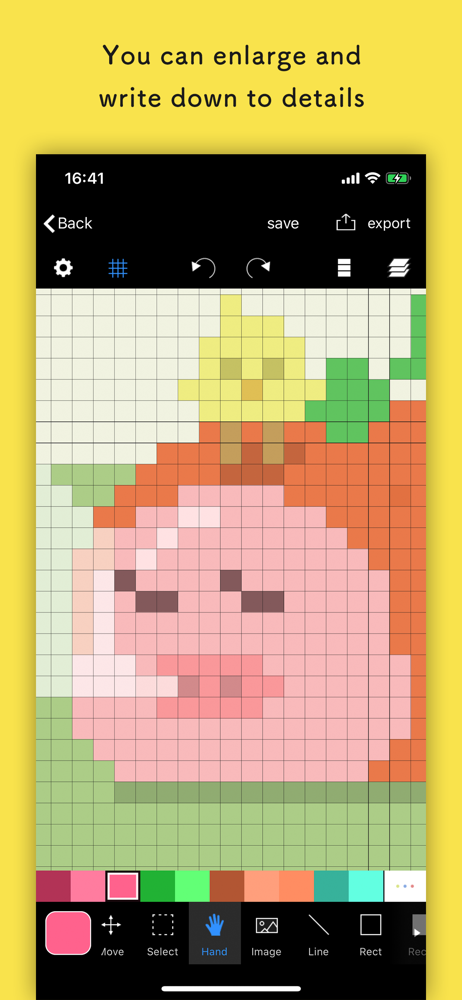
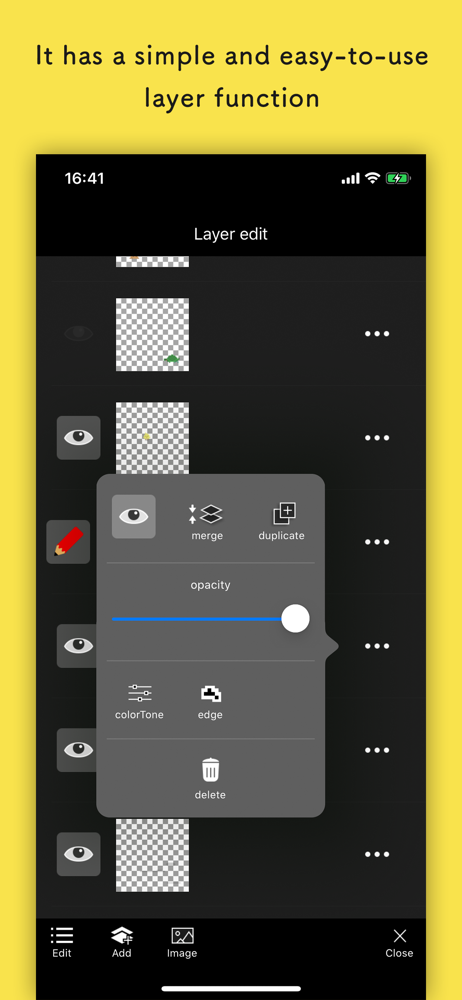
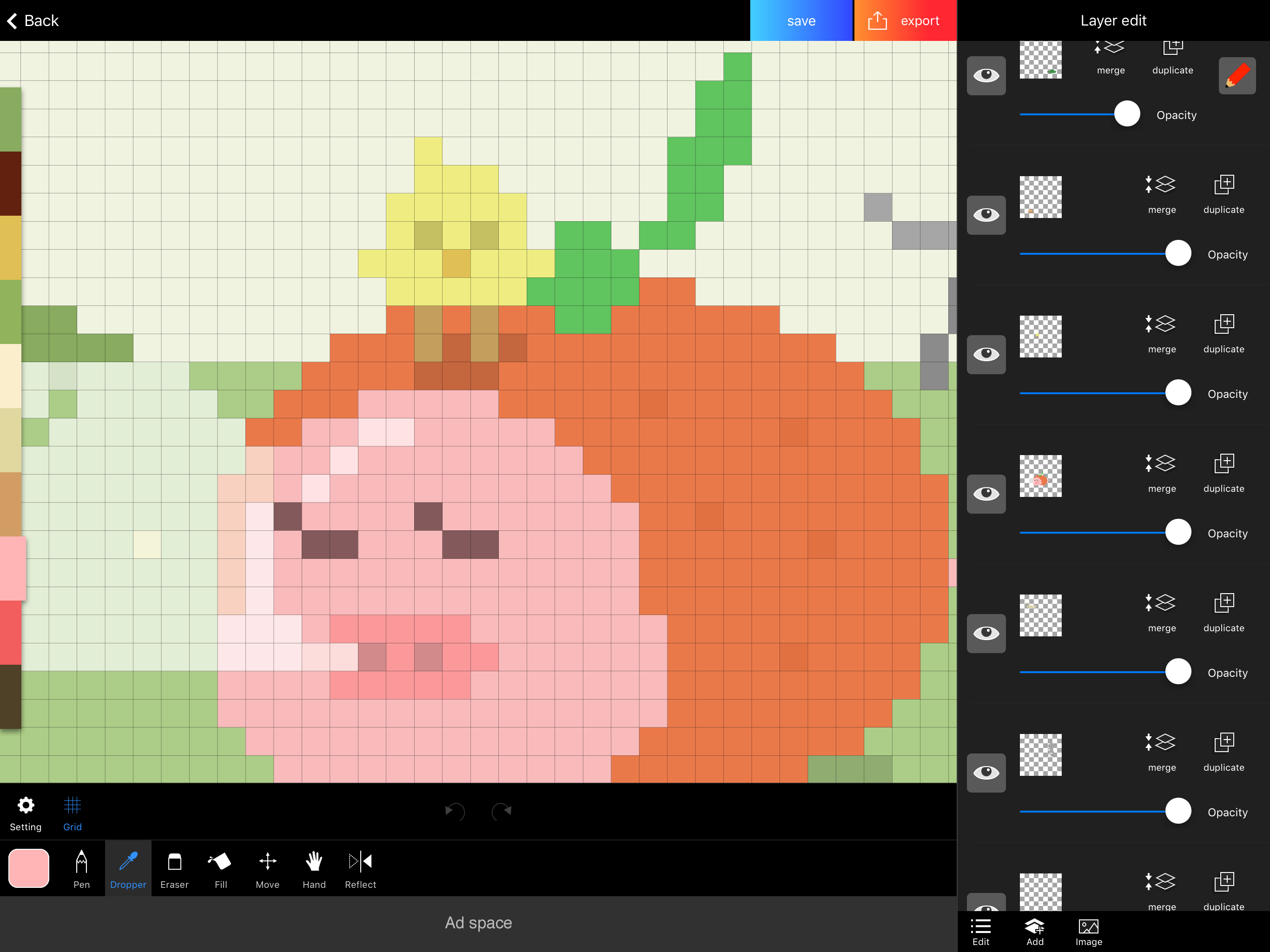
This is a nice app for when I want to quickly get a lil pixel dude made, and it even has an animation feature I’ll have to check out. There are ads, but they don’t take up the entire experience (ads on bottom of screen exist but are easy to ignore, video ads exist but don’t seem to happen very often so far). It’s got layers too, and you can move and scale your pixel art as you go- moving it keeps it looking beautiful, scaling can make that a bit difficult but it works well enough! You’re able to make canvases up to 256 pixels- might be slightly restricting for some, but for the purpose of pixel arts, it works very well and 256 is more than enough to experiment with making sprites with (and that animation feature’s looking really interesting to test out right about now). If you’re looking for a canvas with enough tools to be able to breathe, this is the app you want.
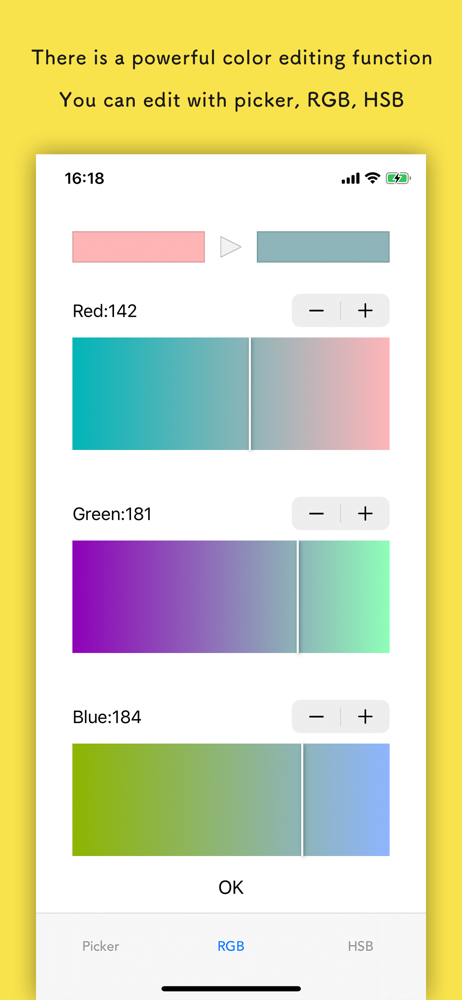
I have always wanted something like drawing to try (and be half decent at). I downloaded the app a few days ago, user interface is simple, the tips are actually very helpful, there’s a lot of tools that I’ve barely begun to use, and I really like the option to make a animated image. With only the basic tools I’ve made a half dozen or so pictures I’m very happy with and have been excited to show my friends. I have wanted to try pixel art for some time now and since downloading this app have been wondering why I haven’t done it sooner. Recommend this app for some fun doodles to kill time or express oneself. On a side note for people that care about ads, there are 5-10 second ads and they only seem to appear if you save an image most of the time. Ads can be removed entirely for a price. Only bug I’ve noticed is some of the more complex functions have non-ad pop ups when they’re chosen that are not in English when all other text is in English.
This app is great for making pixel art on the go. Its easy user friendly and a life saver for indie game devs such as myself. I have a few suggestions though to make this app better. For one, I like the option to rearrange projects. I’d like for there to be a a color selection tool (like the magic wand tool in Photoshop). I’d also like to be able to add more layers to a project. I’d also like for there not to be a limit to how many times you can Undo. And lastly, it would be great if I could increase the size of the canvas larger than the default which is 256 x 256 pixels, unless there already is a way to increase the size and I’m just not aware of it. Other than that, this app is great, very convenient, and well worth the money. 👍🏼👍🏼
Here is a pleasant pixel art editor! This is an app which pursue the stress-free and intuitively drawing of pixel art. The app has genuine functions,...
| Name | Price | Type |
|---|---|---|
| Remove ads | $3.99 | One-time |