Check the acquisition promise
Read the store headline, screenshots and description. What problem is the app promising to solve?
Study the storefront ↗
Simplified I.T. Products, LLC · iOS
Explore the ad evidence, study the storefront, and build your next acquisition hypothesis.
01 / Creative research
Read the store headline, screenshots and description. What problem is the app promising to solve?
Study the storefront ↗Explore apps with direct store-link matches. Compare their hooks and formats without assuming the same approach works here.
Browse observed advertisers ↗Store rankings and revenue estimates describe market context. They do not establish ad spend, conversions or ROAS.
Review the market context ↗02 / Storefront & product
Study the product story and store experience behind the acquisition funnel.




03 / Market context
Keep revenue, downloads and store rankings separate from advertising performance.
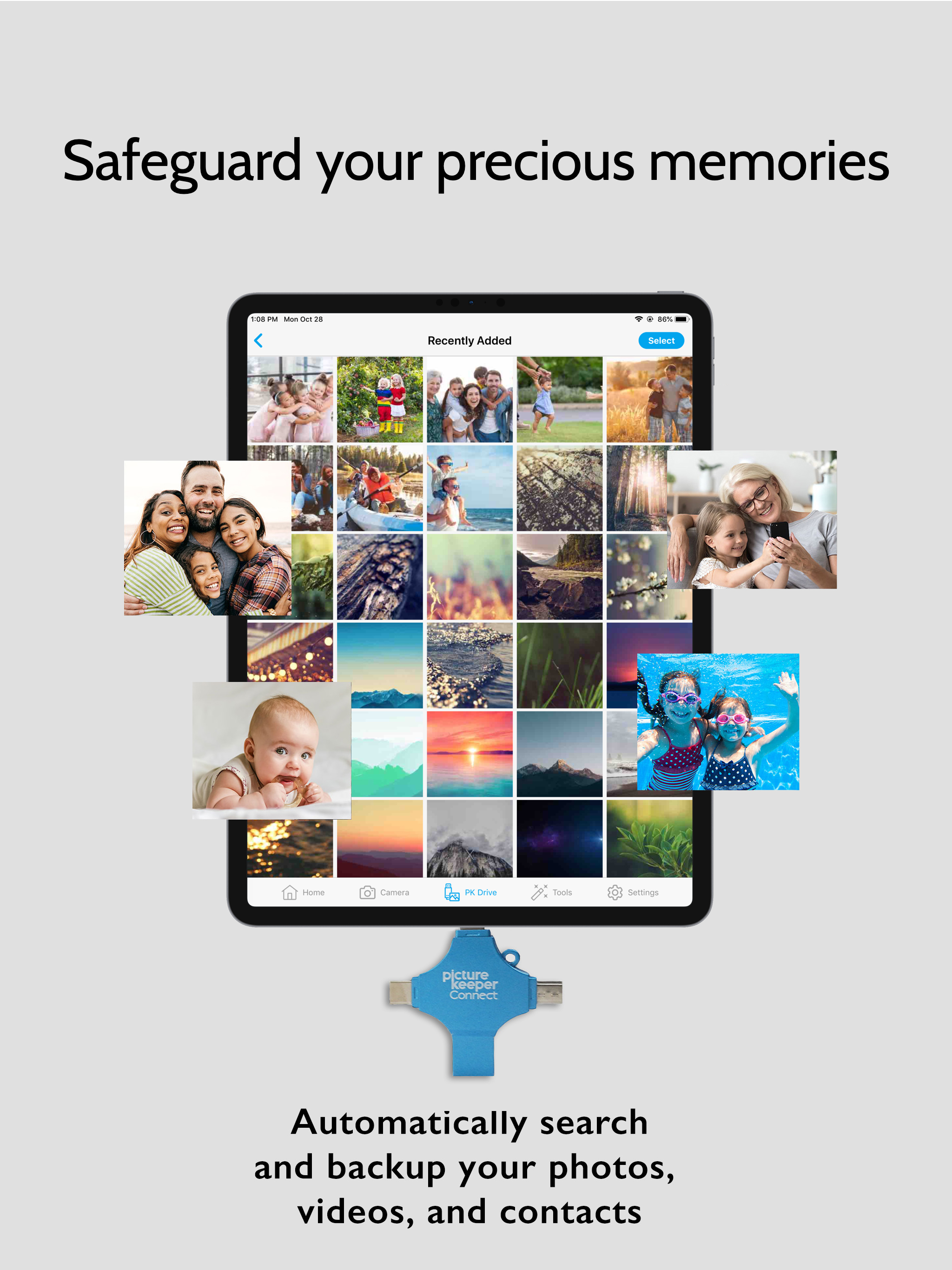
I have three young grandsons. The oldest is 7. So I have accumulated over 22,000 photos and over 5000 videos. My cloud storage is close to full, which is now connected to all my email accounts Those accounts slow down or stop until more storage is purchased. I refuse to pay for more storage The Picture keeper is a great solution for me. I plan to download them to an external hard drive also. The whole process took over a week to complete. I was able to use my iPad and had to stop the transfers to charge the iPad , but it has been well worth it. I am so happy.
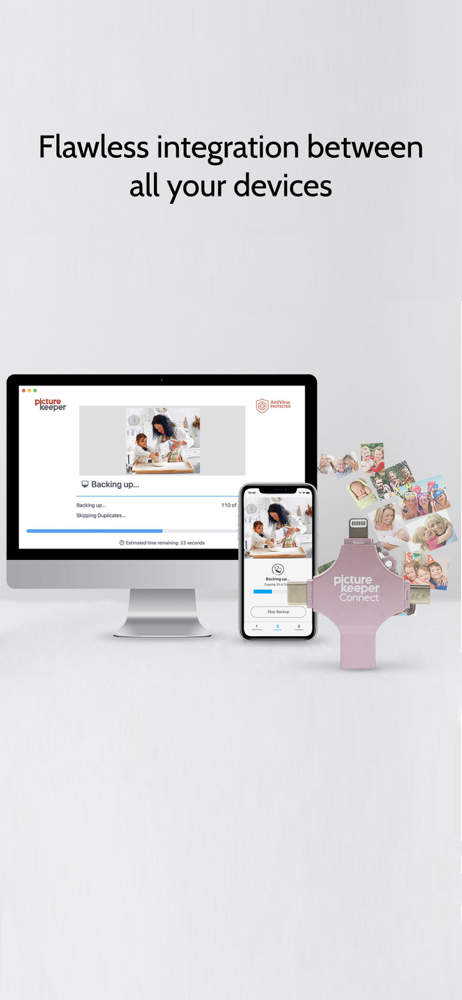
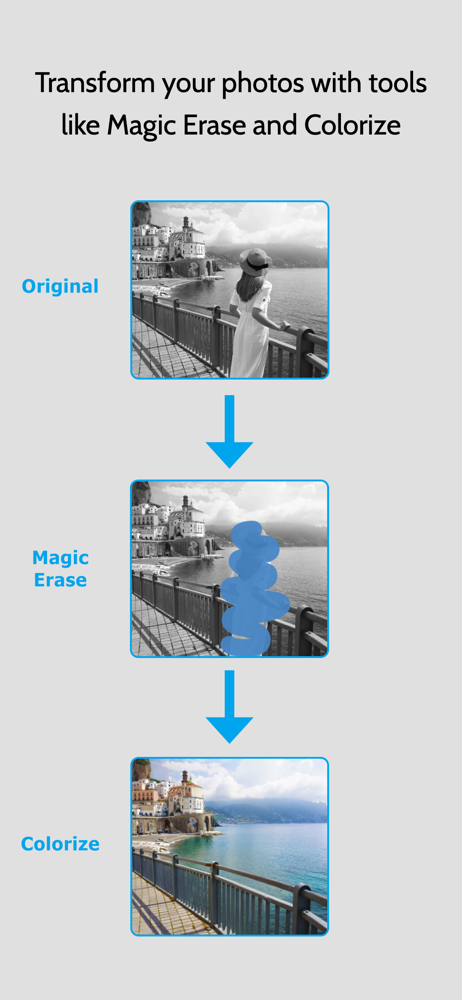
Picture Keeper is so easy to use! It will pick up where you left off each time you backup data. It backs up more than just photos and videos, it also backs up contacts and files. I take a lot of photos and my phone was clogged with over 32,000 photos and videos. I used one 256K Picture Keeper and, off and on over four days, I got it all backed up with room to spare. I used 71% of the memory. This would have taken me weeks or months to back everything up if I didn’t have Picture Keeper. My only downside was that I couldn’t charge the phone while it was backing everything up. Also, sometimes, I had to change my settings so that the screen didn’t get locked because that stops the backup process, which didn’t hurt anything and was easy to restart. Mostly the app stayed open. I only had a few times that my screen would lock up. Lastly, you have to keep the device flat and not use other apps while it’s backing up. However, if it’s just a few items needing to be backed up, it’s very fast! Overall, I’m thrilled and relieved to have everything backed up! No monthly fee either for storing all my data. Bonus, it has a feature to use my photos to make greeting cards! I bought some for my entire family as gifts!!! You just need to download the app!
I love the Picture Keeper ! I have used it on my Samsung Note 4, I Phone 8, and the Galaxy 9 (other than taking a moment to allow permissions, which is sometimes not exactly as directed) it works like a charm! All of my pictures get sucked right in and I can move them where I want. I love the fact that I have an external drive to keep them on besides cloud storage. It only takes the pictures that haven’t been saved yet! Im about to use it on my desk top computer as I have a new one sitting in a box ready to be set up. I can’t say enough about how well the Picture Keeper Connect works !!! Also, I had to get a type c adapter for the Galaxy 9. I sent an email, got a response within hours, on a weekend. Three days later I had an adapter! Excellent service for an exceptional product!!
Mobile Backup Simplified. Whether you've run out of space or just got a new phone, backing up your precious memories is essential — and it makes room...
| Name | Price | Type |
|---|---|---|
| KeepSafe Protection - Special Offer (Monthly) | $3.99 | Monthly |
| KeepSafe Protection (Monthly) | $9.99 | Monthly |
| KeepSafe Protection - Special Offer (Annual) | $34.99 | Yearly |
| KeepSafe Protection (Annual) | $99.99 | Yearly |