Check the acquisition promise
Read the store headline, screenshots and description. What problem is the app promising to solve?
Study the storefront ↗
Sincere Apps · iOS
Explore the ad evidence, study the storefront, and build your next acquisition hypothesis.
01 / Creative research
Read the store headline, screenshots and description. What problem is the app promising to solve?
Study the storefront ↗Explore apps with direct store-link matches. Compare their hooks and formats without assuming the same approach works here.
Browse observed advertisers ↗Store rankings and revenue estimates describe market context. They do not establish ad spend, conversions or ROAS.
Review the market context ↗02 / Storefront & product
Study the product story and store experience behind the acquisition funnel.




03 / Market context
Keep revenue, downloads and store rankings separate from advertising performance.
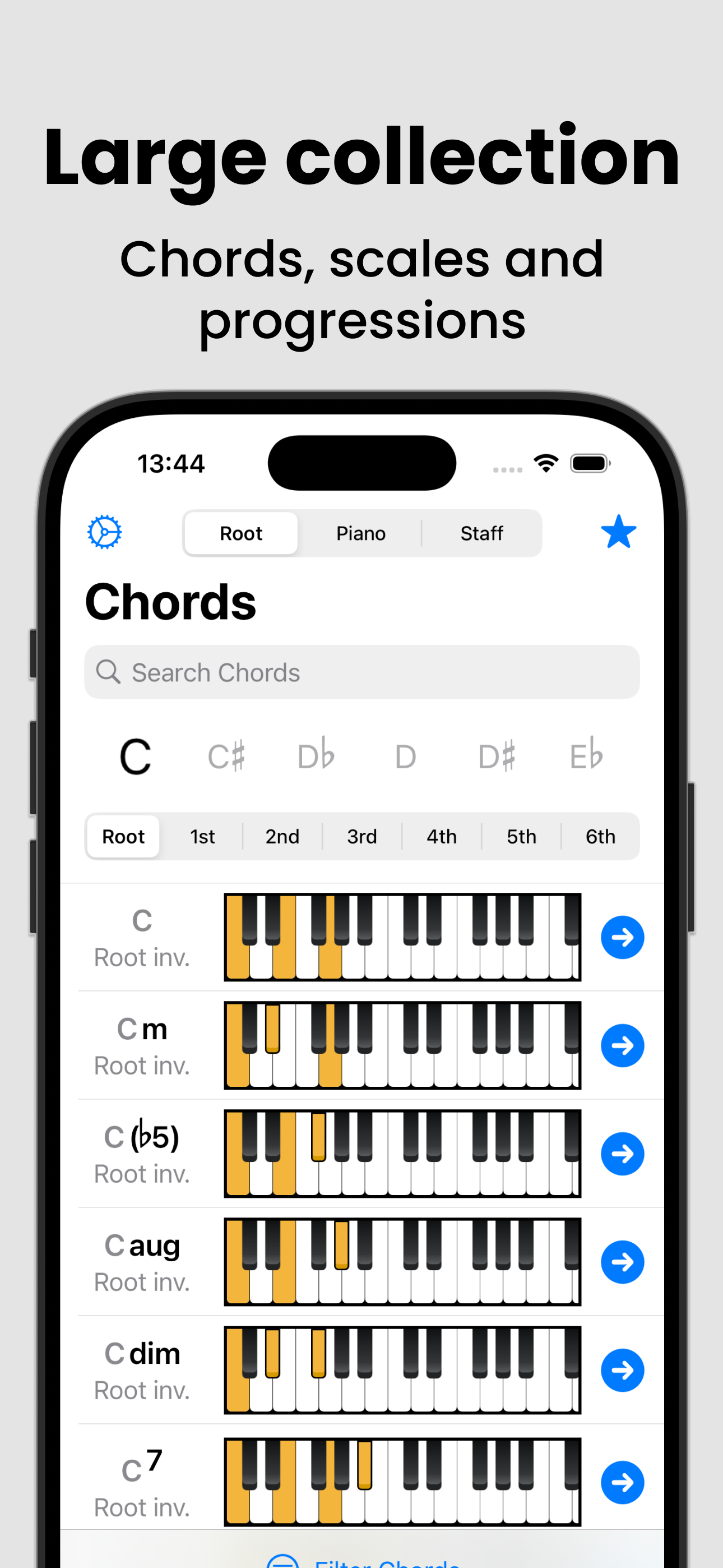
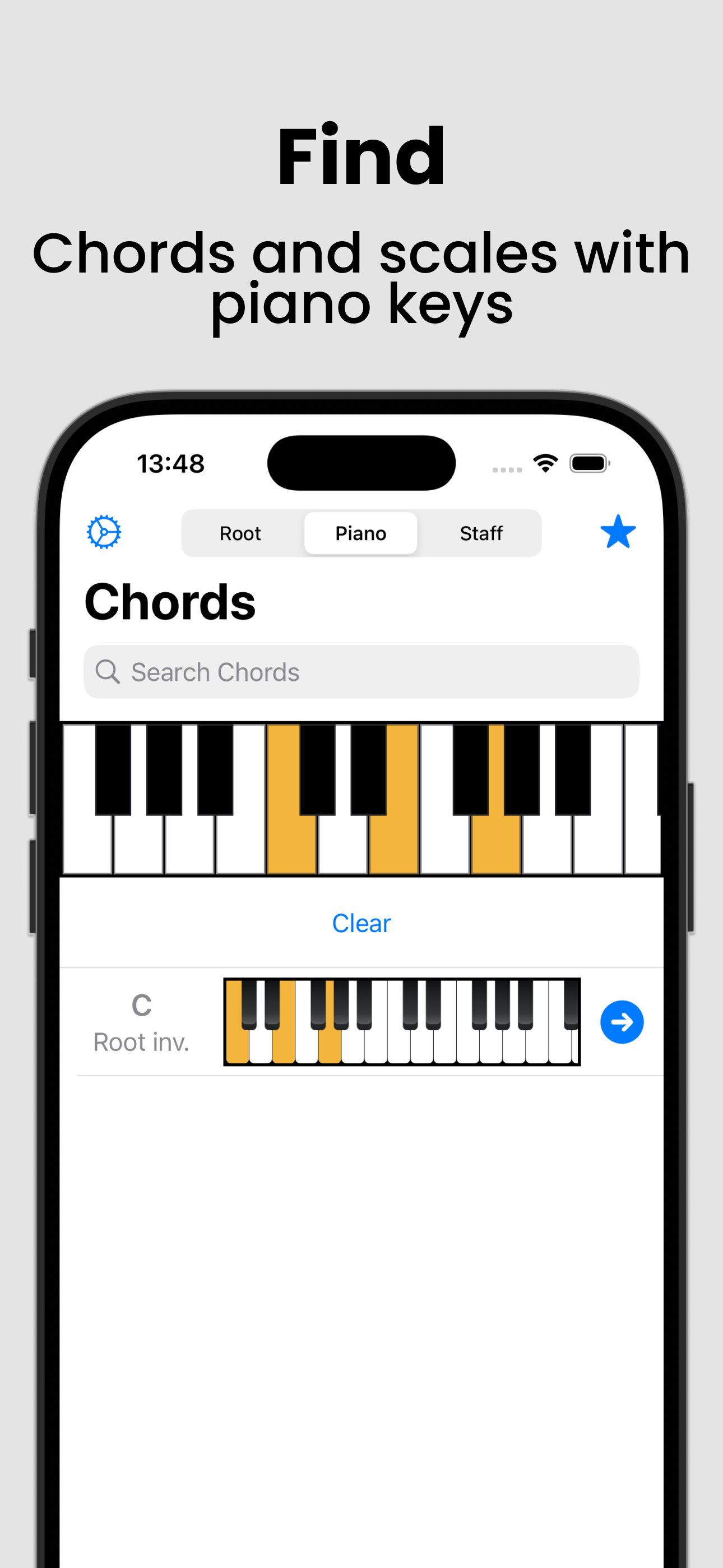
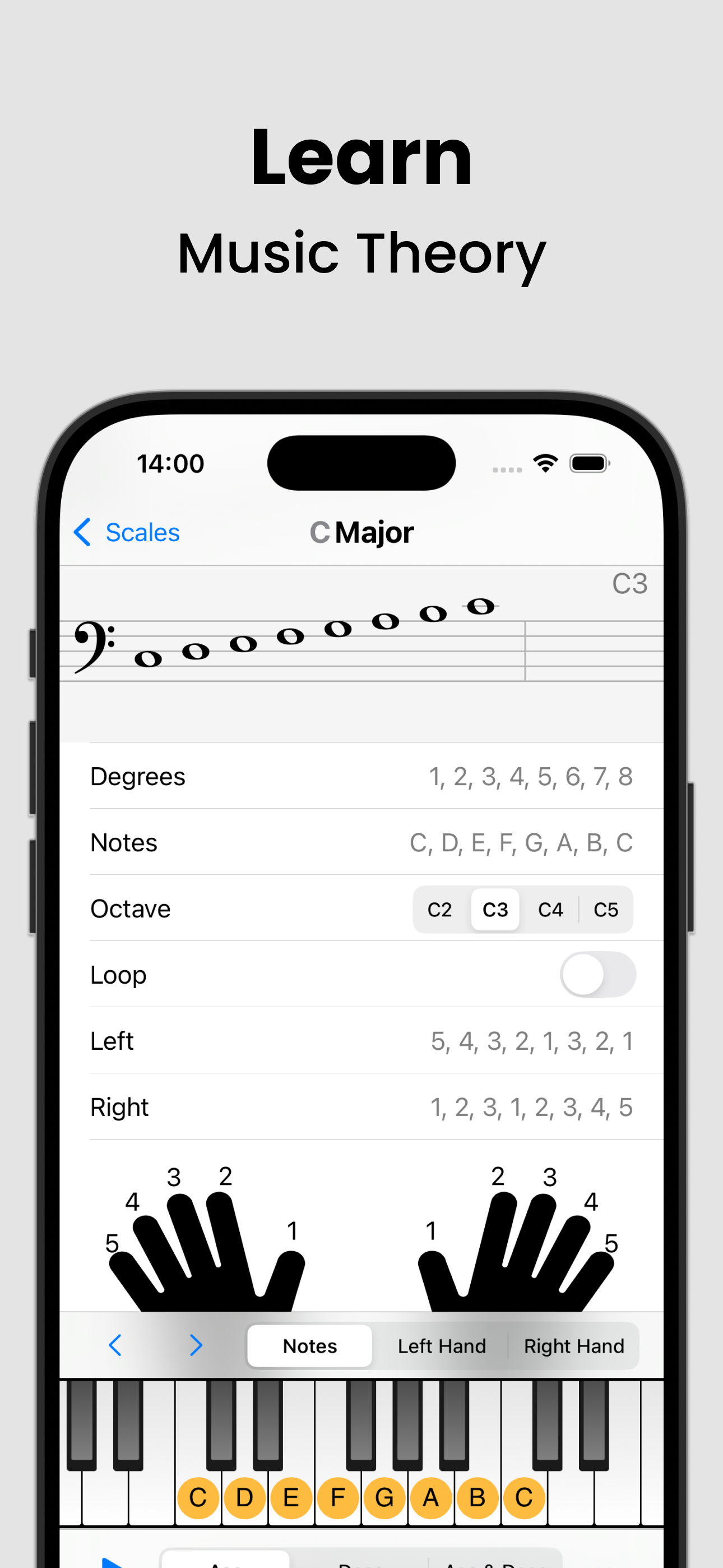
For learning piano this app is indispensable and well worth the $4.99 to have it all. As a visual learner you can quickly see the patterns and make sense of the use of fingering, especially with scales. I can even practice memorizing scales when away from an actual piano. Plus you have everything you need on the screen - if you want to know the musical notation but also want to see where it is on the piano keyboard its all there - plus you can play it back. When practicing scales you can choose whether it's the notes or the finger numbers that appear on keyboard. You would have to spend at least $35 to find a paperback chord book that still wouldn't contain all of this without it being too large of a book. Bravo to the team that took the time to develop this app - thanks for that!!! Edition: I keep discovering new features on this app and I’m so grateful for it! In particular I’ve been utilizing the flashcards, quizzes and what not that are teaching me how to recognize and name all kinds of chord shapes, either by pattern on piano or musical notation!
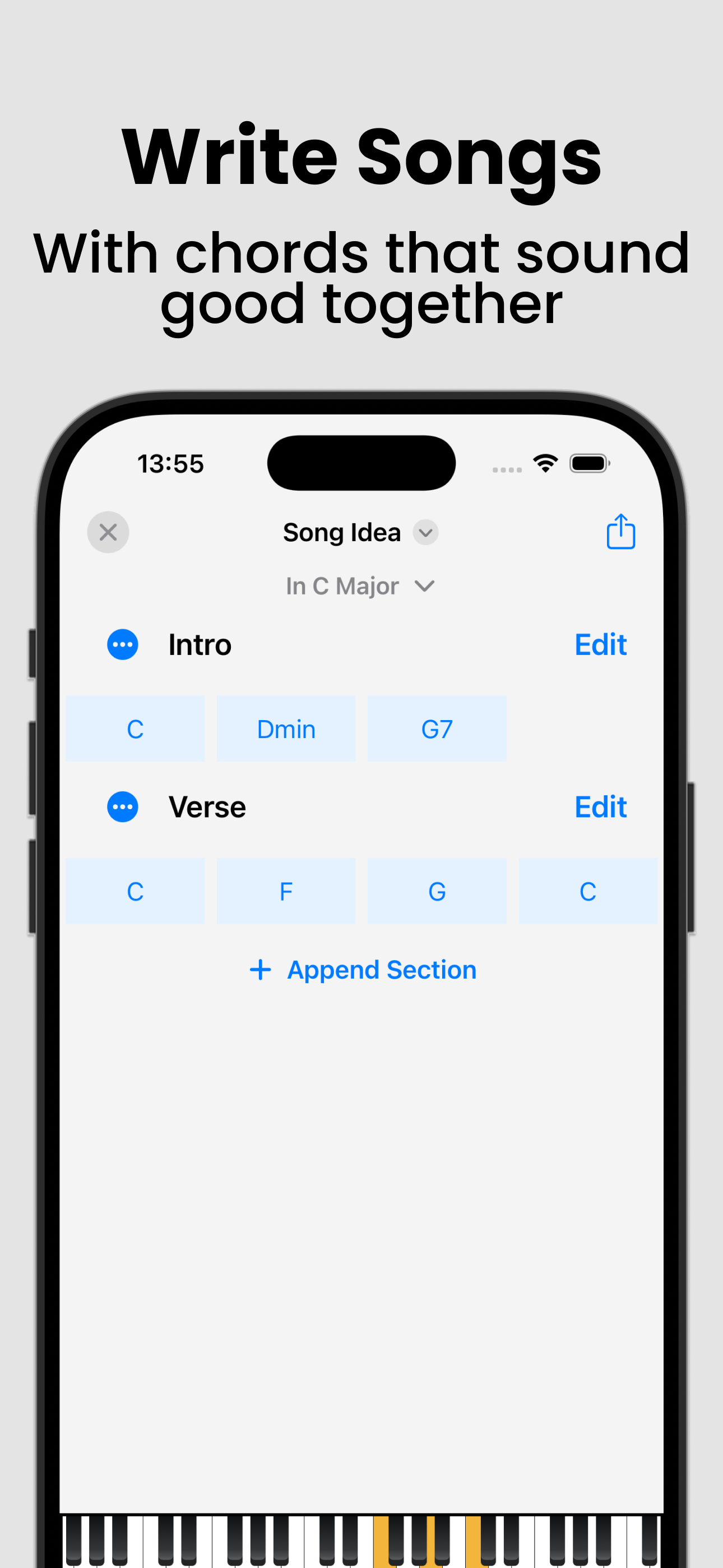
The most useful feature of this app is the song composer which lets you pick one chord at a time to build your song. With each chord selected, the app will provide a number of chords to choose from for next step, and this is a great tool. Unfortunately there is a number of issues holding the app back and making it unworthy IMO of the $20 full unlock price which I paid. There’s bugs that effect the interface. For example, the keyboard display that shows the selected chords notes often fails to update as you select different chords. Layout issues where text elements get stacked on top of each other making it illegible. When composing, the app is obsessed with filling a 4 beat measure, leading to prompts that are intended to be helpful but really just inhibit workflow. And sometimes the chord you select is not the chord you get added, forcing you to delete the chord and try a couple times again until the app plays along. None of these are show stoppers, but the biggest disappointment is paying $20 to unlock different scales. After paying the scales become available, but there are no chords within those scales available to build songs. For example, I was excited to build a song using chords from a blues scale or Dorian, paid the $20 and found no chords in the composer available for those scales. From what I can see, there is no additional functionality provided in the composer after paying. $20 does indeed unlock features, but I found those to be basic, obvious and of little value. Certainly not worth $20. So there is a ton of potential in the composer part of the app, but not fully tested and a bit misleading in purchasing expectations. My recommendation is to use the free version until you exhaust its potential, then try another app. As it stands, there is no reason to pay for this app.
There are a number of apps that allow you to create chord progressions, but not as efficiently and quickly as this app. The interface is slick and wastes no space with extra unnecessary features. Adding a colorful chord within a specified key is one to two taps away. The ability to create chord progressions, set the length of each chord, and export to midi, straight into a folder that can opened in either a mobile or desktop DAW makes this an invaluable addition to any producer’s toolkit. As someone who works primarily on pop music that uses a lot of synthesized sounds, I would much prefer creating chord progressions and patterns on an easy to look at app like this rather than pulling out my computer or manually trying to draw notes into the screen of a mobile daw. I can’t recommend this app enough as it’s inspired me to go more mobile with my production process. The full version is worth the purchase! Coming from a more rhythmic-centric dance-music perspective, there is one feature that would drastically improve my personal workflow: the ability to repeat a chord of a specified length. Currently, when I add a new chord it automatically is set to be 4 beats. It would be helpful for rhythmic chord creation to be able to, for instance, repeat a 16th note length chord multiple times. In the meantime, I will be using this app to build chord progressions that I can further break up in a daw.
Chords and Scales let you explore chords, scales, and chord progressions and compose songs intuitively and interactively. It is helpful for musicians,...
| Name | Price | Type |
|---|---|---|
| Unlock all features weekly | $1.99 | Weekly |
| Unlock all features (Monthly) | $1.99 | Monthly |
| Unlock all features (Monthly) | $4.99 | Monthly |
| Unlock all features (Annual) | $5.99 | Yearly |
| Full Unlock Lifetime Special | $9.99 | One-time |
| Unlock all features yearly | $11.99 | Yearly |
| Unlock all features (Annual) | $11.99 | Yearly |
| Unlock all features yearly | $14.99 | Yearly |
| Full Unlock Lifetime | $24.99 | One-time |
| Unlock all features lifetime | $34.99 | One-time |