Check the acquisition promise
Read the store headline, screenshots and description. What problem is the app promising to solve?
Study the storefront ↗
Smart Tool Studio · iOS
Explore the ad evidence, study the storefront, and build your next acquisition hypothesis.
01 / Creative research
Read the store headline, screenshots and description. What problem is the app promising to solve?
Study the storefront ↗Explore apps with direct store-link matches. Compare their hooks and formats without assuming the same approach works here.
Browse observed advertisers ↗Store rankings and revenue estimates describe market context. They do not establish ad spend, conversions or ROAS.
Review the market context ↗02 / Storefront & product
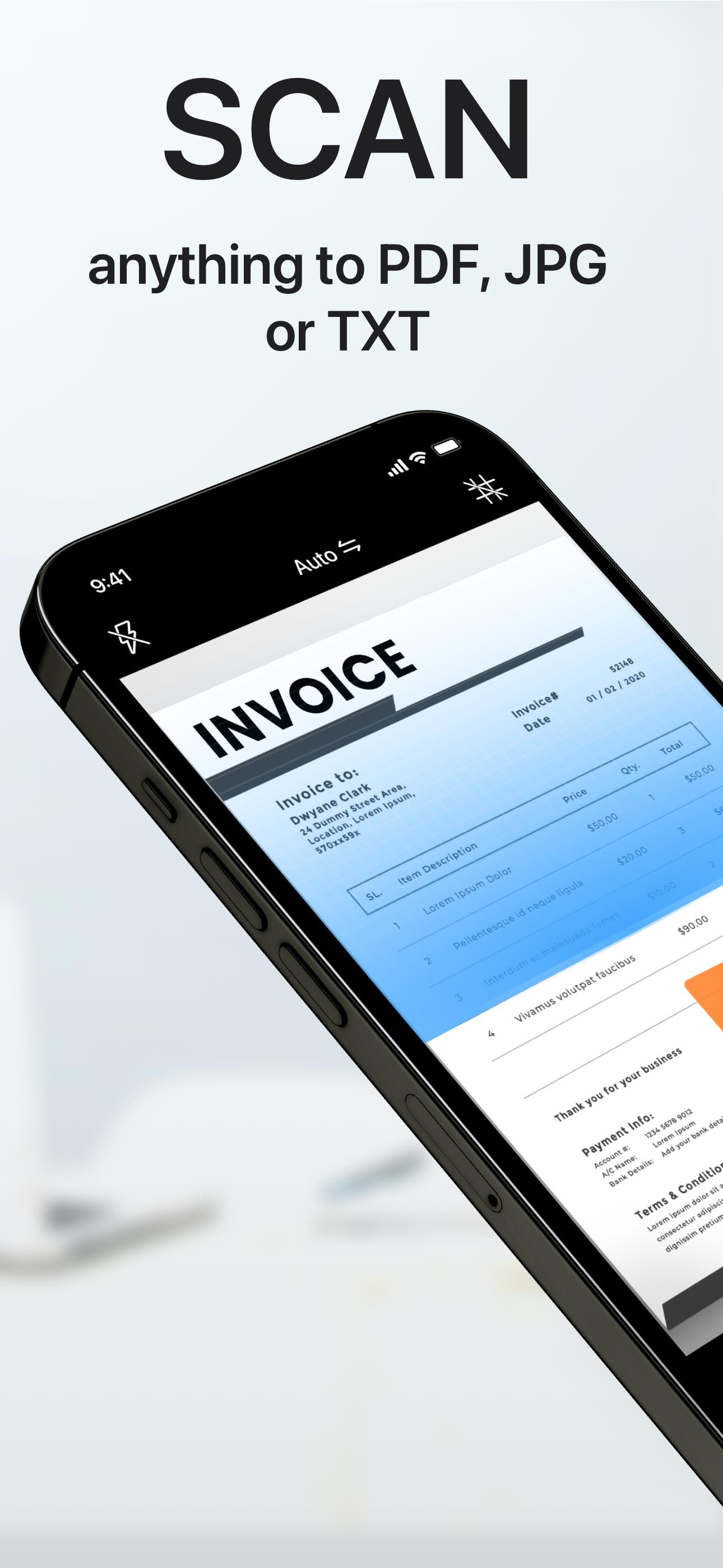
Study the product story and store experience behind the acquisition funnel.


03 / Market context
Keep revenue, downloads and store rankings separate from advertising performance.
I’m disappointed with the reviews for this app :( I downloaded it a while ago and went through with the three day free trial and I knew I had to subscribe. I use it for turning my textbook and school notes into text. The scanning process is very quick and being able to have multiple documents to scan is so useful. I’ve scanned HUNDREDS, maybe even close to a thousand, of pictures of my notes and textbook and I would say the accuracy is about 99% which is incredible. And honestly I think it’s user error when it messes up because my picture could have been blurry. Also being able to import pictures from your camera roll makes the process so much nicer! This app is underrated and deserves more recognition. I would highly suggest giving it a try! One thing I would love to see is maybe more options for cropping the photos. Sometimes my textbook has charts in the middle of the page that I don’t want included in my text. Other than that I think it’s awesome!
This app takes 3x longer to use than any other scanner because there are TWO full-screen advertisements that are difficult and take effort to click out of after EACH PAGE scan. Scan one page, struggle to click out of the first full-screen ad, click “cancel” to the second full screen ad for their premium service, then scan the next page. If you are scanning more than one page, this is a nightmare. It’s clearly a bid to annoy you into buying their premium service, with constant reminders that they’d like you to pay to avoid the annoyance they themselves have imposed, but I do not want to support an app with my money that is so absurd and irritating with their user interface and ads. To top it off, the scans didn’t even turn out that well. I’ll pay for something better by another developer.
Hi your app is great it just that it has to many suggestions for adds of different products, but great love it
"Scanner APP" is the best scanner app that can turn your iPhone into a powerful mobile scanner. It enables you to quickly and easily scan, sign and sh...
| Name | Price | Type |
|---|---|---|
| Fax Premium (One Month) | $4.99 | Monthly |
| Premium (One Week) | $6.99 | Weekly |
| Premium (One Month) | $7.99 | Monthly |
| One Month -eScanner Premium | $9.99 | Monthly |
| One Month -PDFScanner Premium | $9.99 | Monthly |
| Promotion PDF subscription (Annual) | $19.99 | Yearly |
| Fax Premium (One Year) | $47.99 | Yearly |
| One Year -PDFScanner Premium | $59.99 | Yearly |
| Scanner APP Premium (Annual) | $59.99 | Yearly |
| Lifetime-PDFScanner Purchase | $69.99 | One-time |