Check the acquisition promise
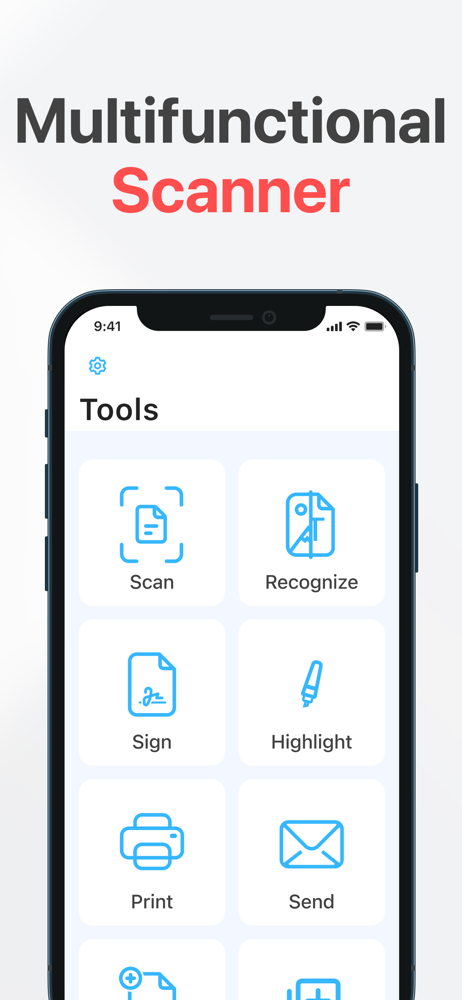
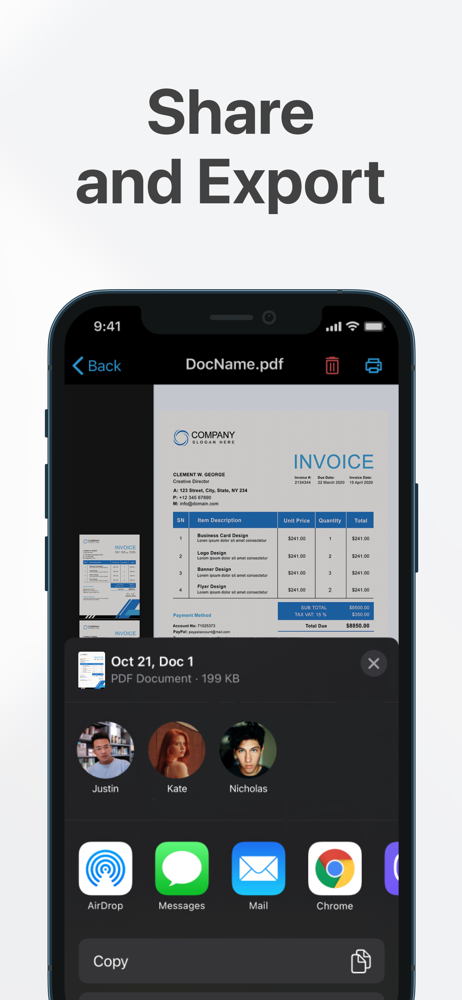
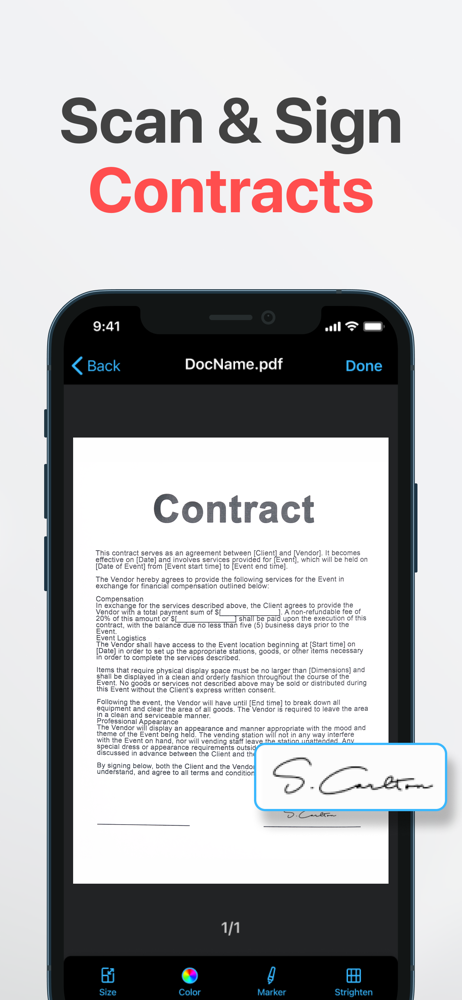
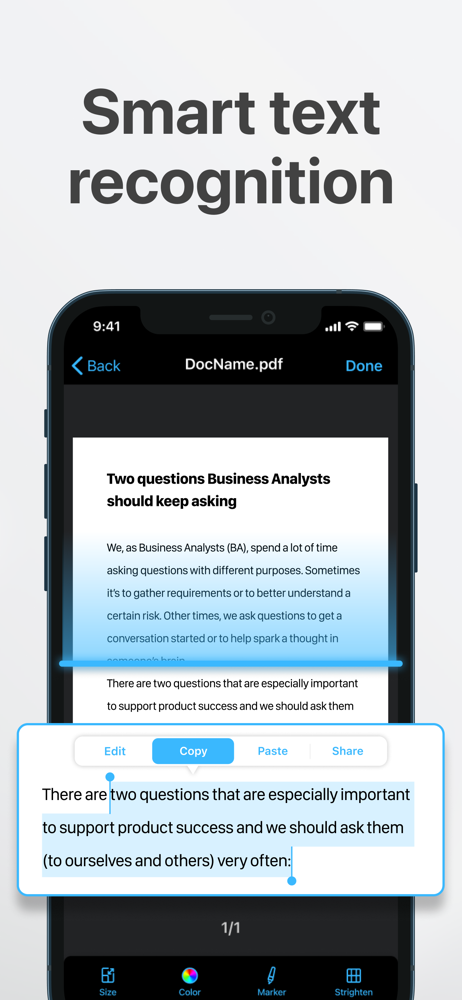
Read the store headline, screenshots and description. What problem is the app promising to solve?
Study the storefront ↗
UniGlobe Apps OU · iOS
Explore the ad evidence, study the storefront, and build your next acquisition hypothesis.
01 / Creative research
Read the store headline, screenshots and description. What problem is the app promising to solve?
Study the storefront ↗Explore apps with direct store-link matches. Compare their hooks and formats without assuming the same approach works here.
Browse observed advertisers ↗Store rankings and revenue estimates describe market context. They do not establish ad spend, conversions or ROAS.
Review the market context ↗02 / Storefront & product
Study the product story and store experience behind the acquisition funnel.
03 / Market context
Keep revenue, downloads and store rankings separate from advertising performance.
This PDF scanning app is a game changer for organizing documents on the go. It’s user-friendly interface makes scanning quick and efficient while the quality of the scan documents is impressively high with features like automatic cropping and easy sharing. It’s a must have for anyone needing to digitize paperwork effortlessly!!! I love it!
I didn't even care to keep the free trial for more than 24 hrs. I couldn't use it. Most of the save or share features were not available, I received 'We are approving this feature' a lot. I thought maybe your app was a beta app, but idk from what I saw even after going back to check, your apps ad makes it seem like your app has been thoroughly vetted and each feature shown is available to use if promised. Plus, the app itself is underwhelming. The bright white screen for those who don't like dark mode, and the bright blue are kinda conflicting. This is just me tho, I'm not an artist or interior designer. Besides the color though, theres nothing appealing or access to anything really.
When I click on the document I can barely see what I scanned… the quality is terrible no matter what lighting I have my paperwork around. I cannot delete it after I clicked on it either. It freezes then I have to go to the main page. It has a select button which lets you click multiple documents; but when I delete the documents, it doesn’t actually delete! So I have to click the 3 dots under the document itself to get it deleted. Why so many options for only 1 to work? And if I pay for it does it give me better quality? I had another free trial for a different app and I’d just rather go back to that.
"Scanner App makes my operations with documents much faster and easier." — Feedback from one of our first users. Turn your iPhone into a powerful por...
| Name | Price | Type |
|---|---|---|
| Weekly subscription | $7.99 | Weekly |
| Monthly Subscription | $9.99 | Monthly |
| PDF Scanner (Weekly) | $9.99 | Weekly |
| Monthly Subscription | $19.99 | Monthly |
| App pdf scanner neat scanner (Monthly) | $19.99 | Monthly |
| Monthly subscription | $24.99 | Monthly |
| Annual subscription | $29.99 | Yearly |
| Annual subscription | $59.99 | Yearly |
| Annual Subscription | $59.99 | Yearly |
| Annual Subscription | $59.99 | Yearly |