Check the acquisition promise
Read the store headline, screenshots and description. What problem is the app promising to solve?
Study the storefront ↗
TLA Systems Ltd. · iOS
Explore the ad evidence, study the storefront, and build your next acquisition hypothesis.
01 / Creative research
Read the store headline, screenshots and description. What problem is the app promising to solve?
Study the storefront ↗Explore apps with direct store-link matches. Compare their hooks and formats without assuming the same approach works here.
Browse observed advertisers ↗Store rankings and revenue estimates describe market context. They do not establish ad spend, conversions or ROAS.
Review the market context ↗02 / Storefront & product
Study the product story and store experience behind the acquisition funnel.




03 / Market context
Keep revenue, downloads and store rankings separate from advertising performance.
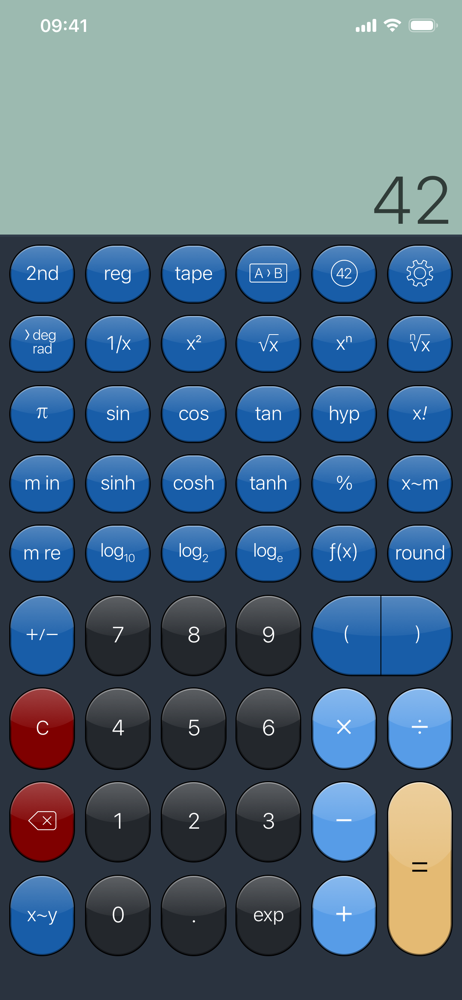
I got this calculator years ago but deleted it because I didn’t like it. I downloaded it again to give it another try but still left disappointed. The iPhone is much more powerful than a Casio scientific calculator yet this app acts like an HP calculator made 20 years ago and doesn’t work as efficiently as a Casio calculator built in the last 5 years. I cannot input long calculations in one go, you must input everything one register at a time which is time consuming and outdated. Also the calculations are very limited. If the fraction has a square root then the answer will be either given in decimal or an approximated fraction instead of an exact value with the square root still intact in the answer. Also the multiline support is very limited. I can’t show my previous calculations except on the outdated tape mode instead of displaying it right on the multiline display like a normal modern Casio calculator. Furthermore, unless I specifically go into complex mode and input data in an inefficient way I can’t do complex calculations. Typing in root(-1) results in an error instead of the calculator outputting “i” like it should. While this layout and methodology might have been impressive 20 years ago, it is very lacking in our modern time and fails to properly utilize the power of modern smartphone processors and massive memory availability. Note: I am better used to the interface now, and while it takes more input time for long calculations, it’s still quite handy in its own way. I changed my rating to 4 stars
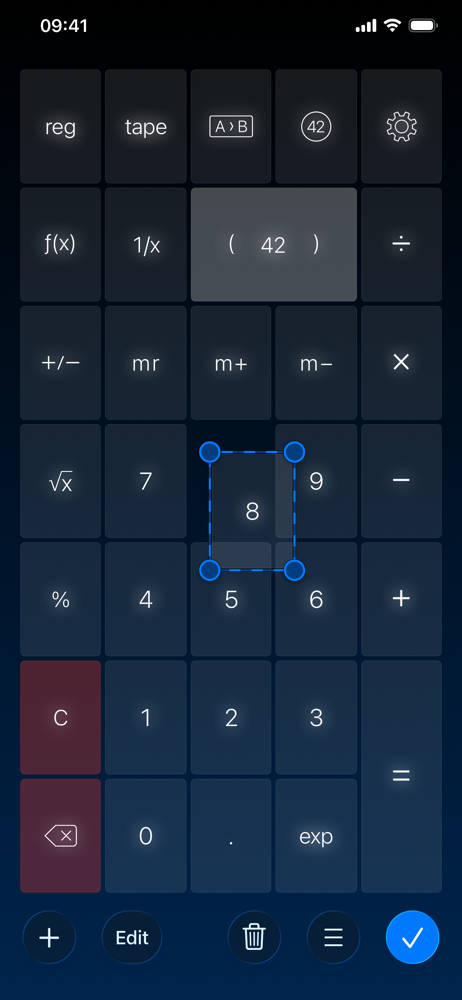
this is by a wide margin the best ‘quick’ calculator software ever developed. i love how it allows me to obsess over fine-tuning my layout exactly how i like it. with any program that invites the user to invest this level energy into of customizing their experience, there will always be things i start to notice that i just really wish were present. with this app, the one thing i would like to point out to the developer is that most classic RPN calculators allow the user to combine a STO/RCL operation with plus/minus/times/divide. for instance, you can do things like STO * 2 or RCL / 7. i use these types of operations a lot on my calculators and i find them to be intuitive and convenient. although the multiple memory in this app has a pretty good and authentic interface, it’s missing this one feature I like, and there doesn’t seem to be a good workaround. I’ve tried writing macros and putting custom buttons in my layouts but i can’t really see any good way to replicate this feature. the storied development of this app is obviously a labor of love and i look forward to see what features come out next.
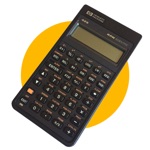
I have downloaded (and bought) many iPhone calculators and PCalc is by far the best. The depth and breadth of this app is a true labor of love by the author who has spend decades perfecting it (see his website). As an RPN lover and HP calculator addict, I have searched for and tried most of the offerings in the app store only to be disapointed by the rediculous skeuomorphic designs that abound. With PCalc, the amount of custimization possibilities is dizzyingly vast but, once the shock of available options wears off, you are rewarded with a true sense of empowerment. Case in point: I love the elegance and simplicity of the original HP35 from 1972. I was able to duplicate this keyboard layout and, with the appropriate theme, I was able get it looking very nice. This took me a while but my layout is automatically saved to iCloud where it syncs with my other iOS devices. The layout customization is very sophisticated, allowing you to have keys that are hidden until the 2nd key is pressed. All the labels for each key can be set to whatever you want. I'll stop here not because there is not more to say, but because this calculator shines once you start exploring the many options available. The point being, if you don't like what you see in the default layouts, you can make it be anything you want it to be.
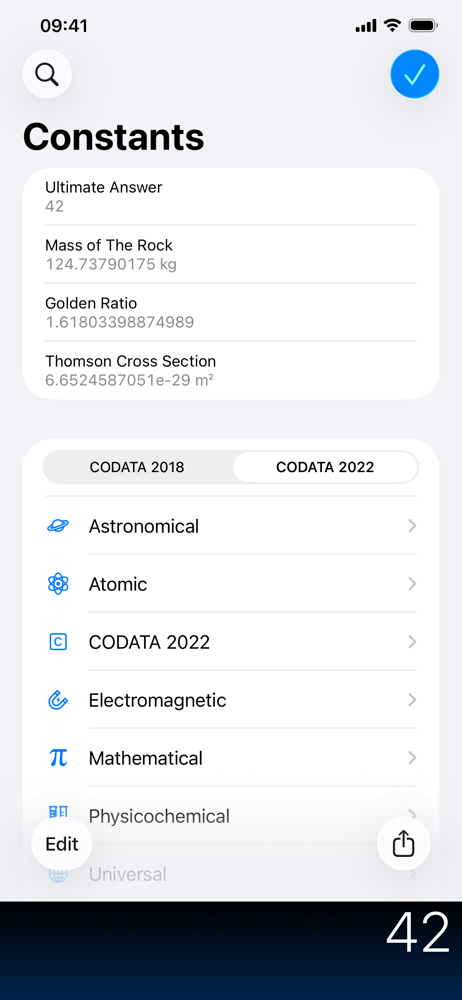
PCalc is the powerful choice for scientists, engineers, students, programmers, or indeed anybody looking for a feature rich calculator. It includes an...
| Name | Price | Type |
|---|---|---|
| Small Tip | $0.99 | One-time |
| Medium Tip | $1.99 | One-time |
| Large Tip | $4.99 | One-time |
| Enormous Tip | $9.99 | One-time |