Check the acquisition promise
Read the store headline, screenshots and description. What problem is the app promising to solve?
Study the storefront ↗
IPS Group Inc · iOS
Explore the ad evidence, study the storefront, and build your next acquisition hypothesis.
01 / Creative research
Read the store headline, screenshots and description. What problem is the app promising to solve?
Study the storefront ↗Explore apps with direct store-link matches. Compare their hooks and formats without assuming the same approach works here.
Browse observed advertisers ↗Store rankings and revenue estimates describe market context. They do not establish ad spend, conversions or ROAS.
Review the market context ↗02 / Storefront & product
Study the product story and store experience behind the acquisition funnel.



03 / Market context
Keep revenue, downloads and store rankings separate from advertising performance.
In most applications I appreciate when the app doesn’t enable notifications by default, but in a parking app it’s pretty much essential functionality that really should be enabled and not hidden away in the settings. Especially since the app asks if I want to allow notifications on first use, and when I choose “Allow” I naively assumed it would enable that for me, but that was not the case. They gray icons in the notification settings can also be mistaken for being enabled, but it’s not clear until you tap them that that’s when they get enabled.
This app was supposed to make paying for parking much easier and advertises that you will be able to extend your parking meter using your phone, also it should have this nice reminder function that will remind you 15 mins before it expires. I first tried to pay as I am walking away from the car, and it told me I have to be standing right next to the meter to pay, apparently the app uses Bluetooth to connect to the meter and register the payment, so I did, and then I assumed that I will be able to use the “extend” option after I am gone in case I needed to stay longer. And I did need to stay longer than I initially thought , by that time I was already few miles away, and there was no way for me to be able to walk back and make it in time, while the app did not remind me as it was supposed to, I still remembered , so I opened the app in order to hit that “extend” button, but same as the initial payment, even the extend button asked that I should be standing next to the meter, which does not make any sense at by the time I got back to the car , I found a $63 parking ticket in my windshield I used ParkMobile at new port beach just the day before and it was way much better , I was able to pay, extend , receive reminders and even save the location of my park, this app is no way close to that The developers should reimburse me for the $63 ticket!
Using this app was truly a miserable experience. I normally use coins to park in the meters in Metuchen New Jersey, but one day I was out of coins and decided to give the app a try. It only gave me the option to park for the minimum amount of time ( an hour and 35 minutes) Or the maximum amount of time (three days). Since I needed to park for 12 hours, this was a problem. However, I discovered you can add time after the initial time, so I was able to get it up to above 12 hours. Somehow the combination I chose ended up with 14 1/2 hours on the meter. Now I say on the meter, but there was no actual time on the meter. I wasn’t worried because the app told me that the time would appear shortly, and since I had a train to catch I put my faith in technology. This was a bad idea. When I got back to my car there was a ticket for $40, and still no time on the meter. I spoke to the parking authority and they canceled the ticket, and told me that other customers that had similar problems.
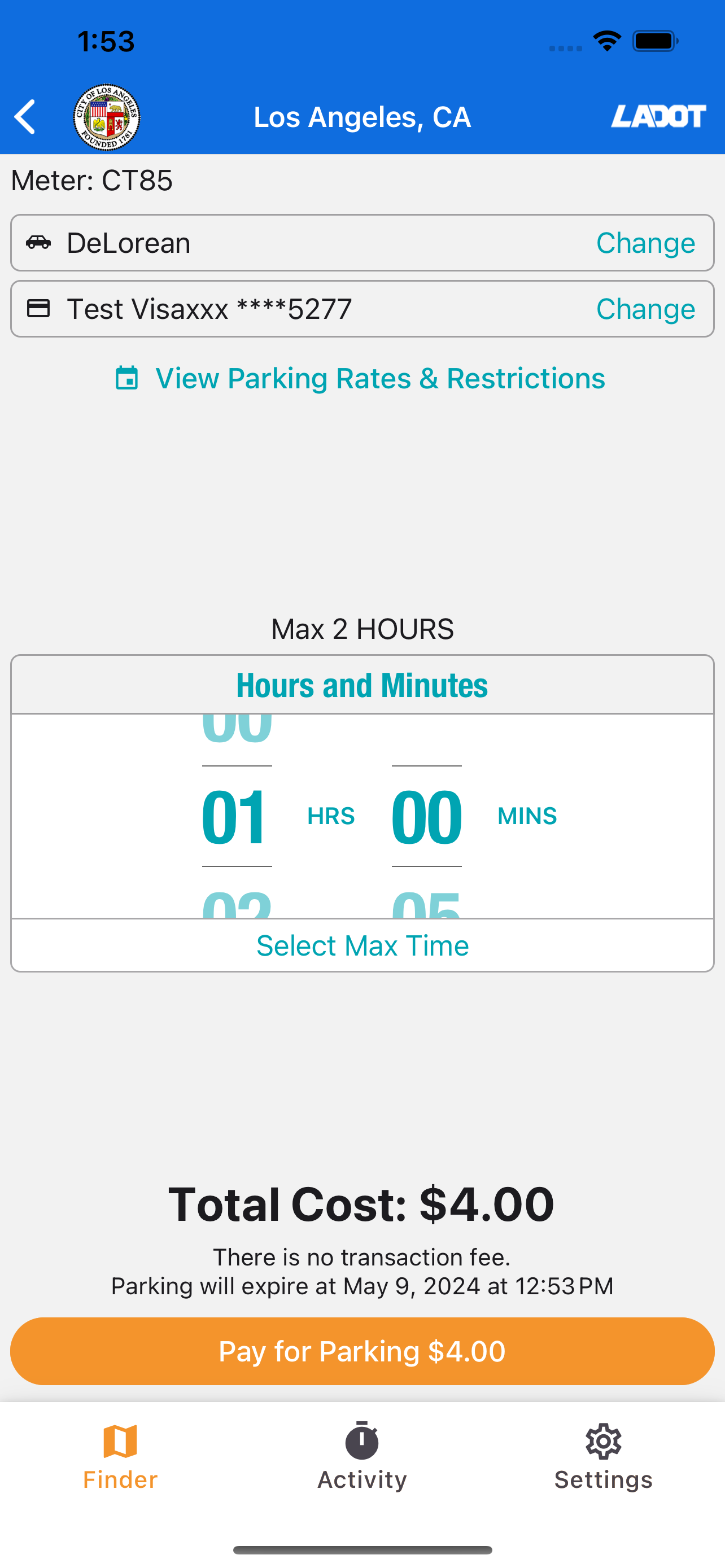
With PARK SMARTER™, just park and walk away as you pay! Create an account, then use the map to search for available parking spots and review prices....