Check the acquisition promise
Read the store headline, screenshots and description. What problem is the app promising to solve?
Study the storefront ↗
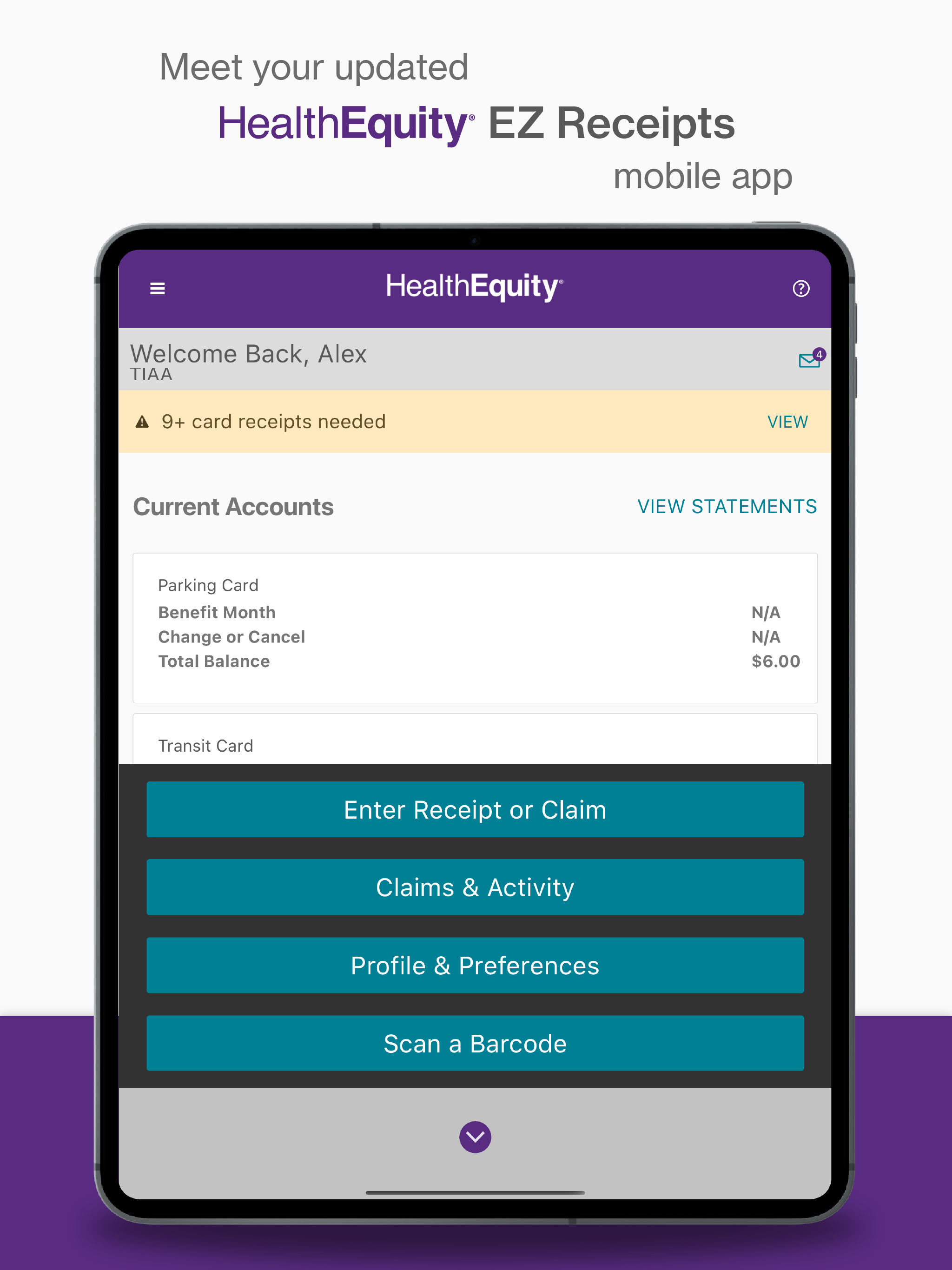
HealthEquity · iOS
Explore the ad evidence, study the storefront, and build your next acquisition hypothesis.
01 / Creative research
Read the store headline, screenshots and description. What problem is the app promising to solve?
Study the storefront ↗Explore apps with direct store-link matches. Compare their hooks and formats without assuming the same approach works here.
Browse observed advertisers ↗Store rankings and revenue estimates describe market context. They do not establish ad spend, conversions or ROAS.
Review the market context ↗02 / Storefront & product
Study the product story and store experience behind the acquisition funnel.




03 / Market context
Keep revenue, downloads and store rankings separate from advertising performance.
Tracking your receipts is important when using a health savings account. There’s quite a delay from the time you make a charge until the app request a receipt. Then when the receipt is requested, you have to find that receipt that you may have saved in your photos or electronically somewhere. My suggestion would be to be able to attach receipts immediately to a transaction. If that is not possible, the alternative would be to have a folder we could scan receipt they can later be associated with the transaction. this way I can take a picture of the receipt on the day I make the transaction. And when a receipt is requested, I can easily attach it to the said transaction.
This horrible app just compounds all my dissatisfaction in the Wageworks program, Customer Service, and every other aspect. Every submission is a problem, you have to follow up and argue with every receipt. The fact that the app doesn’t have all the options needed, causes me to have to call and have them fix it over the phone each and every time. When speaking to them, you then have to discuss and argue about the same things every time. I have a service animal, As per federal law,it is an eligible expense, clearly listed on their website, anything medical of hers is mine. The app however, has removed the guide dog option from the description list, so the only option to choose is other, since is clearly not a co-pay or prescription. The company rejects it, then you have to call and argue. Previously this worked on the app but they stupidly removed Guide dog maintenance from the list. I have asked Customer Service to report this problem more than once, then the trying to tell me it’s not an eligible expense, I elevate to supervisors, they say of course it is, and I go back around in the circle about the stupid app. Update: recently submitted another claim, anticipated problems getting rejected so called customer service yet again. As per usual, customer service is useless, so I elevated it to supervisor again. They keep telling me to look at the second list,, Past the common descriptions to the second category. While the online version of the form does has another category, the supervisor is shocked to note that the app is missing this entire category, listing more options. I wonder what else is on the list besides the one I need. In either case, the app update remains to be useless.
In general this app is okay to use, but it has several major issues/flaws. First, in using the app on my iPad, I have to have a keyboard connected in order to enter the receipt dollar amount, specifically to move past that screen. Without the keyboard and its enter key, I have no way to finish submitting the receipt. The second issue is more sneaky and has to do with the image that the app captures of your receipts. The app make you feel like you are choosing the area of the receipt to submit by moving the sides of a rectangle/trapezoid around on the image, but the chosen area is not what is submitted. What is submitted appears to a cropped version of your original image, and the cropping seems to ALWAYS chop off an important part of the receipt. Why make me feel like I have directing the cropping, but then just upload whatever the app thinks is correct? PRO TIP; if you are having claims denied, look at what image was uploaded. Chances are its a horrible crop of your receipt. I have submitted the same receipt three or four times trying to get the app to upload the whole image. Try taking the photo with lots of room on all sides of the receipt so the auto-cropping chops off the extra room instead of the important parts.
EZ Receipts (formerly WageWorks) Use the EZ Receipts Mobile app if your plan uses EZ Receipts. This may include: - Flexible Spending Accounts (FSA, L...