Check the acquisition promise
Read the store headline, screenshots and description. What problem is the app promising to solve?
Study the storefront ↗
Kidslox Trading Ltd · iOS
Explore the ad evidence, study the storefront, and build your next acquisition hypothesis.
01 / Creative research
Read the store headline, screenshots and description. What problem is the app promising to solve?
Study the storefront ↗Explore apps with direct store-link matches. Compare their hooks and formats without assuming the same approach works here.
Browse observed advertisers ↗Store rankings and revenue estimates describe market context. They do not establish ad spend, conversions or ROAS.
Review the market context ↗02 / Storefront & product
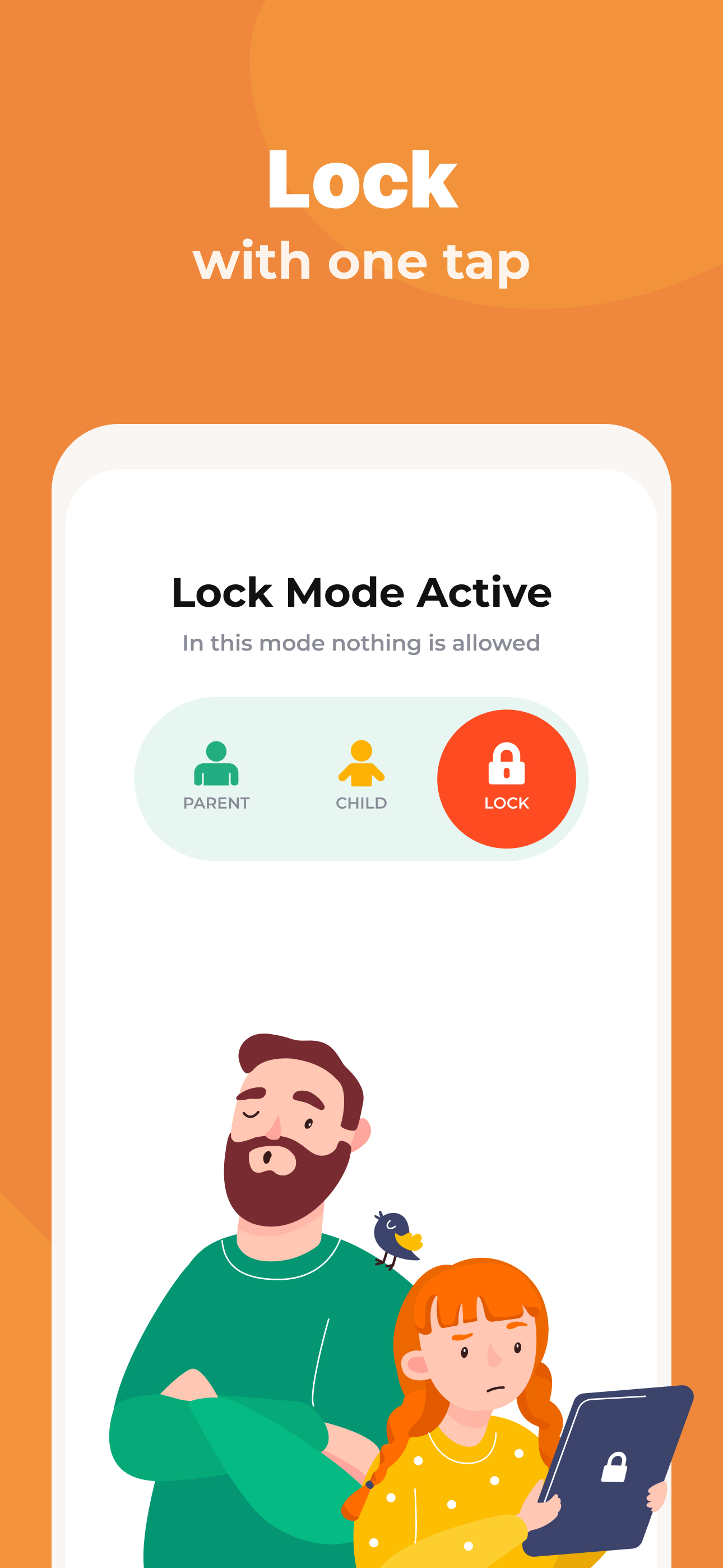
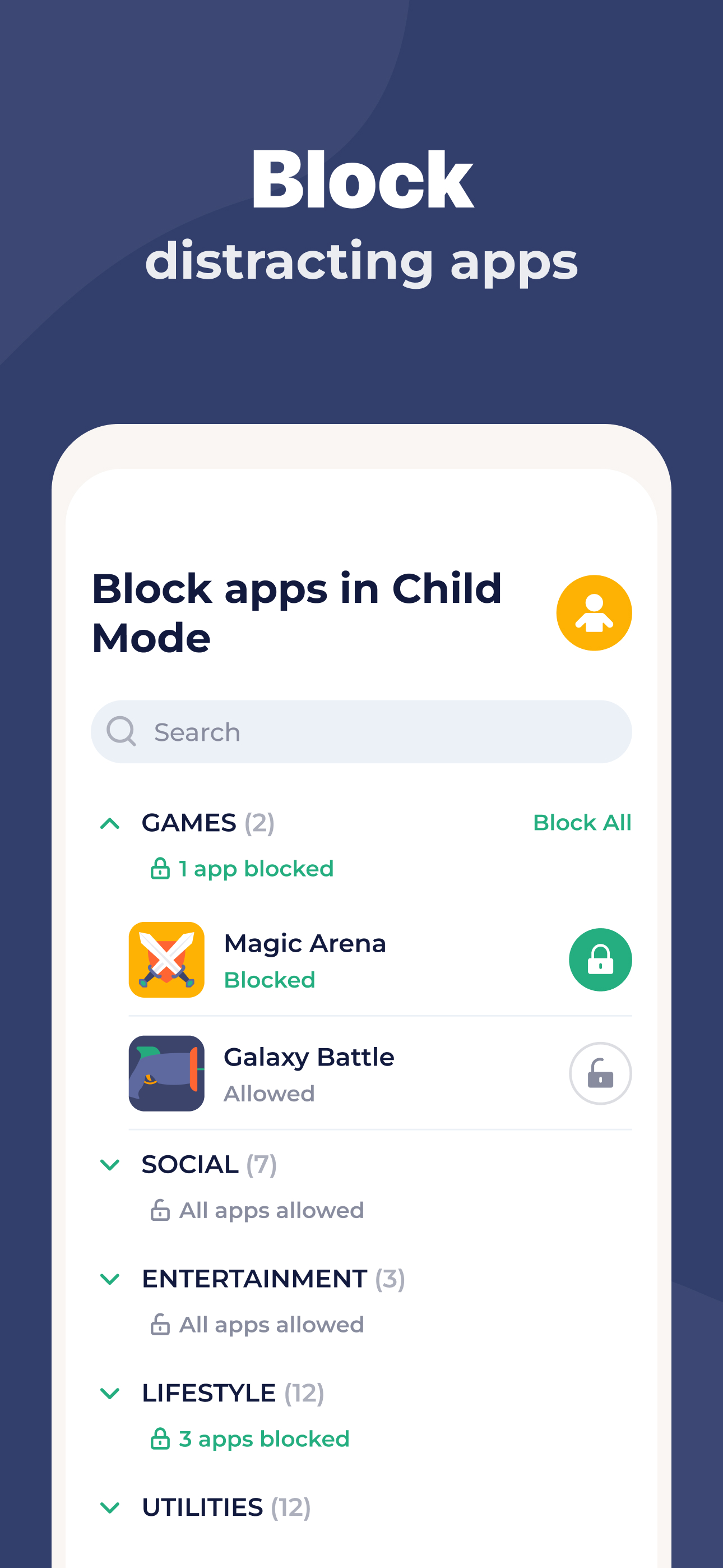
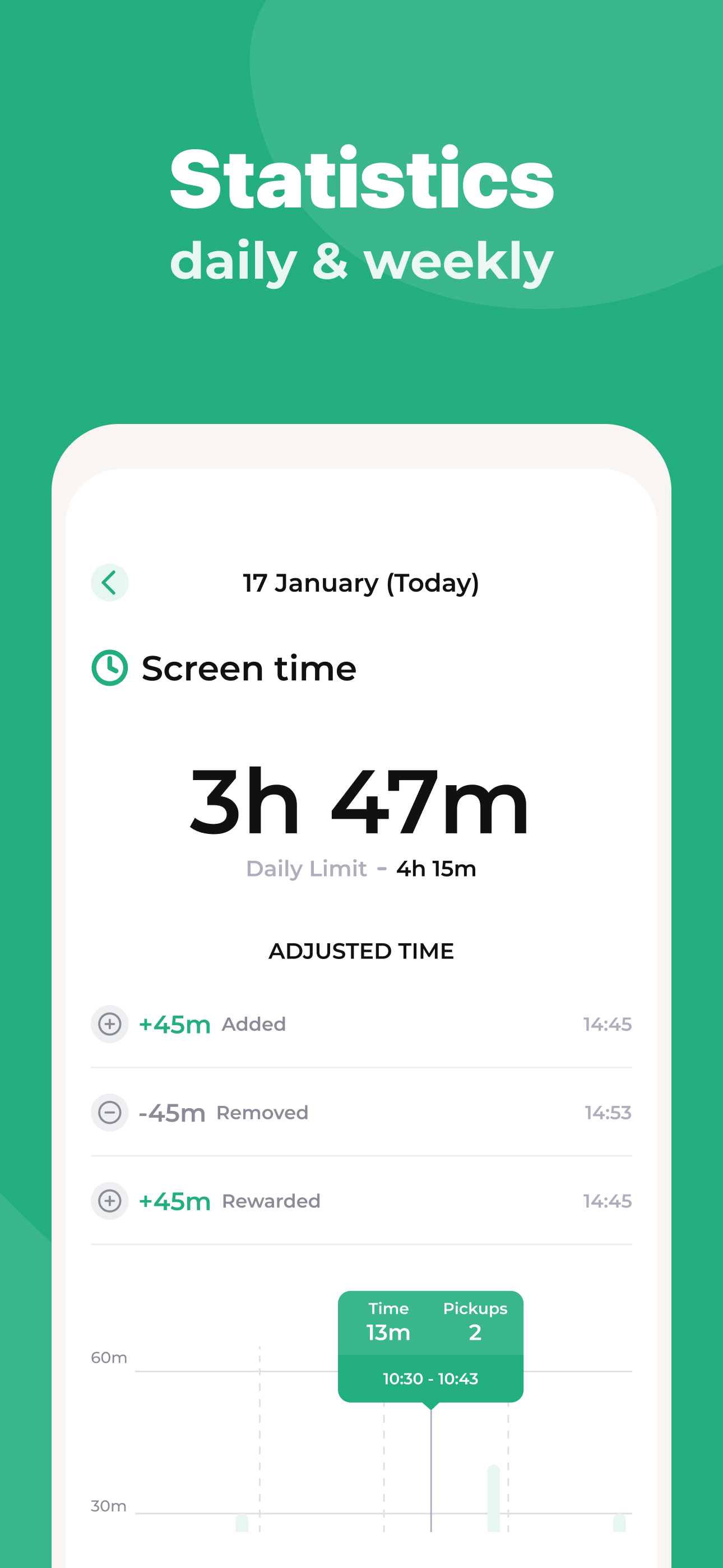
Study the product story and store experience behind the acquisition funnel.





03 / Market context
Keep revenue, downloads and store rankings separate from advertising performance.
I’ve used this app for a few years for my kids’ devices (ipads) and now my teen’s phone. I love this app and truly do recommend it to parents when they ask me what I use to help govern the amount of time my children spend on their devices. The only issues I have are that the AI feature in the screenshot aspect to detect words and activity that may be harmful is extremely inaccurate. If out of 5 warnings, 1 is accurate….thats 20% accuracy which is extremely low for an app that is meant to provide or help to provide an added layer of security. The other feature that doesn’t make sense to me is the screenshot feature. I LOVE that the app takes occasional screenshots. It’s actually helped me be able to intervene with matters. The part that is problematic is that the screenshot function only operates when my child is in child mode and has time. There are features like text that he still has access to when he’s not in child mode or doesn’t have time, but because of how the screenshot features is set up, it doesn’t provide screenshots outside of the child mode/time on device parameters. Is there a way to fix this? The app can detect when the phone is in use…it should then still continue to take screenshots of phone activity.
Okay so I’m the kid who’s writing the review but there are some problems when my parents give me time. The first problem is when my parents give me like 30 minutes, the app takes out literally half of the minutes and I had 18. I know this because I stayed on Kidslox looking at my minutes but like 2 minutes later it turned into 18 minutes but this isn’t the first time. My mother gave me 1 hour but it turned into 50 minutes. When my parents give me minutes I always check first. I don’t understand this app. My parents are saying it keeps me off the phone but I can barely talk to friends but what I’m saying is that it ruined my life. Some of my friends don’t even talk to me and I wanna talk to them. Okay, I’m going to stop talking about something stupid and talk about why I’m really typing. This happened a few months ago but kidslox kinda glitches and the glitches are when I can’t type or see the messages my friends sent and I know because I had minutes and I decided to delete kidslox to see if the problems was from that and when I deleted it. All my messages came back But than my dad installed it again. But that problem is gone I don’t think it’s going to happen again. But what I’m trying to say is that you could read this and fix the problems cause I don’t what this to happen all the time, where for every minute I have to look at kidslox to see if it is gone or not. Please fix. Thank you.
I downloaded this app a year ago, tried the free version and eventually paid for premium subscription. I was able to successfully restrict access to certain apps, inappropriate content and screentime for my daughters phone very well. I gave for the success of that time. However, we upgraded phones recently and the set up has been so very difficult!! In order to set up premium features it now requires me to download the PC app as well. Well, whatever it tries to download NEVER downloads and stay stuck at 5%. i have tried downloading again, rebooted, deleted and reinstalled and never manage to finish set up because its get stuck at 5% download. PC app is so irritating. Wish I could do everything thru the phone app like I did before in my initial set up. I tried reaching out for help and haven’t heard back in two days. Didn’t get an auto response acknowledging my email so I’m not sure if anyone will eventually get back to me. *Update* i eventually received a response and they tried getting more info to fix it. Replied back and said that it had been fixed and they released a new ISO version BUT it still doesn’t download past 5%. I really liked this but I can no longer use my paid subscription and only get watered down features that are hardly helpful on their own. It doesn’t seem a fix is coming before my subscription expires, so I definately won’t be renewing to $50 subcription.
Kidslox parental control app is the perfect way to manage your family’s screen time. Our parental controls let you block apps, block internet access,...
| Name | Price | Type |
|---|---|---|
| Kidslox Premium (Monthly) | $2.99 | Monthly |
| 1 Month | $3.99 | Monthly |
| 1 Month | $3.99 | Monthly |
| 1 Month | $5.99 | Monthly |
| Kidslox - 1 Month | $5.99 | Monthly |
| 1 Month | $7.99 | Monthly |
| 3 Months | $19.99 | Quarterly |
| 6 Months | $19.99 | Semi-Annual |
| Kidslox - 12 months | $49.99 | Yearly |
| Kidslox - 12 months | $79.99 | Yearly |