Check the acquisition promise
Read the store headline, screenshots and description. What problem is the app promising to solve?
Study the storefront ↗
Plugworks · iOS
Explore the ad evidence, study the storefront, and build your next acquisition hypothesis.
01 / Creative research
Read the store headline, screenshots and description. What problem is the app promising to solve?
Study the storefront ↗Explore apps with direct store-link matches. Compare their hooks and formats without assuming the same approach works here.
Browse observed advertisers ↗Store rankings and revenue estimates describe market context. They do not establish ad spend, conversions or ROAS.
Review the market context ↗02 / Storefront & product
Study the product story and store experience behind the acquisition funnel.




03 / Market context
Keep revenue, downloads and store rankings separate from advertising performance.
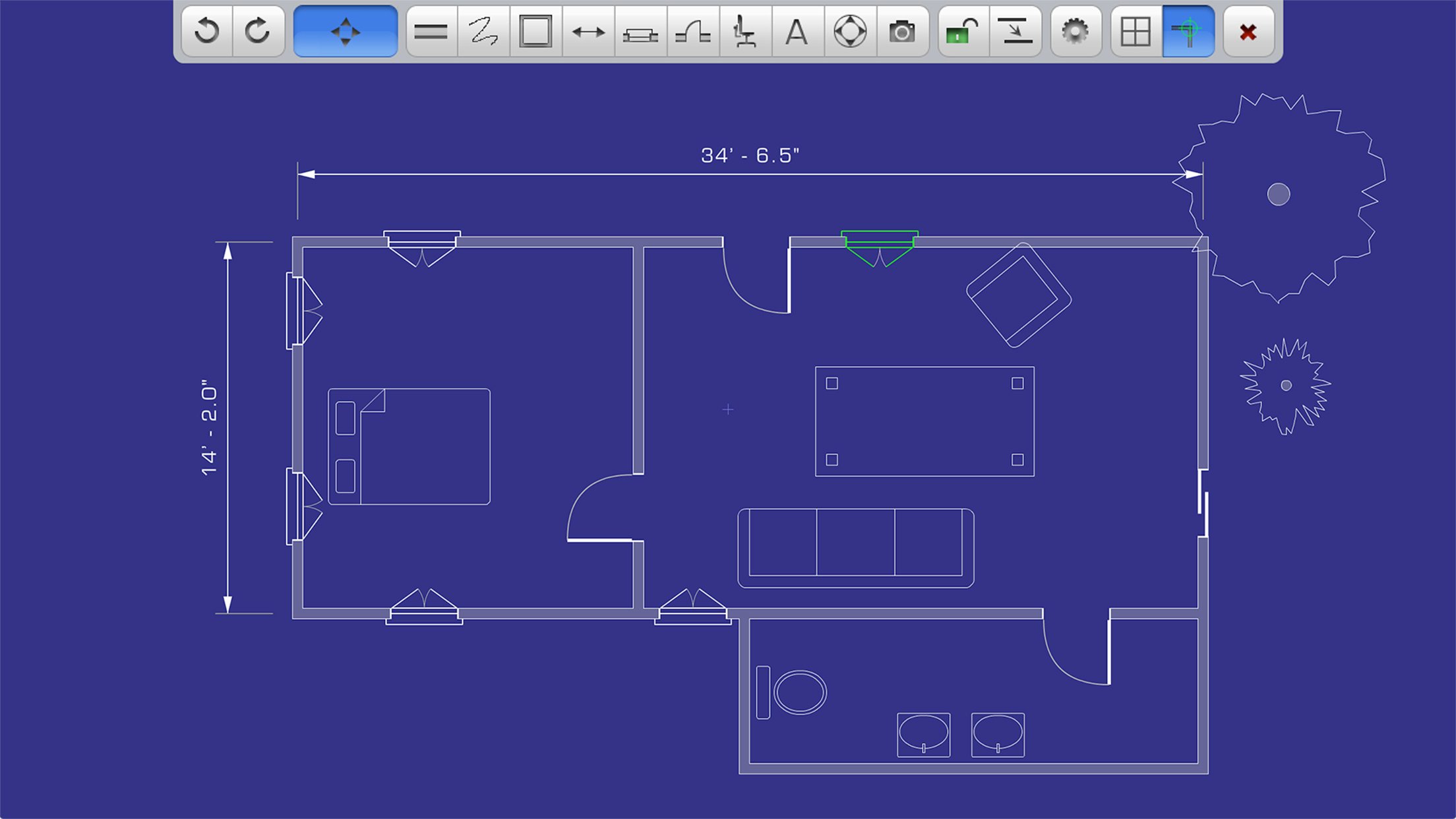
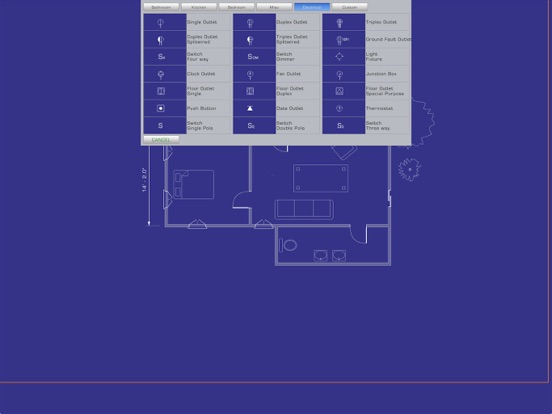
If you want a very easy to learn & fast scale drawing this is a great start. By no means can you produce construction drawings but for making reasonably accurate prototyping this software can’t be beat. It definitely is a learn as you go, but the commands are so simple that within a very short time you will learn it easily. The $15 upgrade to save & print your drawing is an essential upgrade. Considering the price it’s a steal. It works well on my iPad, not sure about other platforms & IOS?
Don’t do it. It crashes every time I use it. Lost hours of work. It doesn’t matter if you save as you go. Poof! Gone. Tool bar disappears randomly. Freezes. You have to select tool every time you lift your finger/pencil off the pad. Saved work doesn’t alphabetize and it is near impossible to scroll through your files because when you lift your finger it brings you right back to the top. So good luck with that. Blue lines just randomly pop up across your work for some reason and you can’t erase it. You have to save, close the app, and reload just to make the lines go away. If I wanted to create an app to screw with people’s heads I couldn’t have done a better job. I put up with this nonsense because I didn’t have time to learn a new app while working. Enough.
I think my 3 star rating is generous. I’ve been playing with the demo version for several days. So far, it’s okay. One of my concerns is the developer’s last update was 2 years ago. There should be more recent/frequent updates, if for nothing else, to add additional features. Is the developer still around, or has he taken the money and run?? Too bad. I like this app. I plan and build-out interior retail and office space. I need a simple 2D CAD app to layout said spaces. My last program was a 2D Windows based that I picked up 20 years ago. I’ve since moved away from PC and into iPad. I’d like to know if this app supports the Apple pencil. Not sure, since the Apple pencil appeared after this app’s last update.
PadCAD Lite is an easy to use free CAD application designed for small to medium sized projects such as home additions, remodeling projects, cabinetry...
| Name | Price | Type |
|---|---|---|
| Upgrade | $14.99 | One-time |