Check the acquisition promise
Read the store headline, screenshots and description. What problem is the app promising to solve?
Study the storefront ↗
Andrew J Clark · iOS
Explore the ad evidence, study the storefront, and build your next acquisition hypothesis.
01 / Creative research
Read the store headline, screenshots and description. What problem is the app promising to solve?
Study the storefront ↗Explore apps with direct store-link matches. Compare their hooks and formats without assuming the same approach works here.
Browse observed advertisers ↗Store rankings and revenue estimates describe market context. They do not establish ad spend, conversions or ROAS.
Review the market context ↗02 / Storefront & product
Study the product story and store experience behind the acquisition funnel.


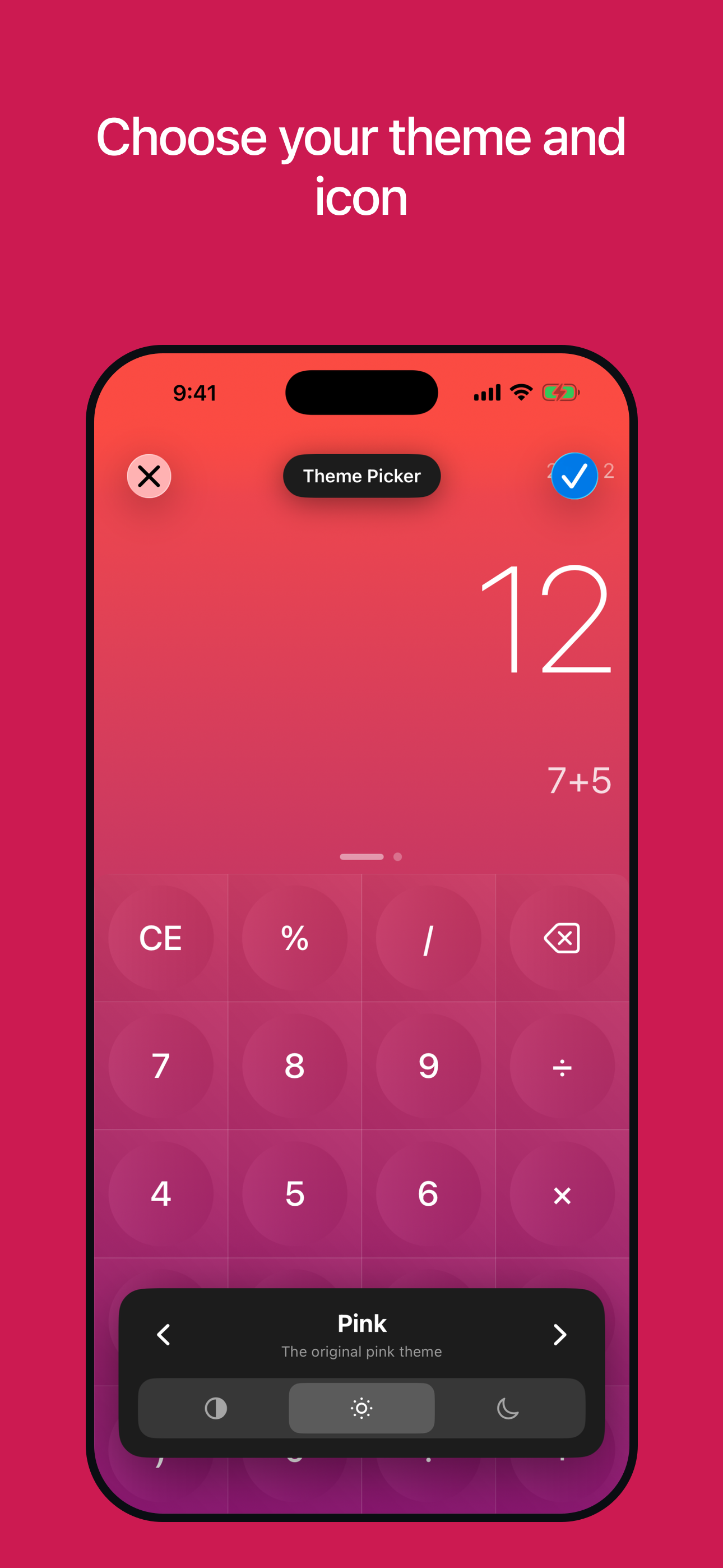


03 / Market context
Keep revenue, downloads and store rankings separate from advertising performance.
This is the calculator app that I keep coming back to. It's got the features I love most, in the best format I've found, with NO ads, and is FREE. Some of those features are: history and history syncing, editing expressions (with the ability to see a LOT of a long calculation at once without having to scroll), no needs to press =, and a simple, clean, easy-to-use interface. The recent update is greatly appreciated, bringing quality-of-life improvements that come with the more recent versions of iOS.
I’ve been using this incredibly well designed calculator for 4 years now and it blows the stock calculator out of the water. First, nice clean interface. It can customized but I haven’t felt a need to change from the default. Second, no need to press an equal command, see the results in real time as you type in the expression. Third, easily undo and accidental presses or mistakes and make corrections without having to start over. Fourth, tracked history of calculations in case you need to recall.
This app is amazing, I completely got rid of the lame calculator that apple ships all its products with. This one is so convenient with how you can see everything you just typed out, and if you mess up, you just “delete” and it undoes that 1 mishap, instead of deleting the whole dang equation. I would love if the developer could make this App work on MacBooks! I just got the new MacBook Air m1 and I was so bummed that I can’t use this amazing calculator on it. PLEASE make it for MacBooks! And give us the option of having it in the widget sidebar like on iPhone/pad. Thank you! Love your product.
Numerical³ is still the calculator without equal. The first Numerical shipped in 2014—v3 brings long-requested improvements and the same focus on deli...