
Check the acquisition promise
Read the store headline, screenshots and description. What problem is the app promising to solve?
Study the storefront ↗
Fender Digital · iOS
Explore the ad evidence, study the storefront, and build your next acquisition hypothesis.
01 / Creative research
Read the store headline, screenshots and description. What problem is the app promising to solve?
Study the storefront ↗Explore apps with direct store-link matches. Compare their hooks and formats without assuming the same approach works here.
Browse observed advertisers ↗Store rankings and revenue estimates describe market context. They do not establish ad spend, conversions or ROAS.
Review the market context ↗02 / Storefront & product
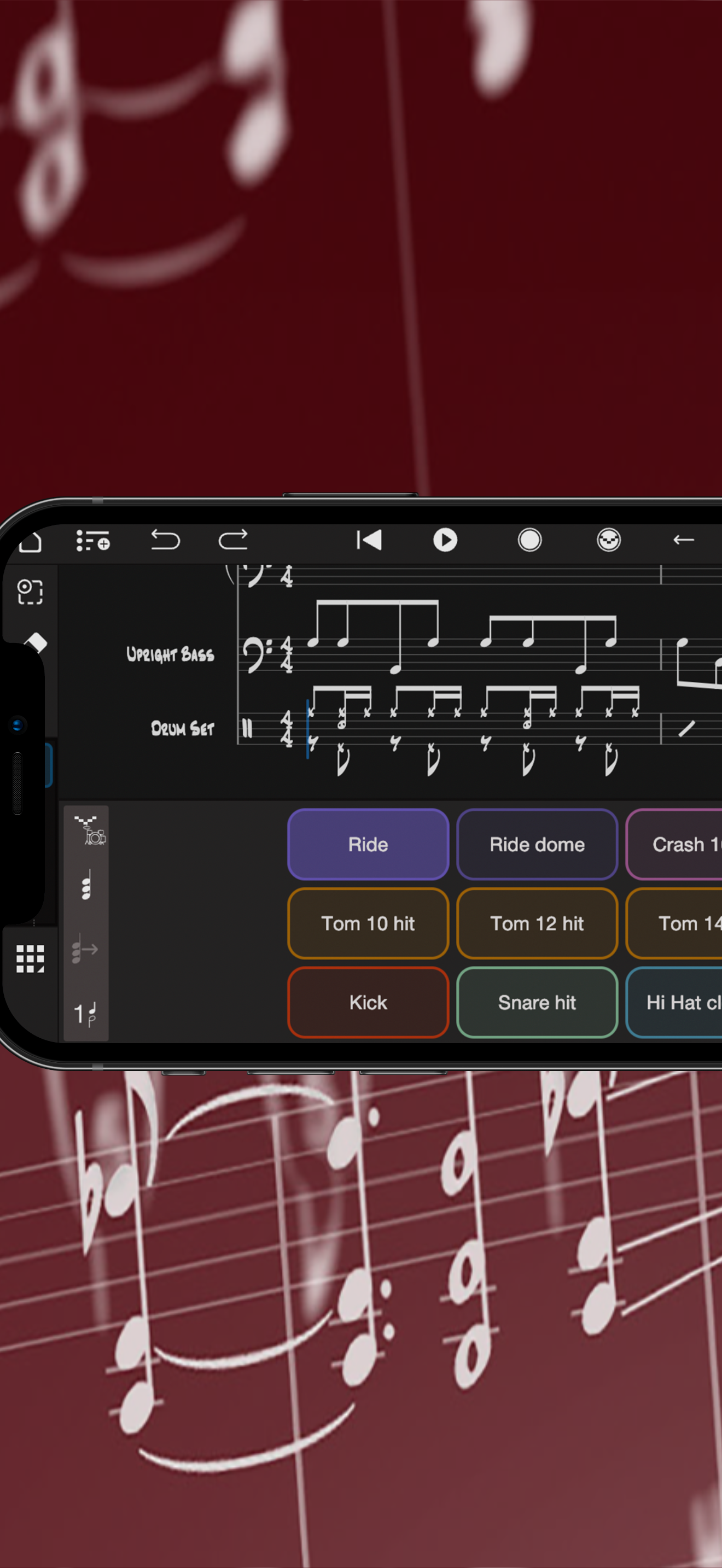
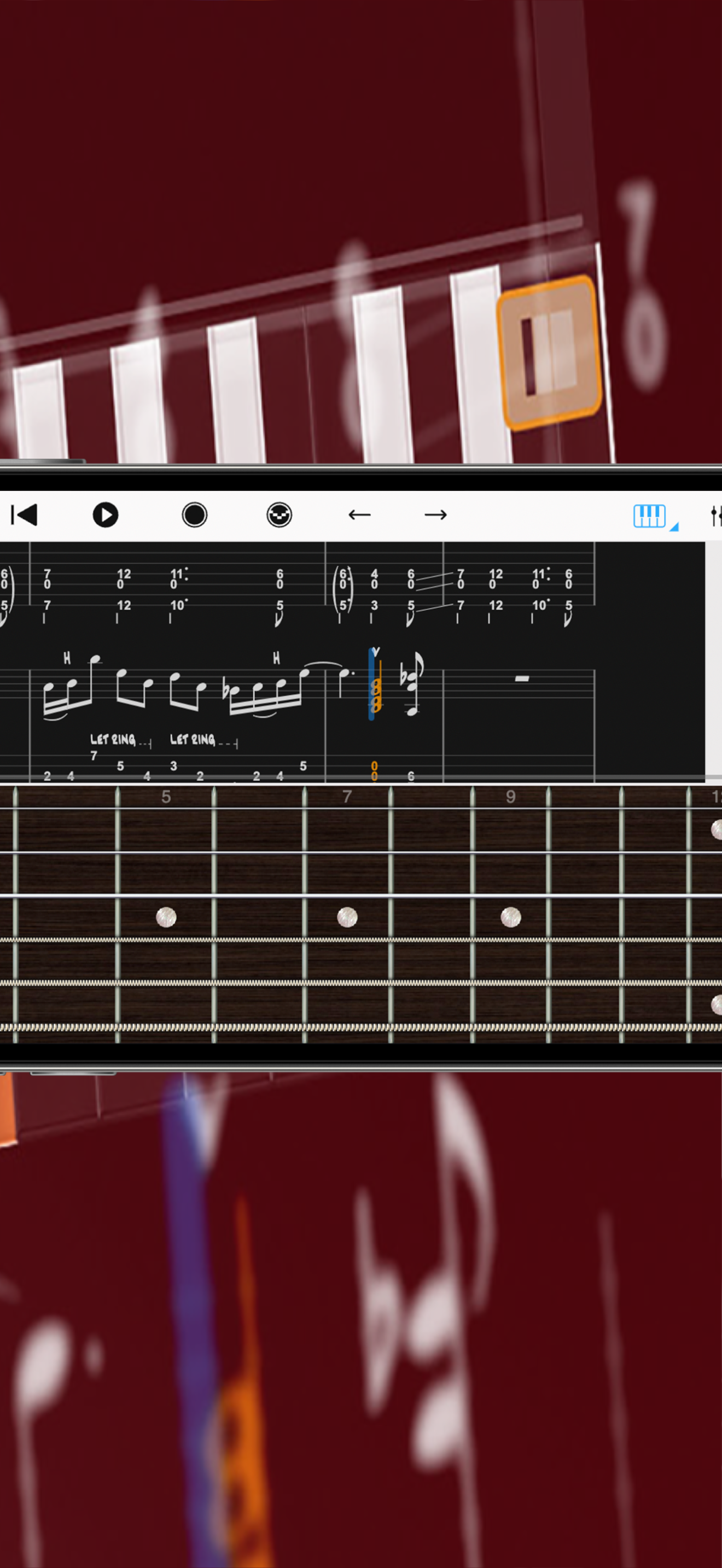
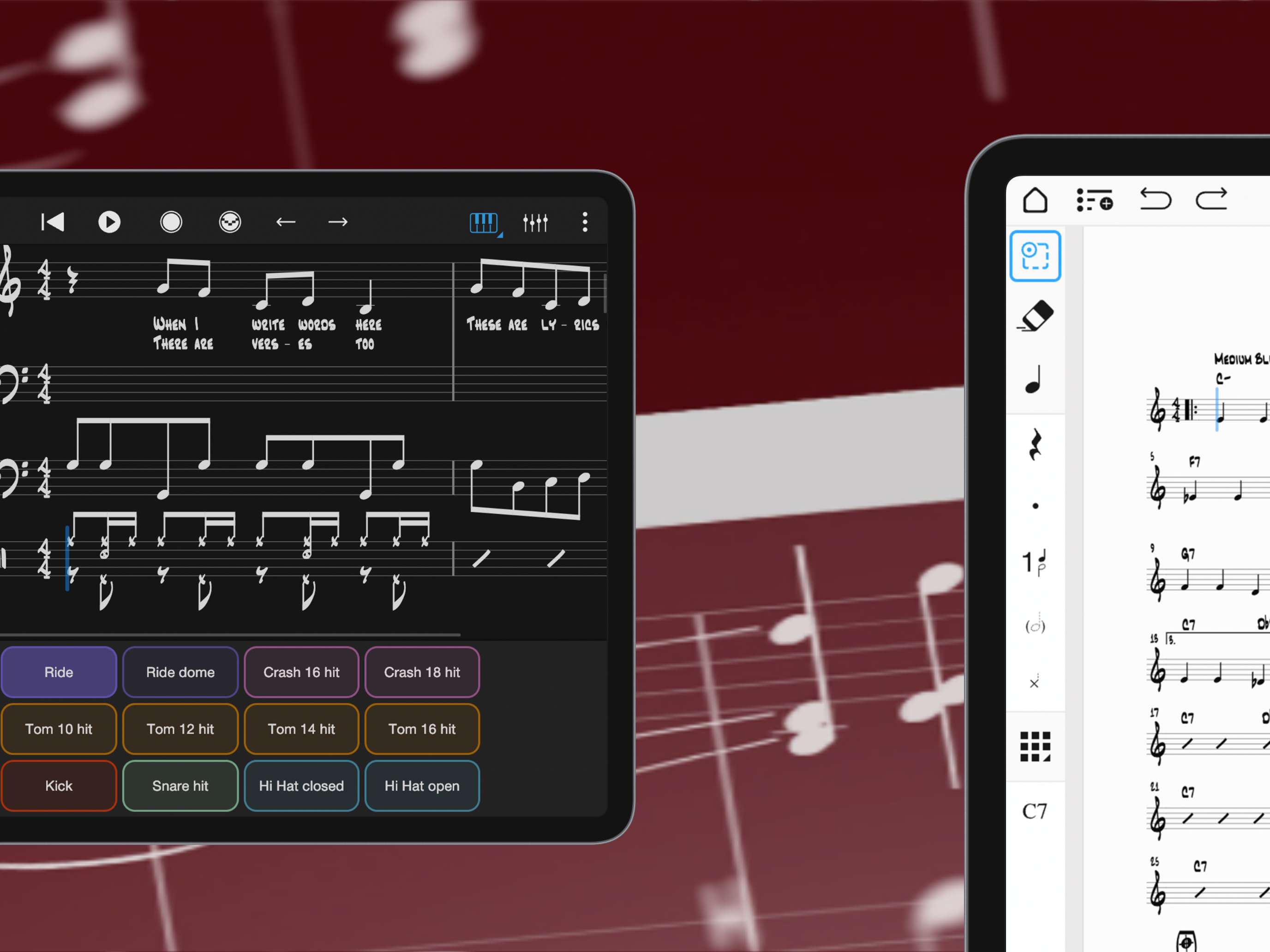
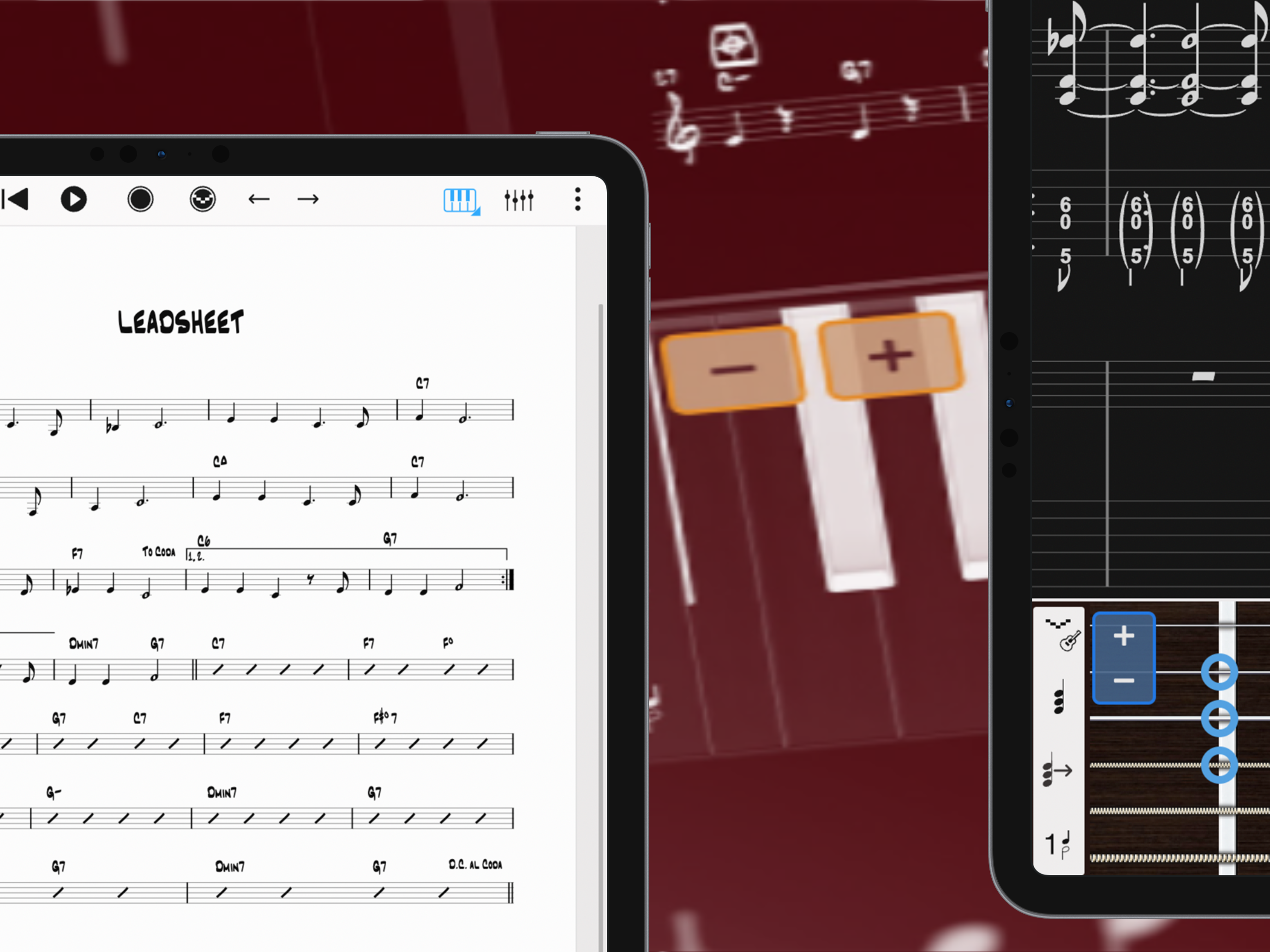
Study the product story and store experience behind the acquisition funnel.




03 / Market context
Keep revenue, downloads and store rankings separate from advertising performance.
Sound sets are nice, especially the strings. Have used this app for around 6 years and it covers a lot of bases for a mobile app. Intuitive for a composing app. There is however a large stability issue and I cannot recommend the app while it exists: Adding new measures in the middle of a score will sometimes break the playback. The added measures do not show up in the score. The playback cursor gets all glitchy in the spaces where those new measures would be, sometimes moving way too slow and other times teleporting. The music still sounds normal when this happens, but it accounts for the “added” measures, causing a huge pause in the middle of the piece that you can’t do anything about. It is like a certain amount of space in the score just gets corrupted. You cannot undo this once it happens, and I have had to manually copy and paste everything into a new document if I wish to keep editing the music or listen to the playback. This is extremely frustrating, especially when it happens with larger projects. A huge timewaste that gets in the way of productivity. The chance of it happening seems random but often enough that it does not feel stable. 4 times within the last month or so, and I have had this issue for at least a few years. Also copy and paste doesn’t always work, which can compound with the above issue.
There are benefits to the program like it is easy to navigate, it is IPad friendly, and has good sound quality. The things that should be improved is that instruments should be of a wider variety, for example; I wish there was percussion staffs that are 5 lines without it being drum set, and that percussion notation is wrong like Flam should not be written as a word in the staff, it is like writing fingerings instead of accidentals. There are other things that I could harp about but I just think the producers should check some of their tools and compare them to other popular programs like MuseScore and Dorico and see what they should change. Other than that, I don’t plan to stop using this program.
I have used varying notation software on both a desktop and on iPad over the years. I’ve used both types (desk top and iPad versions of many products trying to be as mobile as possible. That wasn’t truly a possible for a long time. Because of this, I have tried many if not most of the music notation software out there. Say what you will, but I keep coming back to Notion for its ease of use, simplicity and straight forward tools. It makes sense to me how they have structured and organized the tools. It plays well with other DAWs when I need to move my scores to other platforms for recording work. I can even use Notion in conjunction with other DAWs. It has printed full orchestral scores and their parts for me as accurately as I’ve prepared the scores. It has even alerted me to times when I haven’t prepared them well, allowing me to catch issues before printing. I know there are other names out there that people feel are the “go to” notation software. I’ve used them and wasn’t impressed. But honestly, no one has ever complained about my work in Notion, or even known I used it instead of something else, and for that I’m grateful to this software for letting me focus on the music instead of the “how to’s” of getting music into a physical space that I can share with others. All software can use or need updates and improvements. I look forward to the new updates coming in the next version of Notion. Notion is a workhorse that I won’t be dropping any time soon. Thanks, Notion. Keep up the great work. I don’t really leave reviews but I actually wanted to. My two cents. :)
With over 15 years in the App Store, Notion is a free, award-winning music composition tool for iOS, iPadOS, macOS and more! You’ll effortlessly creat...
| Name | Price | Type |
|---|---|---|
| Jazz Bass | $0.99 | One-time |
| Vibraphone | $0.99 | One-time |
| Jazz Alto Sax | $0.99 | One-time |
| Harp | $0.99 | One-time |
| Classical guitar | $0.99 | One-time |
| Marimba | $0.99 | One-time |
| Percussion Bundle | $4.99 | One-time |
| Handwriting | $7.99 | One-time |
| Feature Bundle | $14.99 | One-time |
| All Sounds Bundle | $29.99 | One-time |


