
Check the acquisition promise
Read the store headline, screenshots and description. What problem is the app promising to solve?
Study the storefront ↗
JRustonApps B.V. · iOS
Explore the ad evidence, study the storefront, and build your next acquisition hypothesis.
01 / Creative research
Read the store headline, screenshots and description. What problem is the app promising to solve?
Study the storefront ↗Explore apps with direct store-link matches. Compare their hooks and formats without assuming the same approach works here.
Browse observed advertisers ↗Store rankings and revenue estimates describe market context. They do not establish ad spend, conversions or ROAS.
Review the market context ↗02 / Storefront & product
Study the product story and store experience behind the acquisition funnel.




03 / Market context
Keep revenue, downloads and store rankings separate from advertising performance.
We use this app all the time across the US (primarily east coast but also in western states during camping trips) and it has demonstrated itself to be very reliable. When you see a lightning bolt and look on the app, it’s right where it happened. When camping in a tent or hiking on a trail, you really want to know where the activity is happening, and in particular where the newest activity is. Being able to set the history time limit and notification distance is great. I really wish it was possible or easier to set a time range; for example, you can currently show lightning within the last N minutes, but would nice to allow showing say between 5-10 minutes ago, or 10-30 minutes or other intervals - OR better, provide a history slider (as with radar) to allow showing the progression of a storm. The radar slider option doesn’t show the changing lightning history. If setting the time limit was accessible directly from the main screen, via a slider or value selector, that would be great. It’s not convenient to keep going to the Options, then More screens to change the time limit, then repeat to choose a different value. The Spark lighting feature of the WeatherBug app is also good, but they use a fixed 30 minute history and the user can’t change it, so it’s hard to know which activity is newest or which can be disregarded (30 minutes ago is a long time with fast moving storms). Also, you can only access this feature on a secondary screen, so there is a lot of navigating and reloading to keep checking status. The Lightning app is much better in this regard because the main screen immediately shows what you want to know.
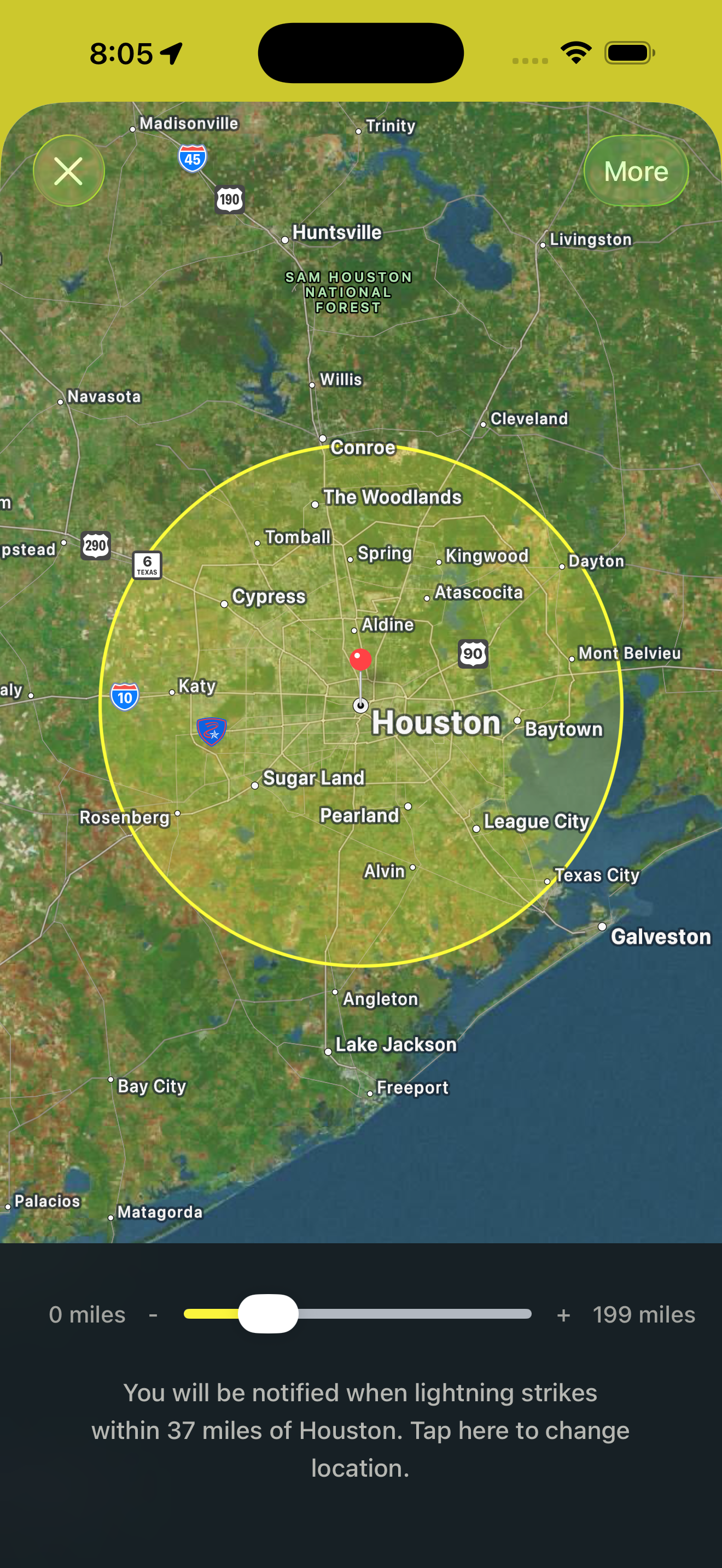
Took photo of map-how close 15 & 30 minute strikes were to my location when I heard the storm. Now I know exactly when it’s going to happen. ///// A little doggy lesson:I have the -lightning strike alert- set to go off within 30 miles every 15 minutes. This gives me enough info to prepare and manage dog in the house that’s terrified of storms. I remove breakables or take us to a certain part of the house. I am completely calm, he has no idea what’s going on. I may give him a rawhide or snack. When it’s about to start I turn music or tv up just a little. If I do it a lot he catches on. Sometimes he doesn’t hear the storm for a while. I’ll laugh at tv, act happy, Pet him if he’s close. And also he has learned the pitch in my voice when I say, “it’ll be done very soon. It’s passing over” (and I repeat myself a few times) and I tell him a little early and he calms down early. I’m happy 😁 Hint: if dog acts terrified pet him and talk to him in calming voice unless it makes him worse. If my dog thinks I’m pitying him or paying too much attention or even talking in baby voice he freaks out more. Every dog is different. I just act kind, calm, and treat him like a kid. In a negative but not mean voice I say oh hush you’ll be ok. It’ll be over in a little while. Stuff like that. In the beginning I’d sit with him and pet him but he wouldn’t have it anymore. lol. I’ve turned radio up danced sung and laughed. I’m sure I looked crazy but he’s totally gotten out of it for periods of time. Did my duty. Hope this helps someone.
In the past, (before getting the app) I would warn my golf buddies that we probably shouldn't be out playing when thunder was present and lightning visible in the distance. They would come up with a number of excuses why we should just play and take our chances and get the round over with. Since getting the app, I'm now able to objectively show them the actual lightning activity and the direction the storm is traveling. They no longer call me a "baby" about thunderstorms because they can see for themselves whether or not we're in the line of fire. Many of them have since loaded the app on their phone. I highly recommend this app for anybody and everybody! My only suggestion is that they add a "resource tab" of information and links on the do's and don'ts when it comes to experiencing thunderstorms.
My Lightning Tracker is the best app for monitoring lightning strikes all around the world in close to real-time. With a sleek modern design, you can...


