Check the acquisition promise
Read the store headline, screenshots and description. What problem is the app promising to solve?
Study the storefront ↗
Monster Inc. · iOS
Explore the ad evidence, study the storefront, and build your next acquisition hypothesis.
01 / Creative research
Read the store headline, screenshots and description. What problem is the app promising to solve?
Study the storefront ↗Explore apps with direct store-link matches. Compare their hooks and formats without assuming the same approach works here.
Browse observed advertisers ↗Store rankings and revenue estimates describe market context. They do not establish ad spend, conversions or ROAS.
Review the market context ↗02 / Storefront & product
Study the product story and store experience behind the acquisition funnel.


03 / Market context
Keep revenue, downloads and store rankings separate from advertising performance.
I’ve had my lights for over a year. The lights connected to Wi-Fi and the app only twice and then never again. I am well aware of how to set it up as I have been successful in doing so before, it is a fault in the light or the app, but either way, the full function is meaningless if one does not work. **The specific issue: once I connect to the Wi-Fi connection from the light and reopen the app, the light stops blinking but the connection is not made. I connected to my one 2.4 connection, reset the device multiple times, tried EZ and Manual modes, and tried to connect just inches away from the router.** The light strip I purchased is beautiful and vivid and diffuses well for a smooth look but if I cannot use the app, I have to press the button on the strip to use the lights and automations are out of the question. I have gotten many people asking about them when I turn them on, but cannot recommend because the functionality is lacking. Developers should be aware since connectivity complaints have been posted for some time, however, as of the the time of this review, the app added Dark Mode 5 days ago, seemingly leaving the connection issue unaddressed (I’ve tried multiple times). At this point, make it clear that your app or devices have issues, provide better documentation on fixing the issue, or stop selling products. I am switching to another brand that starts with G and will just take my loss with purchasing these lights. I will hang on to my strip in hopes that this issue is addressed and customer concerns are taken seriously.
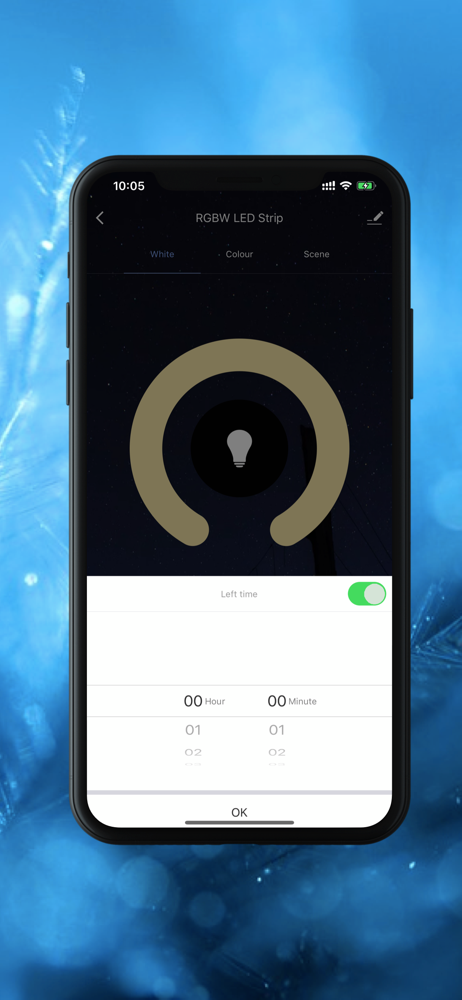
It’s like similar remote control apps (you have to get a new one for pretty much every single device you get). This app won’t let you set a timer to change lights to a different color though. It also requires your wifi password and location in order to use. Honestly I shouldn’t of had to pay for a light with the data it collects from me. I’m not sure how it is to use with multiple devices since the device I got had an led burn out and had a remarkably small power cord for a lighting device. Which makes sense since people don’t traditionally put light fixtures on the ceiling. You also can’t utilize the device to change individual LEDs something that’s uniquely easy to do with LED Technology. Not something I really need, but I’d be in horror if I was using these to make pixel art or something and bought ten or so strips only to find that it’s not possible. While that might be a mechanical impossibility with the physical device. The app doesn’t offer dynamics either. It’ll change color with music (while the app is open on screen) but doesn’t offer strobe effects or customizable patterns. The rotating patterns provided proof that it can do those things but refuses to offer customization.
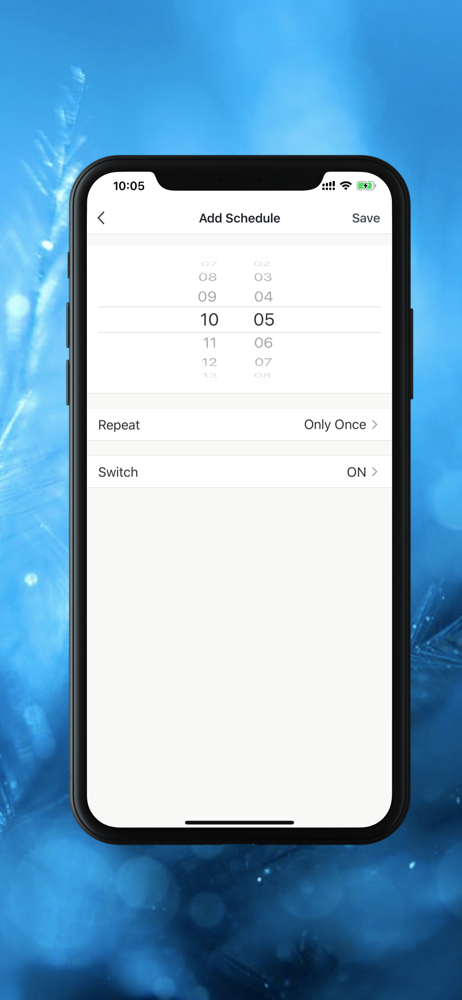
I’ve used this app for about a week now. I have three different light strips connected to the app, but it works great! I’ve added all three to a “group”, so I can simultaneously control them. The color wheel is great, and provides a variety of different colors. As for the scenes, the default ones are good for different occasions. I like that the scenes are customizable so you can adjust flash, color changing speed, and of course the colors. Smart scenes work great too. I set up an “automatic scene” to switch my lights on at 8:30pm and off at 7:30am. Works great with no problems. Overall, I definitely recommend this app and the lights!
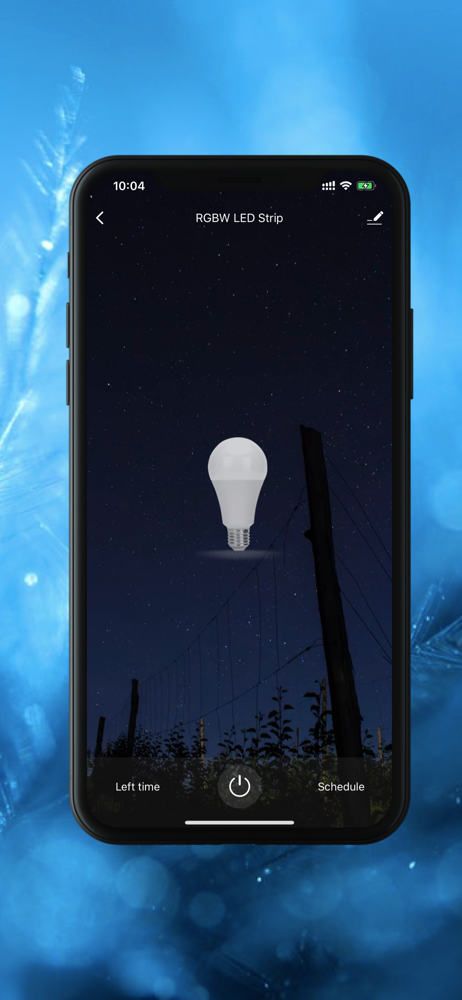
Monster Smart, Always Lead. Never Follow 1. Remote control: control home appliances from anywhere 2. Simultaneously control: control multiple devices...