Check the acquisition promise
Read the store headline, screenshots and description. What problem is the app promising to solve?
Study the storefront ↗
Priotecs IT GmbH · iOS
Explore the ad evidence, study the storefront, and build your next acquisition hypothesis.
01 / Creative research
Read the store headline, screenshots and description. What problem is the app promising to solve?
Study the storefront ↗Explore apps with direct store-link matches. Compare their hooks and formats without assuming the same approach works here.
Browse observed advertisers ↗Store rankings and revenue estimates describe market context. They do not establish ad spend, conversions or ROAS.
Review the market context ↗02 / Storefront & product
Study the product story and store experience behind the acquisition funnel.



03 / Market context
Keep revenue, downloads and store rankings separate from advertising performance.
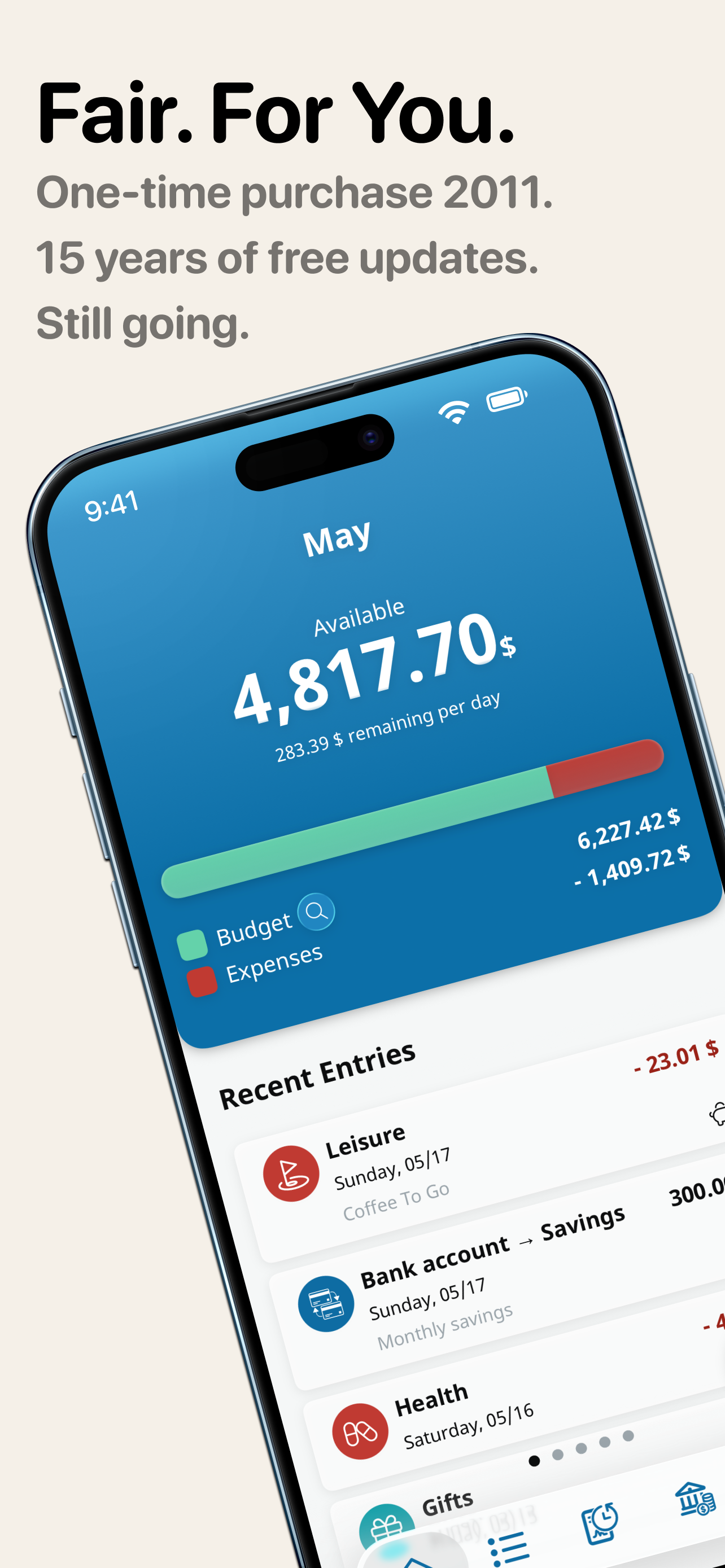
Money control is an excellent little program to let you keep track of the amount of money you’re spending every day and give you a running total of how much you have spent this month. It also allows you to notate what you spent the money for and one really nice feature is that if you find that you spend the money primarily on one expense you can set a default so that it automatically will credit that spending to that default unless you change it. I very much like to feature that I can go in and check what I have written on various notations and go in and change the date the amount and what it was for. Very happy with this app.
I wanted to make suggestions but they are a German company. I have no problems with that but wish they would have a English version of the support website. I was really looking for a simple accounting app that can help balance checking account, other accounts, and track money. Having a budget is secondary, for me personally. Unfortunately this was the best app I could find. If they add the ability to split payments into several categories, and check off when payment cleared the bank I would give 5 stars. As a side note not really important I would like the option to hide accounts on every screen unless you click a box saying include this account. I know they they give opportunity to hide account and it works but not convenient to use. I also understand that this is a budget app so should not complain when I'm using it for something different. I did pay for it. If that helps you decide to get it or not.
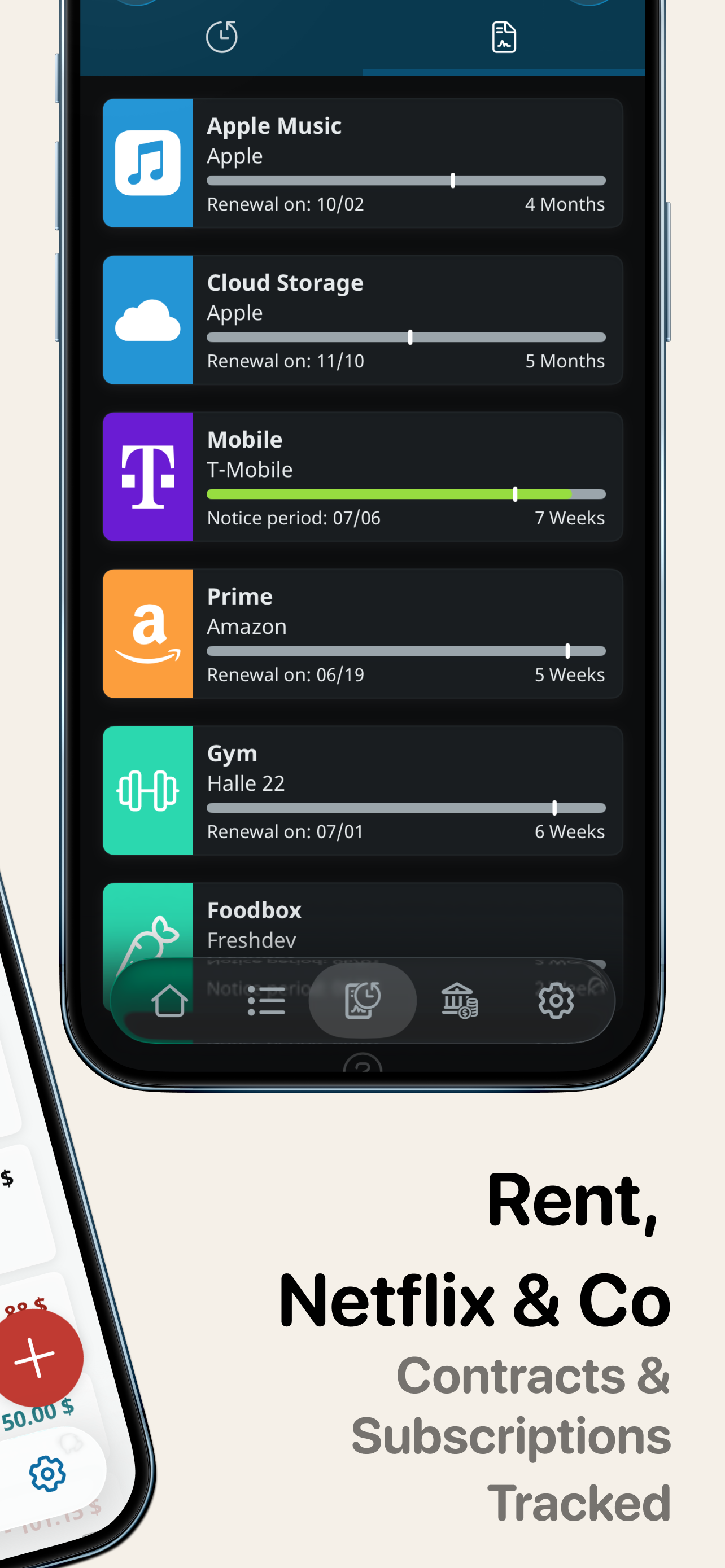
Pros: great interface design. Includes a widget to quickly enter new transactions. Allows for transaction receipt attachment! This is a real differentiator me. Does not attach to your bank accounts. This is a plus for me. Allows for synching with drop box. Alternatively synchs with a web app. I haven't tried yet but I believe this feature will allow for my wife and I to share a budget. Generates reports directly from phone Cons: receipts don't synch. (they are working on it.) This is the only thing really keeping me from committing. Bottom line:. Mature interface. Key differentiator - synchronization with web app- not quite complete yet. With this is in complete Id sign up if this goes reasonably subscription based.
Budget app for income, expenses, household budget and finances – MoneyControl. Keep track of your finances, manage income and expenses, and plan your...
| Name | Price | Type |
|---|---|---|
| Receipt Extension: Take photos of paper receipts and add them to entries | $1.99 | One-time |
| Extension: Shortcuts Widget | $1.99 | One-time |
| Report Extension - Create, print and share PDF Reports | $1.99 | One-time |
| Premium Update - Create and manage an unlimited number of entries | $8.99 | One-time |
| Optional: WebApp 3 months | $11.99 | Quarterly |
| Optional: WebApp 3 months | $12.99 | One-time |
| All In One Bundle | $12.99 | One-time |
| Optional: WebApp 12 months | $27.49 | Yearly |
| Optional: WebApp 12 months | $27.49 | Yearly |
| Optional: WebApp 12 months | $29.99 | One-time |