Check the acquisition promise
Read the store headline, screenshots and description. What problem is the app promising to solve?
Study the storefront ↗
C2 Development, LLC · iOS
Explore the ad evidence, study the storefront, and build your next acquisition hypothesis.
01 / Creative research
Read the store headline, screenshots and description. What problem is the app promising to solve?
Study the storefront ↗Explore apps with direct store-link matches. Compare their hooks and formats without assuming the same approach works here.
Browse observed advertisers ↗Store rankings and revenue estimates describe market context. They do not establish ad spend, conversions or ROAS.
Review the market context ↗02 / Storefront & product
Study the product story and store experience behind the acquisition funnel.




03 / Market context
Keep revenue, downloads and store rankings separate from advertising performance.
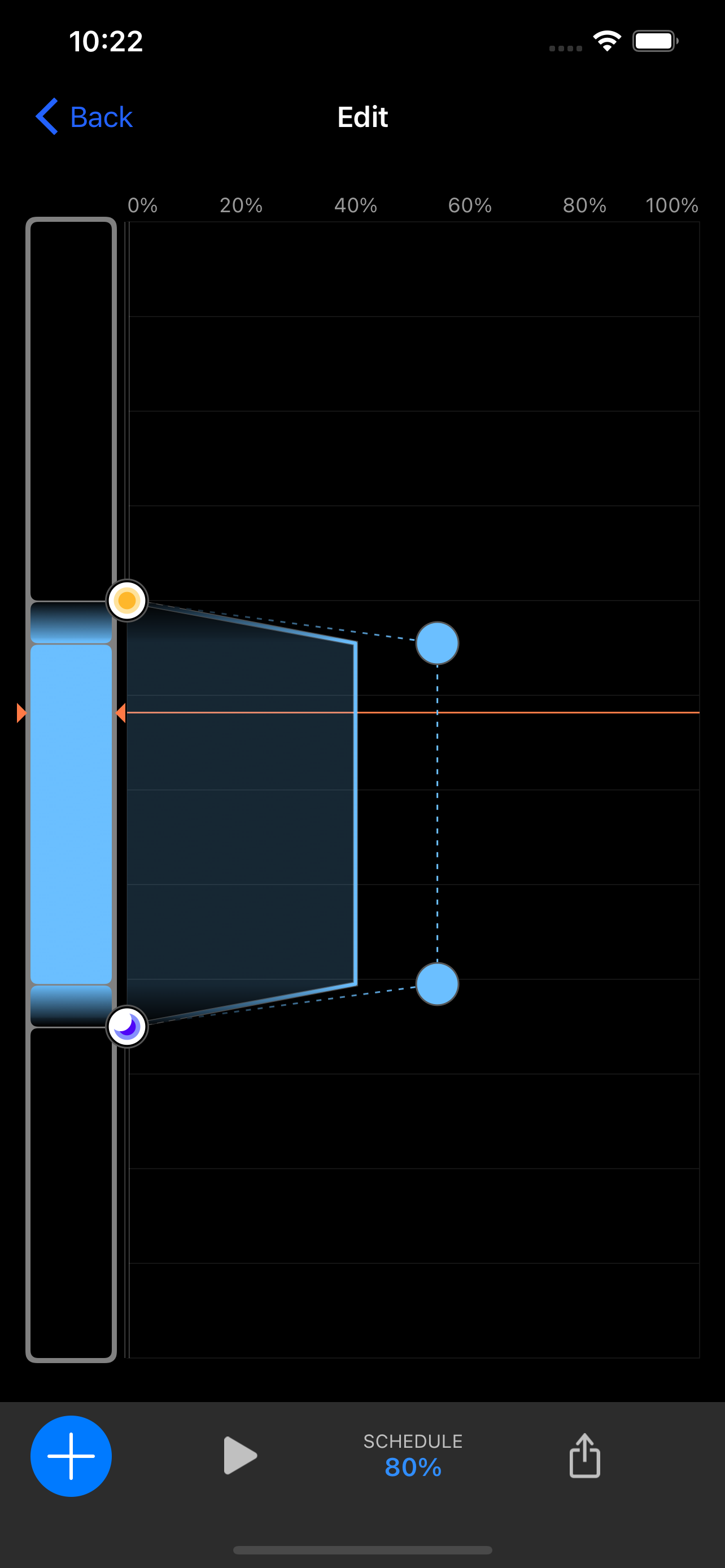
UX team, PLEASE read. Here are a few of the pain points:-Lighting schedule is a nightmare all the way around. Spent hours in the app and I’m still not sure how to properly create a schedule that works, moon light issues included. And the lighting graph…Small circles, large circles, percentage bar at the top of the graph that makes no sense (light show max of 60% on the graph even though they are set to 100%) and doesn’t correlate to point % intensity or overall schedule intensity…confusing all the way around. Please oh please make this UI better.-Had one XR30 G6 that was dimmer than the other two for no known reason, even on the AB+ template…rebooting fixed it for now.-No “OFF” button in the app for the lights if you want to turn them off for any reason (to introduce a new fish, etc)-No “OFF” button for flow pumps (needed during water changes)-No built-in light templates for whiter spectrums. All are minimally different shades of intense blue that are too intense to enjoy. The Apex modes are much more useful. -No built-in photo mode for taking photos and videos (Apex does)-Flow should be easily controlled on the main flow screen. I have to edit a schedule to change the flow??-No easy way to take a built-in lighting or flow template and “Save As” to make it your own with a new name. But hey, there’s a disco mode to freak out the fish for no apparent reason…<sigh>.The Apex light schedule is a step in the right direction, even though it has its own drawbacks.
Light it self, 10/10. the app on the other hand messes up so much it makes me question its reliability. Sometimes, for no reason, you can’t connect to your light to change settings through the app; That’s my biggest grief. Secondly, sometimes the light settings don’t do what you have them programmed to do; I found my light on at 11:30pm even tho it was only scheduled to 9:30pm. Even when I checked the app, it showed that it should be turned off but it wasn’t. I had to just used one of their pre-programmed light settings. Those are the real problems I’ve had since installing these lights 7 months ago. Something else that is annoying, is that the settings don’t change with daylight savings time. And a feature that I like during the day but not the night is when you are messing with a specific light setting; it turns the light on to the spectrum you are programming, so you can see in real time what your light is doing. If it’s during the day, that’s great! But if it’s at night and everything is sleeping, you then instantly turn a super bright light on and some fish start freaking out. I wish you could toggle that feature on and off while messing with the light. Again those last two aren’t deal breakers, just something to consider about the app. Great lights; annoying app; not being able to connect to the light is the most frustrating part though.
I really wanted to love this app. I just bought a Radion XR15 and the light is absolutely awesome. The app however has been giving me problems since day 1. I will run a template such as the AB+ and halfway through the day I’ll look at it will be still stuck in the morning section of the cycle. I’ll check the time in the app and it’ll say 8 am when it’s really 2 pm or something. I’ve verified my time zone and I’ll click ‘current time’ to bring it up to speed but this has been CONSTANT. The light does not keep to the schedule I put it on and it’s so disappointing. I love the light but the app has been causing me daily stress and since I can’t edit the settings from anywhere else except on WiFi right in front of the light, I’m panicked that if I’m away for more than a few hours that it will not run properly. I really hope this problem gets fixed ASAP.
Mobius® is an innovative control platform for your EcoTech Marine products. A core rethinking of how products connect and function make Mobius one of...