Check the acquisition promise
Read the store headline, screenshots and description. What problem is the app promising to solve?
Study the storefront ↗
Mobile Integrated Solutions, LLC · iOS
Explore the ad evidence, study the storefront, and build your next acquisition hypothesis.
01 / Creative research
Read the store headline, screenshots and description. What problem is the app promising to solve?
Study the storefront ↗Explore apps with direct store-link matches. Compare their hooks and formats without assuming the same approach works here.
Browse observed advertisers ↗Store rankings and revenue estimates describe market context. They do not establish ad spend, conversions or ROAS.
Review the market context ↗02 / Storefront & product
Study the product story and store experience behind the acquisition funnel.
03 / Market context
Keep revenue, downloads and store rankings separate from advertising performance.
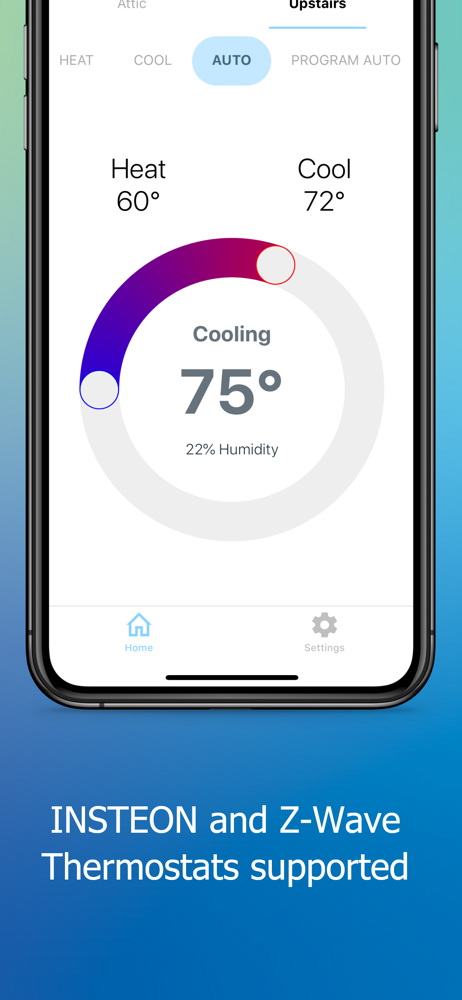
I’ve been using MobiLinc HD with only zwave devices and ISY994 for about two years and although it’s quite dated I like the flexibility in the app. In this app I can see and control every device, program on my zwave network regardless of the manufacturer of the device. I had big hopes for the “X” version to give a new user experience and for a few limited devices it sure did. For example thermostat function is great and dimmers control, love that. The negative part is that I cannot find a way to see my door sensors. My garage door control also shows up as a door lock and no way to edit this or change icon. I like to shop around for specific zwave devices and ISY994 does a great job of integrating those but this app doesn’t..unless I miss something!? In the HD app I have set notifications when doors open and close but since this “X” app will not even display any of my door sensors I have no clue how to set status change notifications. I could go on but as I see it it’s not worth the cost yet for this app service as I see it’s far from ready to integrate fully with ISY994 regardless of tier level. Happy that I was refunded the cost for the app. Will stick to what I have for now and monitor the development of this one. Great start anyway in integrating with so many other platforms but now the UI needs some TLC. Thanks!
More aesthetically pleasing than older Mobilinc versions, quicker controller response, but apparently not currently as configurable. For instance, how do I place Programs in specific rooms? How do I get lawn sprinkler programs to show under Irrigation? How do I change icons for a program that activates my alarm? The old version allowed configuration over all of these elements. I have a very useable Dashboard in the old version, although it looks quite dated. I’ll need to stick with the old version for now. Be sure to test that the new version works for your situation. I would’ve tested more thoroughly if I was allowed to re-test v.X after it’s latest update. We need to be able to test more than on the first initial release from over a year ago if features have been added and bugs have been fixed. Thank you to Apple and the developer for refunding my purchase when I discovered the app wouldn’t currently be suitable for my needs. I am sure the developer will update the app to address some of my concerns. I hope to be able to test it again in the future and possibly re-purchase it if it works for my use case scenarios.
Using an ISY home automation control is “I think” the best out there for your more savvy user. ...and MobiLinc got to be the best Mobile app out there to control it! I have used MobiLinc Pro for seven years having basically my entire house integrated. All lights switches, outlets, thermostats, garage door, exterior door locks, and all window shades! I was VERY pleased to see continued development with new MobiLinc X. I’m excited for future new features being added as well with existing. My favorite is “Custom Buttons” ...now I can take any of my programs and turn them into buttons with any number of controls. Example, my window shades (Somfy Motors) are controlled via a program (in order to send a network command). e.g. “Run Then” for “Open”, “Run Else” for “Close” and another program for “Up”. Now with custom buttons I can make this all transparent and “nice” under one button with three different actions! Super cool! Keep up the good work, with the continued development and support!
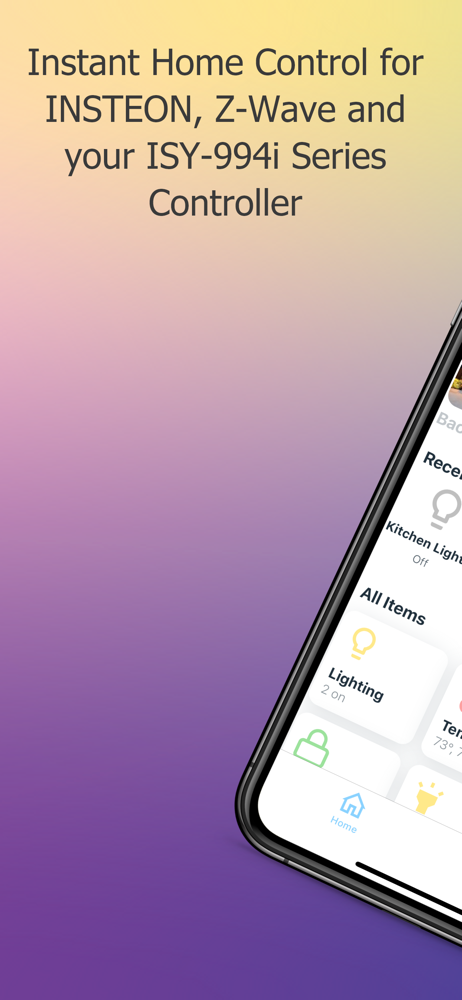
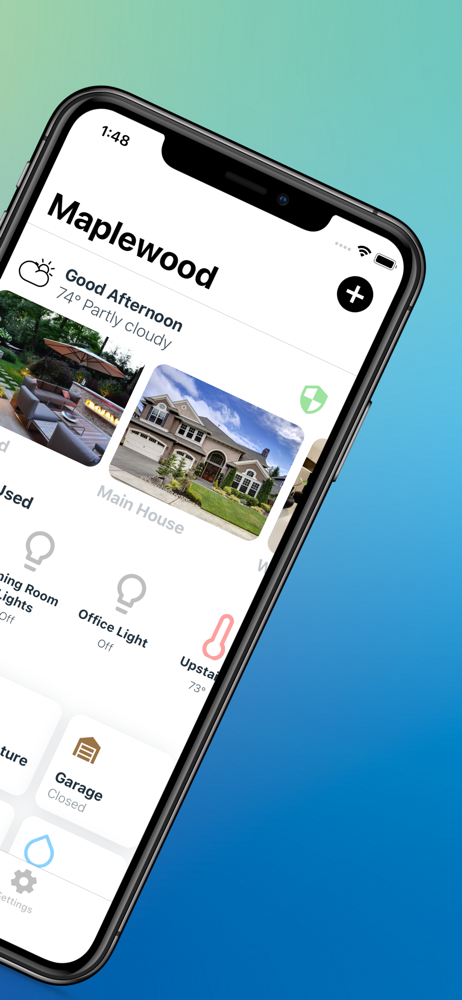
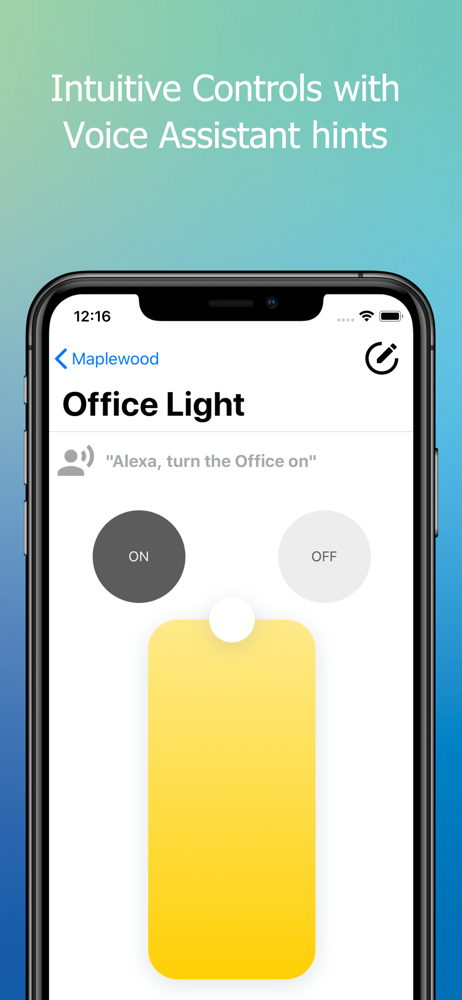
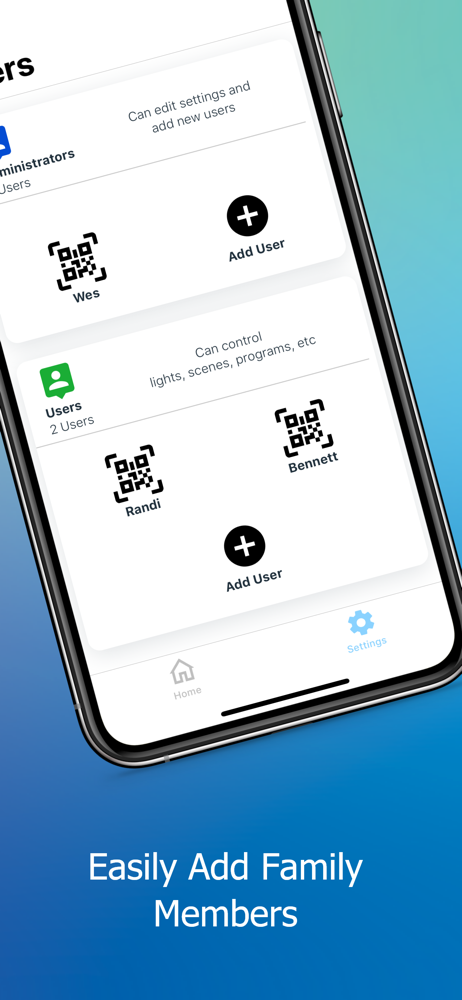
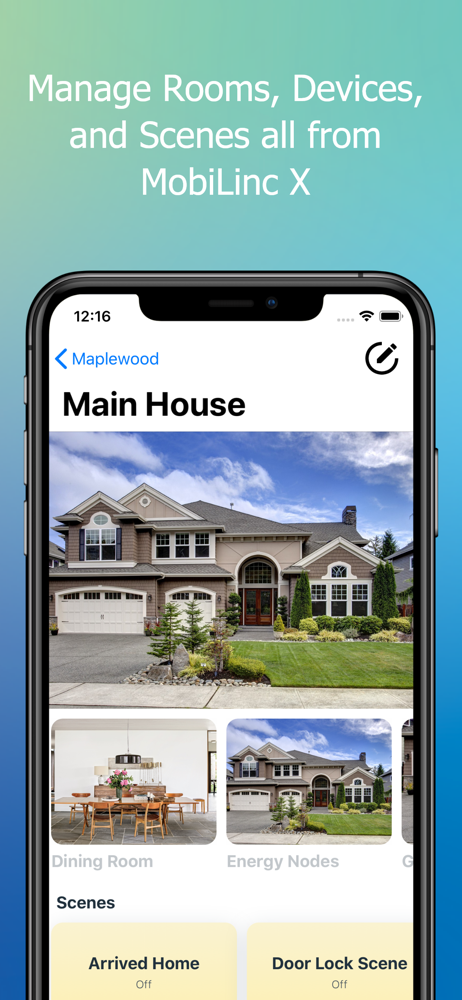
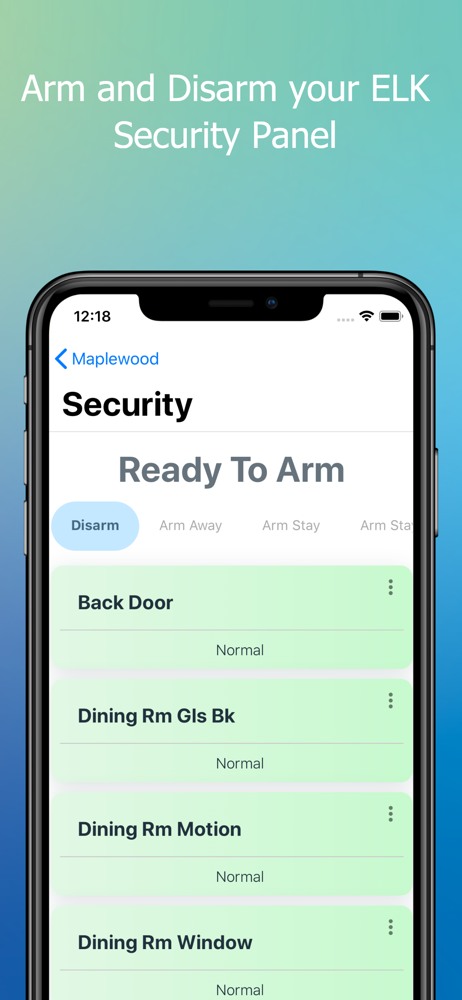
MobiLinc X is a modern app for your ISY-994i controller built with speed, security, and your family in mind. Get started with a free 14-day trial! Mo...
| Name | Price | Type |
|---|---|---|
| Access Monthly | $6.99 | Monthly |
| Connected Monthly | $9.99 | Monthly |
| ONVIF Camera Support | $9.99 | One-time |
| Family Monthly | $14.99 | Monthly |
| Direct Remote Access | $29.99 | One-time |
| Direct Local Access | $49.99 | One-time |
| Bundle All Direct IP Options | $74.99 | One-time |
| Access Yearly | $76.99 | Yearly |
| Connected Yearly | $109.99 | Yearly |
| Family Yearly | $164.99 | Yearly |