Check the acquisition promise
Read the store headline, screenshots and description. What problem is the app promising to solve?
Study the storefront ↗
NibblesnBits · iOS
Explore the ad evidence, study the storefront, and build your next acquisition hypothesis.
01 / Creative research
Read the store headline, screenshots and description. What problem is the app promising to solve?
Study the storefront ↗Explore apps with direct store-link matches. Compare their hooks and formats without assuming the same approach works here.
Browse observed advertisers ↗Store rankings and revenue estimates describe market context. They do not establish ad spend, conversions or ROAS.
Review the market context ↗02 / Storefront & product
Study the product story and store experience behind the acquisition funnel.



03 / Market context
Keep revenue, downloads and store rankings separate from advertising performance.
Update- it appears the latest update fixed the issue I started having. Thank you! I purchased this app a while back and you until recently, it’s been great. Now, it will only load one of my 13 cameras. I have to restart my phone to get it to work again, but even then it’s inconsistent. Sometimes it’ll work fine for a couple days, others it’ll only work until you close the app, then you have to restart your phone again. Please fix!
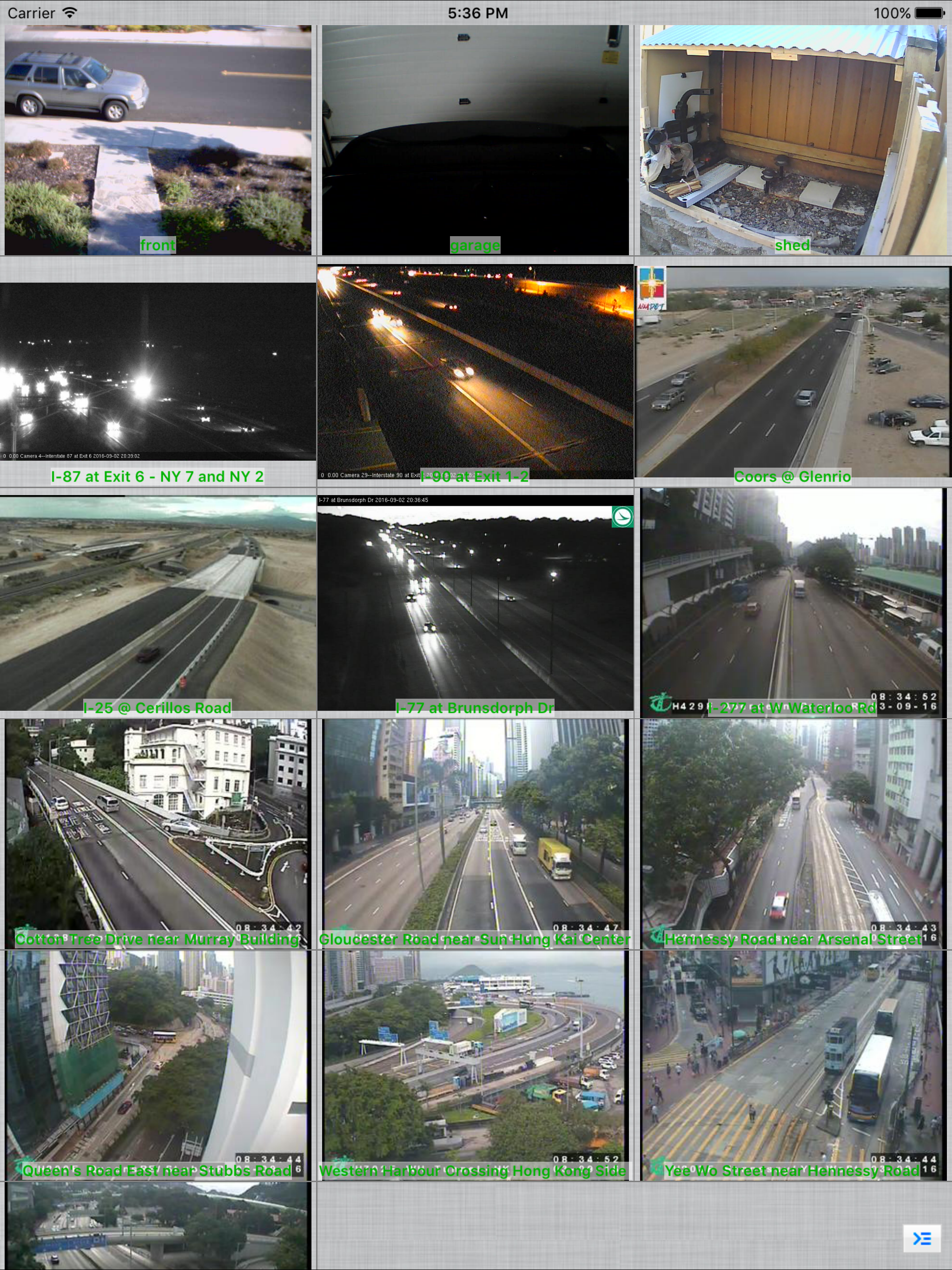
I have several different brands of wifi cameras and this app permits me to view and control all of them without comprising any features. It even has a “Mass Action” feature which permits me to turn on Motion Detection for all of them at the same time. I reported a very minor bug to the developer and a week or two later the new version had the bug fixed. This app is well worth the cost, I would give it a 10 star rating if I could. Highly Recommended!
Far more features and functionality than my camera manufacturers app. Wansview makes excellent cameras that are reasonably priced but they really let you down on the software end of things. This app doesn’t crash every time I attempt to open it which is a huge bonus. I’d like to see the ability to use the microphone on my wansview k2 cameras microphone. I can hear but not speak through it. It may be that I’m just not finding the button to speak or there isn’t support yet for it though.
Remotely view, control and record your IP camera, webcam, DVR and NVR using your iOS device. Written by Robert Chou Use as a baby monitor with 2-way...