Check the acquisition promise
Read the store headline, screenshots and description. What problem is the app promising to solve?
Study the storefront ↗
Tayasui.com · iOS
Explore the ad evidence, study the storefront, and build your next acquisition hypothesis.
01 / Creative research
Read the store headline, screenshots and description. What problem is the app promising to solve?
Study the storefront ↗Explore apps with direct store-link matches. Compare their hooks and formats without assuming the same approach works here.
Browse observed advertisers ↗Store rankings and revenue estimates describe market context. They do not establish ad spend, conversions or ROAS.
Review the market context ↗02 / Storefront & product
Study the product story and store experience behind the acquisition funnel.


03 / Market context
Keep revenue, downloads and store rankings separate from advertising performance.
The app has a small learning curve. I found myself tapping in the wrong places and messing up my work at first. The drawing selection is just okay. As others have said, it would be nice to see some mandalas or other more abstract drawings. Blending colors isn’t easy. You can best achieve blending with the water color brush, but the pen and even the pencil tool aren’t very good at blending or layering color. A smudge tool would be a great addition. I am using a regular stylus on an iPad and I don’t know if an Apple pen would make a difference. The app would have better flexibility if the brush sizes went a lot smaller. It would also be helpful to be able to lock in a color selection to the palette so you don’t have to keep resampling the color to use it again. Even with the drawbacks, the app is very enjoyable and offers a lot of flexibility with color selection. When you look at what others have achieved in the gallery, good results are clearly possible.
So I have been using this coloring app now for a little over 2 weeks! I am absolutely in love with it. There are numerous amounts of pages to color, i think it is around 70+, if I’m not mistaken. With new pictures added every so often. There are 4 different coloring tools to use, plus an eraser... Here are a couple suggestions to have added to the app.... 1. when actually coloring- having the ability to use “gradient” coloring effect, or even an effect that resembles hammered steal, or wood grain effect. 2. Adding a few more coloring mediums- like oil pastels, acrylic painting, or maybe even something like or having the effect of “staining”, having colors that have a “glitter” effect (if that’s possible) or maybe an effect as if one had “oil to water” appearance. 3. Offering other styles of pictures to color, such as Mandalas, repeated patterns, or even “kid friendly” pages that are not as complicated to complete. Again, this app is one of my absolute favorite to use for free-handed coloring... polar opposite to the “color by number” app I am also addicted to. It’s nice to switch it up every now and then...Great job to the developers in the creation of this one.
The tools are fantastic, you choose the style you want to use, watercolor, painting, etc. You pick what color and style you want to use on the pictures, it’s not paint by the numbers like other apps. But...there are only 25-30 pictures to choose from, and they are all in one style of art, the animals and everything look the same in every picture. The content of the pictures change, but the look is the same because of the very distinctive drawing style. You don’t get to choose by type, mandalas, animals, flowers like in other programs, they are presented in a book style. Most are animal with a few flower pot ones. I’m quite disappointed, even though it wasn’t much money, I don’t like the style of the art, or the lack of selection. If you don’t want much selection beyond bears, wolves and a few kittens, in a very unusual style, this program is for you. If I could integrate the tools with the selection of most of the other adult coloring apps, that would be the best of both worlds.
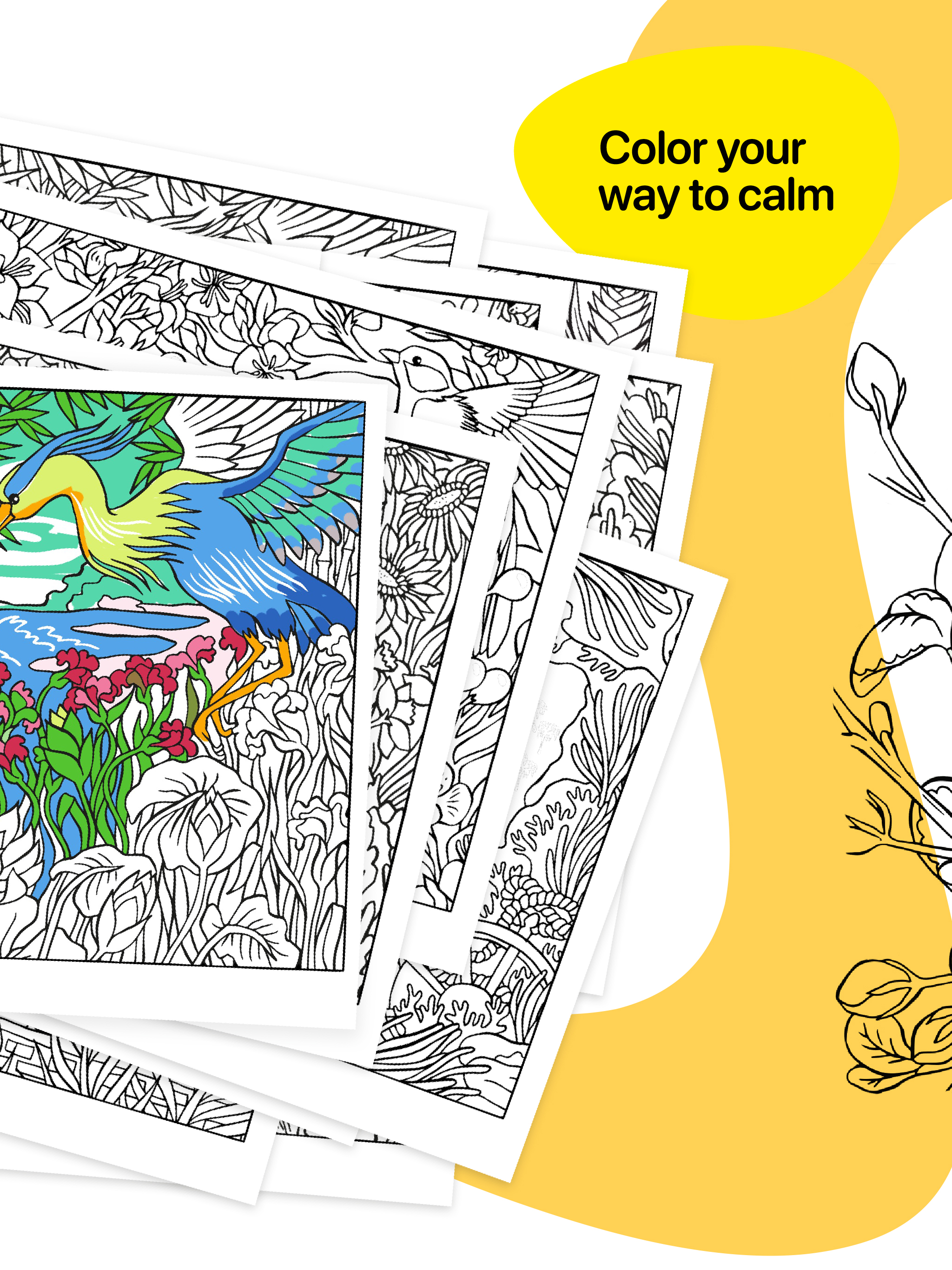
*** Apple Editor's Choice *** Miyako stands out with its lifelike tools and exclusive illustrations. Each page invites you to relax, get creative, and...
| Name | Price | Type |
|---|---|---|
| Miyako Premium Monthly | $1.99 | Monthly |
| Miyako Premium Annual | $9.99 | Yearly |