Check the acquisition promise
Read the store headline, screenshots and description. What problem is the app promising to solve?
Study the storefront ↗
VisTech.Projects LLC · iOS
Explore the ad evidence, study the storefront, and build your next acquisition hypothesis.
01 / Creative research
Read the store headline, screenshots and description. What problem is the app promising to solve?
Study the storefront ↗Explore apps with direct store-link matches. Compare their hooks and formats without assuming the same approach works here.
Browse observed advertisers ↗Store rankings and revenue estimates describe market context. They do not establish ad spend, conversions or ROAS.
Review the market context ↗02 / Storefront & product
Study the product story and store experience behind the acquisition funnel.



03 / Market context
Keep revenue, downloads and store rankings separate from advertising performance.
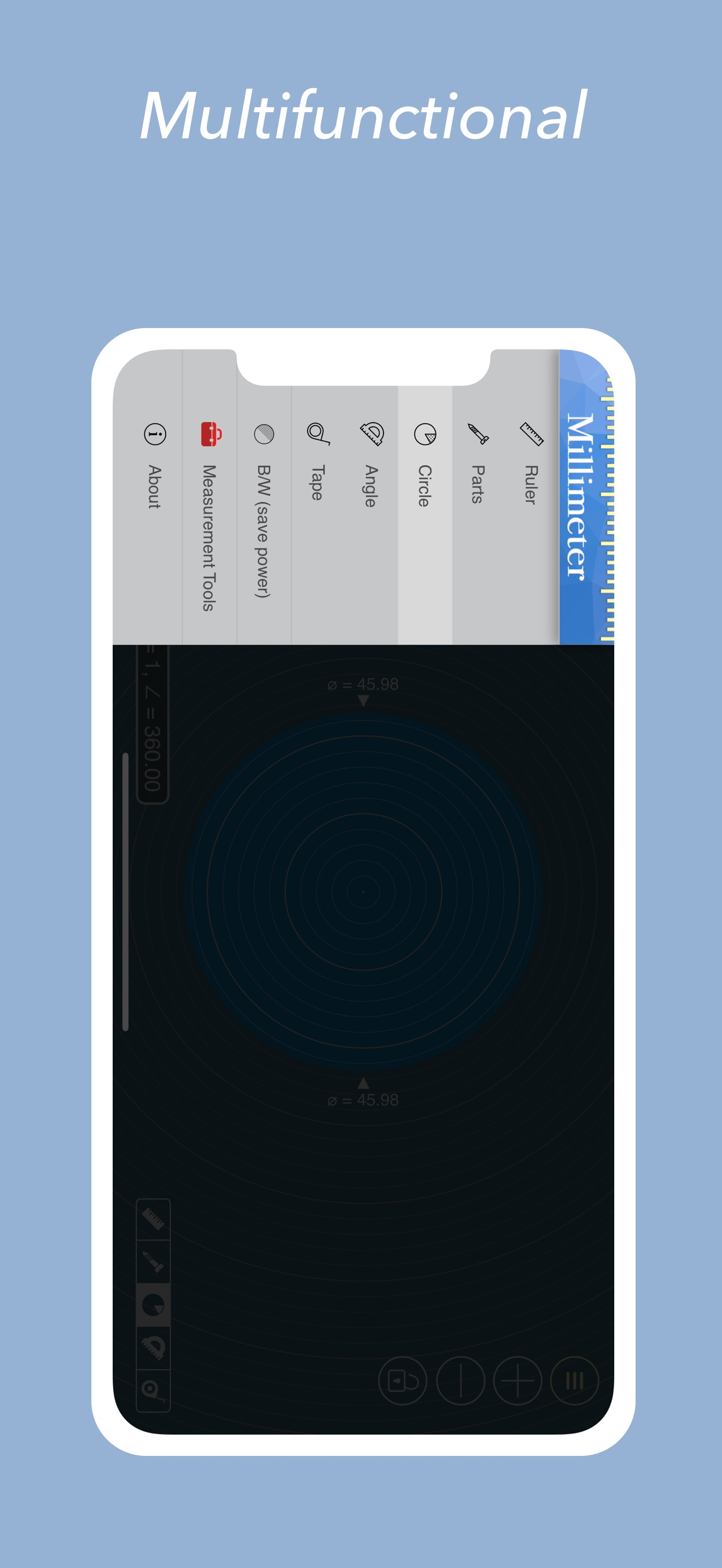
The app seems broken and that the only way you can change any angle / dimension / etc is to type an exact number. You need to do *something* if the user is tapping and dragging around. Even if it’s flashing the lock icon. Or default the lock to off. I get it finally, but also the fact that orientation is locked makes it really confusing what the lock does. Also, when you set a diameter and then go back to set it again, the value has mysteriously halved.
Not user friendly. I took me time to understand on how to use it. But very good measuring stuff equipment.
Could be better if there is another way to increase/decrease values other than touch screen as I always wast my time trying to got the correct measure by touch screen
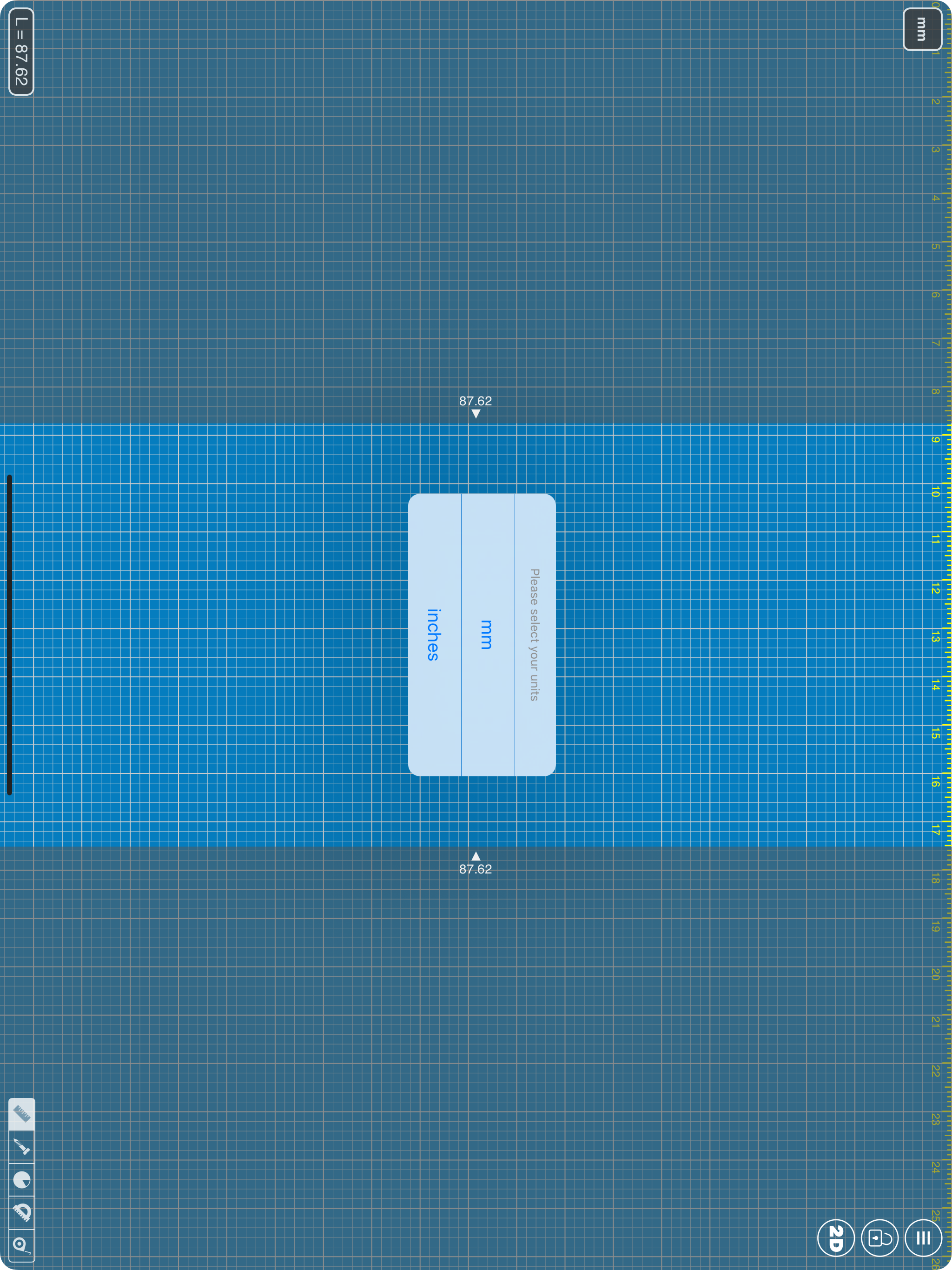
App blog: https://goo.gl/da6LdZ Millimeter Pro is an easy-to-use and helpful measurement tool for iPhone or iPad. It uses a touch screen as a ruler...