Check the acquisition promise
Read the store headline, screenshots and description. What problem is the app promising to solve?
Study the storefront ↗
Snailed It Development Ltd · iOS
Explore the ad evidence, study the storefront, and build your next acquisition hypothesis.
01 / Creative research
Read the store headline, screenshots and description. What problem is the app promising to solve?
Study the storefront ↗Explore apps with direct store-link matches. Compare their hooks and formats without assuming the same approach works here.
Browse observed advertisers ↗Store rankings and revenue estimates describe market context. They do not establish ad spend, conversions or ROAS.
Review the market context ↗02 / Storefront & product
Study the product story and store experience behind the acquisition funnel.





03 / Market context
Keep revenue, downloads and store rankings separate from advertising performance.
I tried using the example shortcuts to get a better idea of the functionality it would provide but in order to even use the example shortcuts you have to pay $5. I have no issues paying $5 but I want to make sure it’s something I’m actually going to be able to use. I’ve spent way too much $$ on apps only to find out they either don’t do what I thought they did or that I don’t full understand how to implement their features. The only reason I’m at least giving it 4 stars is because it’s the same dev that took over Toolbox Pro. Speaking of, I had no issues paying for Toolbox Pro because I was actually able to test out some of the actions it offered before spending $$ on the rest of the actions. Something similar needs to be done for Menu Box. I’m no longer going to spend $$ on apps hoping that they’ll do what I think they will.
Overall, this app is fantastic. Will save me a lot of time when building shortcuts. There are a few issues, but I’m still giving five stars. Great UI, great UX, simple, intuitive, great features. Clearly a developer who cares about the quality of their product—which is greatly appreciated! 🙌🏻 1. Items for which transparent background is selected still show with a background in Shortcuts. I set transparent backgrounds for an SF Symbol and an emoji and both displayed with a white background in Shortcuts 2. Locking any documentation behind a subscription is pretty messed up. Currently, there are three items/pages which require premium to view. Sure, they’re for more advanced features, but still… 3. I went ahead and tried the example shortcuts included in the app just to see how they were, but they didn’t work in Shortcuts. They errored out each time.
Updated, figured out how to do the dark/light mode. It makes creating good looking menus much easier and runs quicker than Actions menu! The only big issue is the slow response when doing quick menus with symbols, but loading menu sets is much faster. Also seeing issue with emoji menu in action can’t select an emoji directly, and the symbol menu has no option for background color (in quick menu actions). Overall this app is completely awesome though.
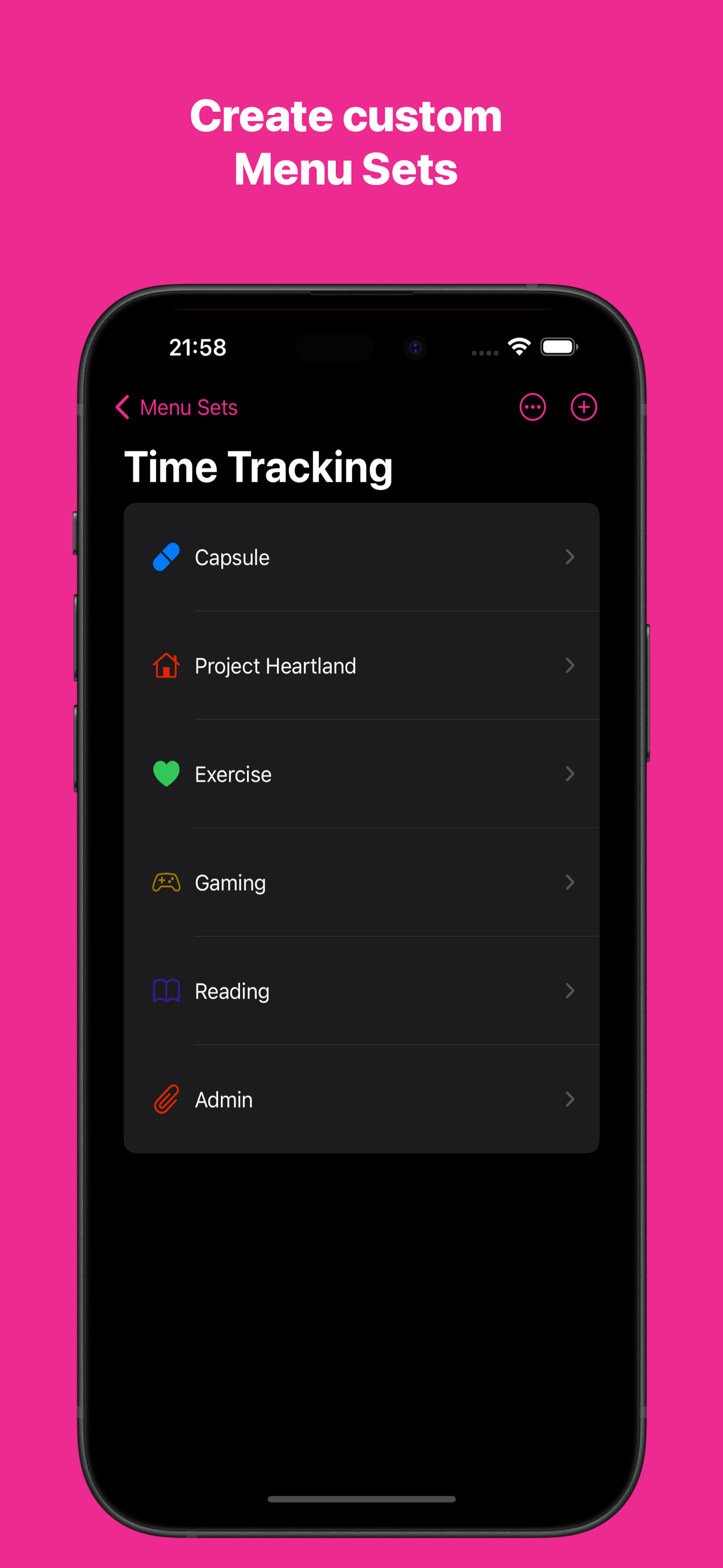
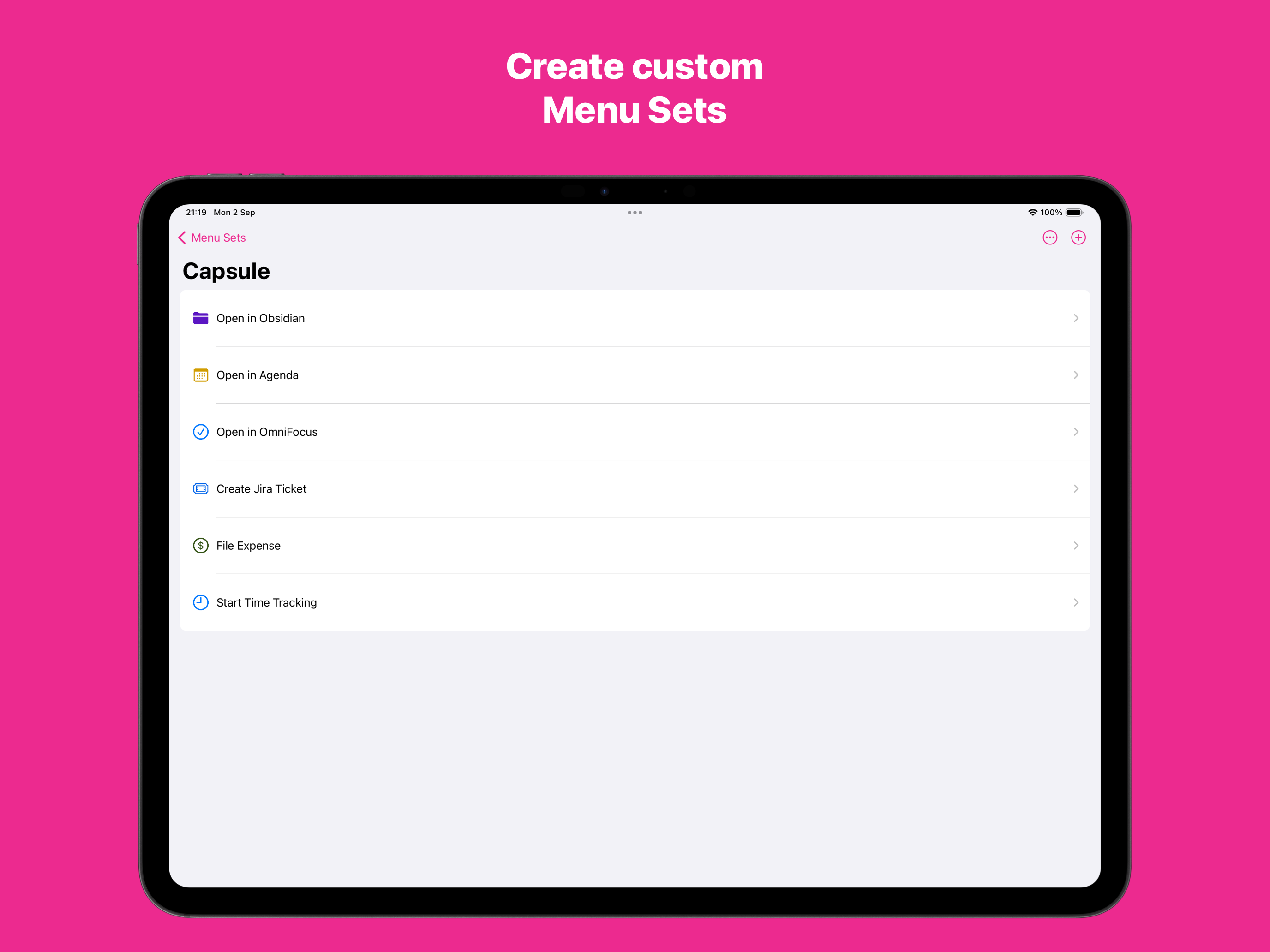
Menu Box allows you to create beautiful menus in Shortcuts, further customising your advanced Automations. Menus can be created using emojis, SF Symb...
| Name | Price | Type |
|---|---|---|
| Tip Jar - Small | $0.99 | One-time |
| Tip Jar - Medium | $2.99 | One-time |
| Premium (Annual) | $4.99 | Yearly |
| Tip Jar - Large | $4.99 | One-time |