Check the acquisition promise
Read the store headline, screenshots and description. What problem is the app promising to solve?
Study the storefront ↗
Oleksandr Pylaiev · iOS
Explore the ad evidence, study the storefront, and build your next acquisition hypothesis.
01 / Creative research
Read the store headline, screenshots and description. What problem is the app promising to solve?
Study the storefront ↗Explore apps with direct store-link matches. Compare their hooks and formats without assuming the same approach works here.
Browse observed advertisers ↗Store rankings and revenue estimates describe market context. They do not establish ad spend, conversions or ROAS.
Review the market context ↗02 / Storefront & product
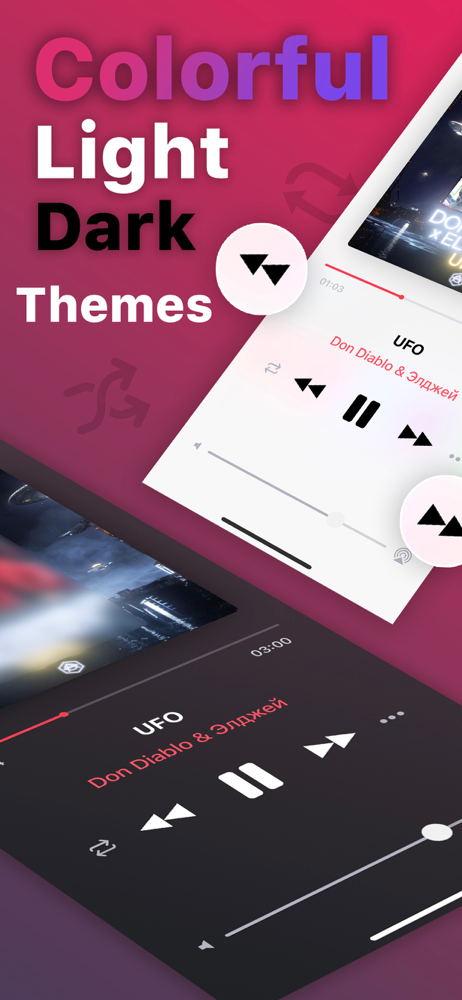
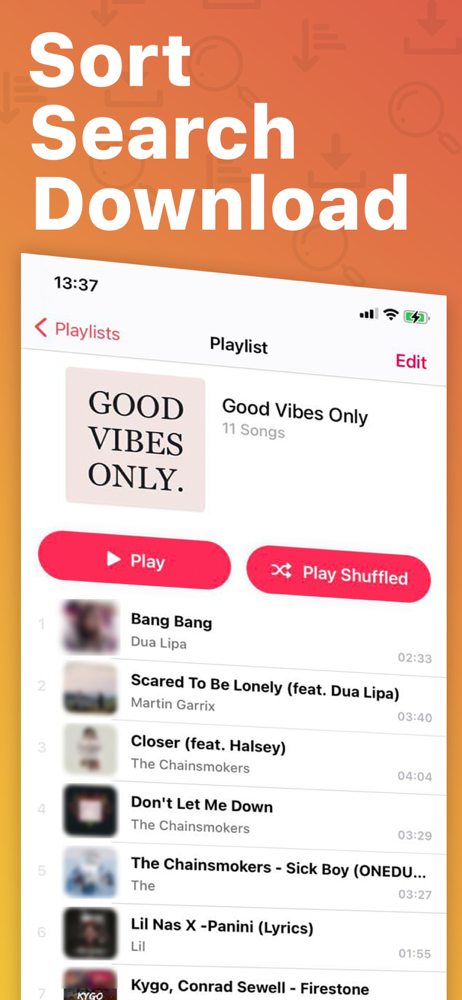
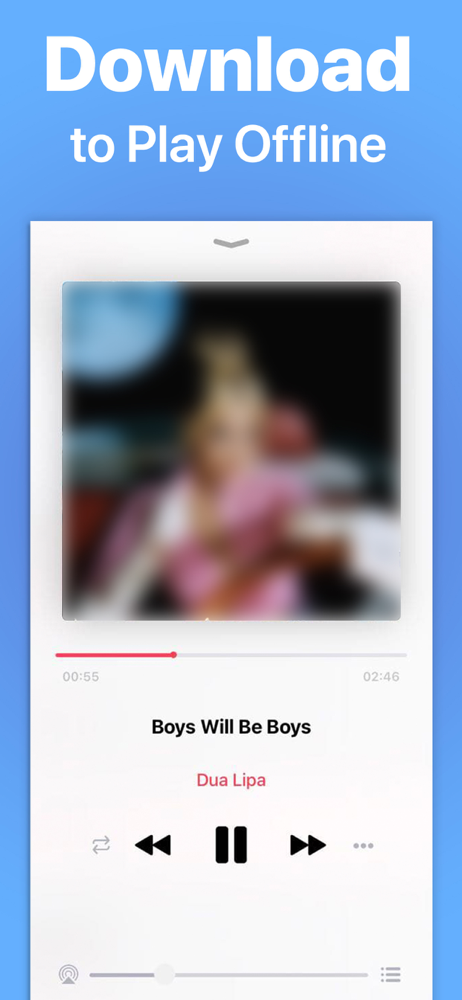
Study the product story and store experience behind the acquisition funnel.



03 / Market context
Keep revenue, downloads and store rankings separate from advertising performance.
Melodista is great if you have downloaded music and you need a place to organize it. The interface is pretty simple but there are just some bugs that make it difficult. I keep on having an issue with opening the app and then suddenly all of my songs are doubled? I don’t really know why especially since I went in and deleted the doubles and then the songs that remained were unplayable and I had to restart the whole process of uploading the music. I had no issues until it happened again unfortunately, although I’m just keeping it as is and hoping it is just a glitch and goes back. As for small changes that would really improve the app is allowing customization with the artists and albums part of the app. It would be nice to change the photo for the artists and also to reorder songs in the album so that it matches the studio album. Thank you so much for creating this app and would download again! (Please fix the doubling thing though it’s soooo irritating)
Really, really great & amazing app. Exactly what I need & has great ease to do so... but it needs to be fixed a bit. A lot of the great functions of the app are ruined by bugs that need to be fixed. For example, songs will start automatically playing in order by themselves just a few seconds after clicking play on a song then doing any action on the app. The one that bugs me the most is how at first the adding/changing cover art feature worked perfectly fine, but now it's become a bug where after I change the art to something: it glitches the song info into displaying the same song title as artist name- essentially reverting it back to default & doesn't even use the cover I choose, it does the default one; however the audio does still play. Also there appears to be no way to fix this on my end, so I hope the dev (s) patch it
Update: the developer fixed the landscape on iPad. I have a lot of music. Wish there was a way to easily add music to a playlist by artist or a select all as well. The plus symbol add is good but adding one at a time is tedious. Thanks. I was looking for an app that would allow me to load my own music and edit the album art work if needed. This one does both. The only issue I have is that I use my iPad in landscape mode most of the time with a keyboard and the landscape iPad mode does not look very good. The audio player artwork is off center and too big, the playlist’s appear elongated and cut off. Apart from the landscape issues the ipad is pretty nice and reasonably priced for the ‘no ads’ version. Will change the star rating if the landscape ipad view can be changed.
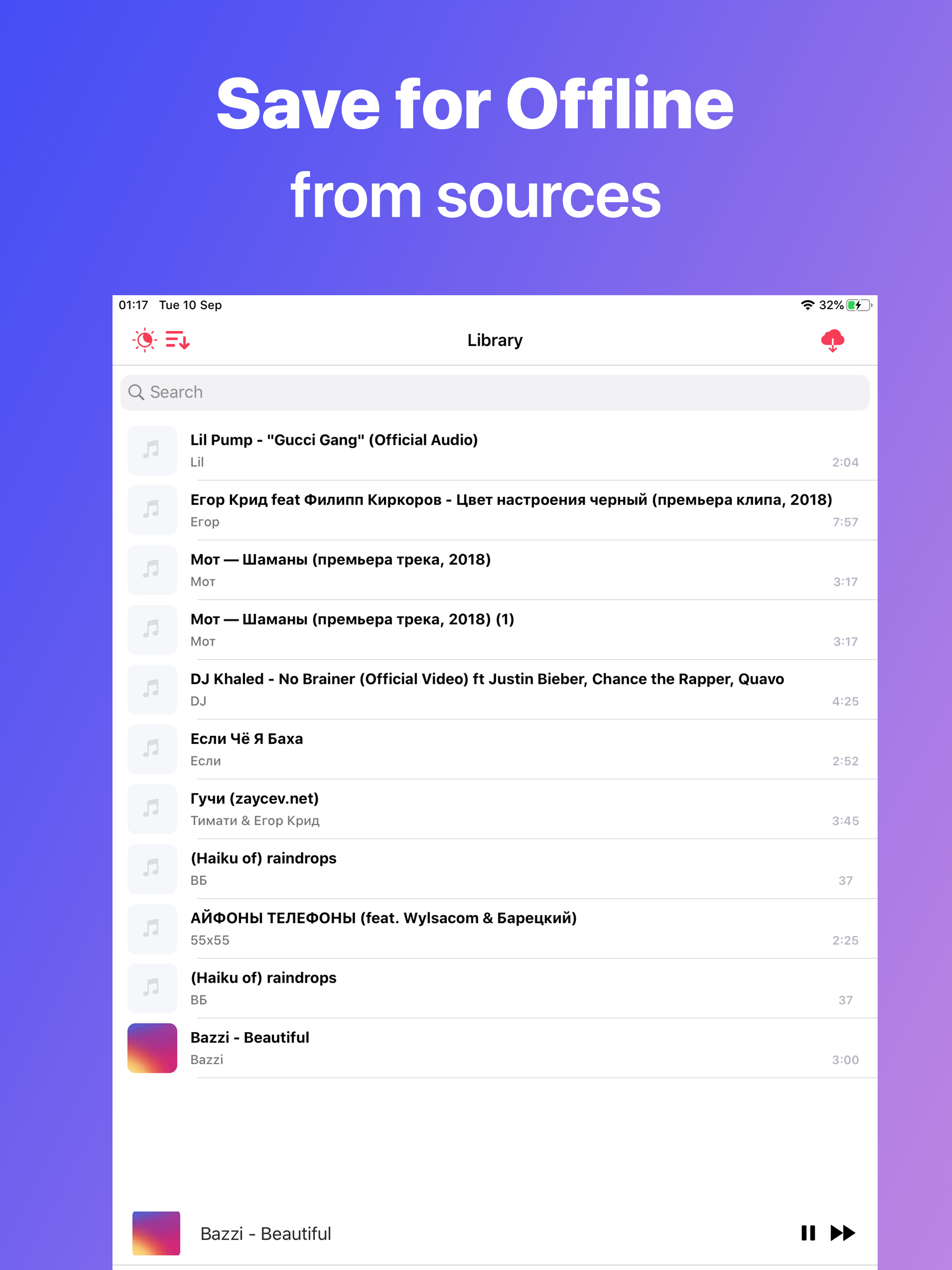
A First Music Player without interruptive ADS Melodista is a player for music lovers. Optimized to match cutting edge iOS user experience, integrated...
| Name | Price | Type |
|---|---|---|
| Pro Unlock - 1 Month | $2.49 | Monthly |
| Unlock Pro | $8.99 | One-time |