Check the acquisition promise
Read the store headline, screenshots and description. What problem is the app promising to solve?
Study the storefront ↗
yuanmei · iOS
Explore the ad evidence, study the storefront, and build your next acquisition hypothesis.
01 / Creative research
Read the store headline, screenshots and description. What problem is the app promising to solve?
Study the storefront ↗Explore apps with direct store-link matches. Compare their hooks and formats without assuming the same approach works here.
Browse observed advertisers ↗Store rankings and revenue estimates describe market context. They do not establish ad spend, conversions or ROAS.
Review the market context ↗02 / Storefront & product
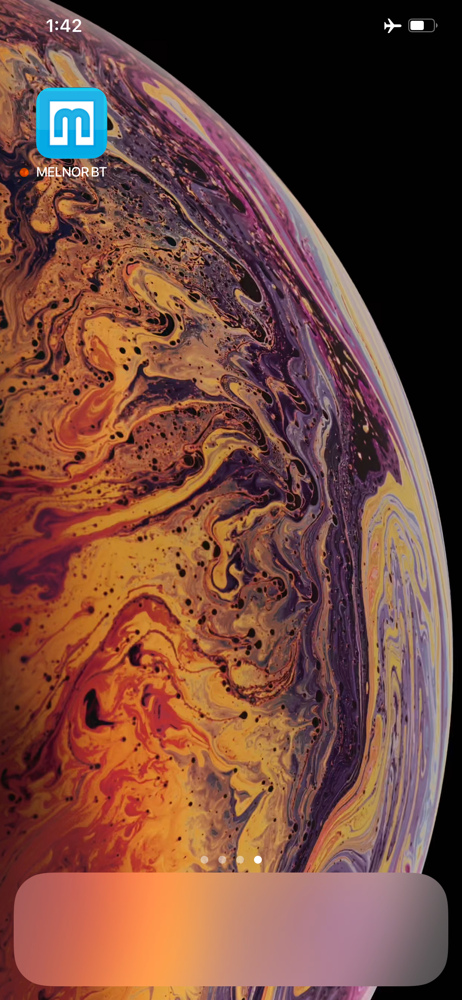
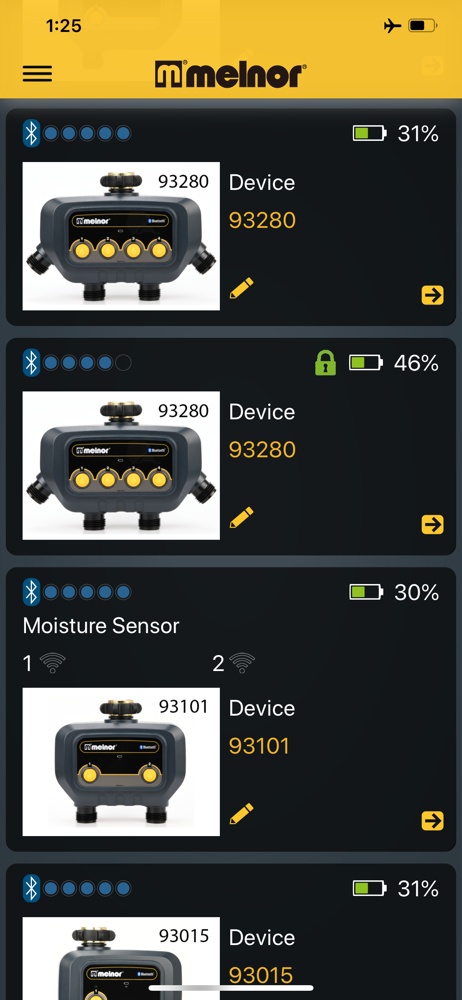
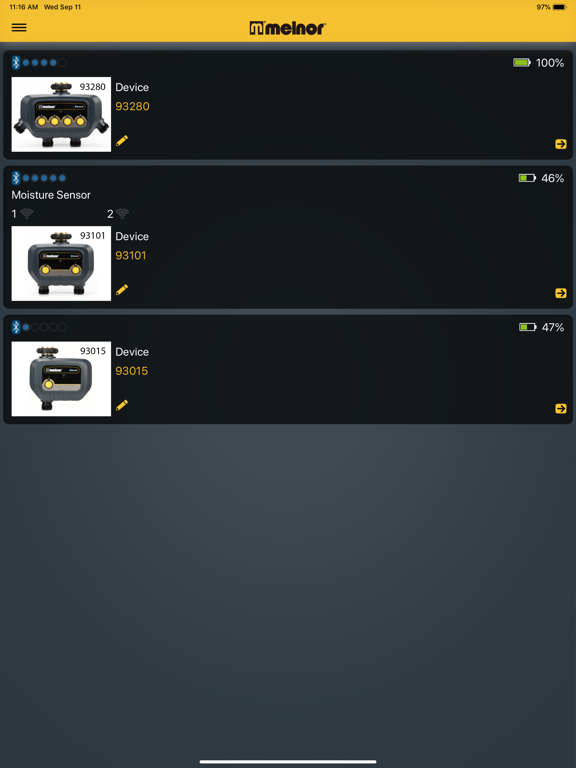
Study the product story and store experience behind the acquisition funnel.

03 / Market context
Keep revenue, downloads and store rankings separate from advertising performance.
If you’re looking for something easy to program and control from your phone, this app is very helpful. You do have to be in range of the unit to make adjustments, but it is so much easier to use than other timer units I’ve owned. The app is such a useful tool. Once you understand the function of it, it’s a breeze to operate. Don’t buy this and expect to control it from a remote location. The water unit doesn’t connect to your WiFi. It’s only controlled through your phones Bluetooth. I may be in the minority, but I don’t need to control my sprinklers when I’m not at home, so this doesn’t bother me.
I have 2 of these running 8 sprinklers. The design is extremely cumbersome. Do you want to run a 10 minute cycle of all your sprinklers, one after the other? Go to the first hose port and then go 4 menus deep and create a cycle to start now, for 10 minutes, every day. Then back out 4 menus. Repeat for each sprinkler. Now that you’ve gone in and out of 64 menus, sit back and enjoy your hard work. You’ve earned it. Seriously, can we make this a little smarter and easier to use? Maybe on the main menu have an option to run all the sprinklers sequentially for X minutes, or even allow us to check off the ones we want to run in order? How about a smart programming feature that lets us pick when we want to start a cycle, and what sprinklers are in that group, so if I want to change my duration from 20 minutes to 40 minutes for each sprinkler, I don’t have to change the start and duration for each sprinkler, and keep track of the times in my head, while navigating 64 menus.
Good functionality. Super annoying that you need to adjust everything separately, and to access a single sprinkler, you need to go through too many steps. There needs to be a way to access each sprinkler one click from the main menu. There is no overview of schedule. Ridiculous. There is no edit schedule from one place. There is no ability to see what is turned on, what is is turned off from one location. You need to go into each timer and then each hose separately. Also, the Bluetooth works well, but only if you’re super close. It’s frustrating because of the layout of my property I need to have hoses from the backyard go around the house into the front yard, because the water in the front is surrounded by the walkway and the driveway, so I can’t even see the sprinklers in the front when setting them up or using them because I need to be near the unit for Bluetooth. And from the front the Bluetooth doesn’t reach. They need to be taken inside every winter, they crack if any water is still inside.
ABOUT THE APP An easy and convenient way to manage your lawn and garden watering. Use the free app on your iOS smart device (minimum required iOS 9),...