Check the acquisition promise
Read the store headline, screenshots and description. What problem is the app promising to solve?
Study the storefront ↗
MATH GLOBAL FOUNDATION LTD. · iOS
Explore the ad evidence, study the storefront, and build your next acquisition hypothesis.
01 / Creative research
Read the store headline, screenshots and description. What problem is the app promising to solve?
Study the storefront ↗Explore apps with direct store-link matches. Compare their hooks and formats without assuming the same approach works here.
Browse observed advertisers ↗Store rankings and revenue estimates describe market context. They do not establish ad spend, conversions or ROAS.
Review the market context ↗02 / Storefront & product
Study the product story and store experience behind the acquisition funnel.

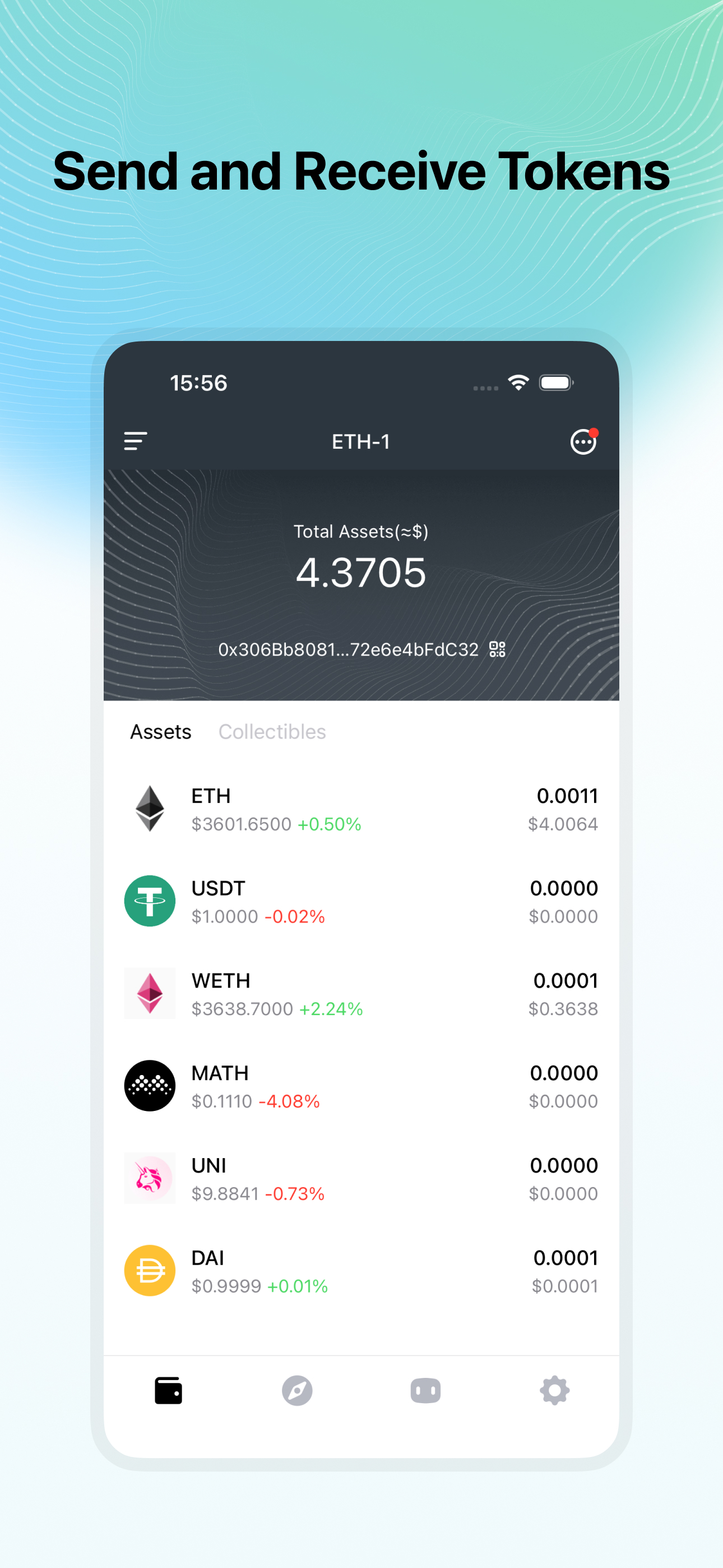


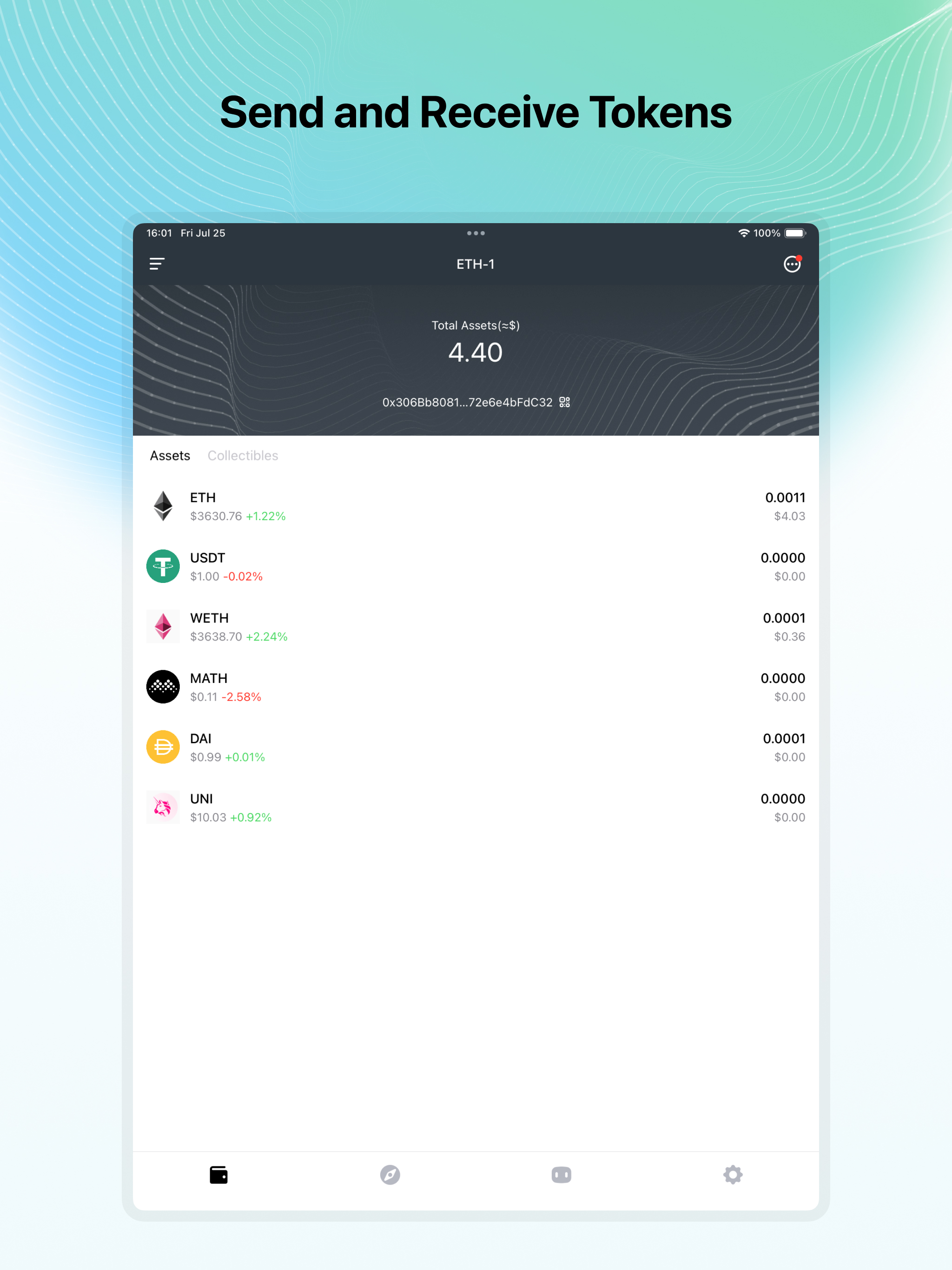

03 / Market context
Keep revenue, downloads and store rankings separate from advertising performance.
Wow! MathWallet has completely blown me away with its incredible user experience. This app has been an absolute game-changer for me. Let's start with the design. It's sleek, modern, and super easy to navigate. I love how intuitive it is – everything is right where you expect it to be. Managing my wallets, sending and receiving funds, and exploring decentralized apps has never been this smooth and hassle-free. To sum it up, MathWallet has set the bar high for user experience. It's reliable, secure, and incredibly user-friendly. I highly recommend it to anyone looking for a wallet app that delivers on all fronts. Trust me, you won't be disappointed!
I have used the Math Wallet browser extension for Chrome in the past for Secret Network and I wanted to use the app on my phone. I tried to import my wallet with my mnemonic phrase, and I ended up with a completely different Secret public address! How did this happen? After some trial and error, I imported my wallet using my private key, the address was correct, but the balance was ZERO! I checked my address on a block explorer, which confirmed to me that my Secret Tokens are still actually there… At the bottom of the screen, it says: Current node timeout, click switch node. So do O have to connect to a different node? What is the next step? No answer. Don’t waste your time.
Starting using math because of the multi chain option. The added security here is great and it’s easy to use.
The Multichain Wallet for Web3 supports all EVM / Substrate / CosmosSDK based and other mainstream blockchains. EVM: Ethereum, BNBChain, Polygon, Opt...