Check the acquisition promise
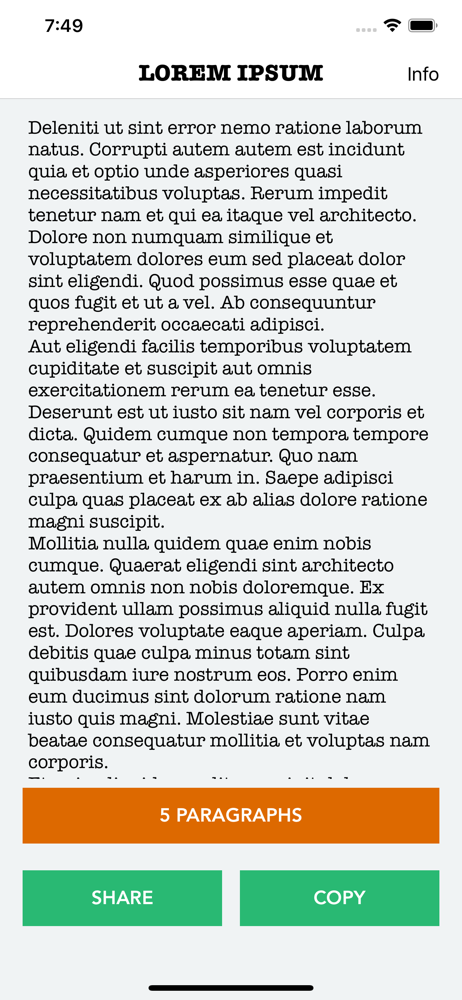
Read the store headline, screenshots and description. What problem is the app promising to solve?
Study the storefront ↗
Oval Software Oy · iOS
Explore the ad evidence, study the storefront, and build your next acquisition hypothesis.
01 / Creative research
Read the store headline, screenshots and description. What problem is the app promising to solve?
Study the storefront ↗Explore apps with direct store-link matches. Compare their hooks and formats without assuming the same approach works here.
Browse observed advertisers ↗Store rankings and revenue estimates describe market context. They do not establish ad spend, conversions or ROAS.
Review the market context ↗02 / Storefront & product
Study the product story and store experience behind the acquisition funnel.
03 / Market context
Keep revenue, downloads and store rankings separate from advertising performance.
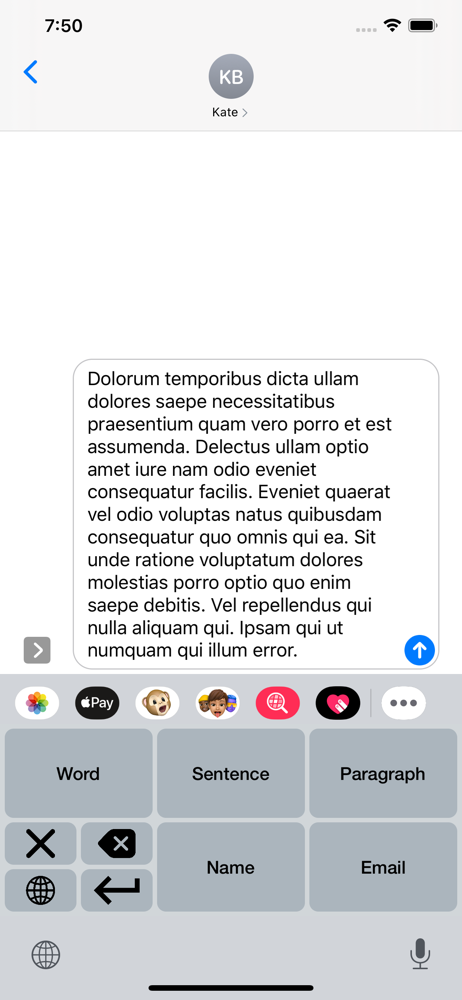
Works great on iPhone, but when I use it on iPad (I know it not an iPad app) the keyboard selection button is not available. In my experience, there was no any to switch keyboards once the Lorem Ipsum keyboard was selected without removing the keyboard in Settings.I will happily upgrade to five stars once this tiny detail is corrected.
Easiest tool for creating text mockups. Please include <return/enter> button on the keyboard.
Lord Ipsum is a great tool for developers and testers for inserting randomly generated data. With Lord Ipsum you are able to generate Lorem Ipsum in...