Link to Windows
Microsoft Corporationv1.25121.10
Screenshots

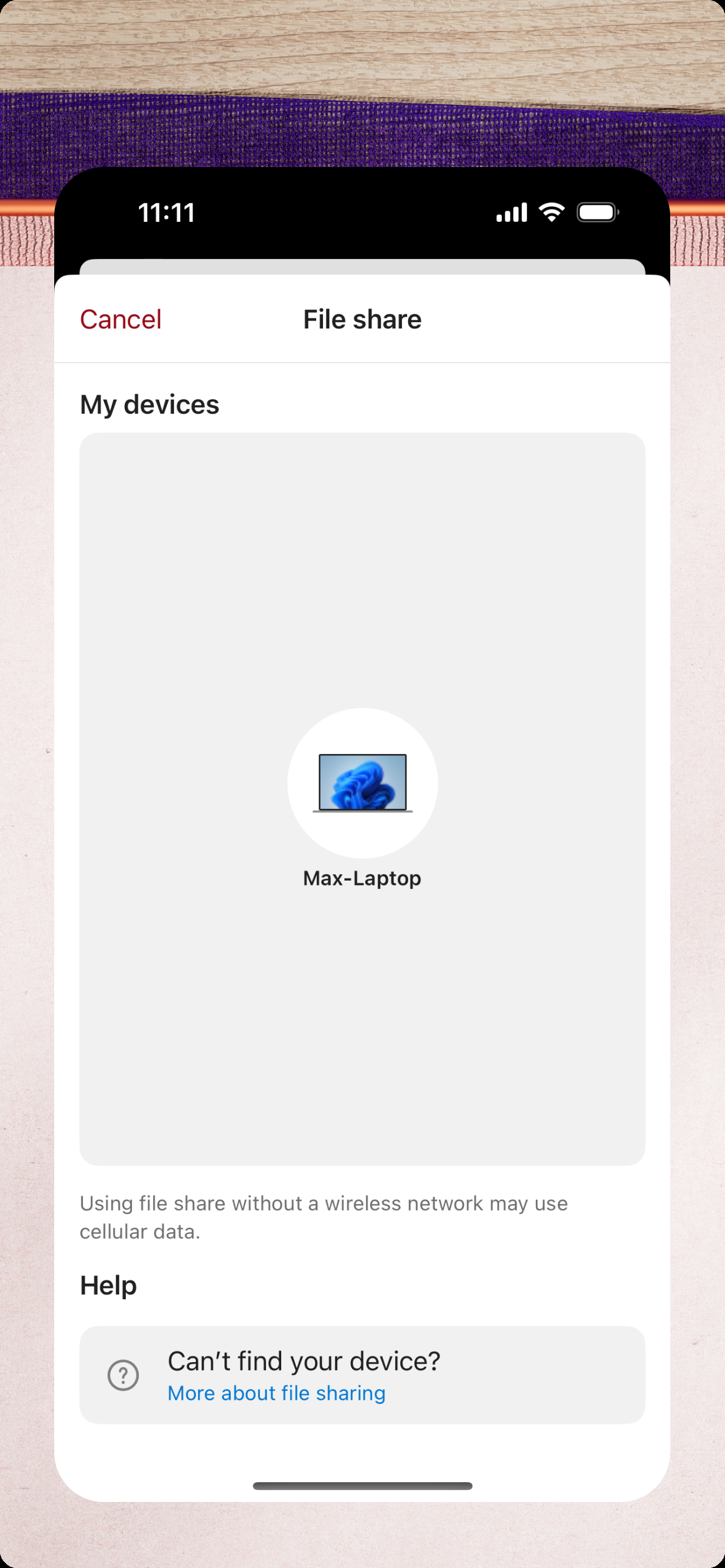
How Much Does Link to Windows Make?
Revenue Trend
Downloads Trend
Ranking Trend
Category Rankings
Dec 23, 2025 to Jan 22, 2026 - US
Keyword Rankings - iPhone
Dec 23, 2025 to Jan 22, 2026 - US
Platform Performance
Rating Distribution
Top Countries
Rankings
| Date | Type | Rank | Category | Country |
|---|---|---|---|---|
| 1/1/2026 | TOP_FREE | #10 | 6007 | US |
| 1/1/2026 | TOP_FREE | #37 | productivity | US |
| 1/1/2026 | TOP_FREE | #100 | All | US |
Reviews (6)▼
This seems like another case of Microsoft products that refuse to work unless you give them every permission under the sun. I just wanted to see messages and notifications from my phone on my laptop. Giving the app SMS, notifications and contacts wasn't enough though. It wanted call logs, photos, make calls, etc and just wouldn't work without them.
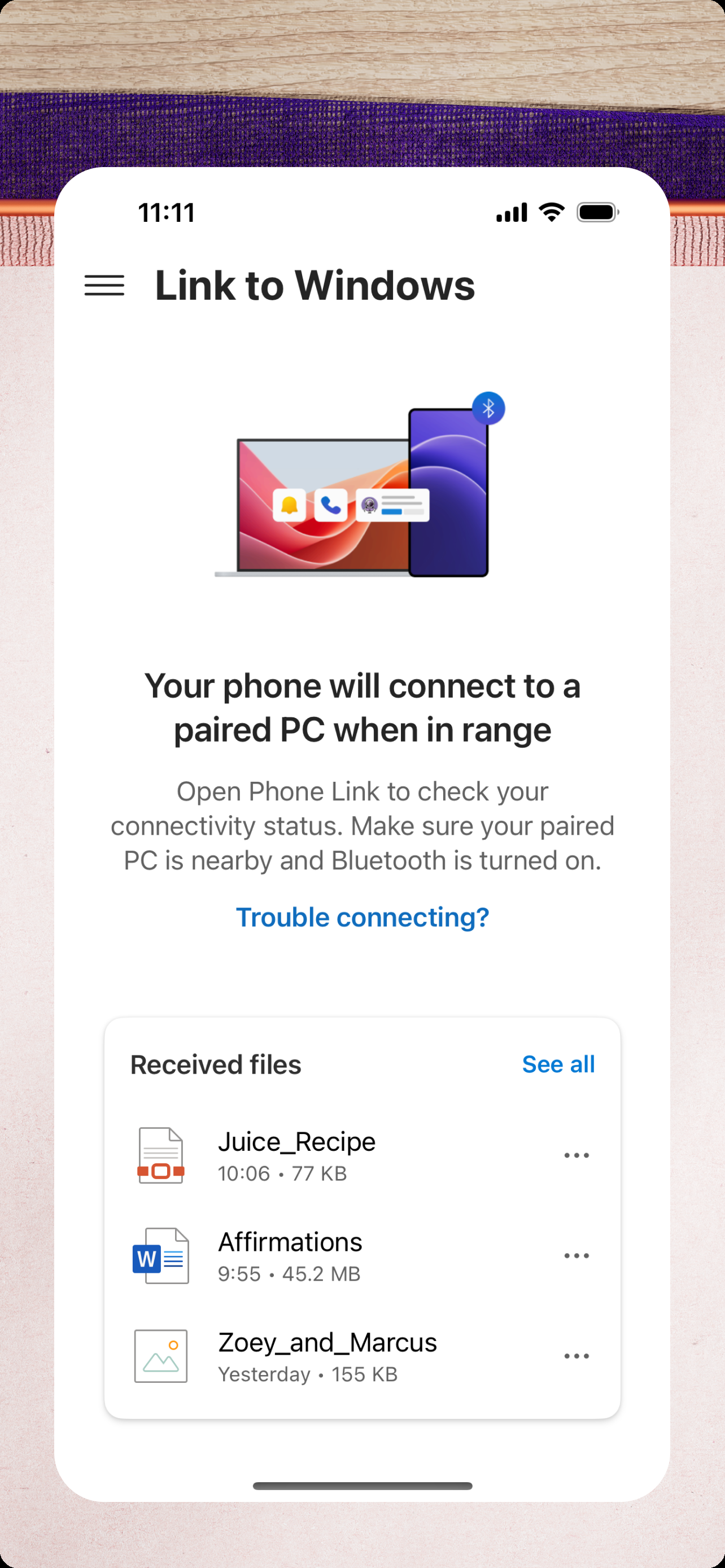
Phone Link is worth having for iPhone, even if it doesn’t do everything you want. You can stop reading reviews and just download it, it’s useful for what it does and it’s not a big decision, anyway. What it does: Let you read texts you received recently. Read 7 recent conversations, but only messages you received or sent from your computer, not that you sent from iPhone. Text anyone from your computer. You can read only the last 7 convos, but you can start one regardless. Helps because you can paste directly instead of scanning text/typing manually on your phone. Text yourself stuff instead of typing it in manually. A pseudo-universal clipboard, if you will. Send files seamlessly, instead of relying on email, which has file size limits. Notifications pop up on your computer too, not just your iPhone. Transfer calls to and from your computer. Can be finicky. What it doesn’t do: Let you read texts you sent on your iPhone. Actually let you copy on computer and paste straight on iPhone like you can on a Mac. Screen mirror your iPhone. Pretty much anything else I didn’t list. Other: It shows up on the Windows start menu as well as on the app, for easy access. Recommendation: Download it and use it. It simplified a lot of things even if it can’t do everything (which is probably not the dev’s fault. Apple is specific about their ecosystem)
Apple’s Link to Windows feature offers a convenient way to receive calls and messages on your PC while working, but it still has room for improvement. While it effectively syncs notifications and allows users to manage basic messaging and calls, the lack of deeper integration limits its full potential. One major missing feature is the ability to see images within text messages. Without proper media handling, users are forced to check their phones separately, disrupting workflow. Additionally, full screen mirroring—allowing users to interact with their iPhone’s screen directly on their PC—would be a game-changer for productivity, similar to Samsung’s integration with Windows. Overall, Apple Link to Windows is a useful tool, but it could be much more. Enhanced media sharing and seamless screen mirroring would push it toward the perfect companion for users who want complete phone access on their PC. Hopefully, future updates will bring these much-needed improvements.
I'm not somone who has the delusional blockage that most have always chasing the idea of "Perfect" in this world it's non existent and always will be.. 2nd I'm not a troll that goes around doing my best to downgrade everything or everyone.. i noticed this app only had a 3 star rating which is definitely not even close to the stars it should have.. Everything has always worked on this app as it should and the app is user friendly as they come. If you want to link your device that's exactly what it does without fits and all the other chaos and hording of information behind our backs. The app maintenance is kept up and the apps security is very good. I'm not one for long speeches so keep up the good work and don't let the trolls bother you.. Especially the ones that think there is "Perfect" in this world in life you will fail and you will fail often because no matter how well you do someone will say it's not good enough.. if perfect did exist this is one that would be in the classification"Perfect"
Overall, this is a nice way to access your mobile on your computer. I keep a phone window 'maximized' on the left side of my desktop for ease of messaging and to play games while still using my computer. Some apps need to be minimized then reopened to work properly. Occasionally the phone window will not load and the app will need to be closed completely then reopen, allowed to load, then retry the phone window for your desktop. Might just be a glitch, but it's annoying. Overall, a nice app.
This app does well in representing everything that is wrong with modern software development practices and their consequences. When it works, works well. Problem is it will work fine then sporadically have sync or connection issues for no reason. File share worked about 3 times then stopped. App updates frequently, but no idea what for. Developer changing code to show they worked on something for the week? I'm sure it connects to 18 cloud services for no reason. Please just work correctly.
Version History (262)▼
Available In (115 Countries)▼
Supported Languages (32)▼
App Details▼
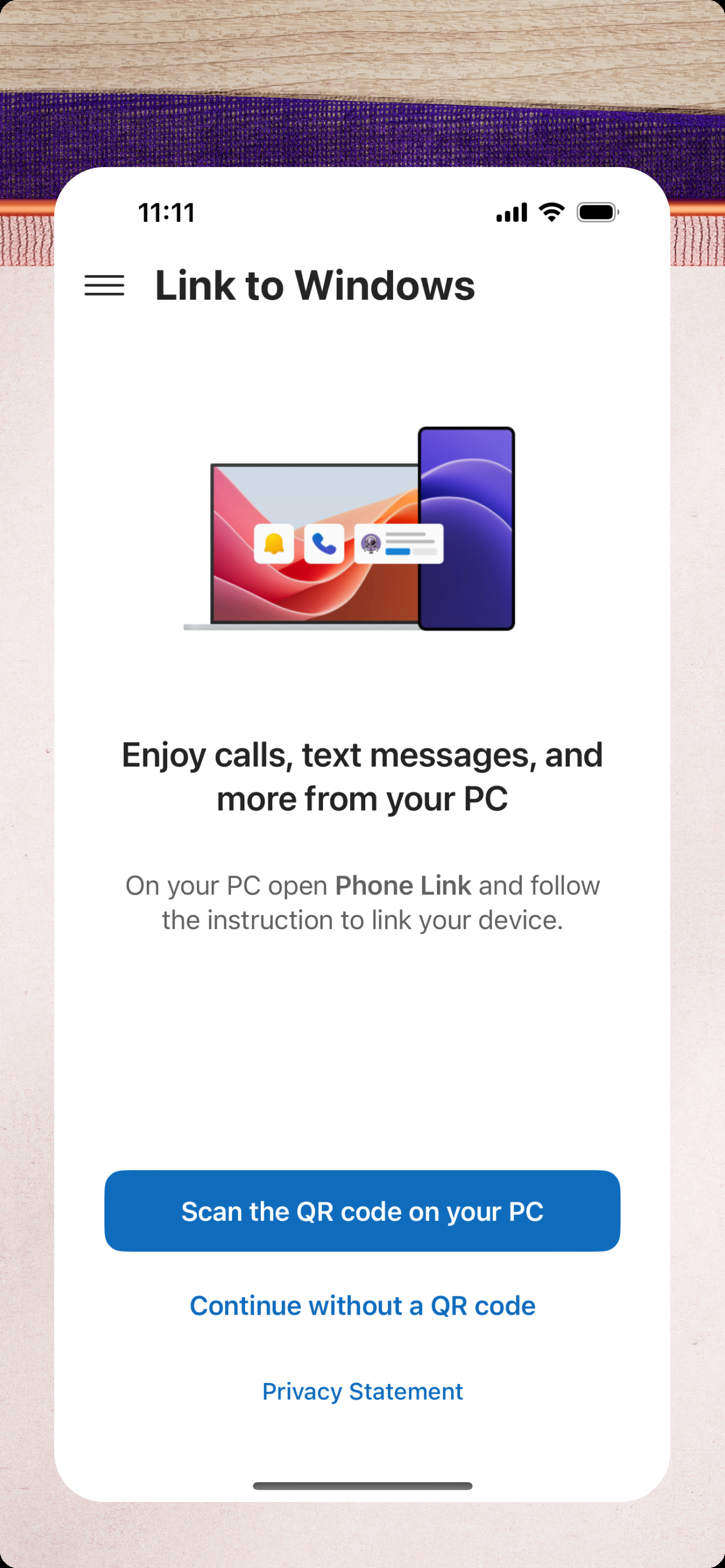
You love your phone. So does your PC. Get instant access to everything you love on your phone, right from your PC. To get started, connect your iPhone...