
Check the acquisition promise
Read the store headline, screenshots and description. What problem is the app promising to solve?
Study the storefront ↗
Leica Camera AG · iOS
Explore the ad evidence, study the storefront, and build your next acquisition hypothesis.
01 / Creative research
Read the store headline, screenshots and description. What problem is the app promising to solve?
Study the storefront ↗Explore apps with direct store-link matches. Compare their hooks and formats without assuming the same approach works here.
Browse observed advertisers ↗Store rankings and revenue estimates describe market context. They do not establish ad spend, conversions or ROAS.
Review the market context ↗02 / Storefront & product
Study the product story and store experience behind the acquisition funnel.



03 / Market context
Keep revenue, downloads and store rankings separate from advertising performance.
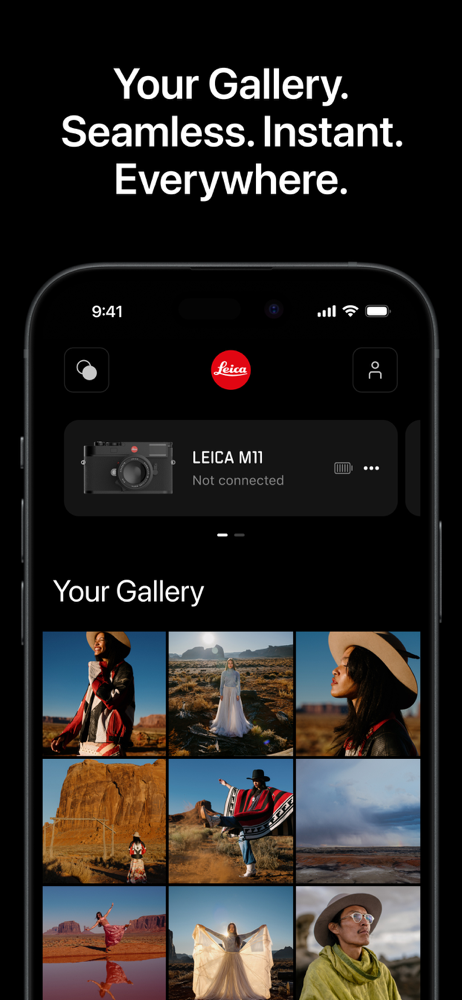
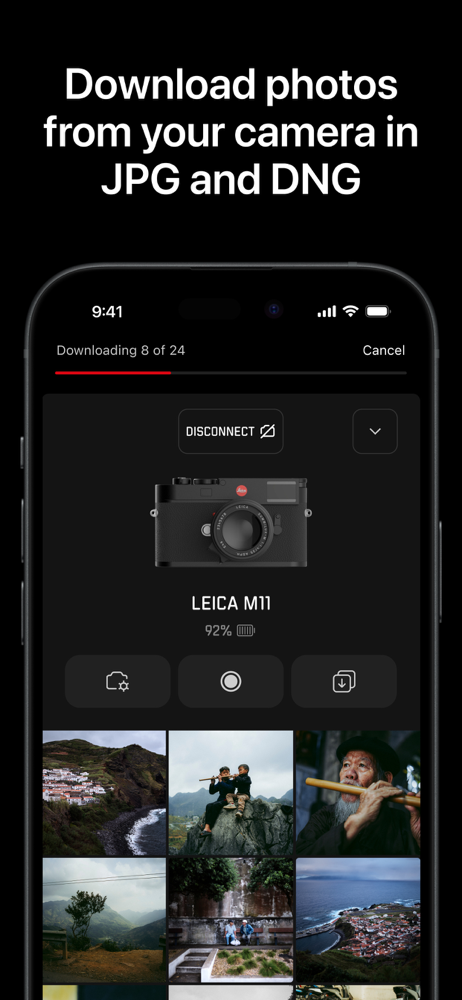
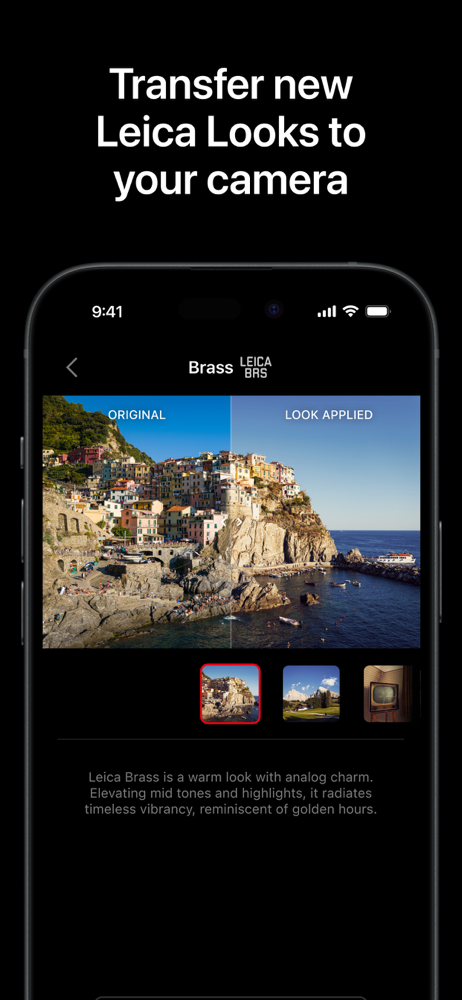
As much as I love Leica glass, color science, and the way these cameras render light… the real surprise has been the Leica FOTOS app. Honestly, it’s the fastest, cleanest, most intuitive camera-to-phone workflow I’ve ever used. Period. DNGs or JPEGs move from camera to phone or tablet remarkably fast and almost effortlessly. No fighting menus. No glitchy transfers. No clunky ecosystem. It just works — seamlessly. Whether I’m posting to social media or jumping into Adobe Lightroom for deeper edits, the process feels modern without killing the soul of photography. And the companion Leica LUX app is equally impressive. Even though I already shoot with Leica Looks in-camera, it’s great having the flexibility to apply them afterward for quick posts and creative tweaks on the fly. My only hope? Leica eventually adds a few simple light/color editing tools directly into FOTOS or LUX. The files coming out of these lenses are already so beautiful that most of the time I don’t want to open Lightroom. I just want to fine-tune and share. That says a lot. Leica didn’t just build cameras that slow photography down in the best way possible… they somehow made the digital side feel effortless too. — AndyCam Photography
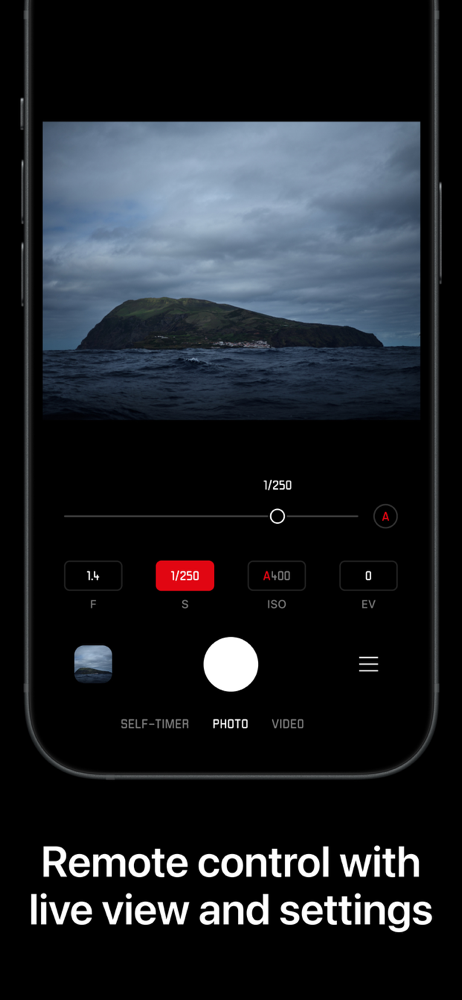
I’ve cycled through many camera brands and the process of connecting a camera to your phone is better with Leica than any other brand I’ve tried (Panny, Olympus, Nikon, Sony). And thank you Leica for using DNG format for raw files, which I can edit on my phone with all kinds of different free apps. I’ve used the Leica Fotos app with the M10 and the SL2s and it works great with both. The remote control ability with the SL2s is really convenient and responsive. Connection to the M10 is of course slower but that’s because it’s an old camera. Paging through photos and downloading done of them is simple. I have one complaint: if you’re using two sd cards and you change from saving to both to just one card, the app gets confused and shows your photos out of order with duplicates, which is really annoying. I wish I could tell the app, eg, to only show me the photos on card 1, as a filtering option for which photos to show. I guess I could just pull the other card out.
The app was great for the 2 years I used it until 6 months ago Leica did an update to the app and now it’s unusable for me. The update did bring some nice features that had been requested by users but with the compromise of the reliability and stability of the app. For me I can’t transfer more than 3 photos to my phone without the app freezing and sometimes crashing. What used to take a few minutes to transfer photos now takes a few hours. I’m one who would prefer to get the image right in camera, and I love how the Leica JPEGs look. Sure I can transfer the photos to my computer and back to my phone, but it sort of defeats the purpose for having this app. I’ve been in contact with Leica support for months now and no one from the company has been able to do anything to fix this problem. I have followed all of their suggestions and nothing has worked. Well I haven’t tried the latest suggestion, which was to delete all the Leica photos from the Leica gallery and storage on my phone. To me that’s an unacceptable suggestion to solve the problem. Please Leica fix your app. Your cameras are so great, but the software side of things is very unreliable and unacceptable for a company as yours.
Leica FOTOS. Seamless. Instant. Everywhere. Bring your Leica and iPhone or iPad together and take your photography further. Transfer photos, control...


