Check the acquisition promise
Read the store headline, screenshots and description. What problem is the app promising to solve?
Study the storefront ↗
Leica Geosystems AG · iOS
Explore the ad evidence, study the storefront, and build your next acquisition hypothesis.
01 / Creative research
Read the store headline, screenshots and description. What problem is the app promising to solve?
Study the storefront ↗Explore apps with direct store-link matches. Compare their hooks and formats without assuming the same approach works here.
Browse observed advertisers ↗Store rankings and revenue estimates describe market context. They do not establish ad spend, conversions or ROAS.
Review the market context ↗02 / Storefront & product
Study the product story and store experience behind the acquisition funnel.

03 / Market context
Keep revenue, downloads and store rankings separate from advertising performance.
would like a better explanation / instructions from manual. i have to say the more i use it, the more i am able to interface and get the desired outcome. the is a lot of nuance and unexplained actions-- for what seems to be a normal entry, can turn the 'room' inside out. if youre patient and troubleshoot at every possible entry, eventually it falls into place. it is now my go to app for large floor plans. A BIG PLUS would be the ability to control overall width of lines and ability to have different rooms or areas different colors. i have DISTO X3, and i use my other 'major brand' laser less and less and using my leica more and more
I was very excited to use this app thinking that I could simply upload a PDF and pull accurate measurements while at the job site. This was not the case at all. If you would like to take measurements from house plans you must either take a picture of the house plans with the device you plan on using, or convert the PDF images to individual JPEG images. This is an exhausting process, but still doable. Once those images are converted AND saved in your personal camera roll you can upload ONE IMAGE! I do not know a single person that invested in a $2,000 laser measurer that only needs to measure one elevation at a time. I would spend hours individually uploading 50 images, taking measurements, and then recompiling them back into 1 PDF. This seem like it could be a very simple fix. If I were able to upload a PDF right into the app I would use this everyday. I also know 8 people within my company that would too. PLEASE INVEST in expanding the apps features and capabilities. It will pay off!
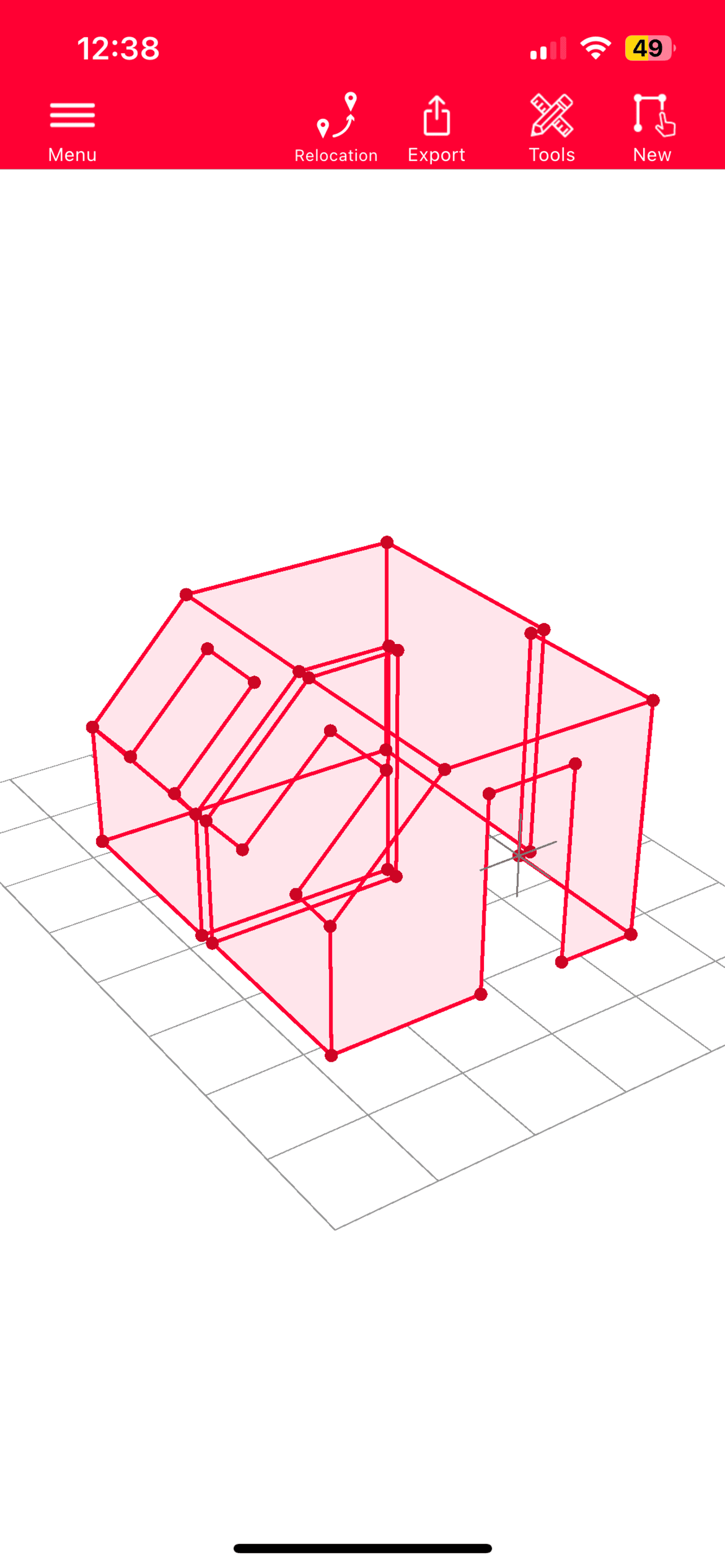
I was really hoping that this would be a great program to do as-built drawings in the field on either an iPad or iPhone. I have several Leica Disto products including the S910 and the new X4 which connects to the iOS by Bluetooth and that works pretty well. Pros, easy to draw on the screen, fairly fast, can create quick 3D images of the spaces. CONS 1) No ERASE Feature. If you make a mistake when drawing, you have to correct it at that moment in time using the undo button. You cannot select a wall and just erase it, put in a new wall and expect it to work. 2) When using the app on an iPhone, I found no way to manually enter a dimension that is not in a decimal format. The pop up keyboard only has a decimal point. There is no ‘ or “. So for use Yanks, still working in feet, inches and fractions of an inch, you are limited to entering decimal feet. Hate to break it to Leica, but I still need to use a tape measure as the laser cannot always do the task. On my iPad Pro with external keyboard, I can enter the dimensions with feet, inches and fractions of an inch. To enter the fractions you have to ENTER the “ symbol before the fraction i.e 7’ 3” 3/4. Not intuitive 3) If you rough out a sketch and want to manually enter thee dimensions, you have to select the line, the select from the screen “keyboard” , the type in the numbers, then hit add. Hitting the Enter Key does not add the number. It works, but cumbersome when you are doing this all day long. Hopefully they will improve their App to the same level of quality and usefulness as their Laser Measuring Devices.
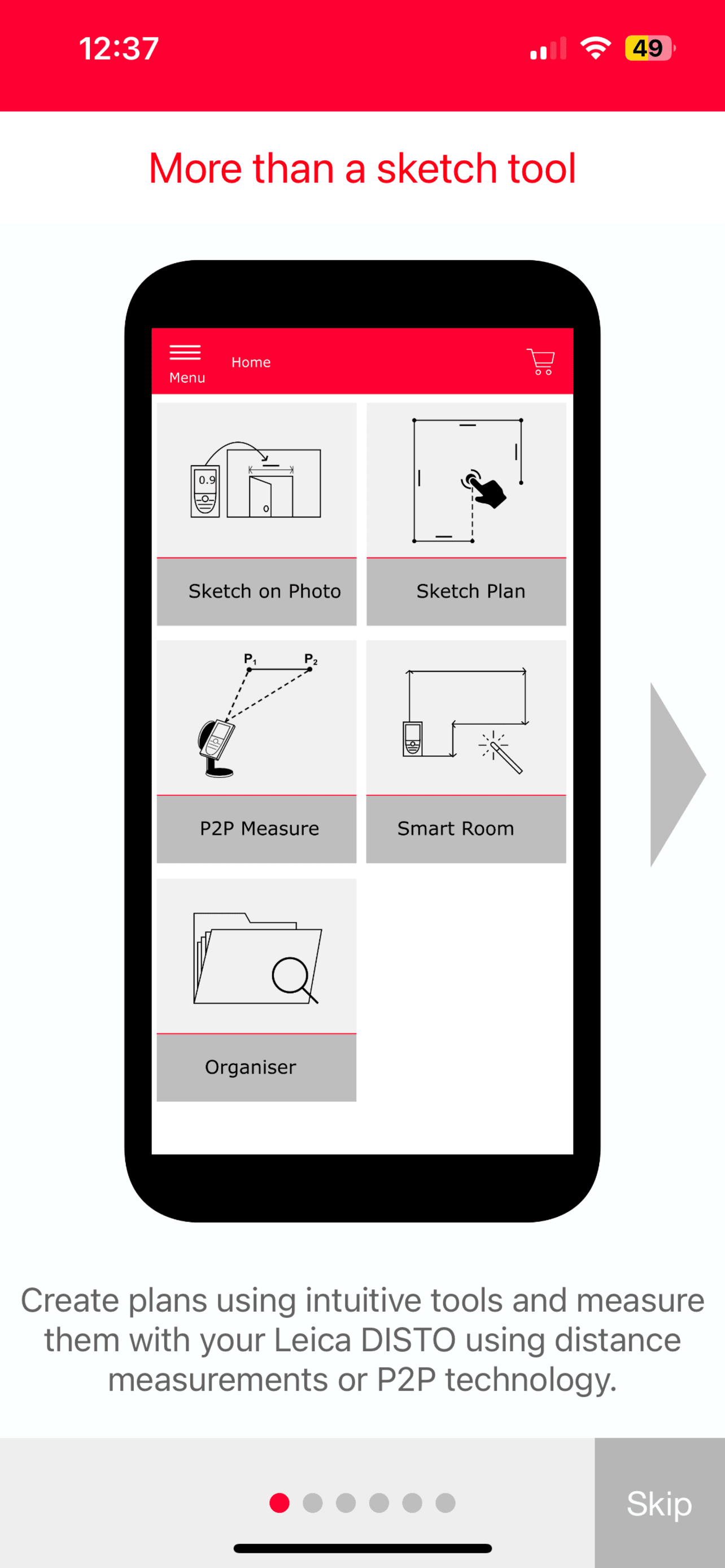
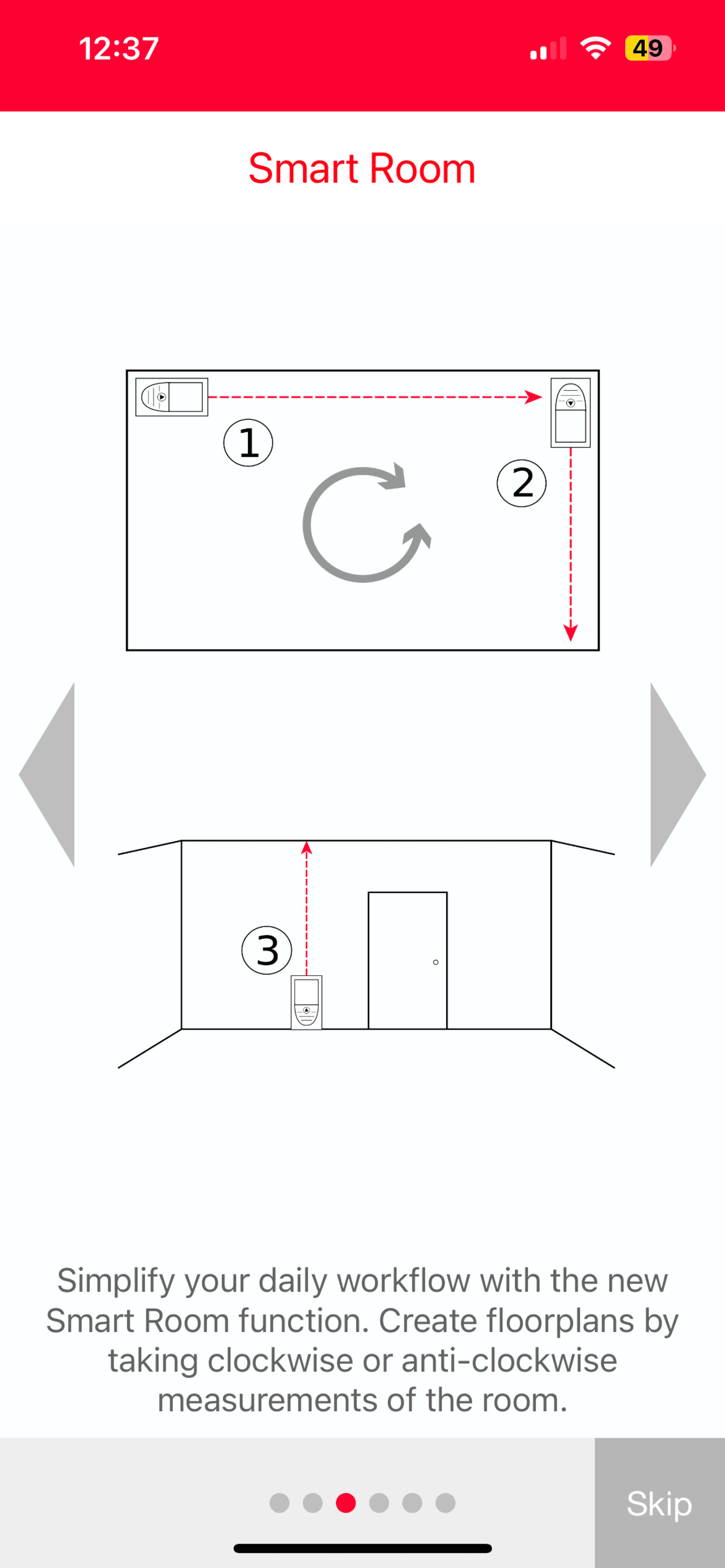
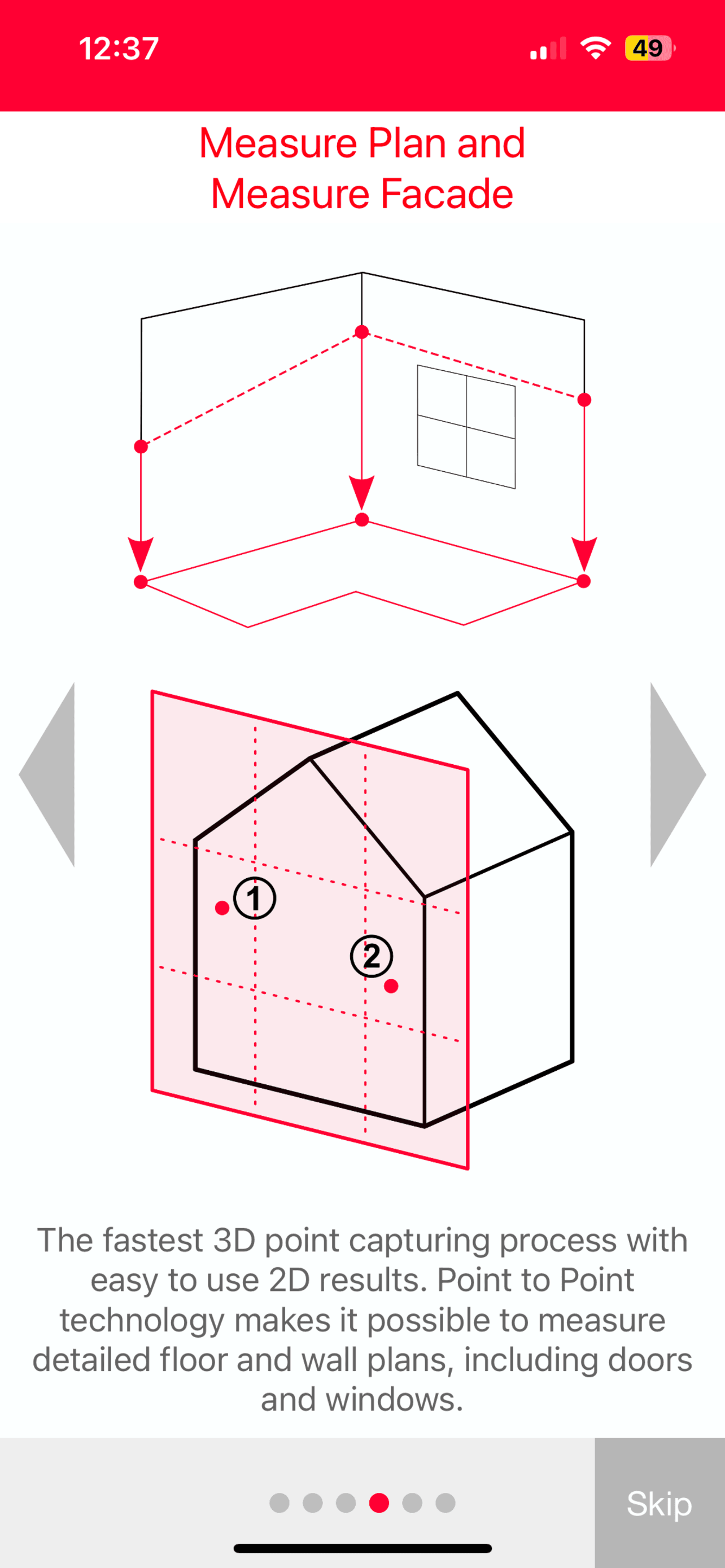
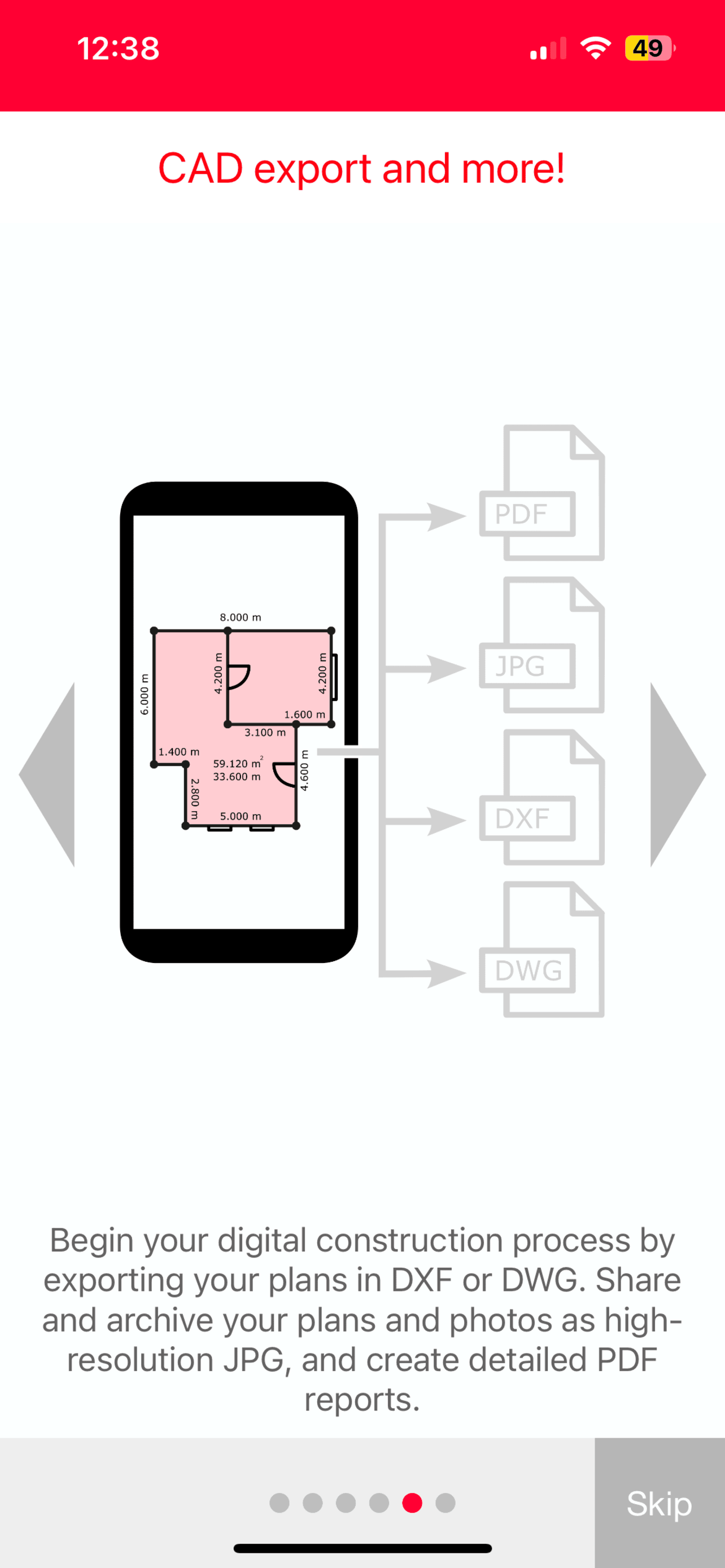
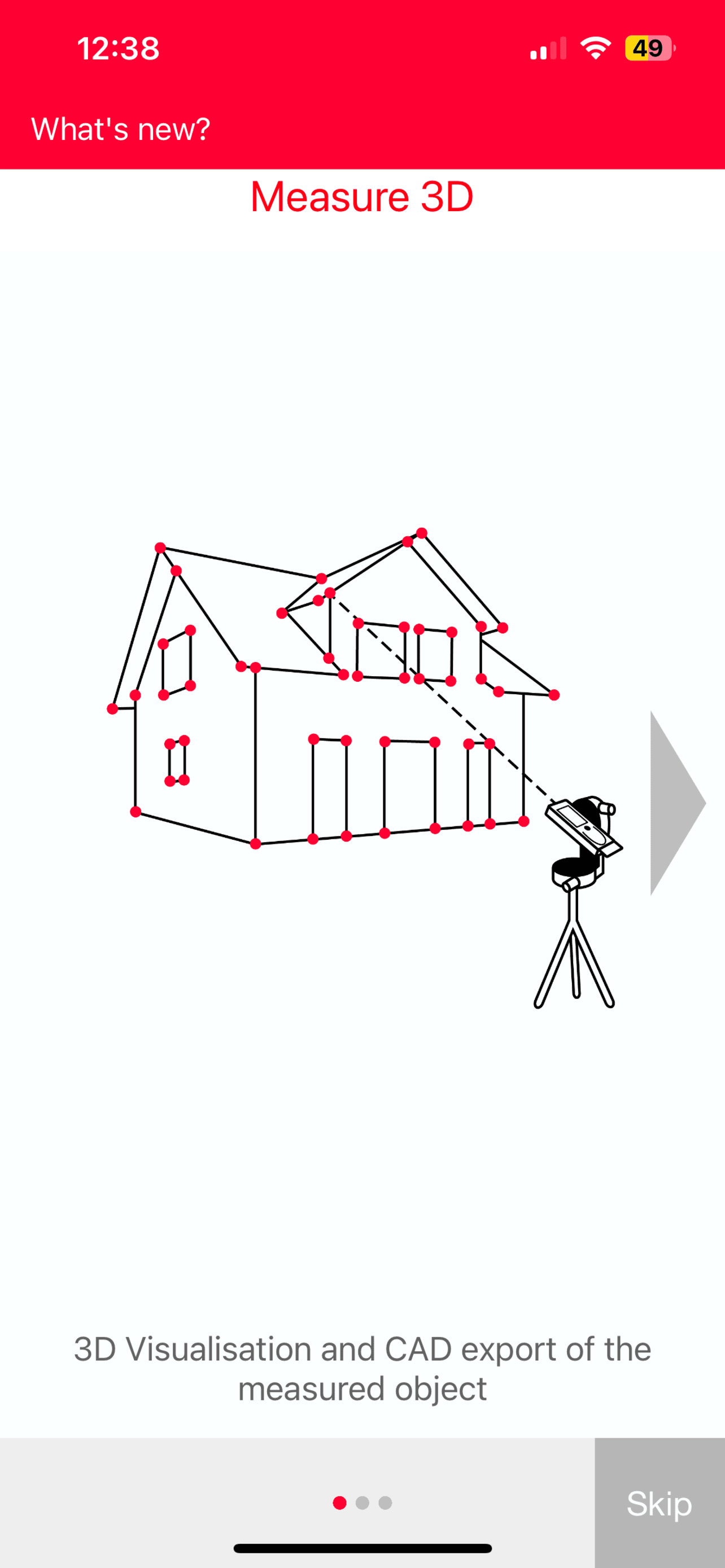
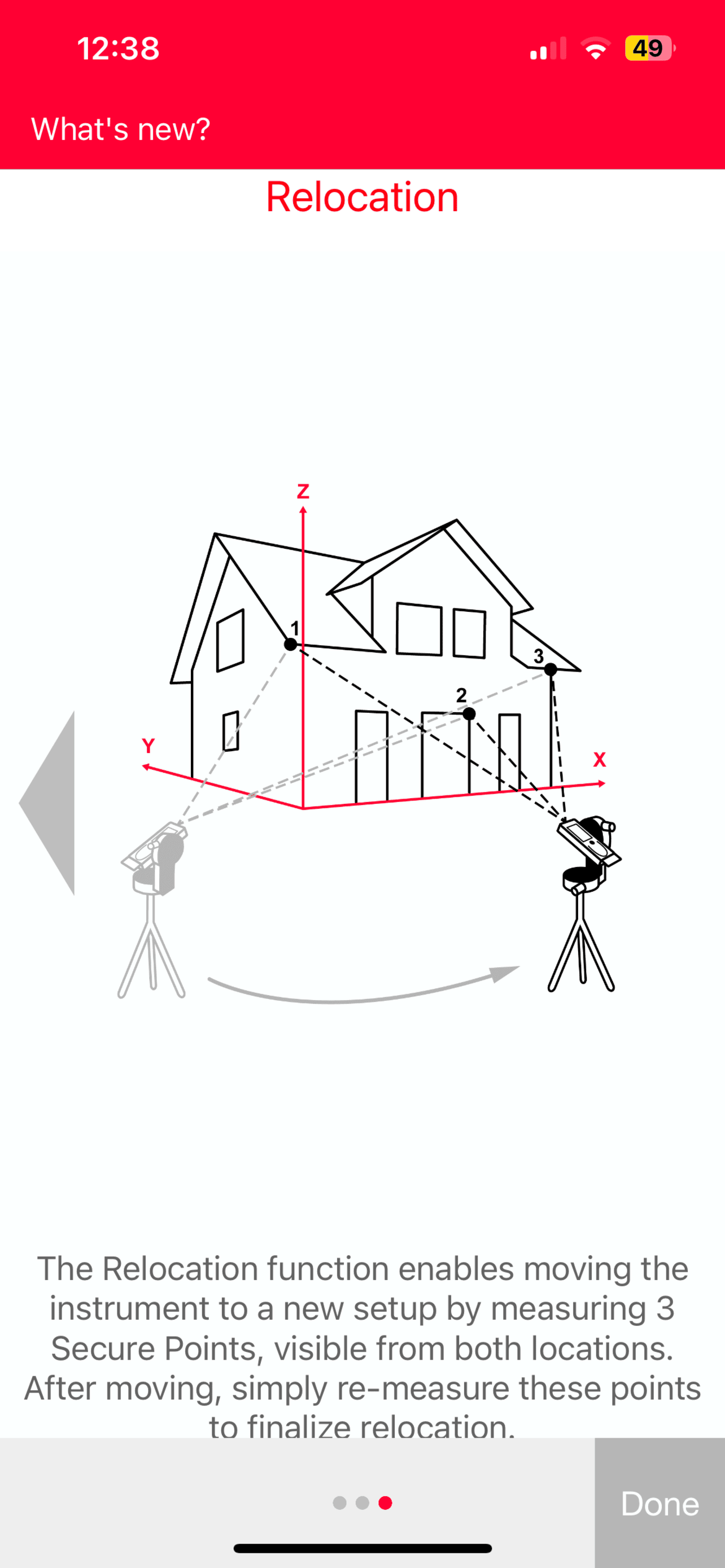
The Leica DISTO™ Plan app assists you with the vital task of documenting and visualizing your measurements. Fingers can be used to sketch a floor plan...
| Name | Price | Type |
|---|---|---|
| P2P Measure (Monthly) | $0.99 | Monthly |
| PDF Pro Export (Monthly) | $0.99 | Monthly |
| Smart Room (Monthly) | $0.99 | Monthly |
| CAD Export (Monthly) | $1.99 | Monthly |
| Starter Package (Monthly) | $2.99 | Monthly |
| Smart Room (Annual) | $4.49 | Yearly |
| CAD Export (Annual) | $9.49 | Yearly |
| Starter Package (Annual) | $9.49 | Yearly |
| Starter Package Yearly | $17.99 | Yearly |
| Unlimited | $69.99 | One-time |