Check the acquisition promise
Read the store headline, screenshots and description. What problem is the app promising to solve?
Study the storefront ↗
Shenzhen Sperll Optoelectronic Technology Co., Ltd. · iOS
Explore the ad evidence, study the storefront, and build your next acquisition hypothesis.
01 / Creative research
Read the store headline, screenshots and description. What problem is the app promising to solve?
Study the storefront ↗Explore apps with direct store-link matches. Compare their hooks and formats without assuming the same approach works here.
Browse observed advertisers ↗Store rankings and revenue estimates describe market context. They do not establish ad spend, conversions or ROAS.
Review the market context ↗02 / Storefront & product
Study the product story and store experience behind the acquisition funnel.



03 / Market context
Keep revenue, downloads and store rankings separate from advertising performance.
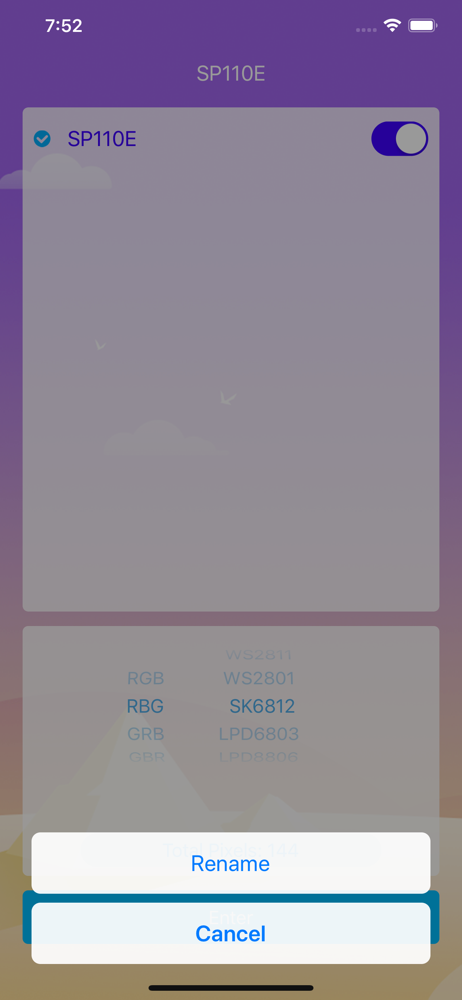
This app is OK except that the color orange is completely missing from all of the pre-programmed animated settings at the default RGB setting, making the pre-programmed animated settings unavailable for holidays like Halloween, for example. To sort of but not really fix this, you can switch from RGB to RBG, effectively swapping blue and green. This will make the colors that were purple in the animated settings orange. But then there will be no more purple. :( There doesn’t seem to be any way to have orange and purple together in an animated setting, for Halloween. I guess this app was made in a country that doesn’t have Halloween and it just never occurred to them that anyone would want orange and purple together.
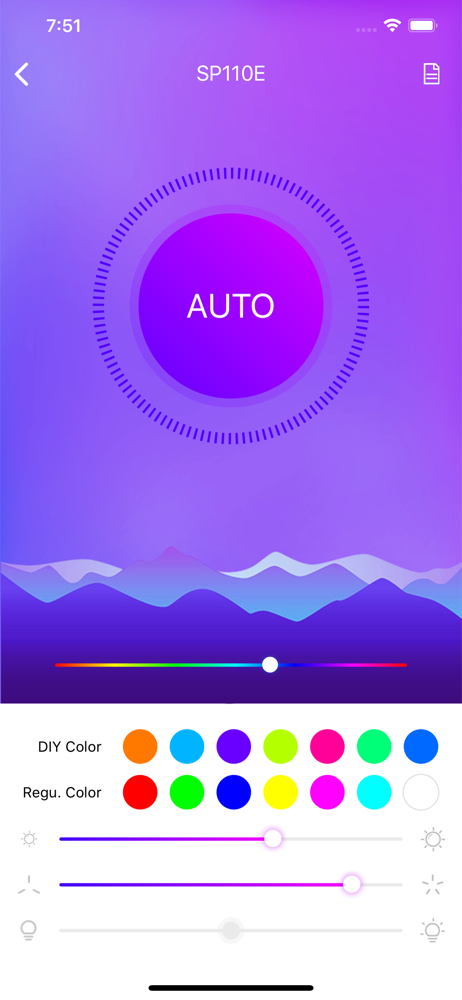
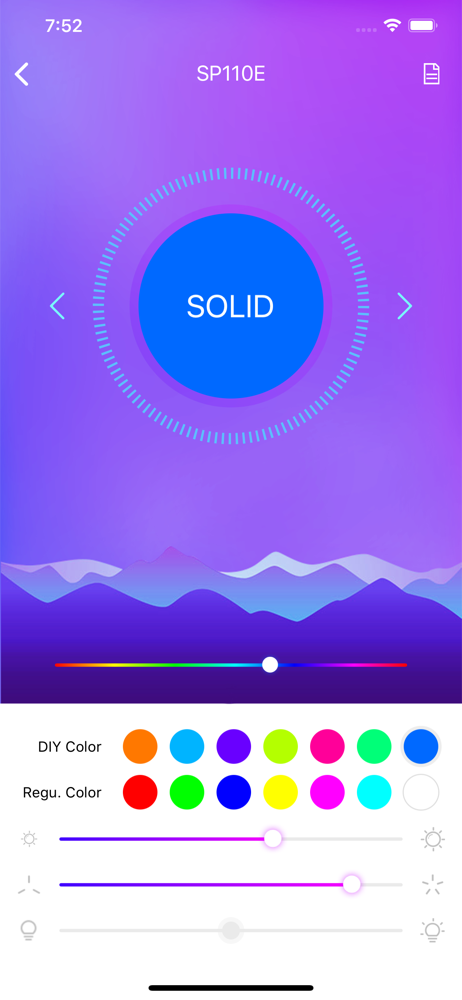
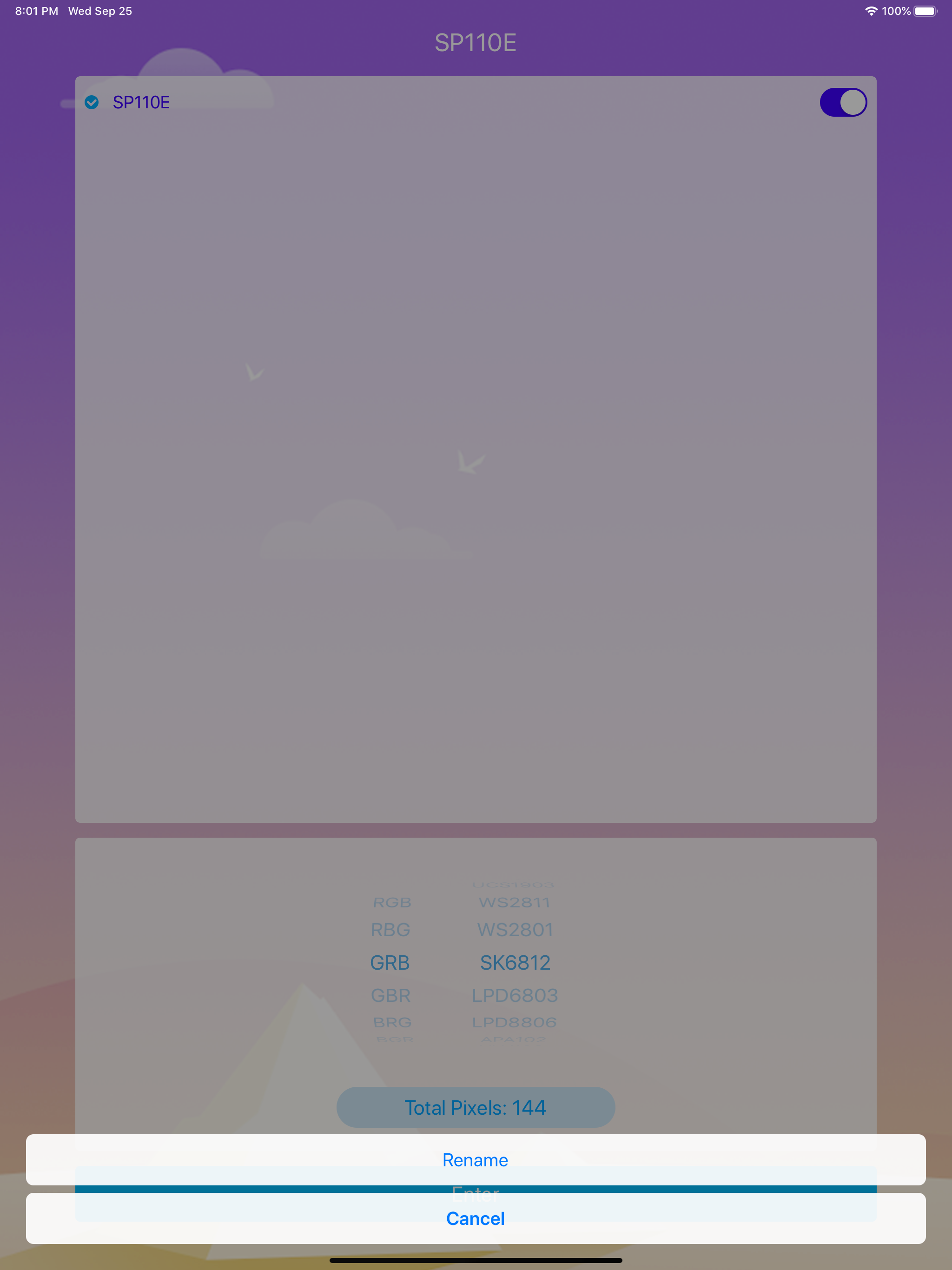
If your colors are flipped so that for instance yellow is purple and so on, play around in the RGB, BGR, etc section that comes up when you just connect your lights (the Bluetooth setup page). To fix my particular issue I have mine set on BRG, it made it so that the color on the slider is the actual color of the lights. This might not be the case for you so the way you find your specific setting is like this. First, pick a color from the slider (If you want orange go on the slider and pick orange, don’t worry about the color of your actual lights). Now go back to the Bluetooth setup page and scroll through each RGB arrangement option until your lights match the color you want (if you had purple on the slider click through each option until your lights are purple). Hopefully this helps. My review: Minus the color issue I had earlier, the lights work pretty much as intended. They aren’t the best quality and I’ve noticed that when you turn the lights way up the last foot of the strip is a different color (Ex: yellow as opposed to white), but when you turn the brightness down the color evens out. I didn’t read the description of the product well before purchasing, I wanted to have lights with a physical remote but this will do. One feature I would love to have in the app is the ability to strobe the lights or create your own pattern. Other than that the lights work well for the most part. The app is finicky but the lights are pretty great!
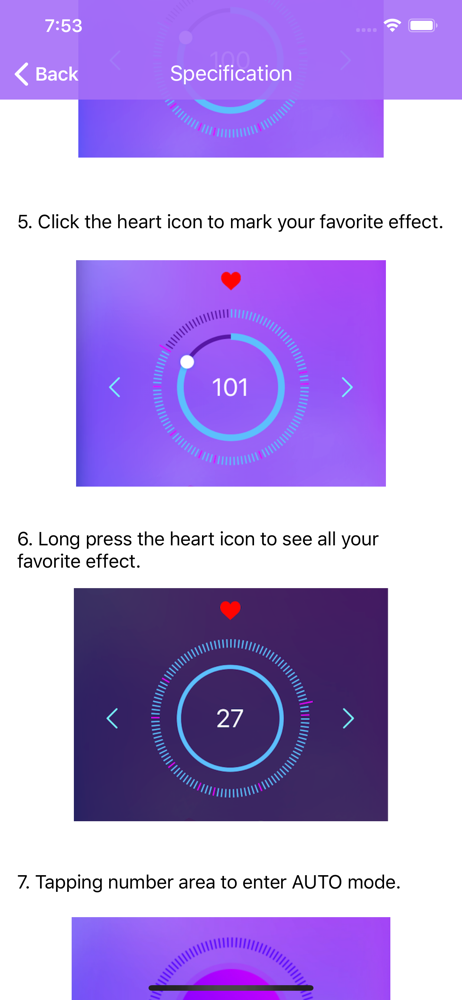
For a simple LED controller that is capable of running individually addressable LEDs, it has some decent pre-programmed chases that will get most users set up and running in no time. However, this simple, no bells app, lacks features (at the time of writing this) to keep people who want some customization happy. The chase selector is simple and easy to control, the ‘like’ feature is useful to navigate most of the useless patterns. The solid color chooser is difficult to nail down colors you are looking for. Here are a few of my suggestions: A few simple changes/updates: - Allow reverse of chases (mentioned in another review) - Allow to change how wide the pattern appears. In all sequences it is a fixed width however it could be useful to have a few control parameters to vary the width. For example pattern 23 (BRG WS2811) you are not able to increase or decrease the number of pixels. The number of red, white and off pixels chasing each other are fixed. -Add an option for a color gradient. Select several colors and the LED strand would change from one color on one end to the other color on the other end. Again the width of the pattern here would affect how quickly the color would change. For more advanced users, a waveform style pattern generator would be a great addition. Square wave/sin wave, etc selector and a degree offset for each color would allow even the simplest of users to make a ‘user defined pattern’. Changing the wavelength would change how many pixels are affected. Then allow users to save these programs for future edits and easy recall. Overall this simple app is great to get users up and running quickly, but will leave users looking for a bit more.
LED Hue is an APP designed for full color LED controller as a remote controller via Bluetooth. It supports many LED driver IC: SM16703,TM1804,UCS1903,...