Check the acquisition promise
Read the store headline, screenshots and description. What problem is the app promising to solve?
Study the storefront ↗
Apps4World · iOS
Explore the ad evidence, study the storefront, and build your next acquisition hypothesis.
01 / Creative research
Read the store headline, screenshots and description. What problem is the app promising to solve?
Study the storefront ↗Explore apps with direct store-link matches. Compare their hooks and formats without assuming the same approach works here.
Browse observed advertisers ↗Store rankings and revenue estimates describe market context. They do not establish ad spend, conversions or ROAS.
Review the market context ↗02 / Storefront & product
Study the product story and store experience behind the acquisition funnel.


03 / Market context
Keep revenue, downloads and store rankings separate from advertising performance.
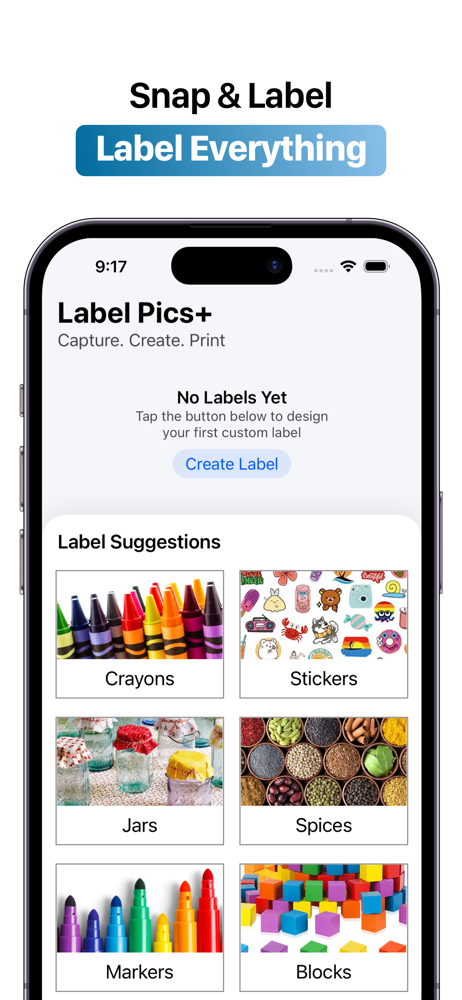
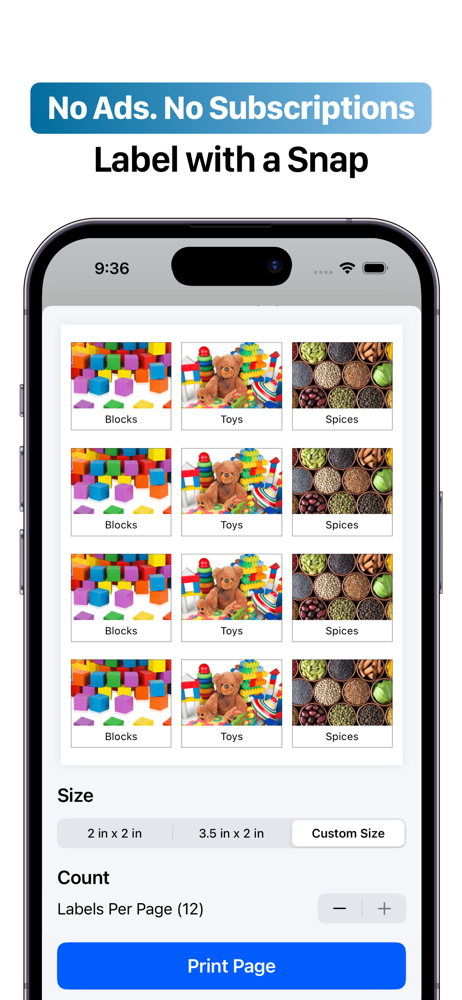
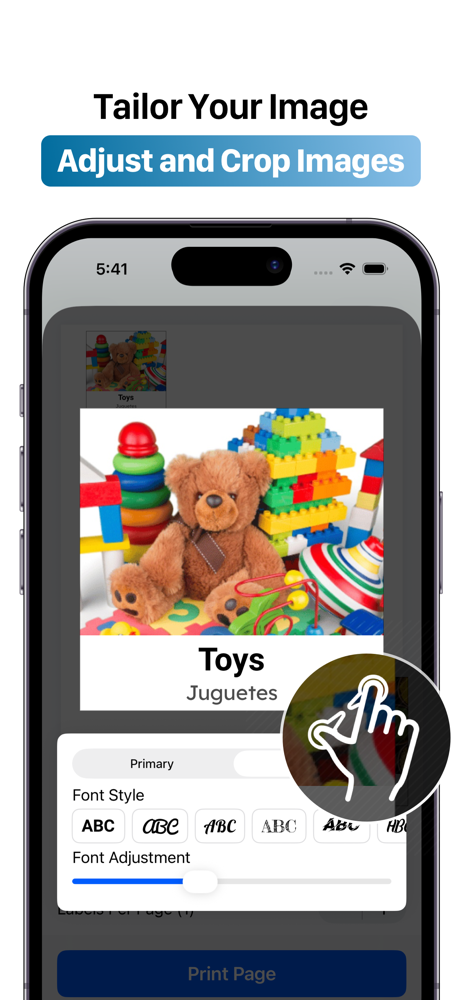
I got this app because a coworker said it was the best thing. She said her version was the older one with more features but I was hoping that when I did download the app there would be. She even said that she was unsure of what was being offered because she heard it was different. I like the preset pictures. The pictures we take need to be better stored. I don’t care for my pictures running along the top of the page. There should be a folder they can go into. Definitely font styles and sizes would be a nice feature, just a few options. I like that we can choose our picture size. It get the job done, just offer a little more please.
The original Label Pics app was so simple to use. It didn’t offer a lot of features but it didn’t need them. Making labels used to be quick and easy. That’s no longer the case with Label Pics+. Labels can only be edited from the printing menu rather than when first creating them - WHAT?? Labels have to be added to my document to print individually, which takes tons of time. When I export a PDF to print from my computer, it creates a document with no margins. If I want to print more labels than will fit on a single page, I have to create and export each page as a separate document. When I am viewing my labels, I can only see two at a time because the “Label Suggestions” area takes up most of the home screen and cannot be removed. There doesn’t seem to be any way to delete old labels I no longer need. It’s a time consuming, clunky headache. I can’t believe I had to pay for a product that’s worse than the free version!!
I have enjoyed this app; it is very helpful to add text to pictures when creating labels, and I enjoy that the picture size is so easy to edit. However, the lack of editing options is frustrating. If I forget to add text to a picture when adding it to a page of other labels, I must start over, adding the labels to the page for printing freshly. I wish there was a way to crop or rotate photos within the app.
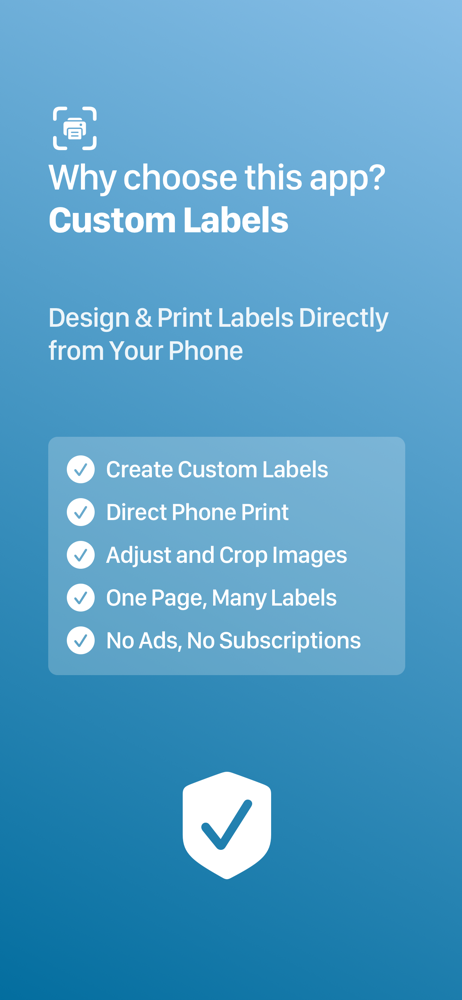
Use your device’s camera to snap photos for your labels, and easily print them from your printer. This intuitive, all-in-one picture-labeling tool mak...