Check the acquisition promise
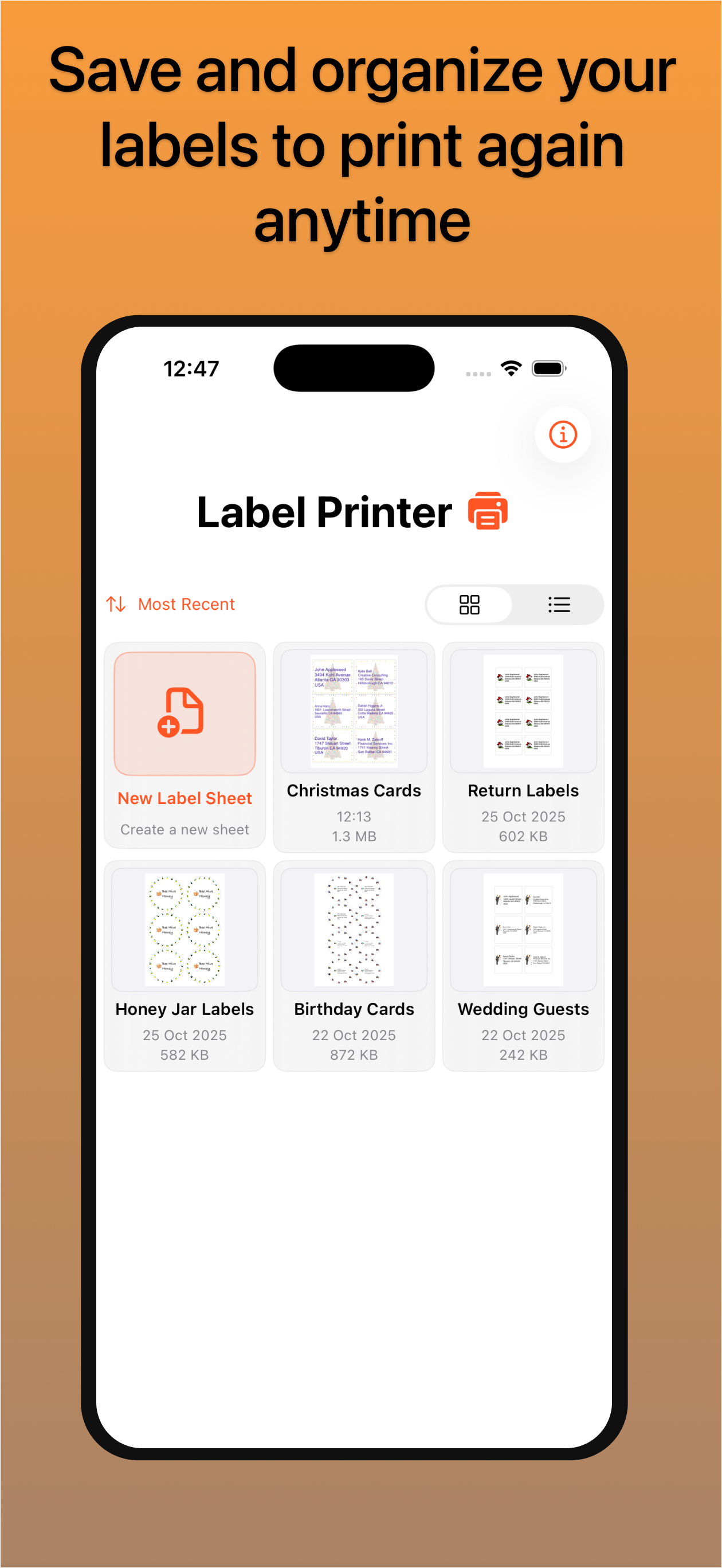
Read the store headline, screenshots and description. What problem is the app promising to solve?
Study the storefront ↗
Richard McKenna · iOS
Explore the ad evidence, study the storefront, and build your next acquisition hypothesis.
01 / Creative research
Read the store headline, screenshots and description. What problem is the app promising to solve?
Study the storefront ↗Explore apps with direct store-link matches. Compare their hooks and formats without assuming the same approach works here.
Browse observed advertisers ↗Store rankings and revenue estimates describe market context. They do not establish ad spend, conversions or ROAS.
Review the market context ↗02 / Storefront & product
Study the product story and store experience behind the acquisition funnel.




03 / Market context
Keep revenue, downloads and store rankings separate from advertising performance.
Update: Thanks for implementing my suggestions! Works a lot better now. I’ve been using this app for years now. I love the new interface. Not dealbreakers, but a few things I’d like to see addressed in future updates. The Qty tab - Before, I was able to type in how many stickers I wanted, now I have to press the + and - buttons. I ship out a lot of different orders every day and use this app. Some have 5 boxes, others might have 30. It would be nice if that reverted back to how it was. Start Position - The new numbering in here could be useful to me if it was vertical. I use a 4x20 sticker sheet, so it’s easier to count down from the top to see what sticker I need to start at. How it is going horizontally is kind of useless to me, and takes up a lot of extra screen space. I have to scroll now instead of just glancing where the start position is. The Icon - I personally liked the old icon better. The dark mode version of this one is really hard to tell what it is at a glance. Again, not dealbreakers, just some thoughts I’ve had using this for the last week or so. I love that you keep this app subscription-free and workable on the iPhone, iPad and Mac.
I downloaded this app because I could not figure out how to format the Avery 5160 labels from the Avery templates for my Canon Pixma printer using Airpint from my Ipad. On the one hand, creating the labels using this app was easy, and the formatting and printing worked perfectly for the first set of labels. On the other hand, clip art and border options are very limited (like, there's no plain single or double line border, only gaudy clip art images), and print quality of images is lower than the images available through the Avery online templates. The biggest problem, though, is that I can not figure out how to save my project, close it, and start a new project. It simply will not allow me to back out of the program and start a new sheet of labels with different addresses. So, basically, this appears to be a one-time use app. It does work well the first time, but you can never get out of it and start over without re-purchasing and re-installing the app, and, frankly, the app is just too expensive for what little it does.
I am giving a 4-star for now since I am learning how to use it. Until I learn how to adjust the font size on all types of addresses - short and long - that the app can print with the same size of font then I’ll add the remaining star. And also, I am probably asking too much with the functionality of this app, inputting different addresses and setting the position of each one on the style of address label I chose and printing it simultaneously in the allotted position will be great. Right now what I do was inputting the addresses and choosing one at a time and then setting the position on the empty space of the address label before printing it. It is still very good but cumbersome. Anyways, keep up the good work. Update! Changing it to 5 stars. Found out how to setup different names and addresses and print them in one “swoop”. Inputting all the different infos, choose the style or number of the paper label and check all the addresses you want printed and you are done. This app is a time saver for me. Thanks!
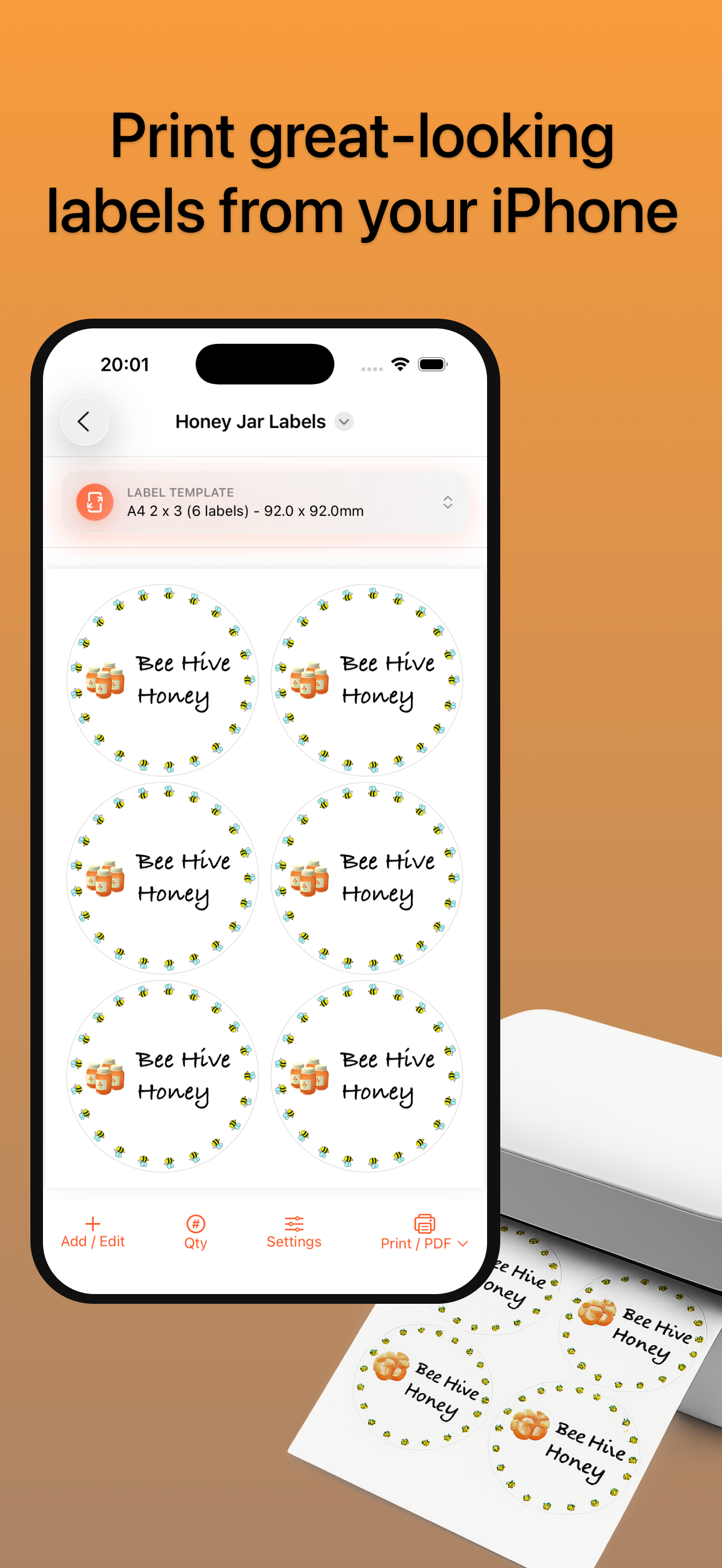
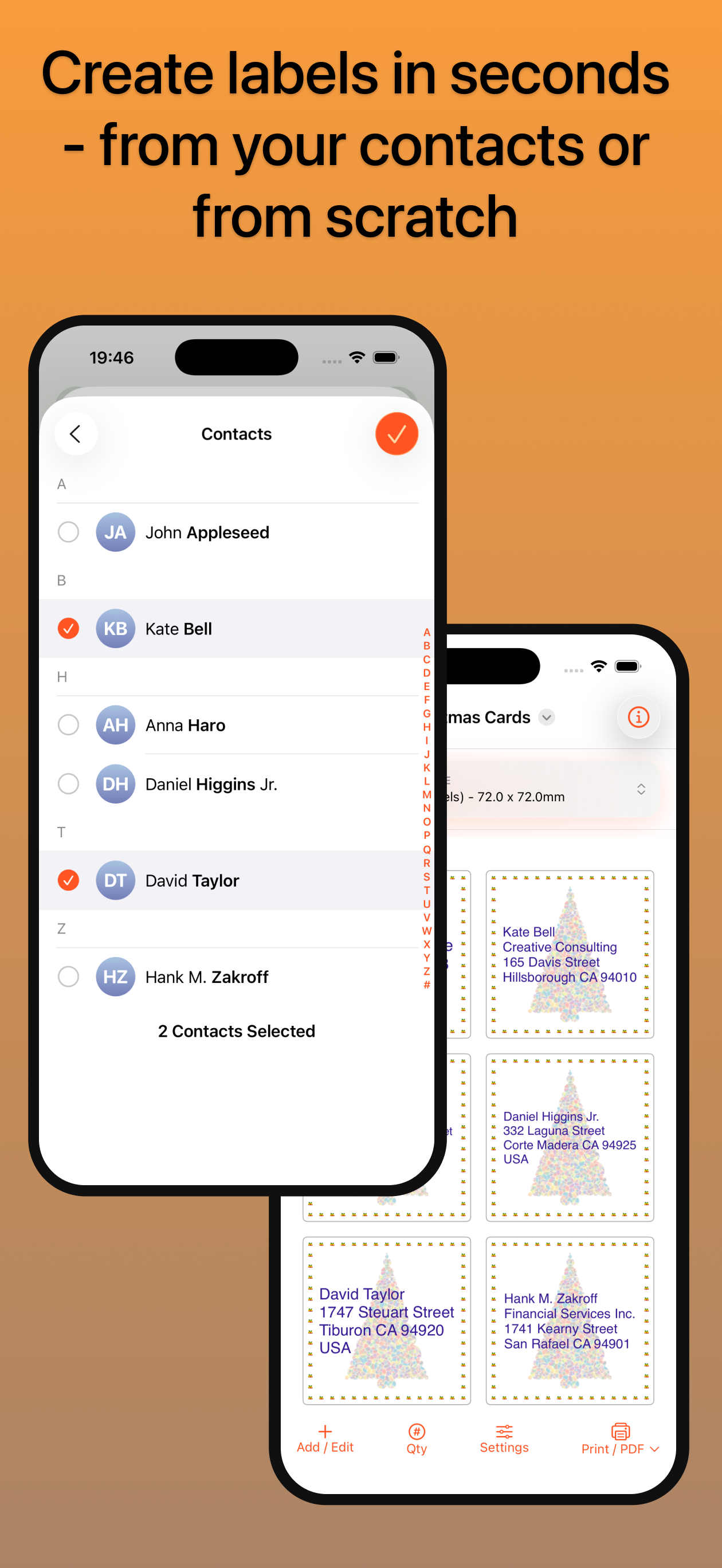
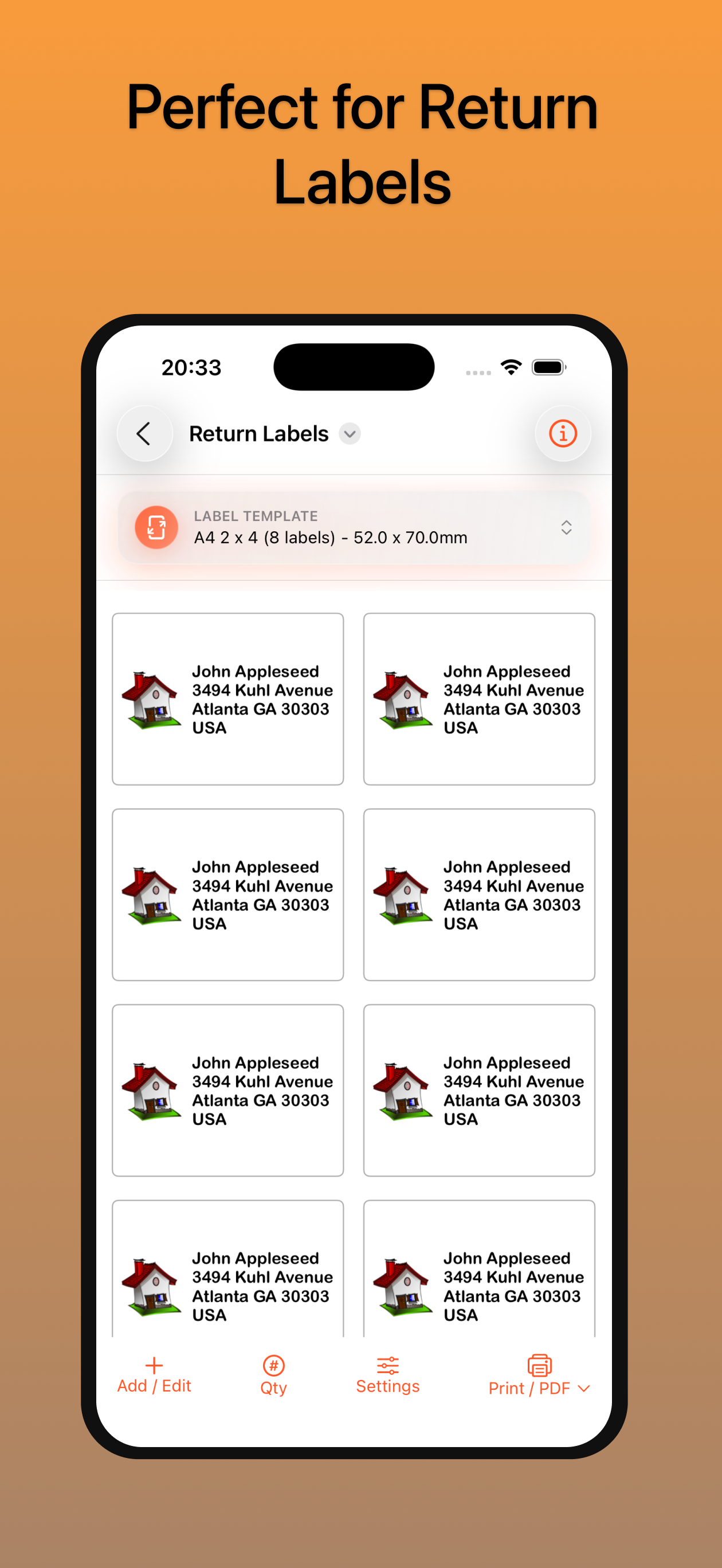
Ditch the word processor and print your labels the easy way using Label Printer. Whether you'd like to quickly print mailing labels using your existin...
| Name | Price | Type |
|---|---|---|
| Remove Watermark | $5.99 | One-time |